PDF Export Pro - PDF Editor
Make,Edit,Sign,Scan,Merge,Lock
Dirancang untuk iPhone, iPad, iPod touch
Rp 249ribu · Pembelian dalam aplikasi
- Batasan usia4+
- KategoriProduktivitas
- PengembangLiveBird Technologies Private Limited
- BahasaInggris+ 9 lainnya
- Ukuran206,1 MB
Tertaut ke halaman resmi App Store
Download.org tidak menyimpan file PDF Export Pro - PDF Editor apa pun. Tombol ini membuka halaman aplikasi di App Store, tempat LiveBird Technologies Private Limited menerbitkannya. Halaman terakhir diperiksa pada 28/11/2026.
Tangkapan layar

Tentang
Pengembang belum menyediakan teks ini dalam bahasa Anda.
Tired of switching between multiple apps just to handle PDFs?
PDF Export brings scanning, editing, converting, signing, compressing, chat exporting and 30+ PDF tools together in one simple app. Scan a document, edit a PDF, convert Office files, export WhatsApp chats, add signatures, protect files and much more — right from your iPhone or iPad.
Pay once. No subscription. No monthly fee.
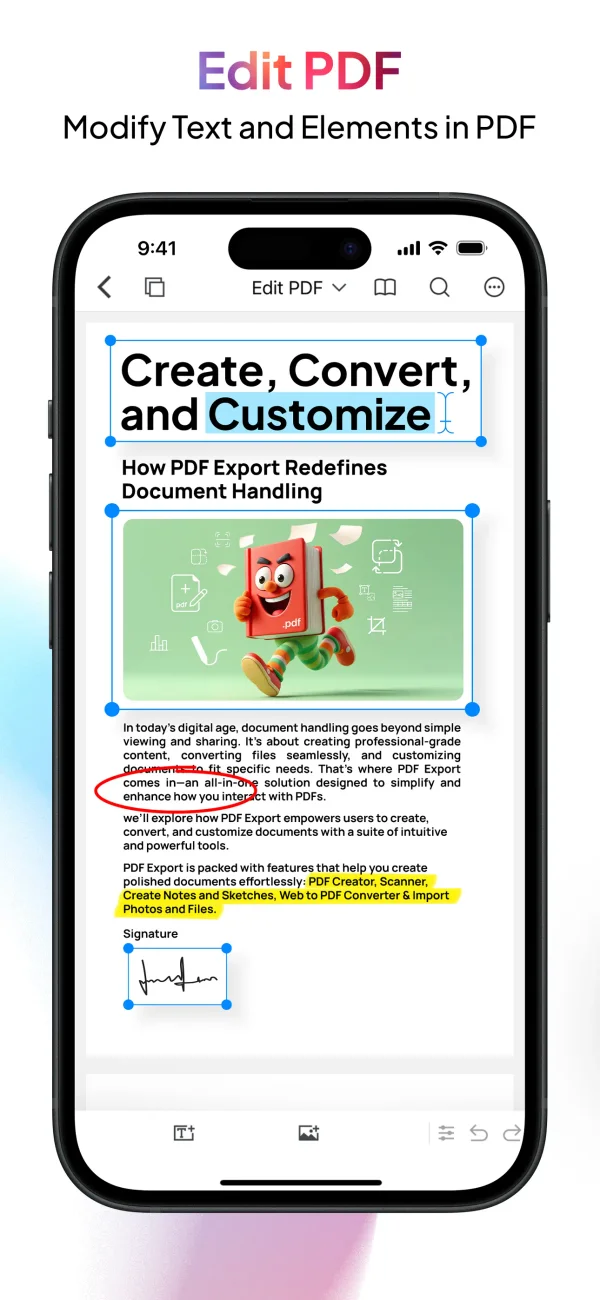
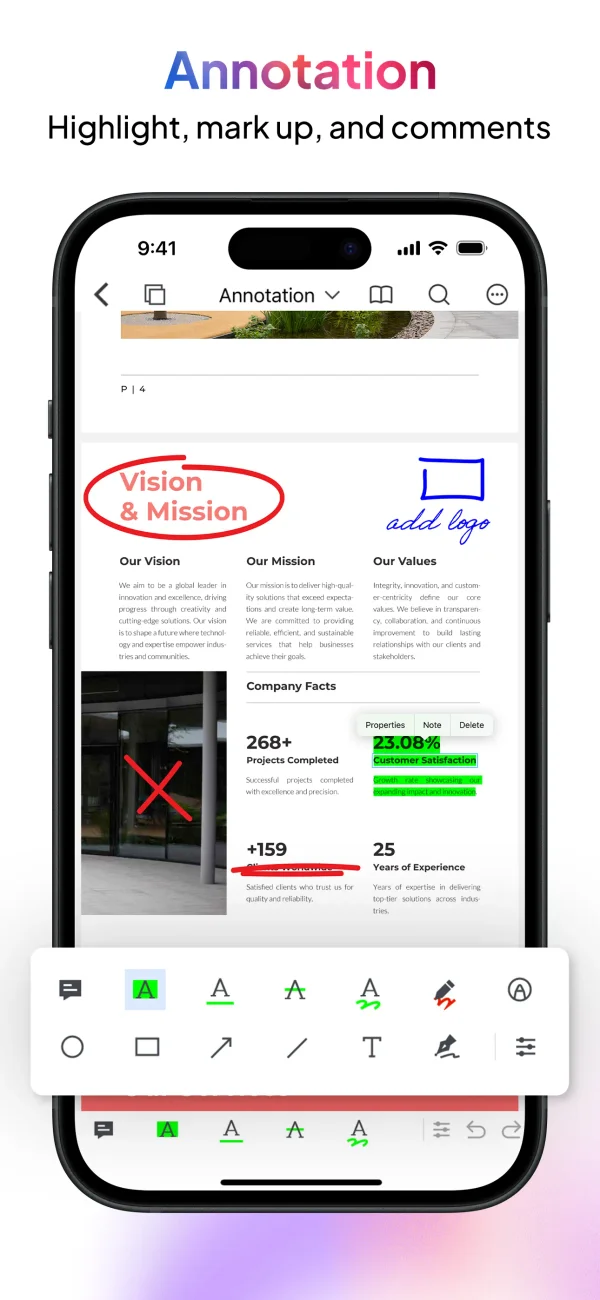
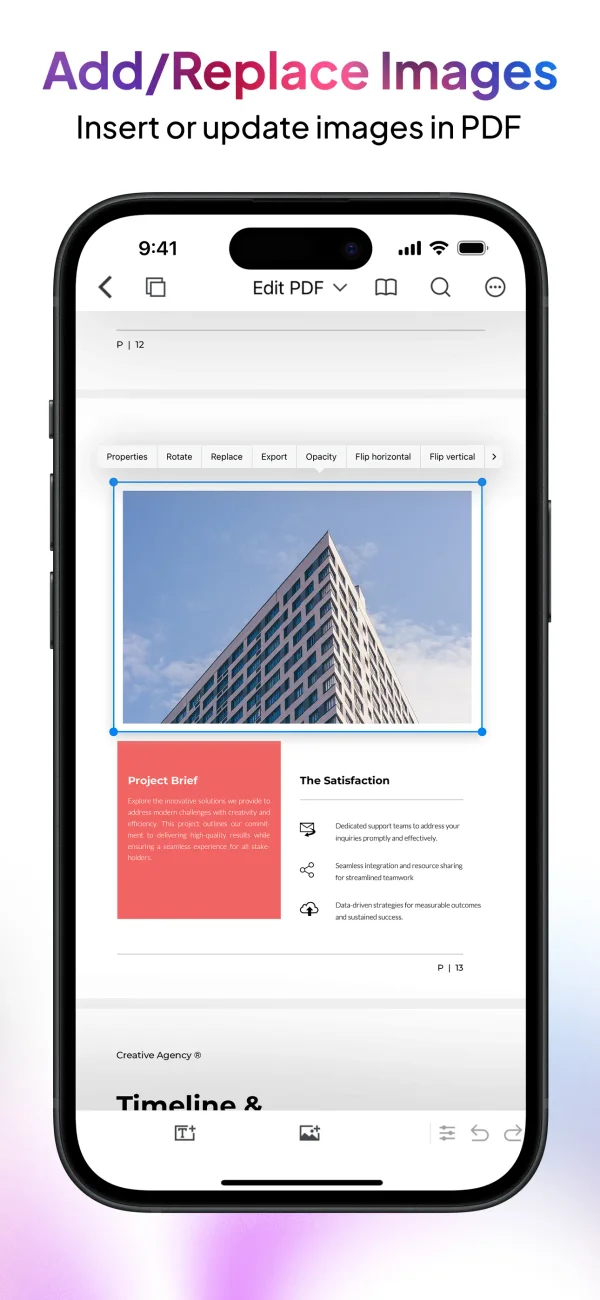
# ANNOTATE & EDIT PDFs
- Work directly inside your PDF.
- Highlight important text, draw, add comments, annotate pages and edit PDF content without recreating the entire document.
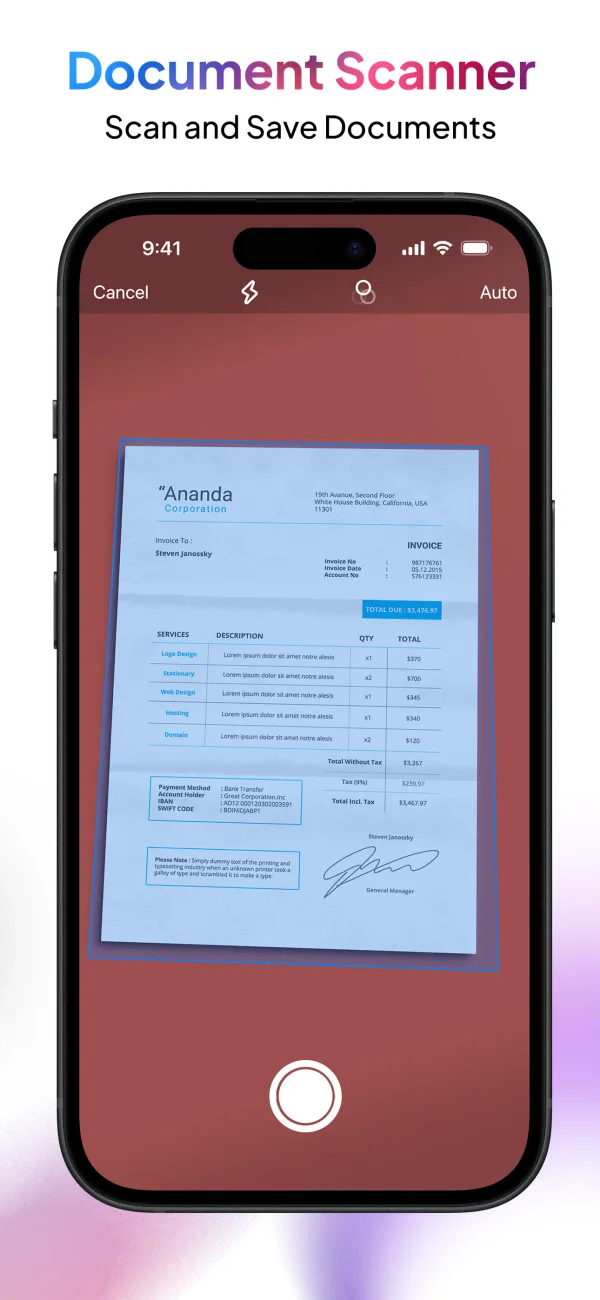
# SCAN ANY DOCUMENT
- Turn your iPhone or iPad into a portable document scanner.
- Scan receipts, contracts, notes, forms and multi-page documents in seconds. Automatic edge detection helps create clean, professional-looking PDFs without needing a separate scanner.
# OCR — EXTRACT TEXT FROM IMAGES
- Need text from a photo, scanned document or handwritten document?
- OCR can recognize and extract text from images, scanned documents, handwritten documents and image-based PDFs.
- Copy, search or work with the extracted text without typing everything again.
# MERGE & SPLIT PDFs
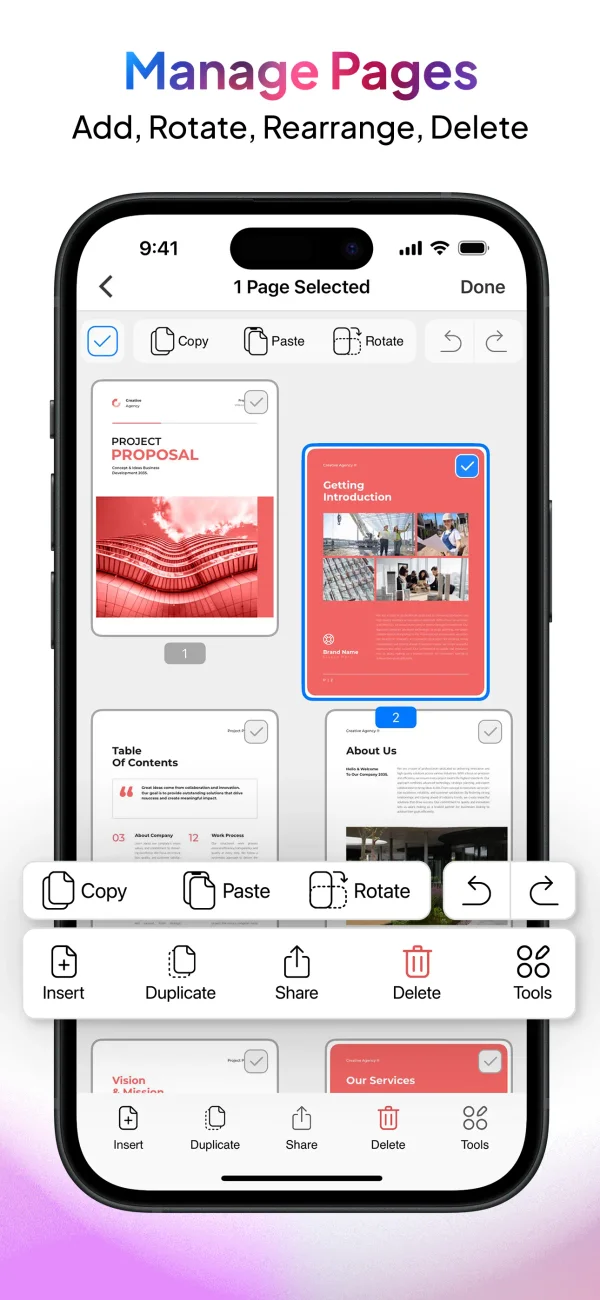
- Organize PDF pages exactly the way you need.
- Combine multiple PDF files into a single document, or split a large PDF into smaller files. Great for reports, invoices, forms and document collections.
# SIGN DOCUMENTS
- Sign PDFs directly on your iPhone or iPad.
- No printing, signing and scanning again. Simply open your document, add your signature and share the completed PDF.
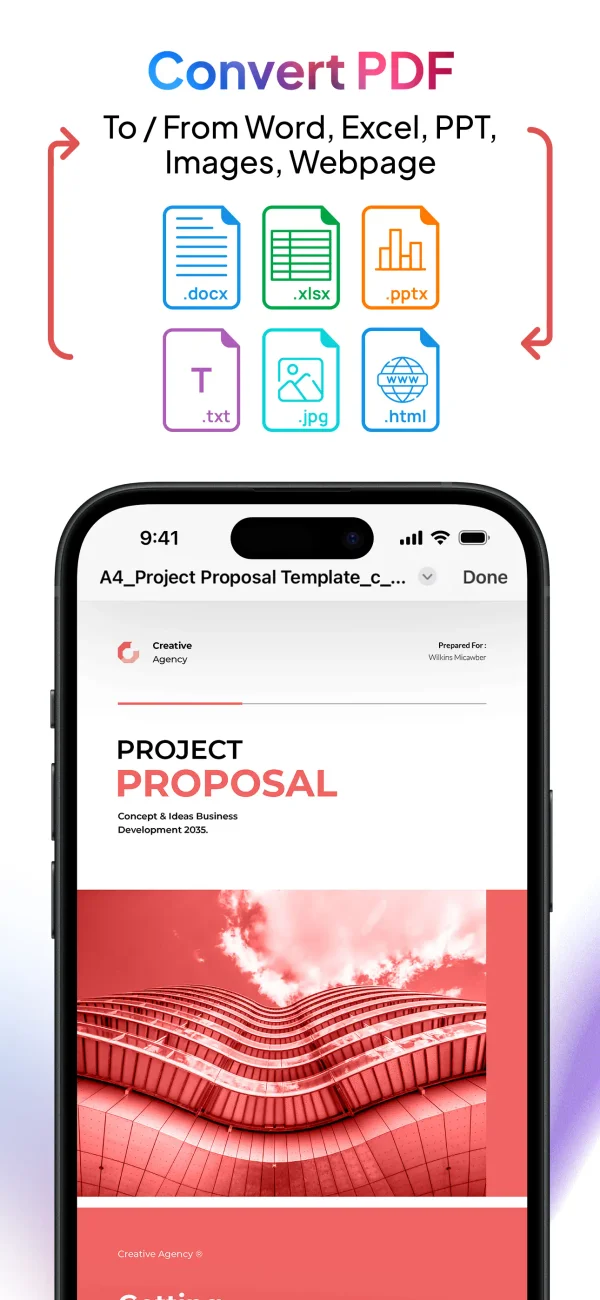
# CONVERT FILES TO PDF — OR BACK AGAIN
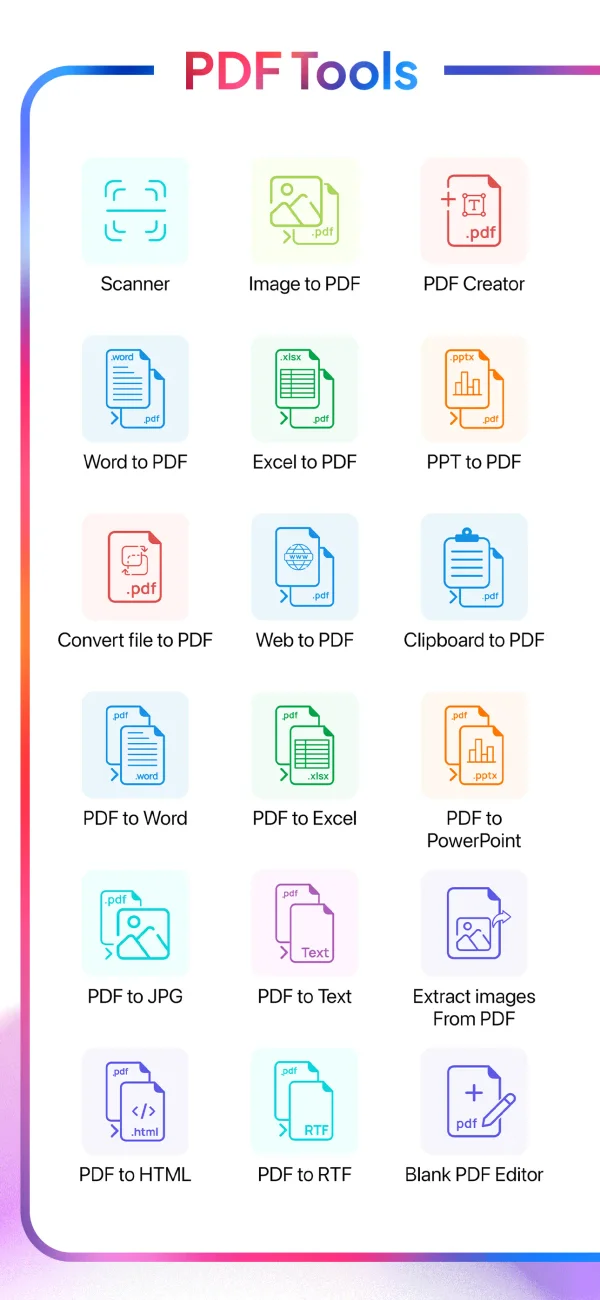
- Quickly convert documents between popular formats:
- Word to PDF
- PDF to Word
- Excel to PDF
- PDF to Excel
- PowerPoint to PDF
- PDF to PowerPoint
- JPG to PDF
- PDF to JPG
- Web Page to PDF
- PDF to Text
- PDF to HTML
- PDF to RTF
Keep your documents in the format you actually need.
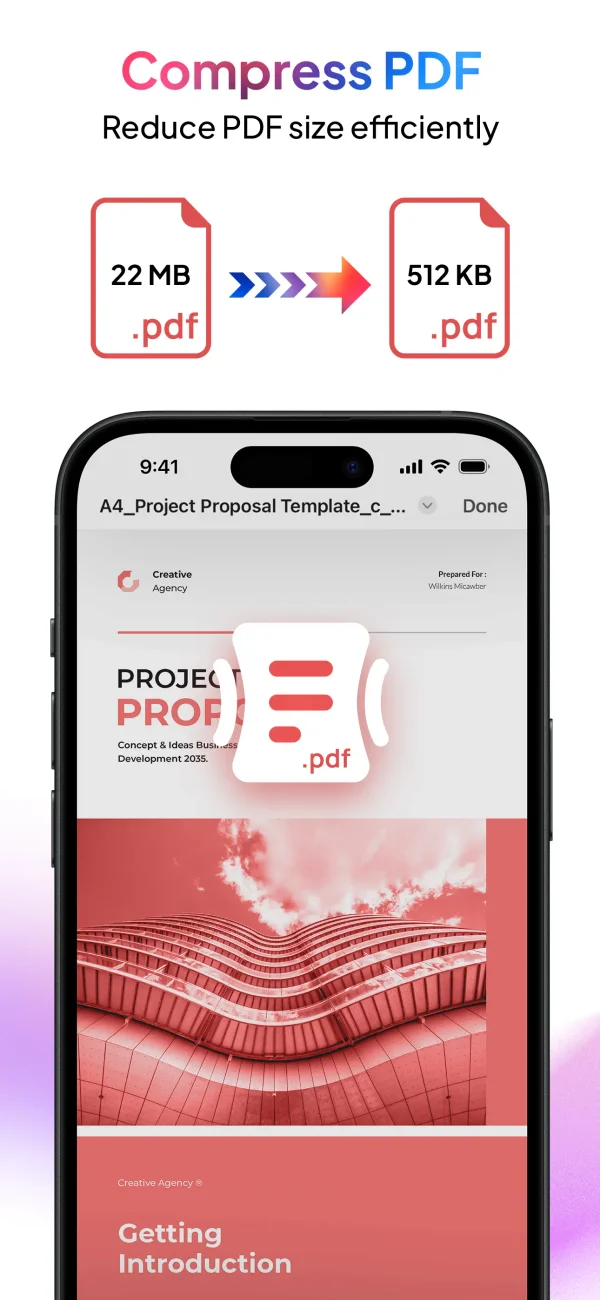
# COMPRESS PDFs
- Large PDF taking too much space?
- Reduce PDF file size to make documents easier to email, share, upload or store while maintaining useful document quality.
# PROTECT, UNLOCK & WATERMARK PDFs
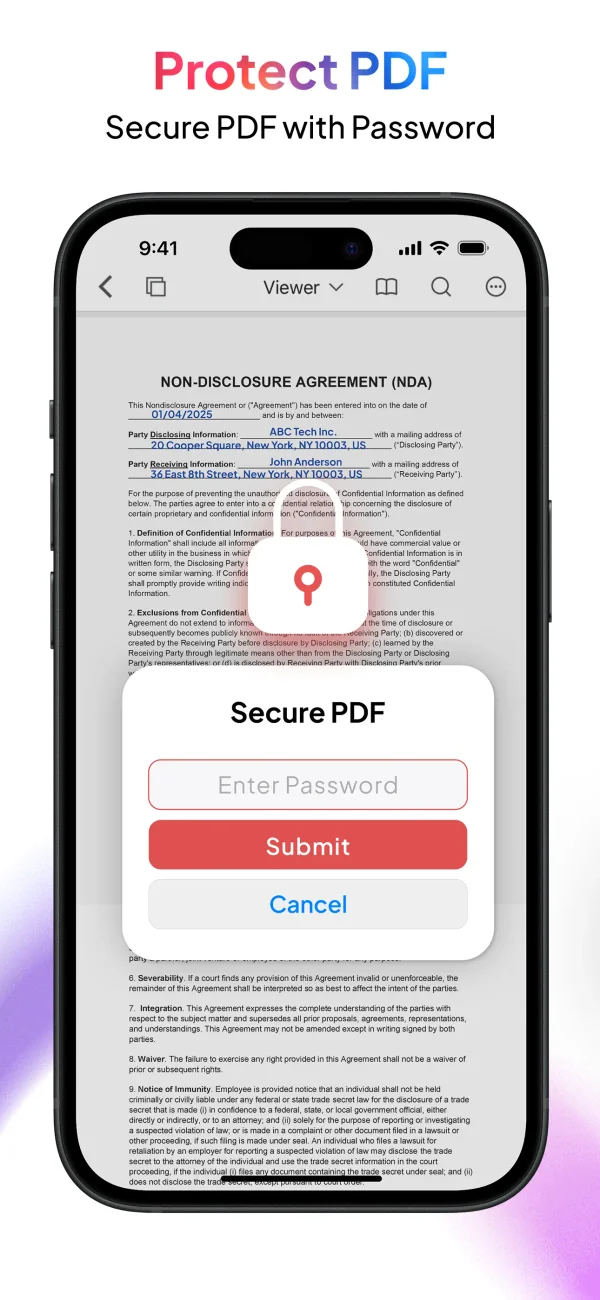
- Keep sensitive documents protected.
- Add password protection to PDFs, unlock files you have permission to access, and add watermarks to help protect your work.
# CHAT TO PDF
- Export WhatsApp chats as beautifully formatted PDFs or interactive HTML.
- Choose from WhatsApp-style or clean document layouts, personalize with themes, search messages, jump between months, and view shared media easily.
- Perfect for saving memories, keeping records, and archiving important conversations.
# ROTATE & CROP PDF PAGES
- Fix poorly oriented or badly cropped pages in seconds.
- Rotate pages with a tap, remove unwanted margins, or crop multiple pages to create a cleaner document.
# MORE PDF TOOLS
- PDF Export includes many additional tools for everyday document work, including:
- Blank PDF editor
- Web to PDF
- Clipboard to PDF
- Add page numbers
- Extract images
- Repair PDFs
- Transcribe content
- Send fax
And more
TRY BEFORE YOU BUY
See how the tools work before purchasing.
Import your own file for a trial, or use the built-in sample document anytime to explore available features.
# WHY PDF EXPORT?
- 30+ PDF tools in one app
- One-time purchase — no subscription
- Scan, edit, sign and convert documents
- Export WhatsApp chats to PDF or interactive HTML
- Designed for iPhone and iPad
- Many document tools work offline
- Simple tools for everyday PDF tasks
Whether you're scanning paperwork, signing a contract, converting an Office document, compressing a large PDF or preserving an important WhatsApp conversation, PDF Export gives you the tools to get it done in one place.
Download PDF Export and make PDF and document management simpler.
Yang baru
Versi 14.0.1 · 26/11/2026
# Bug Fixes & Improvements
- Improved PDF compression for better file size optimization.
- Enhanced transcription accuracy and reliability.
- Improved PDF page organization and management.
- Enhanced online file conversion performance and reliability.
- Added support for copying and pasting files.
- Improved thumbnail loading speed and accuracy.
- Updated the PDF engine for improved performance and stability.
- Refined navigation for a smoother user experience.
- Fixed rich text editor issues for a smoother editing experience.
- Added new menus and keyboard shortcuts for quick and easy access to tools.
- Various bug fixes and overall performance improvements.
If you’re finding PDF Export helpful, please take a moment to rate or review it on the App Store—it really helps us continue improving the app.
Privasi aplikasi
Yang dinyatakan LiveBird Technologies Private Limited di App Store tentang cara aplikasi ini menangani data.
-
Data tidak dikumpulkan
Pengembang tidak mengumpulkan data apa pun dari aplikasi ini.
Praktik privasi dapat bervariasi, misalnya berdasarkan fitur yang Anda gunakan atau usia Anda.
Informasi
- Penjual
- LiveBird Technologies Private Limited
- Kategori
- Produktivitas
- Versi
- 14.0.1
- Diperbarui
- 26/11/2026
- Dirilis
- 25/4/2013
- Ukuran
- 206,1 MB
- Memerlukan
- iOS 15.6 atau yang lebih baru
- Batasan usia
- 4+
- Harga
- Rp 249ribu
- Pembelian dalam aplikasi
- Ya
- Bahasa
- Inggris, Prancis, Jerman, Italia, Jepang, Korea, Portugis, Rusia, Tionghoa Sederhana, Spanyol
- Hak cipta
- © 2013 - 2026 LiveBird Technologies Pvt. Ltd
Mungkin Anda juga suka
-
 Clippo - Clipboard ManagerProduktivitas
-
 Pilot Recency ProProduktivitas
-
 Total AscendProduktivitas
-
 On-Call Duty ProProduktivitas
-
 CV – Areas & VolúmenesProduktivitas
-
 Joblens: Project PhotosProduktivitas
-
 SteadyMemo: Calendar NotesProduktivitas
-
 PDF Editor : Sign & ScanProduktivitas
-
 DoxMAPProduktivitas
-
 QR Code Maker & Reader ProProduktivitas