PDF Scanner: PDF Maker
Merge, Split or Convert PDF
Dirancang untuk iPhone, iPad, iPod touch
Gratis · Pembelian dalam aplikasi
- Batasan usia4+
- KategoriProduktivitas
- PengembangKavita Gabani
- BahasaInggris
- Ukuran14,4 MB
Tertaut ke halaman resmi App Store
Download.org tidak menyimpan file PDF Scanner: PDF Maker apa pun. Tombol ini membuka halaman aplikasi di App Store, tempat Kavita Gabani menerbitkannya. Halaman terakhir diperiksa pada 10/11/2026.
Tangkapan layar
Tentang
Pengembang belum menyediakan teks ini dalam bahasa Anda.
PDF Scanner: PDF Maker App is a secure, handy, useful, and trusted all-in-one PDF solution for all digital documents. PDF maker is a full-featured PDF scanner, reader, and editor app. Get all the pdf creating features in a single app and create correctly formatted pdfs optimized for ipads and iphones.
PDF Editor Tools:
~ Fastly edit any PDF document with PDF editing feature
~ Add, remove or open any PDF document with ease
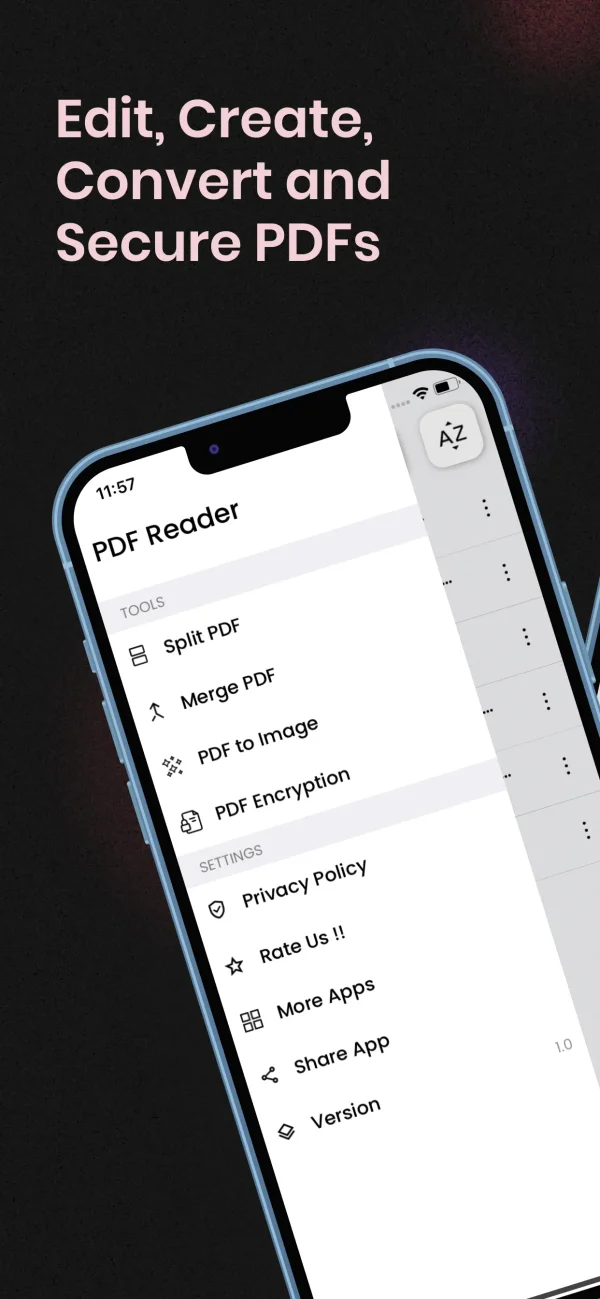
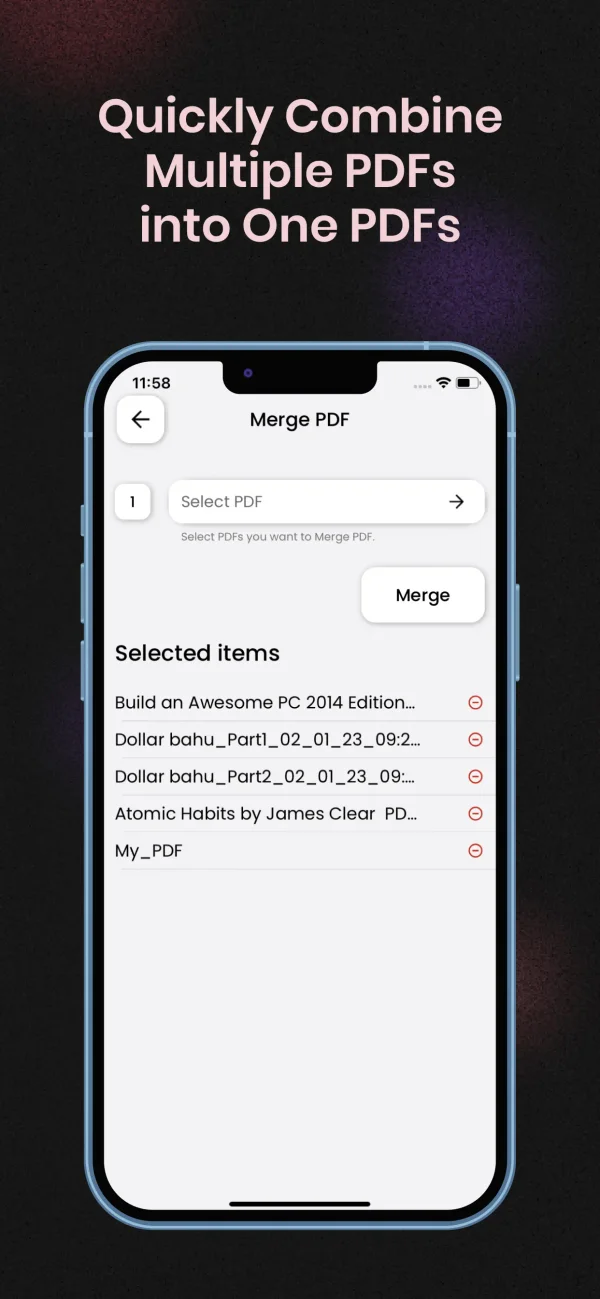
~ Merge various PDFs into one document
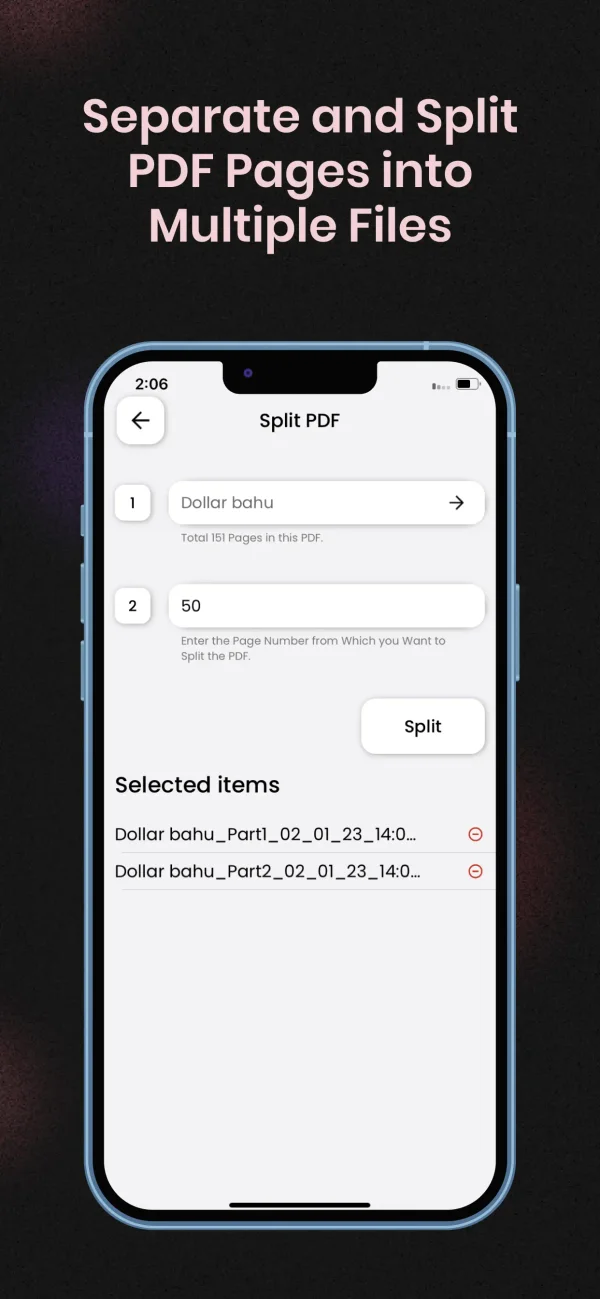
~ Instantly split PDF into multiple pages easily
~ Extract and use important content from any of the PDF file
~ Categorize all PDFs with custom labels
Online PDF Editor and PDF Compressor: Merge PDF app can be conveniently used as an e-reader if you want to read any of the PDF formatted book available online
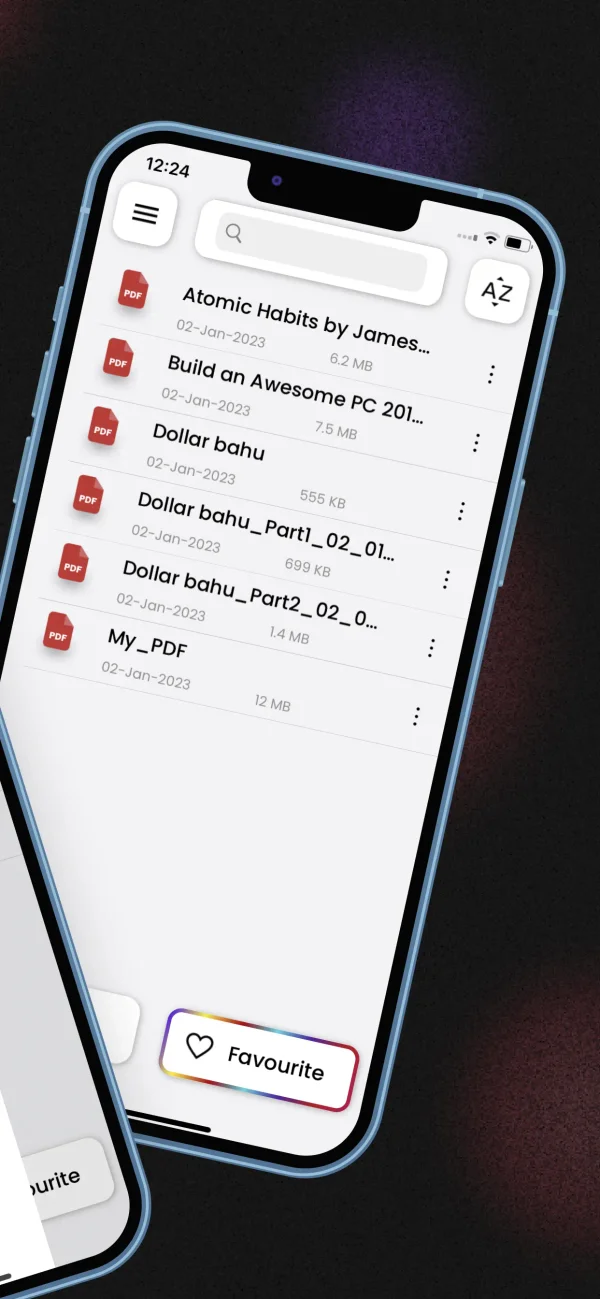
~ Add important PDF documents to ‘Favorites’ for future easy access
~ Grid PDF selection view to correctly choose and open the right PDF Document
~ Continuous vertical scrolling while viewing PDF pages
~ ‘Pin to Top’ option for fast and quick access of PDF documents
~ Landscape view of PDF pages, with page rotation in both light and dark mode
~ High level of zoom provides better understanding for any of the PDF page
PDF Annotation Tool:
~ Utilize online PDF editor word to PDF converter app’s configurable annotation or mark-up tools
~ Highlight, underline, and strikeout text
PDF split:
~ Split PDF file into pages and share single pages as images
~ Split PDF into images online, whenever and wherever you want
PDF Merge App:
~ Merge or combine PDF files into one single file
~ Create a fully content PDF by merging it to another
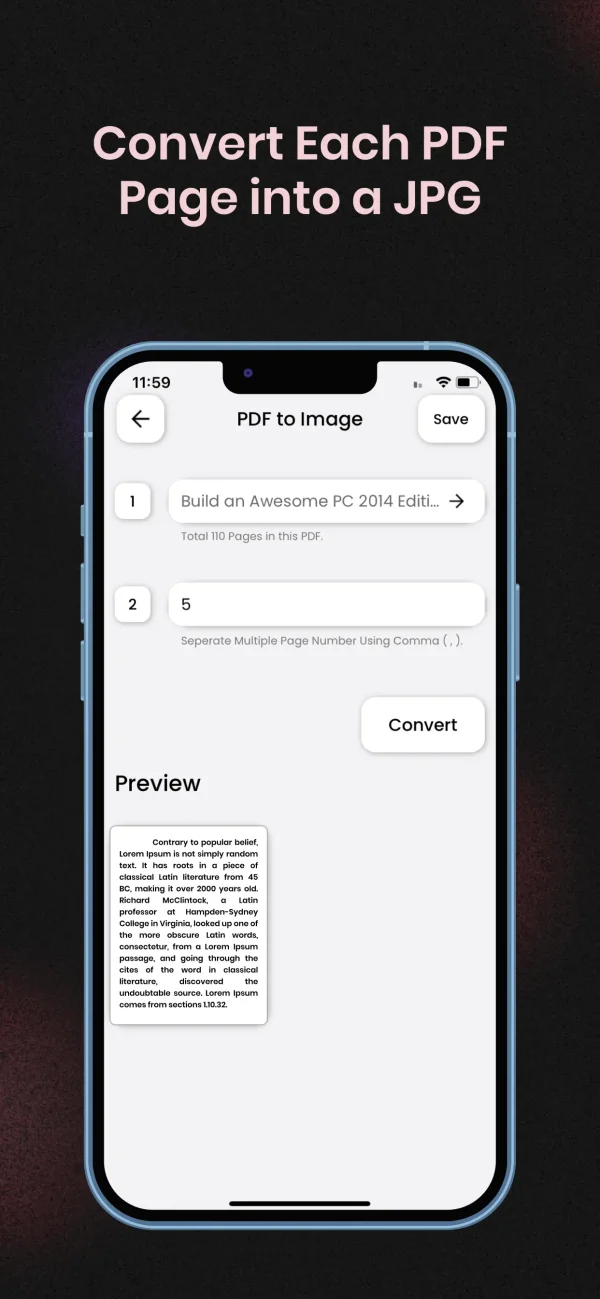
PDF To Image:
~ Works as an online PDF to JPG converter
~ Smoothly convert PDF to images and save them in both ways
Sign PDF & Fill PDF Forms:
~ Fill and sign PDF forms, share your files with others, and sync them
~ Sign a PDF by hand or type in your signature, and save it for later reuse
~ Create digital signature, fill out, save, and send PDF forms
PDF Scanner: Seamlessly scan any of your PDF documents anytime, anywhere!
~ Scan a page with your camera or open an existing image to create a new PDF
~ Create new blank PDFs and take notes
Secure PDF:
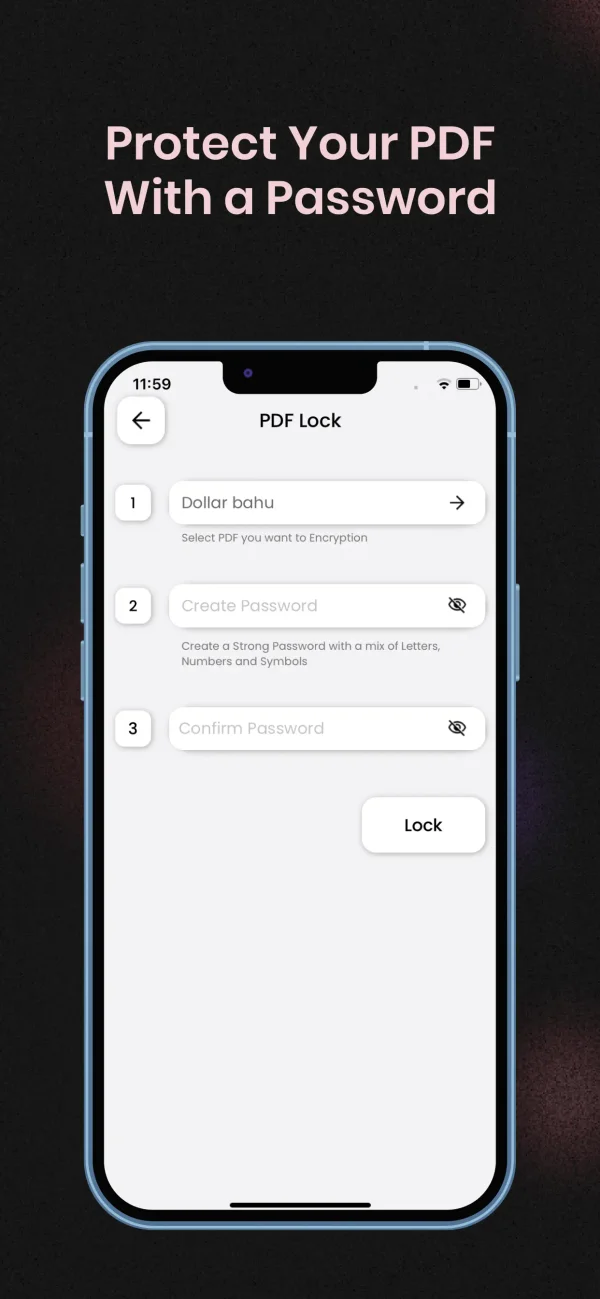
~ Keep all of your PDFs secure with a password and type the right password or remove the password to open files
~ Protect your PDF files with password encryption
~ Unlock your protected PDF with PDF password remover tool
Manage Files: Your important PDF will always be organized and easily accessible with this convert PDF to word online PDF creator app
~ Rename, copy, move, or delete documents and folders
~ Recent files can be quickly accessed, and will automatically open to the last page visited
Isn’t it fabulous that you can get all of the PDF maker and PDF editor features in one single app. Get the app now, use it and let us know about your experience with this merge PDF app.
We are really curious to know about it, do share your experience with us in the ratings and reviews section of the app.
Yang baru
Versi 1.0.9 · 14/10/2025
- Bug fixes and performance improvement
Privasi aplikasi
Yang dinyatakan Kavita Gabani di App Store tentang cara aplikasi ini menangani data.
-
Data yang digunakan untuk melacak Anda
Dapat digunakan untuk melacak Anda di aplikasi dan situs web milik perusahaan lain.
- Data lainnya
-
Data yang tidak ditautkan dengan Anda
Dapat dikumpulkan, tetapi tidak ditautkan dengan identitas Anda.
- Data lainnya
Praktik privasi dapat bervariasi, misalnya berdasarkan fitur yang Anda gunakan atau usia Anda.
Informasi
- Penjual
- Sadgun Infotech
- Kategori
- Produktivitas
- Versi
- 1.0.9
- Diperbarui
- 14/10/2025
- Dirilis
- 3/1/2023
- Ukuran
- 14,4 MB
- Memerlukan
- iOS 14.0 atau yang lebih baru
- Batasan usia
- 4+
- Harga
- Gratis
- Pembelian dalam aplikasi
- Ya
- Bahasa
- Inggris
- Hak cipta
- Copyright © 2022 Kavita Gabani. All rights reserved.
Mungkin Anda juga suka
-
 PDF pages Extractor & SplitterProduktivitas
-
 PDF Scanner & Doc EditorProduktivitas
-
 Do. AI Task PlannerProduktivitas
-
 AI Note Taker + Voice NotesProduktivitas
-
 eSign - Easy Sign DocumentsProduktivitas
-
 PDF to Text ExtractorProduktivitas
-
 PDF Extractor & ConverterProduktivitas
-
 Ask Me - AI AssistantProduktivitas
-
 Photo Scanner : Scan to PDFProduktivitas
-
 PDF Splitter + PDF MergeProduktivitas