PDF Toolkit: Scanner & Editor
Sign Docs, Fill, Merge & OCR
Dirancang untuk iPhone, iPad, Mac
Gratis · Pembelian dalam aplikasi
- Batasan usia4+
- KategoriProduktivitas
- PengembangMohammed Yussif
- BahasaInggris
- Ukuran16,8 MB
Tertaut ke halaman resmi App Store
Download.org tidak menyimpan file PDF Toolkit: Scanner & Editor apa pun. Tombol ini membuka halaman aplikasi di App Store, tempat Mohammed Yussif menerbitkannya. Halaman terakhir diperiksa pada 15/11/2026.
Tangkapan layar
Tentang
Pengembang belum menyediakan teks ini dalam bahasa Anda.
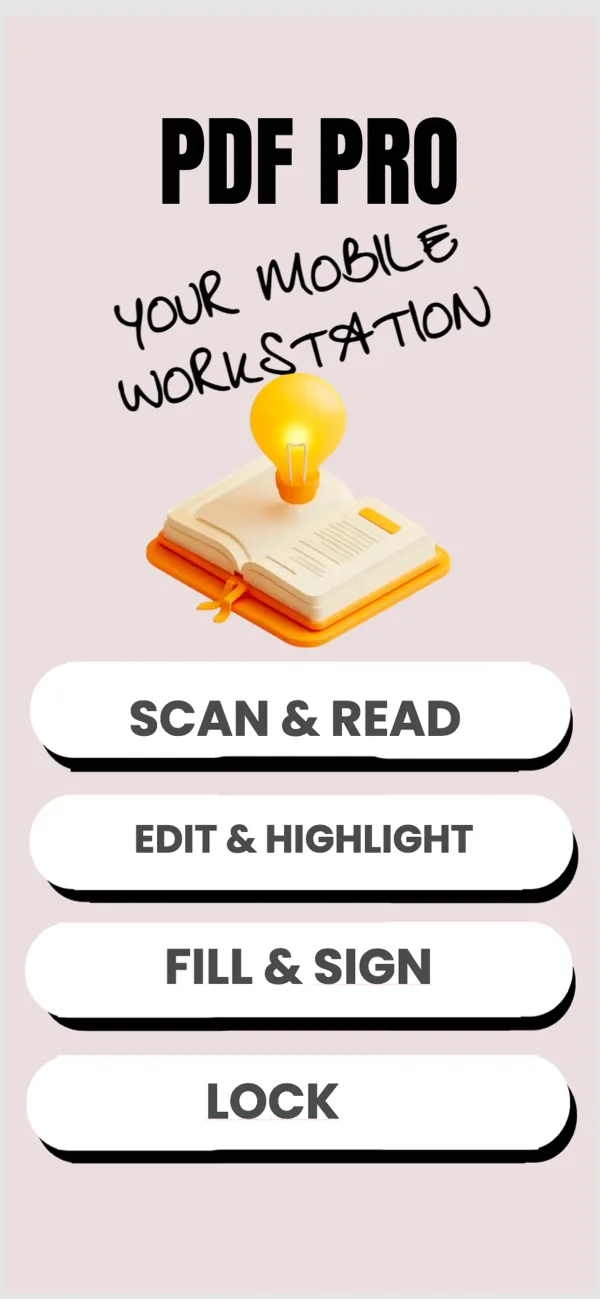
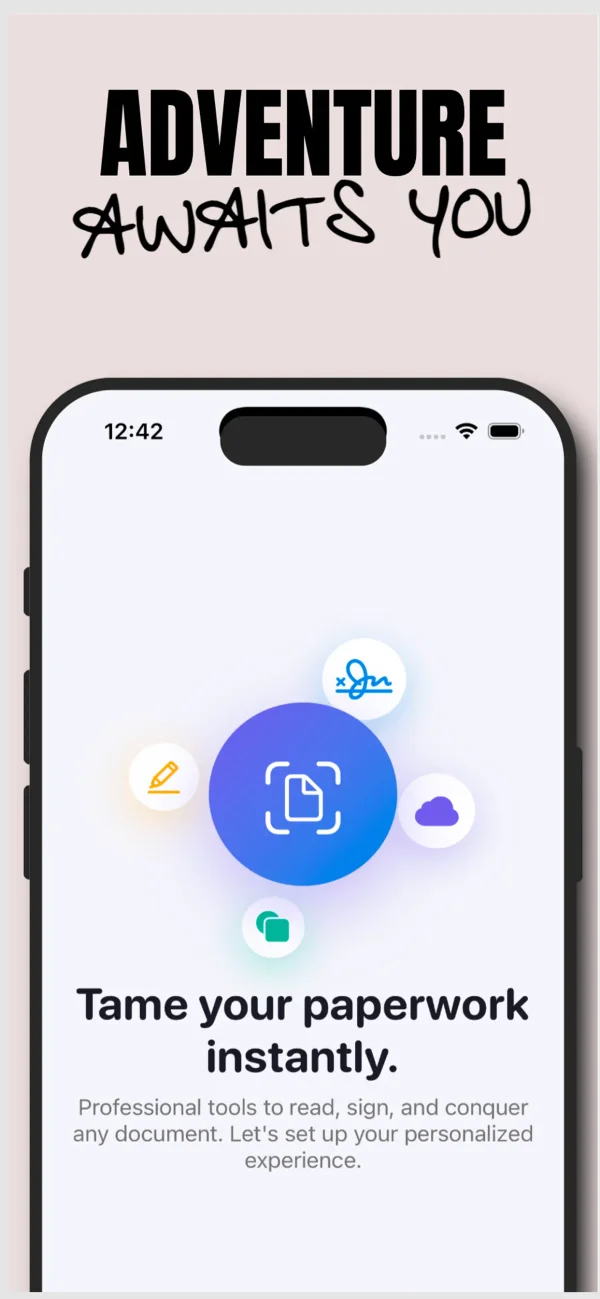
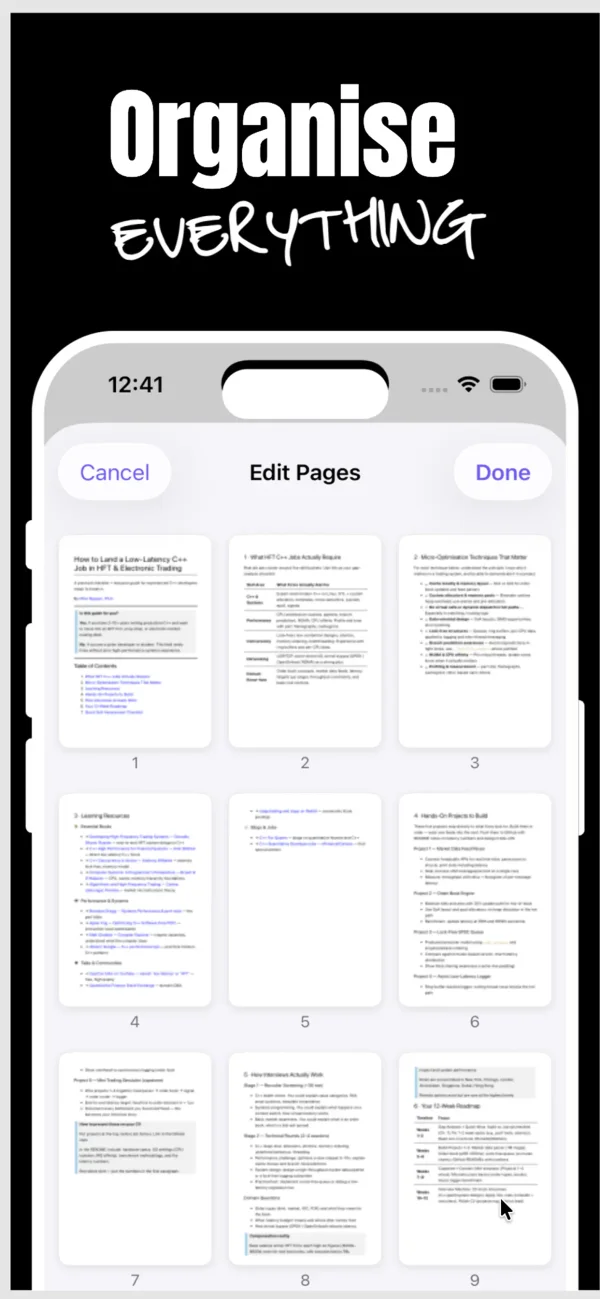
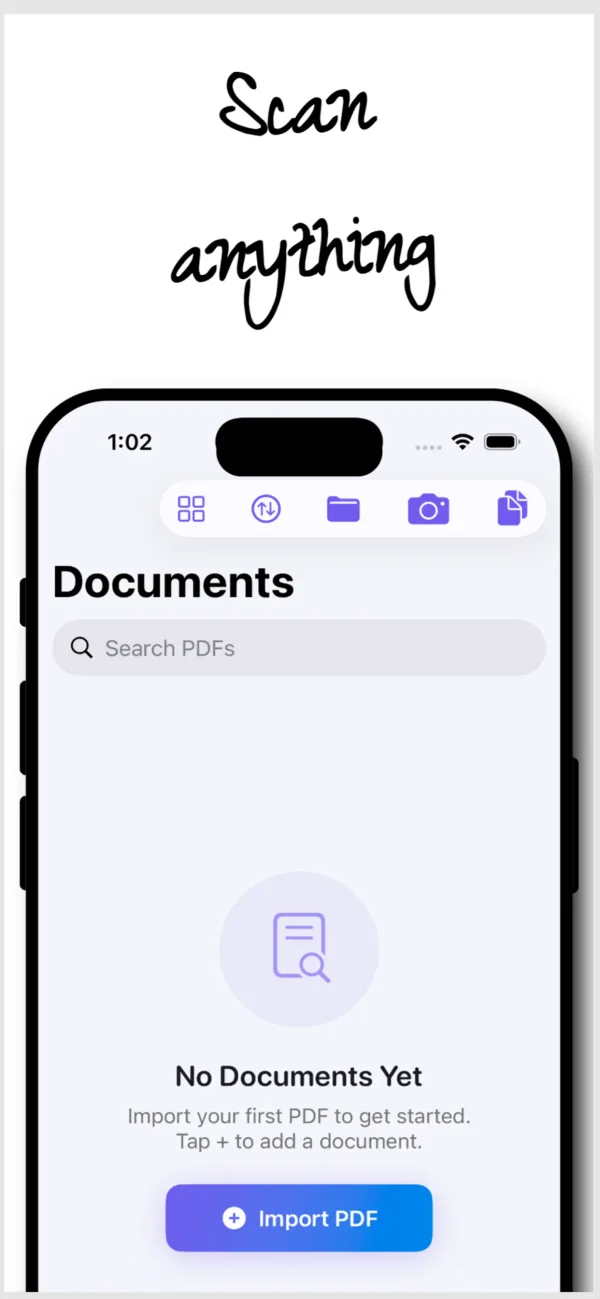
Take complete control over your digital documents with PDF Pro. Designed specifically for the modern professional, student, and creator, PDF Pro leverages Apple’s native frameworks to give you blazing-fast, secure, and intuitive document management across your iPhone and iPad.
Whether you're signing a contract, merging research papers, evaluating invoices, or scanning physical receipts, PDF Pro gives you workstation-class tools right in your pocket.
FULLY FEATURED PRO TOOLS
• Document Scanner: Use the ultra-smart VisionKit camera scanner to digitize multi-page documents. It automatically crops, straightens, and packages physical pages directly into high-quality PDFs.
• 100% Native Security: Secure your sensitive files with unbreakable password protection. PDF Pro encrypts payloads natively on your device using Apple's official `userPasswordOption`.
• Image Export Engine: Need to share a PDF as a photo? Tap 'Export to Images' to lightning-fast convert 100+ pages into a gallery of JPEGs ready for WhatsApp or iMessage.
• Merge & Split PDFs: Combine endless documents into a single master file, or split massive books into bite-sized chapters.
• Fill & Sign: Add beautiful typography or authentic handwritten signatures to any form.
BUILT FOR IPAD
• Smart Pencil Support: PDF Pro natively recognizes the Apple Pencil. Handwrite notes organically while using your fingers to seamlessly pan and zoom around the canvas without switching tools.
• Workstation Layout: Make use of your big screen with our adaptive sidebar, persistent thumbnail navigation, and ergonomic pro-scaled toolbars.
• Multi-Window Support: Pull up multiple instances of PDF Pro side-by-side to reference one document while editing another.
YOUR FILES, ALWAYS YOURS
PDF Pro processes everything on-device. No mandatory cloud uploads. No shady third-party servers. If you lock a file, it stays locked locally. If you scan a document, it stays exactly where you put it.
Upgrade to PDF Pro and transform how you handle paperwork today.
Yang baru
Versi 3 · 24/10/2026
Version 3.0 brings full native support for iPhone Duo and macOS, alongside our biggest reading, editing, and scanning upgrade yet:
• Native macOS Desktop Studio & iPhone Duo Support:
- Unfolded 3D Dual-Page Book Spread: Read two pages side-by-side in a realistic open-book spread with 3D page-curl physics, spine shadows, and physical hinge gutter alignment on iPhone Duo and Mac.
- Tabletop / Laptop Pose (iPhone Duo): Half-fold your device on a desk to keep the PDF canvas on the upper display while the lower display transforms into a dedicated tactile Control Deck with page scrubber, annotation tools, and transport controls.
- Closed Outer Display Side Rail (iPhone Duo): Use PDF Toolkit one-handed on the wide outer screen with our adaptive vertical Side Control Rail that maximizes vertical reading room.
• Enhanced Reading Mode & Hands-Free Auto-Flip:
- Timed Auto-Flip turns pages automatically at your custom pace (5s to 2m per page) with a live visual countdown ring.
- Natural Voice Read-Aloud (TTS) highlights words as it reads and automatically flips to the next page or spread.
- Paper, Sepia, Warm Light, and Night reading themes with adjustable warmth and font scaling.
• Precision In-Place Text Editing & Live Signatures:
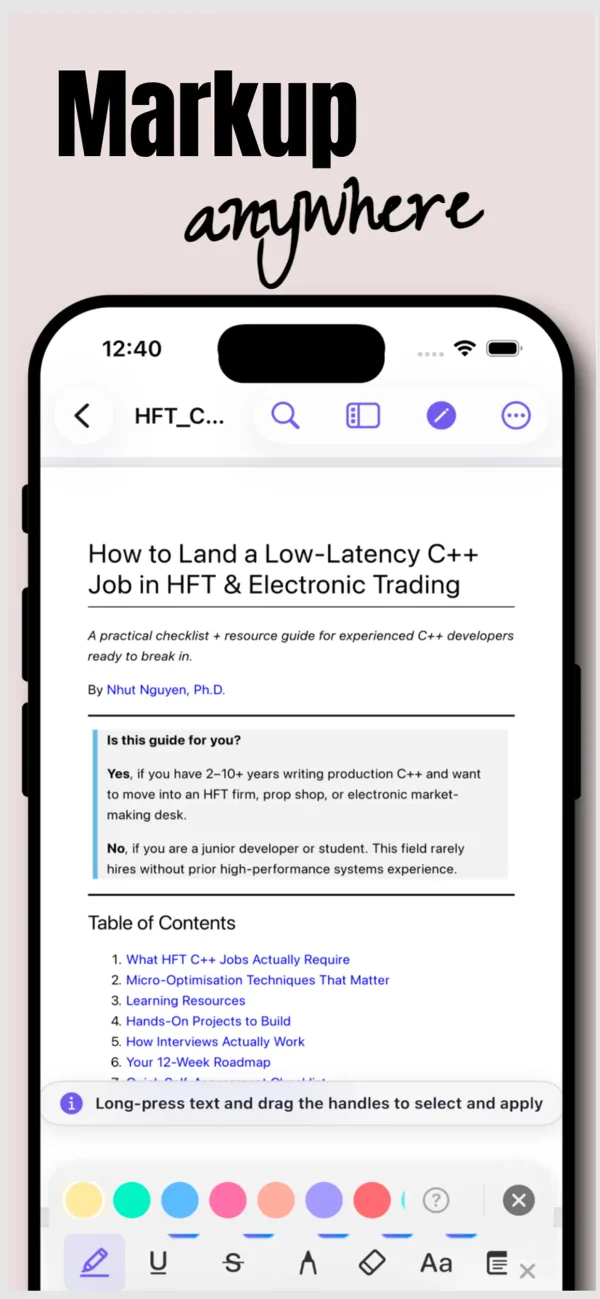
- Double-click or double-tap any existing PDF text line to edit it directly in-place with automatic background sampling and font matching.
- Use Wipe Off to cleanly erase unwanted document regions, and sign contracts with pressure-smoothed calligraphic strokes.
Privasi aplikasi
Yang dinyatakan Mohammed Yussif di App Store tentang cara aplikasi ini menangani data.
-
Data tidak dikumpulkan
Pengembang tidak mengumpulkan data apa pun dari aplikasi ini.
Praktik privasi dapat bervariasi, misalnya berdasarkan fitur yang Anda gunakan atau usia Anda.
Informasi
- Penjual
- Mohammed Yussif
- Kategori
- Produktivitas
- Versi
- 3
- Diperbarui
- 24/10/2026
- Dirilis
- 15/4/2026
- Ukuran
- 16,8 MB
- Memerlukan
- iOS 17.6 atau yang lebih baru
- Batasan usia
- 4+
- Harga
- Gratis
- Pembelian dalam aplikasi
- Ya
- Bahasa
- Inggris
- Hak cipta
- © 2026, YM-CODED STUDIO
Mungkin Anda juga suka
-
 PDF ToolKit | Simply PowerfulProduktivitas
-
 MihraabProduktivitas
-
 Hitung Zakat LengkapMudah dan lengkap
-
 Sona Insight: Voice to Text AIProduktivitas
-
 Pelacak Kebiasaan - CompleterJurnal, kalender & kesehatan
-
 All Passport Size Photo MakerProduktivitas
-
 Pencil Calendar: CalendarPadProduktivitas
-
 QueueBee 3.0Produktivitas
-
 Network Utilities & AnalyzerProduktivitas
-
 Goals Of My Life: Vision BoardProduktivitas