Pear Notes - Private AI & Sync
Offline encrypted notebook
Dirancang untuk iPhone, iPad
Gratis
- Batasan usia4+
- KategoriProduktivitas
- PengembangAmresh Venkatesan Suresh
- BahasaInggris
- Ukuran160,7 MB
Tertaut ke halaman resmi App Store
Download.org tidak menyimpan file Pear Notes - Private AI & Sync apa pun. Tombol ini membuka halaman aplikasi di App Store, tempat Amresh Venkatesan Suresh menerbitkannya. Halaman terakhir diperiksa pada 27/11/2026.
Tangkapan layar
Tentang
Pengembang belum menyediakan teks ini dalam bahasa Anda.
Pear Notes is a private, offline-first notebook. Your notes are encrypted on your device and sync directly between your own devices — no cloud account, no server holding your data, nothing to leak. On-device AI handles voice typing, transcripts, translation and summaries without sending a single word off your phone.
PRIVATE AI THAT RUNS ON YOUR DEVICE
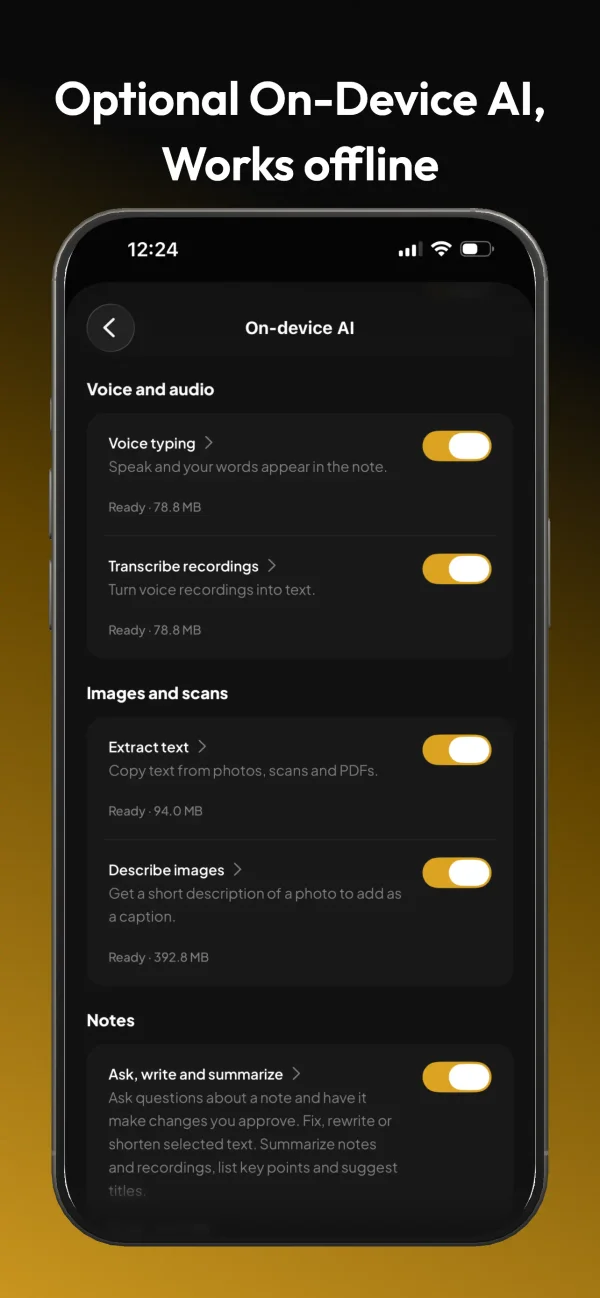
Every AI feature is optional, off until you turn it on, and runs entirely on your hardware. Each one downloads its model once and then works offline, in airplane mode, forever.
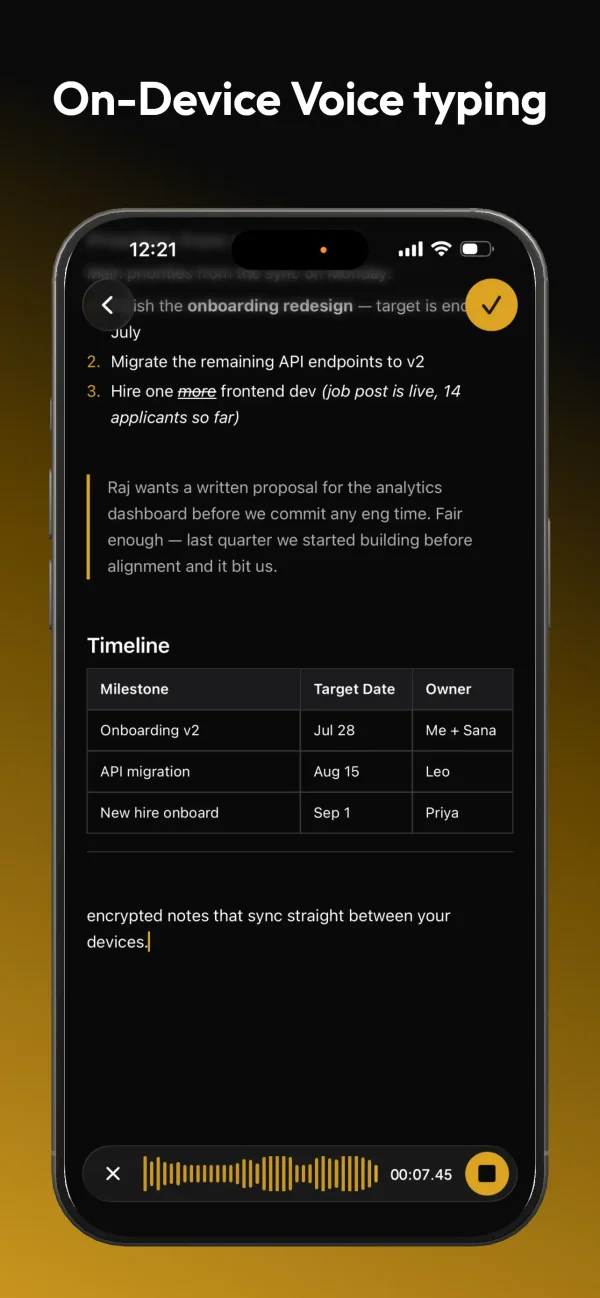
• Voice typing — speak and your words appear in the note as you talk.
• Transcribe recordings — turn a voice memo into text.
• Extract text — copy text out of photos, scans and PDFs.
• Describe images — get a caption for a photo.
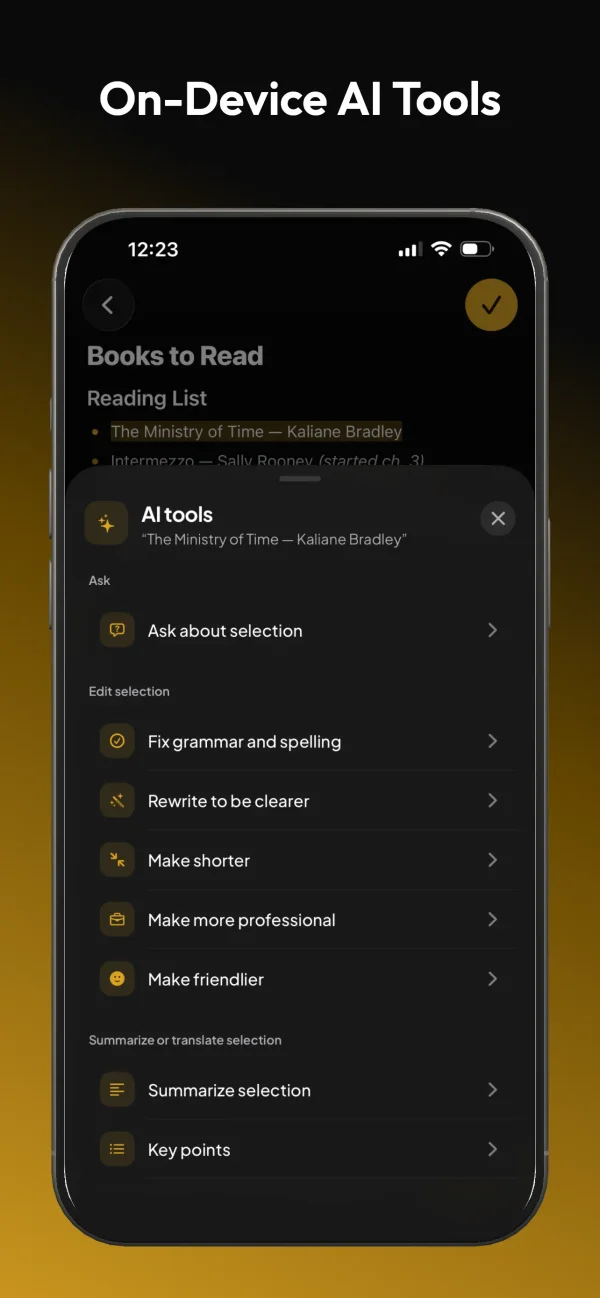
• Ask, write and summarize — ask a question about a note, summarize it, pull out key points, suggest a title, or fix, shorten and rewrite selected text.
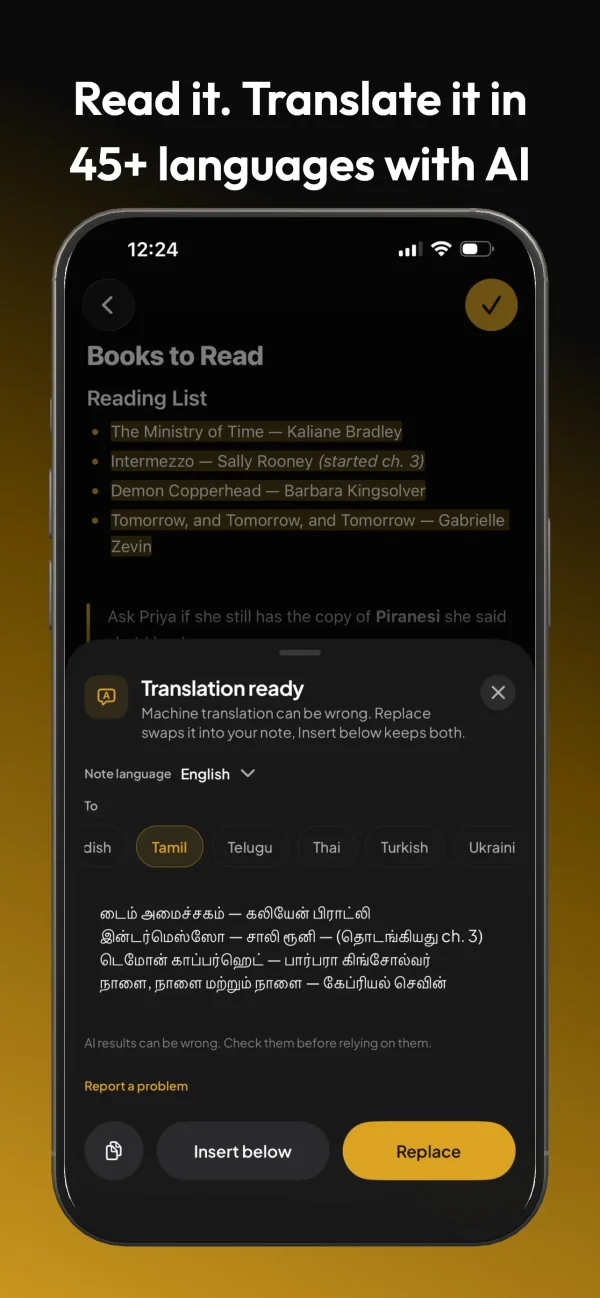
• Translate — 48 languages, to and from English, each downloaded on demand.
Nothing is uploaded. No account, no API key, no usage limits.
ZERO-SERVER PEER-TO-PEER SYNC
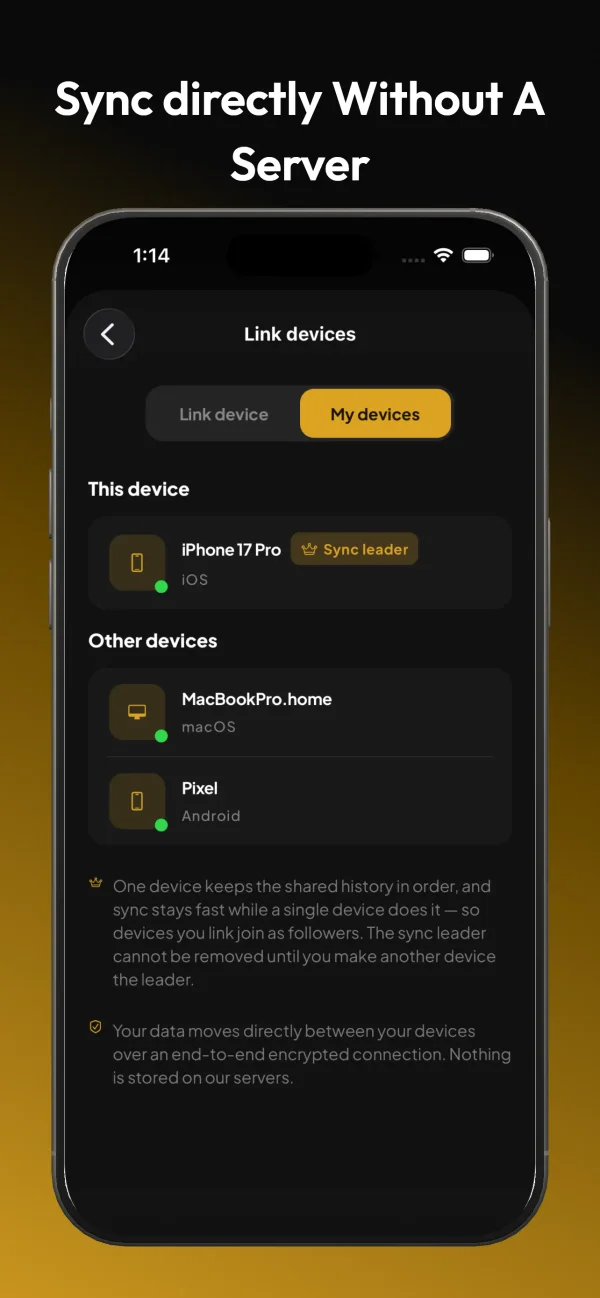
Sync your notebook across phone, tablet and computer without your data ever resting on a third-party server. Pear Notes uses a decentralised multi-device sync engine that merges changes locally. There is no central database and no coordinator — the notes remain completely yours.
CRYPTOGRAPHIC DEVICE PAIRING
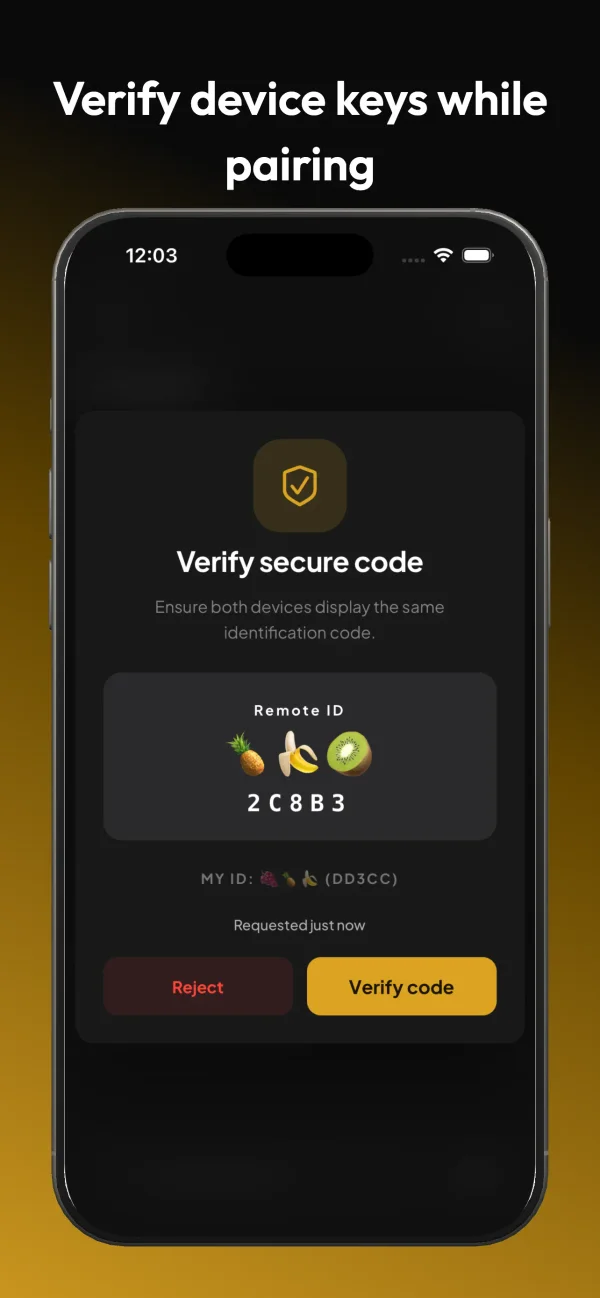
Link a new device with a blind pairing handshake that never exposes your identity to onlookers. Scan the pairing QR code, confirm the matching identity keys, and the devices hold a permanent encrypted channel. Invites expire automatically.
LOCKED NOTES
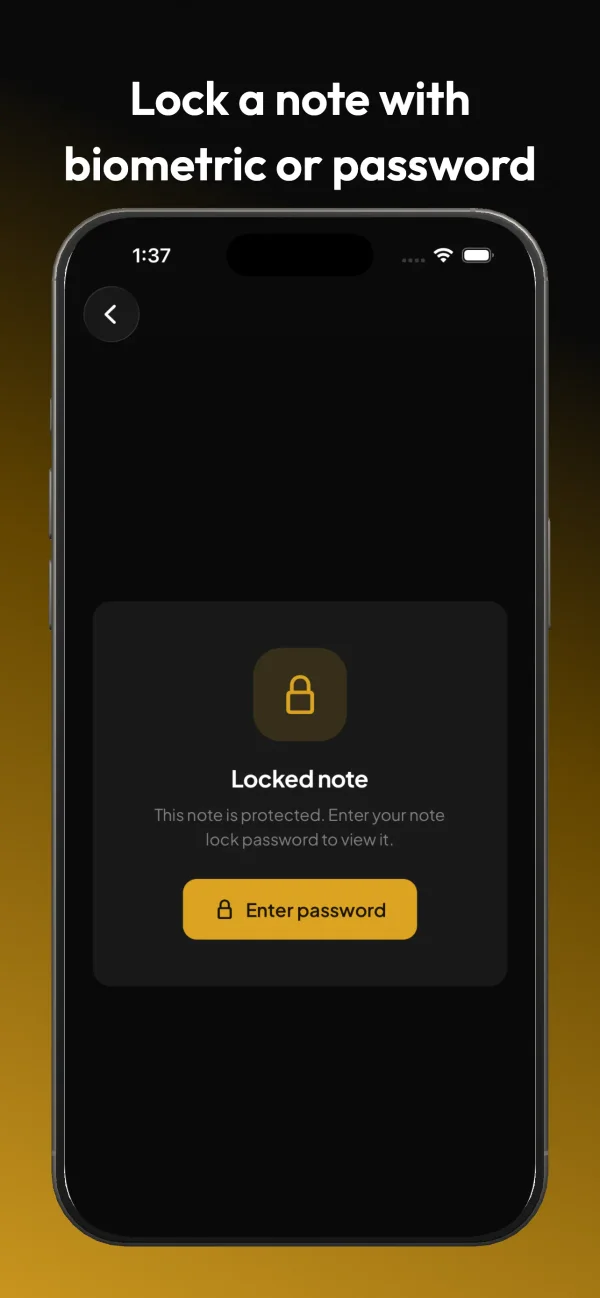
Lock any note behind Face ID, Touch ID or a password you choose. Locked notes stay locked on every paired device, are hidden from screenshots and the app switcher, and the password is never stored — only a verifier derived from it.
WRITE, SCAN AND RECORD
• A document scanner that turns pages into a single PDF.
• A voice recorder with playback, embedded straight into the note.
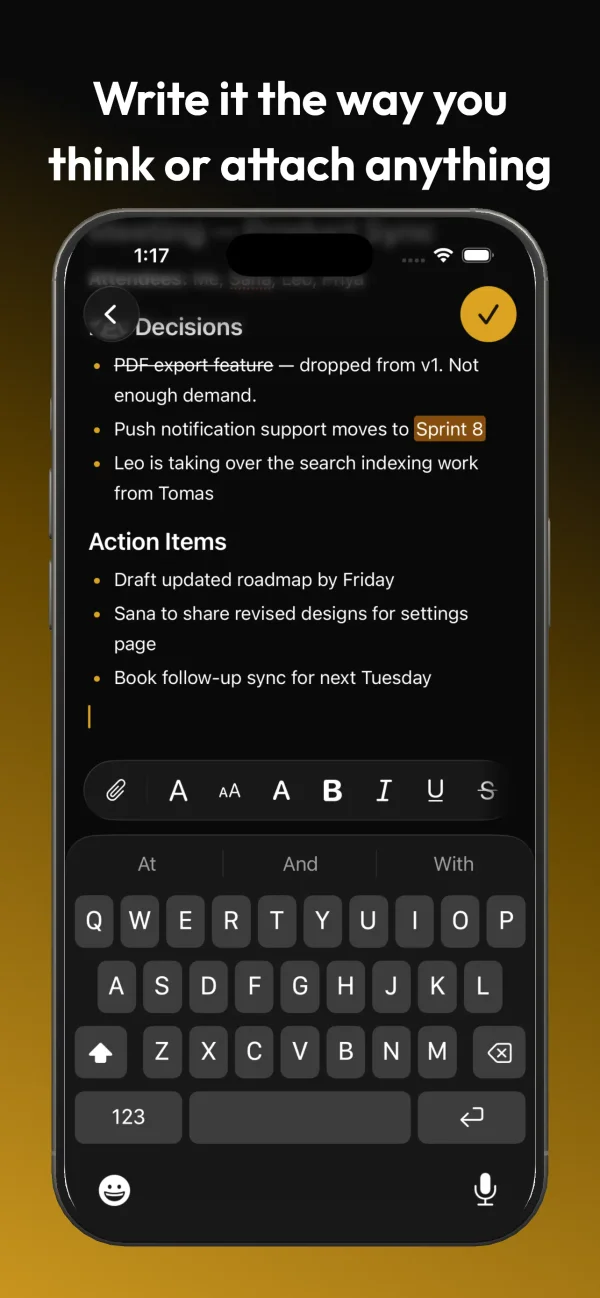
• Photos, videos, PDFs and files attached inline, with previews.
• Share from any other app straight into a note.
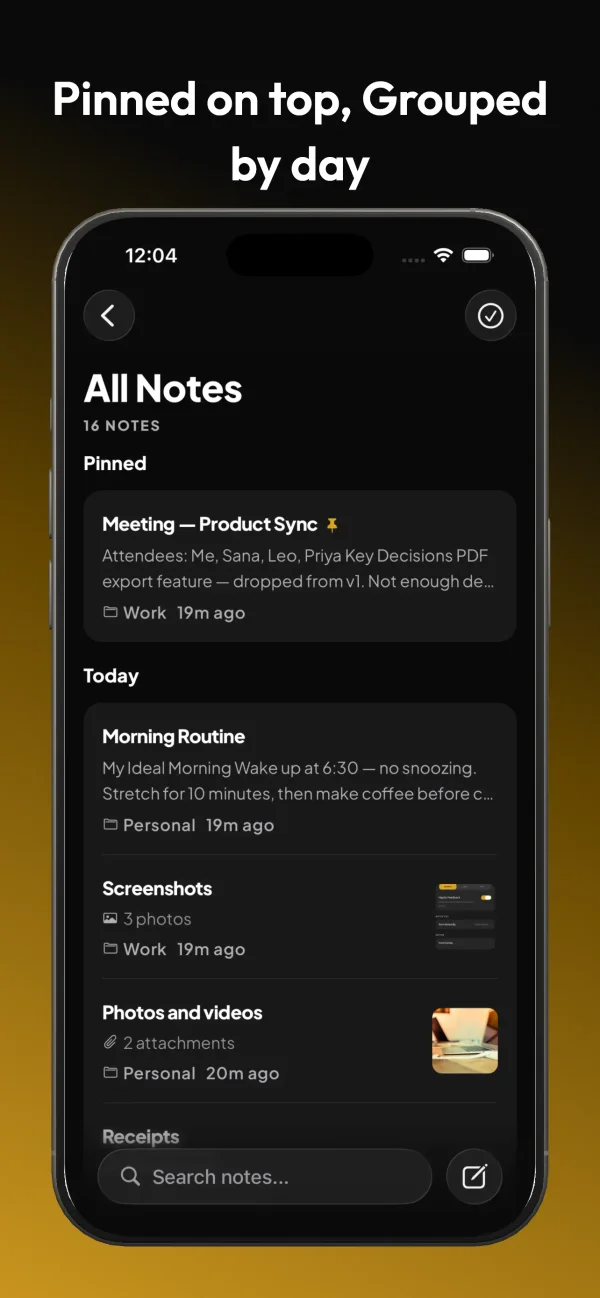
• Folders, pinned notes, search, and a Recently Deleted that holds notes for 30 days.
• Note history showing what each device changed, with the ability to recover a discarded edit.
• Elegant typography (Lora, Inter, Outfit, Newsreader, IBM Plex Mono), light and dark themes, and adjustable text size.
ENCRYPTED BACKUPS YOU CONTROL
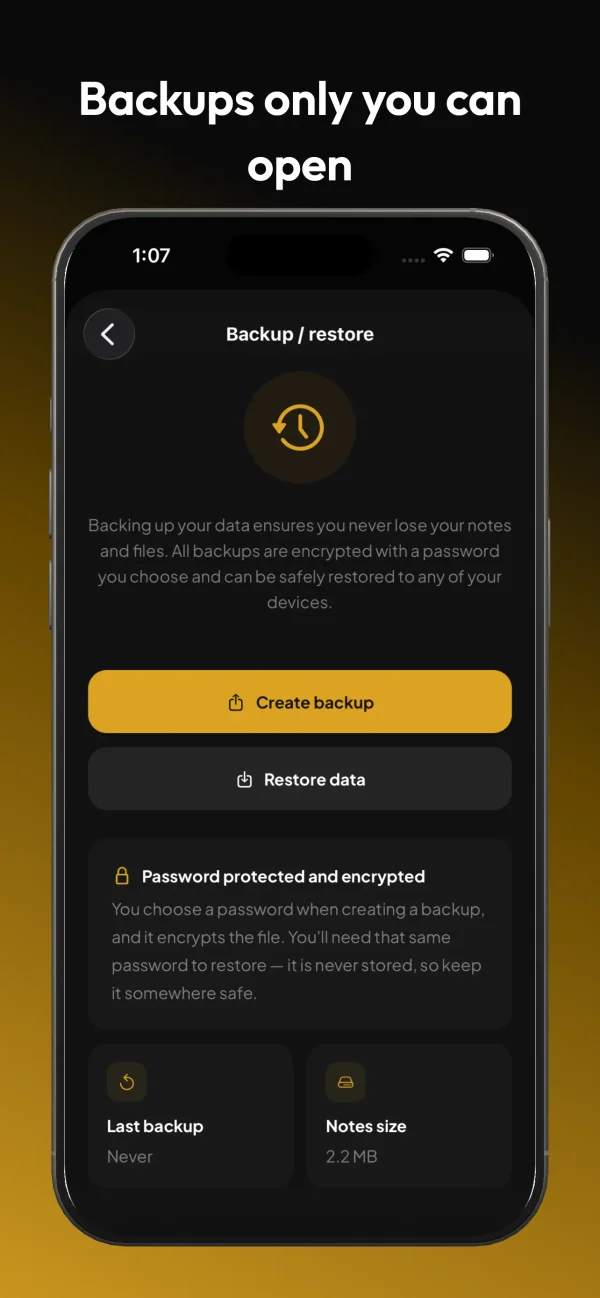
Export the whole vault into one secured and encrypted .pnbk file with a password only you know. The password is never stored or transmitted and there is no reset — so you can keep the backup anywhere, and nobody, including us, can open it without you.
PERMISSIONS
• Microphone — voice notes and voice typing. Audio never leaves the device.
• Camera — document scanning, photos, and scanning pairing QR codes.
• Photos — attaching images you pick, and saving images you export.
• Face ID / Touch ID — unlocking locked notes.
Yang baru
Versi 1.2.0 · 27/11/2026
Pear Notes 1.2 makes it easier to tell us when something goes wrong, plus smaller improvements across the app.
• If Pear Notes hits an error, it now shows what went wrong, and you can copy the details or send us a report with an optional email for a reply. Nothing is sent unless you tap Send.
• Pasted and dropped images are now saved as attachments, so they sync and back up like any other image.
• Upcoming labels tasks that repeat, such as "every day" or "1st of every month".
• On-device AI settings show how many locked or deleted notes are left out of the search index.
• Rename an attachment from its long-press menu (iPhone and iPad).
• Shared and printed notes are named after the note's title, and print on A4 or Letter to suit your region (iPhone and iPad).
• Storage and backup totals now include note text (iPhone and iPad).
• Fixes and polish, including the Birthdays list title.
Privasi aplikasi
Yang dinyatakan Amresh Venkatesan Suresh di App Store tentang cara aplikasi ini menangani data.
-
Data tidak dikumpulkan
Pengembang tidak mengumpulkan data apa pun dari aplikasi ini.
Praktik privasi dapat bervariasi, misalnya berdasarkan fitur yang Anda gunakan atau usia Anda.
Informasi
- Penjual
- Amresh Venkatesan Suresh
- Kategori
- Produktivitas
- Versi
- 1.2.0
- Diperbarui
- 27/11/2026
- Dirilis
- 15/10/2026
- Ukuran
- 160,7 MB
- Memerlukan
- iOS 16.6 atau yang lebih baru
- Batasan usia
- 4+
- Harga
- Gratis
- Bahasa
- Inggris
- Hak cipta
- © 2026 Amresh Vs
Mungkin Anda juga suka
-
 Hustla To-Do List Task PlannerProduktivitas
-
 Beam BrowserProduktivitas
-
 minical — Kalender MinimalisWidget · Wallpaper
-
 Quick Notes - SupasendProduktivitas
-
 Notesnook: Private notepadProduktivitas
-
 Zen7 VPN: Fast Secure ProxyProduktivitas
-
 ePost AppProduktivitas
-
 minimalist phone ® Block AppsProduktivitas
-
 Pengelola sandi - Proton PassBrankas kata sandi, kunic, 2FA