PF 360 Mobile
Easy Printing Experience
Dirancang untuk iPhone, iPad, iPod touch
Gratis
- Batasan usia4+
- KategoriProduktivitas
- PengembangUniPrint.net Corp.
- BahasaInggris
- Ukuran94,0 MB
Tertaut ke halaman resmi App Store
Download.org tidak menyimpan file PF 360 Mobile apa pun. Tombol ini membuka halaman aplikasi di App Store, tempat UniPrint.net Corp. menerbitkannya. Halaman terakhir diperiksa pada 17/11/2026.
Tangkapan layar
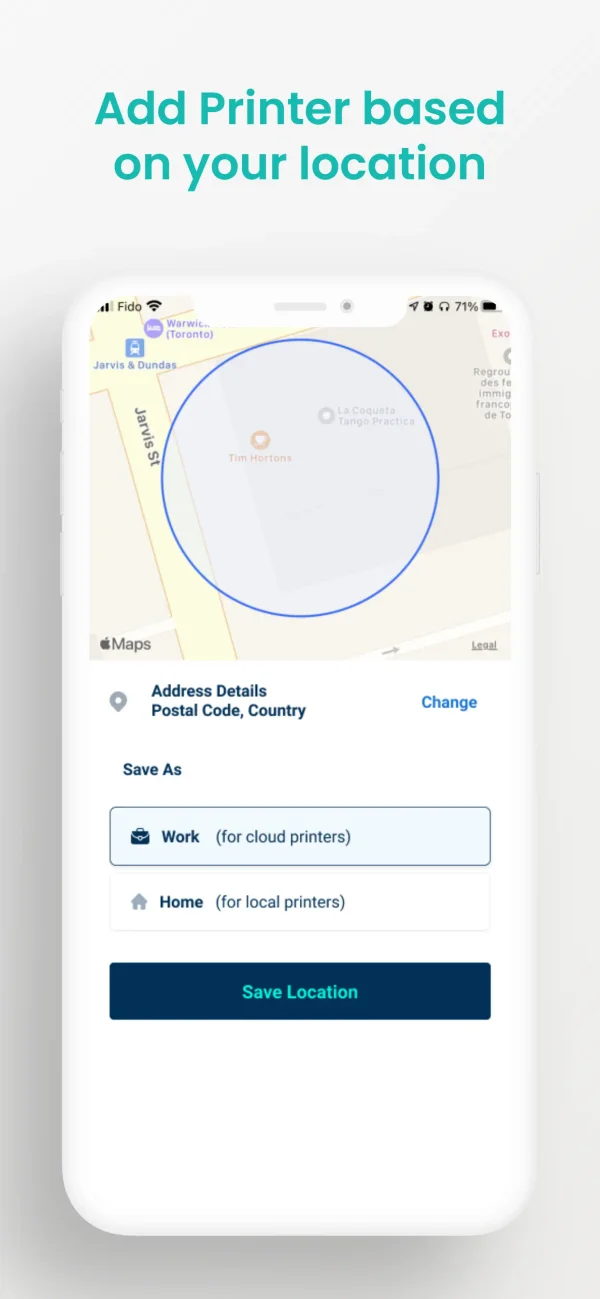
Tentang
Pengembang belum menyediakan teks ini dalam bahasa Anda.
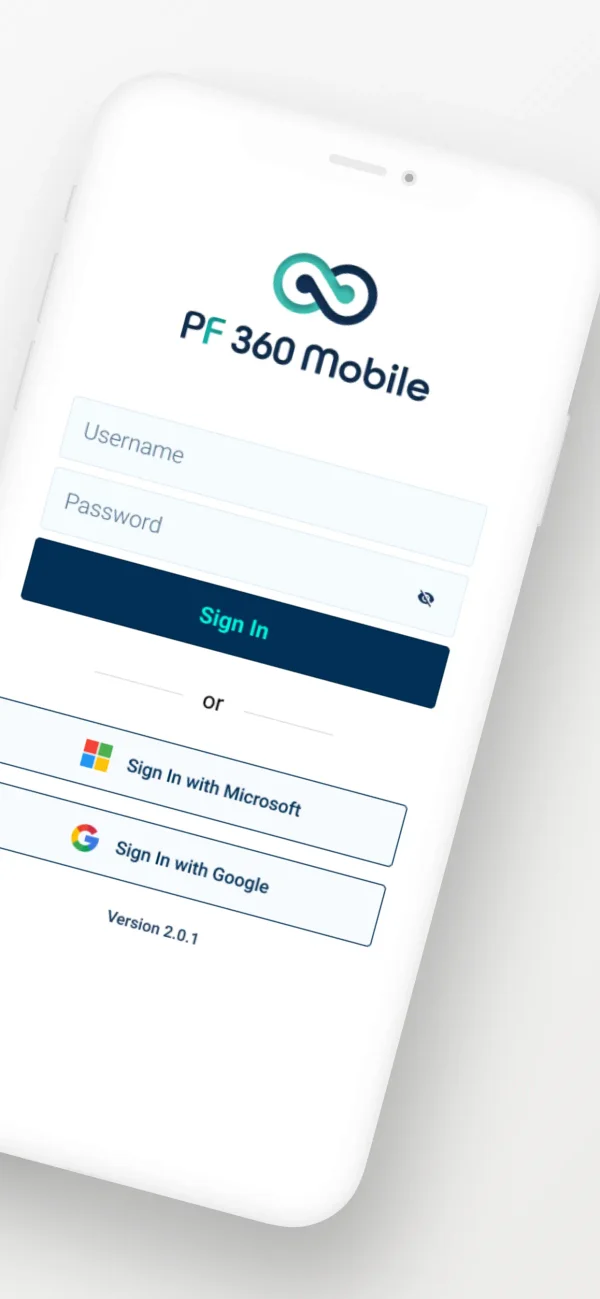
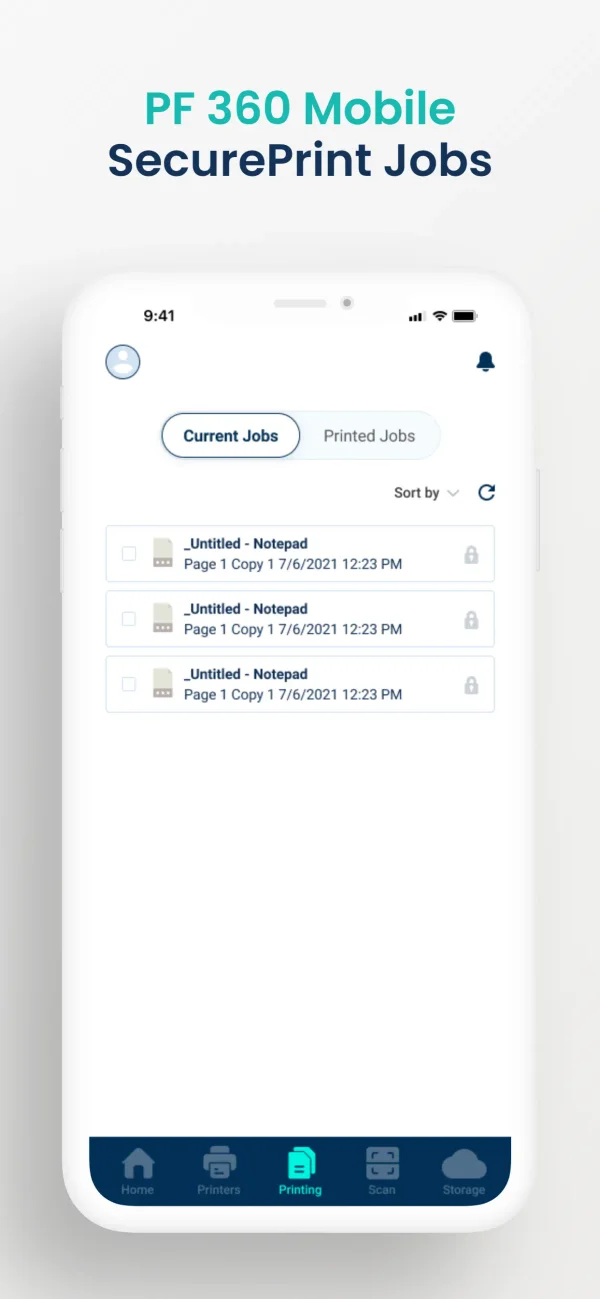
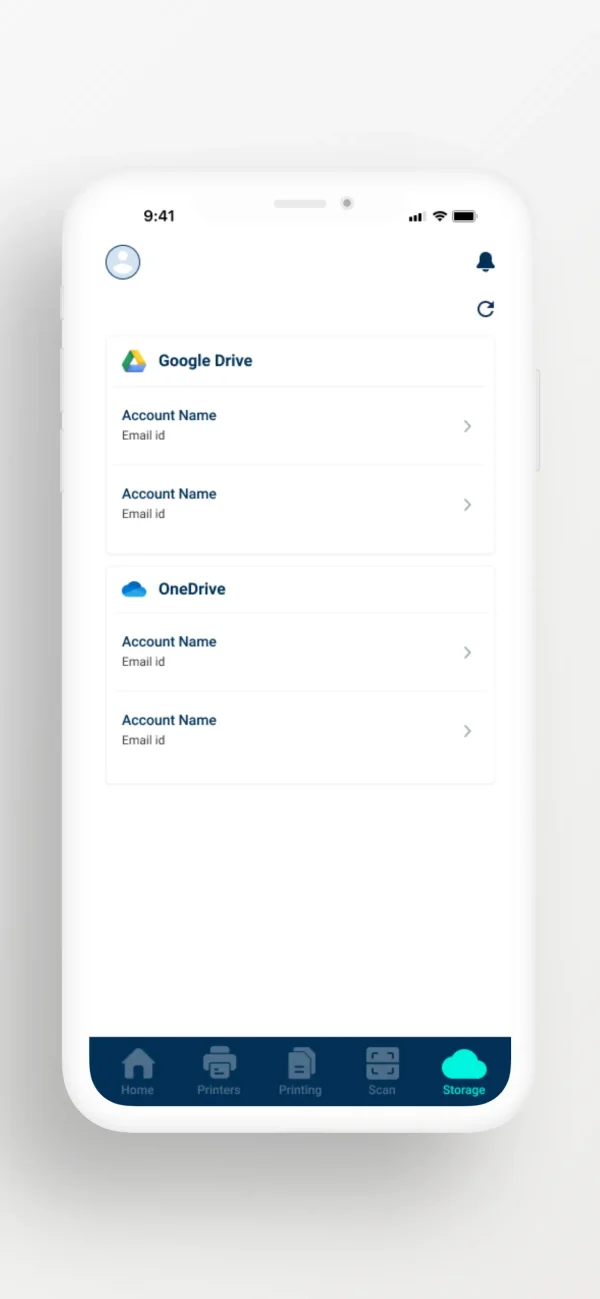
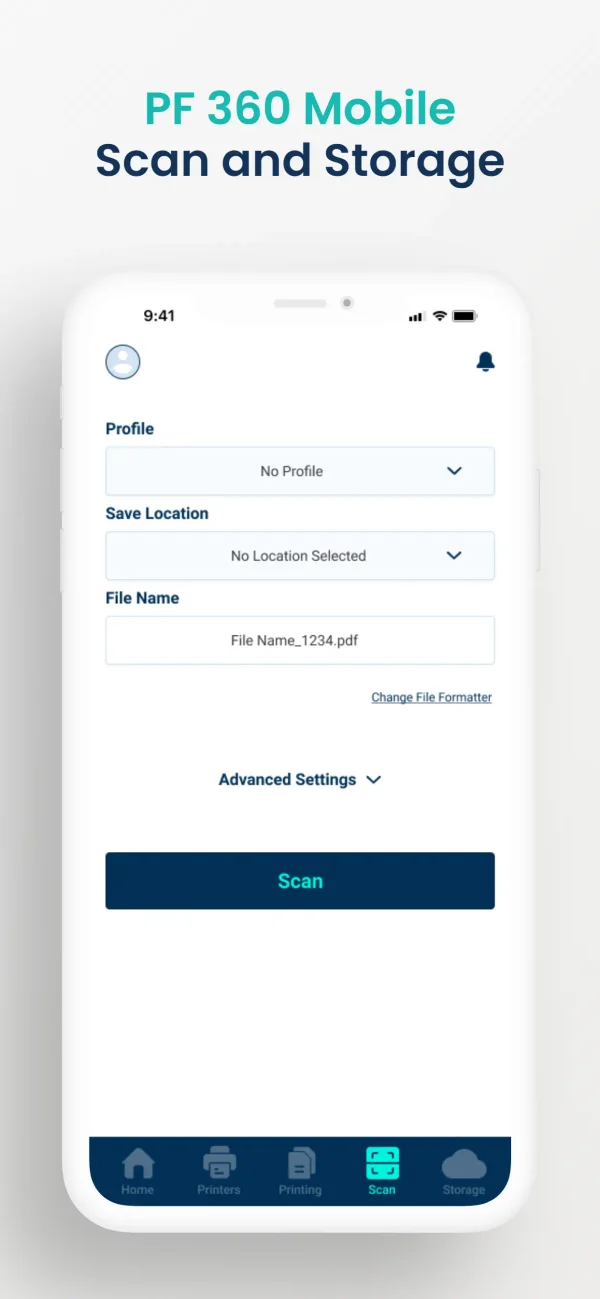
PF 360 Mobile is an app that works in combination with Process Fusion UniPrint InfinityCloud and CapturePoint Cloud platforms. Mobile and tablet users can securely authenticate and release their submitted prints jobs from their corporate or local printers. Users will also be able to capture physical documents, route and have them stored in a specified file repository.
---Key Features & Benefits--
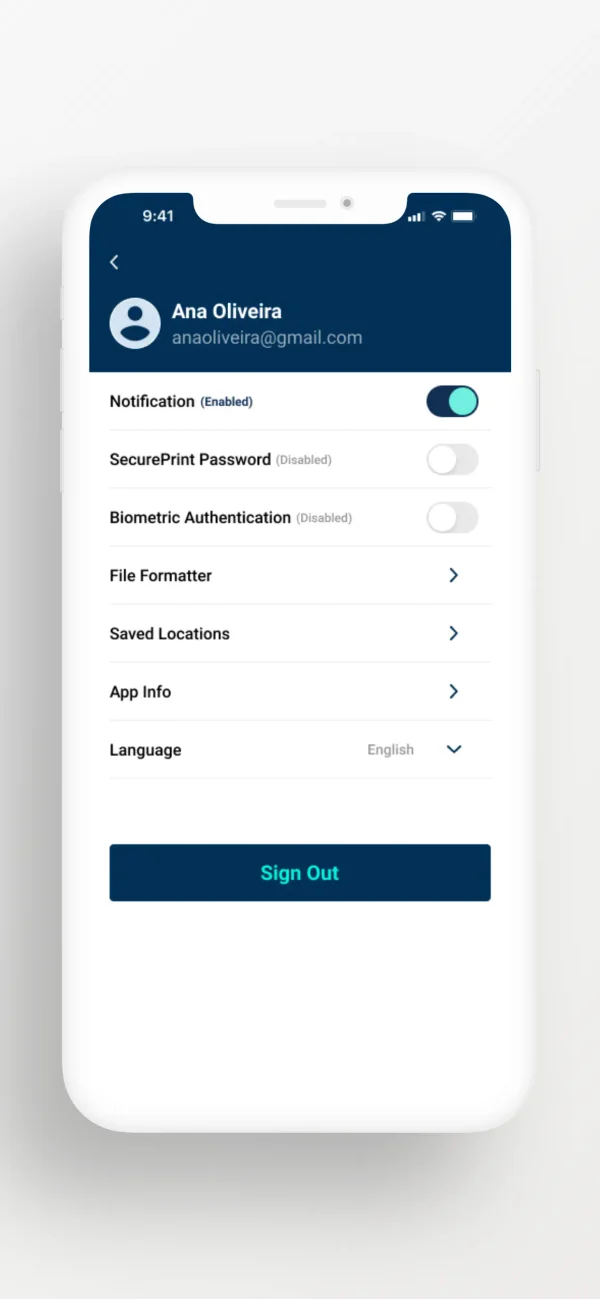
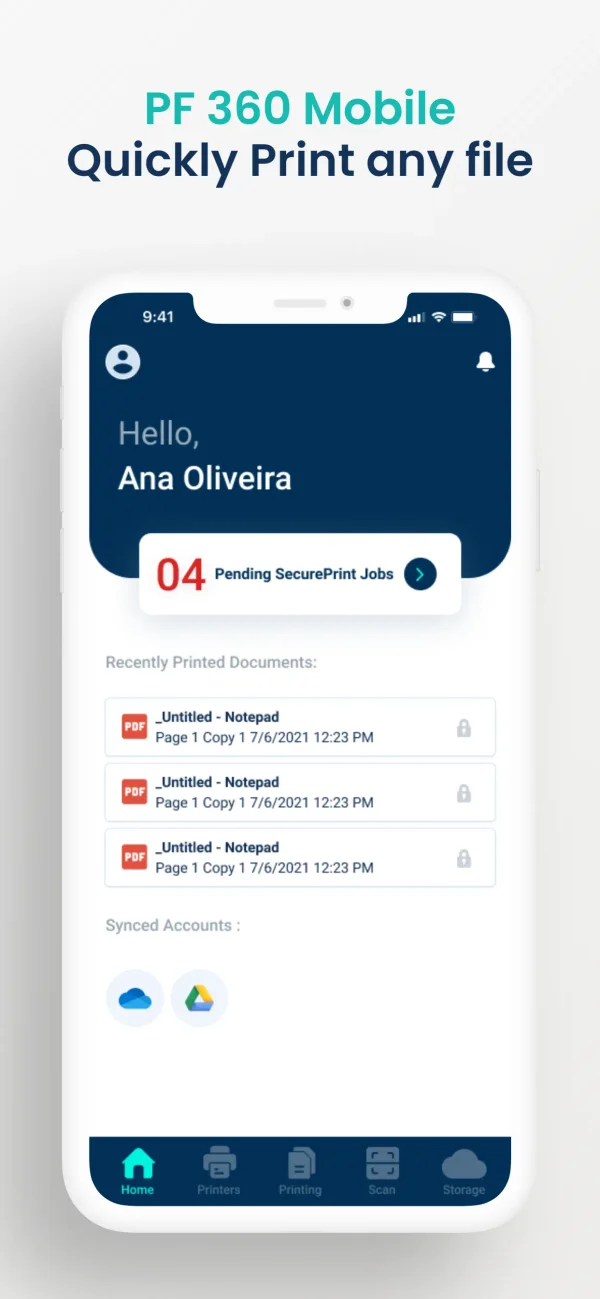
Easy Printing Experience – simply enter your SecurePrint password from your device to release your print job to a corporate printer.
Print Vendor Agnostic – the platform and app work with all printer manufacturers and models.
Print on Demand – the app prompts users to use their password near the printer before releasing their files, so that confidential data is not forgotten or left at the printer.
Environmentally Friendly – the app forces users to print consciously, only when needed, so that extra pages are not wasted.
---How It Works---
1. Print from your computer or mobile device to the UniPrint SecurePrint Queue. After selecting UniPrint SecurePrint as your printer, you will be prompted to enter a SecurePrint password.
2. Go to the printer that you want to print to and use your device to scan the provided QR code that is associated with the printer.
3. Tap to select the file to print and then tap “Print” on your devices.
4. Enter your SecurePrint password and then tap “OK”. Your file will print out at the printer selected.
More about the app can be found in below link :-
https://www.youtube.com/watch?v=-q38Bw9sYBs
Yang baru
Versi 3.0.12 · 27/8/2026
Bug fix under the hood.
Privasi aplikasi
Yang dinyatakan UniPrint.net Corp. di App Store tentang cara aplikasi ini menangani data.
-
Data tidak dikumpulkan
Pengembang tidak mengumpulkan data apa pun dari aplikasi ini.
Praktik privasi dapat bervariasi, misalnya berdasarkan fitur yang Anda gunakan atau usia Anda.
Informasi
- Penjual
- UniPrint.net Corp.
- Kategori
- Produktivitas
- Versi
- 3.0.12
- Diperbarui
- 27/8/2026
- Dirilis
- 3/10/2020
- Ukuran
- 94,0 MB
- Memerlukan
- iOS 13.4 atau yang lebih baru
- Batasan usia
- 4+
- Harga
- Gratis
- Bahasa
- Inggris
- Hak cipta
- © 2019 UniPrint.net Operating As Process Fusion. All Rights Reserved.
Mungkin Anda juga suka
-
 Unlock MLSProduktivitas
-
 RealScout Agent DashboardProduktivitas
-
 KEYper GOProduktivitas
-
 LiquidSpaceProduktivitas
-
 CubiCasa | 2D & 3D Floor PlansProduktivitas
-
 NinjaOne MobileProduktivitas
-
 Realtor.com PROProduktivitas
-
 Microsoft 365 AdminProduktivitas
-
 Microsoft LoopThink, plan & create together
-
 Google AdminApl Admin Google Workspace