
PhiStruct
3D Geometry Builder & AR
Dirancang untuk iPhone, iPad, Mac
Gratis · Pembelian dalam aplikasi
- Batasan usia4+
- KategoriPendidikan
- Pengembang箫 王
- BahasaInggris+ 15 lainnya
- Ukuran6,3 MB
Tertaut ke halaman resmi App Store
Download.org tidak menyimpan file PhiStruct apa pun. Tombol ini membuka halaman aplikasi di App Store, tempat 箫 王 menerbitkannya. Halaman terakhir diperiksa pada 18/11/2026.
Tangkapan layar



Tentang
Pengembang belum menyediakan teks ini dalam bahasa Anda.
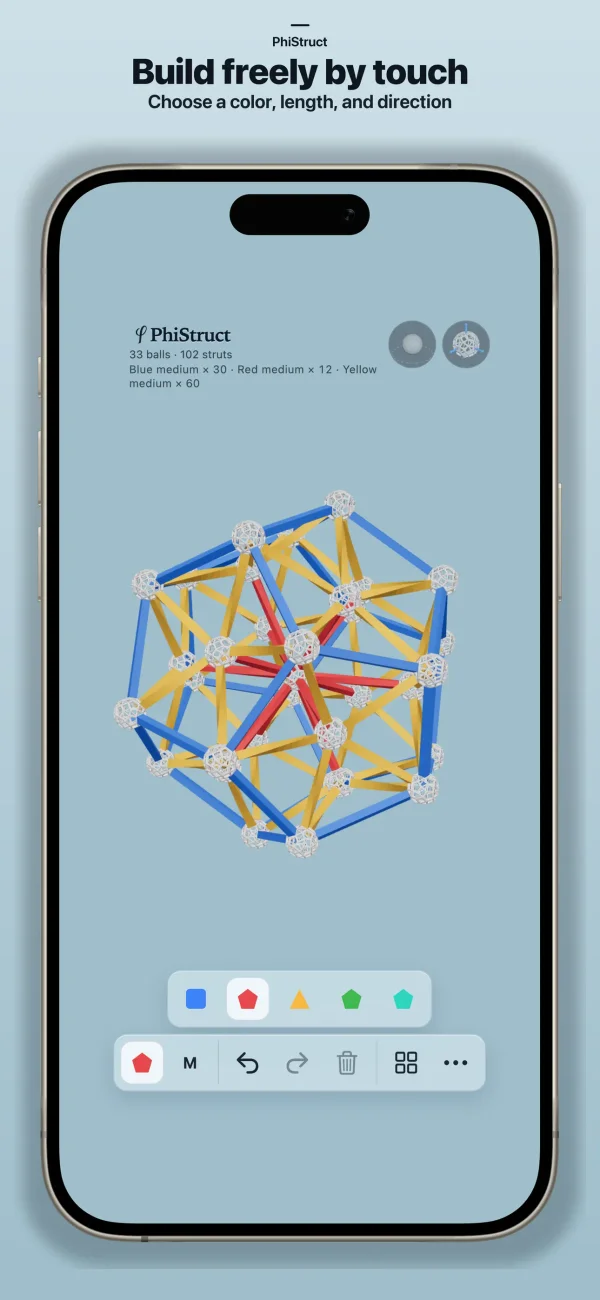
PhiStruct is a touch-first ball-and-strut geometry builder: you don't just
view finished shapes — you construct them.
Tap a connector ball, tap a glowing hole, and place a strut. Keep going until
you've assembled Platonic solids, Archimedean solids, golden-ratio forms, and
more. Struts are never allowed to pass through each other, so every model is
physically buildable on your desk.
On iPhone and iPad, place a finished model on a table in AR. Mac has no
table AR — mouse, trackpad, and menus only.
WHY IT'S DIFFERENT
• Hands-on construction, hole by hole — like a strut kit in your pocket
• Collision-proof builds: if it builds in the app, it builds in real life
• Exact φ (golden ratio) math — zero drift
• Fully offline. No account. No ads. No subscription.
WHAT YOU CAN DO
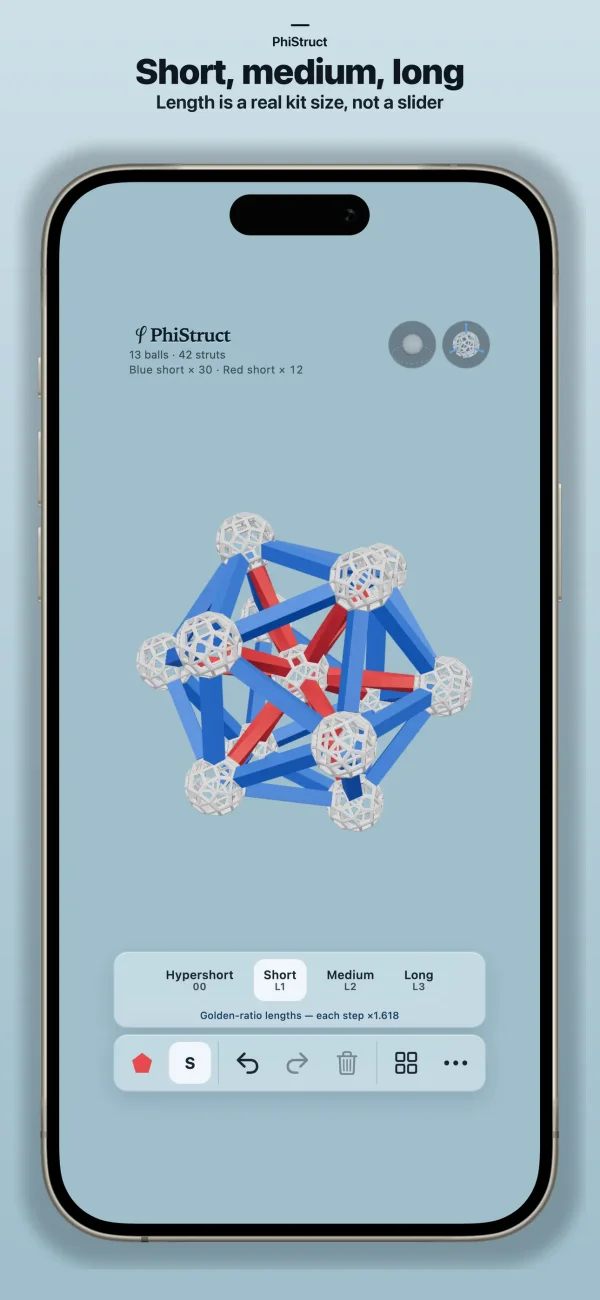
• Free build — pick color and length, tap holes, invent your own models
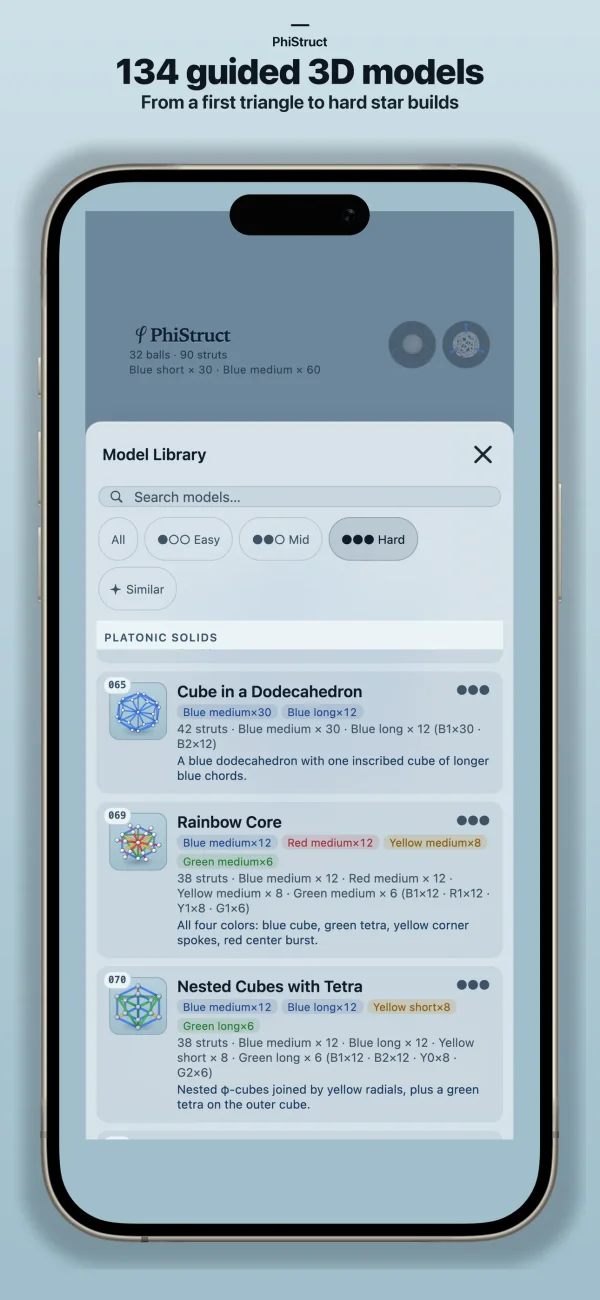
• Guided builds — step through 134 curated polyhedra (flat shapes, prisms,
Platonic and Archimedean solids, quasicrystal geometry) with the next hole
highlighted, or complete instantly
• Reference ghost — a translucent target to build alongside freehand
• Parts list — color × length × count for sorting or buying real struts
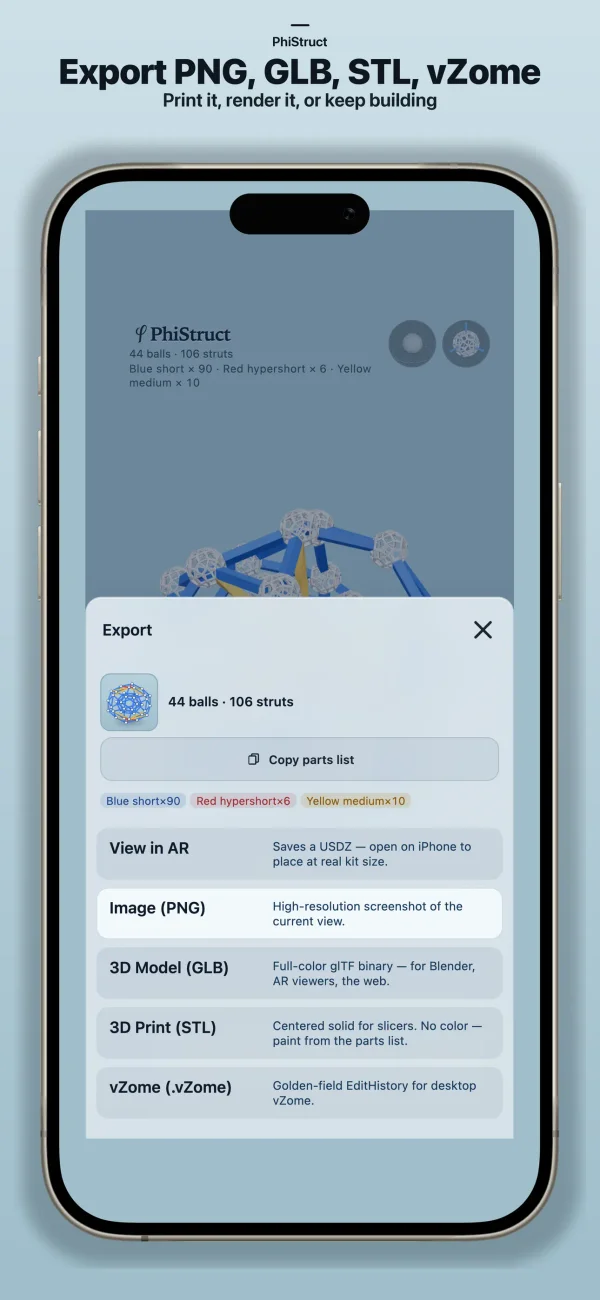
• Export PNG, full-color GLB (Blender / AR / web), or centered STL for 3D
printing
• Save and reopen exact project files, including .vZome from desktop vZome
WHO IT'S FOR
• Makers and 3D-printing hobbyists who want to verify a build before printing
• Math teachers preparing a polyhedra lesson — walk through it step by step
• Geometry lovers who want to make something, not just look at it
One-time purchase. Your projects stay on your device unless you export them.
Yang baru
Versi 1.4 · 14/10/2026
Your purchase keeps export. New installs can build every model, then unlock STL, GLB, vZome, clean images, and project files once.
Privasi aplikasi
Yang dinyatakan 箫 王 di App Store tentang cara aplikasi ini menangani data.
-
Data tidak dikumpulkan
Pengembang tidak mengumpulkan data apa pun dari aplikasi ini.
Praktik privasi dapat bervariasi, misalnya berdasarkan fitur yang Anda gunakan atau usia Anda.
Informasi
- Penjual
- 箫 王
- Kategori
- Pendidikan
- Versi
- 1.4
- Diperbarui
- 14/10/2026
- Dirilis
- 4/8/2026
- Ukuran
- 6,3 MB
- Memerlukan
- iOS 16.0 atau yang lebih baru
- Batasan usia
- 4+
- Harga
- Gratis
- Pembelian dalam aplikasi
- Ya
- Bahasa
- Inggris, Arab, Dansk (Denmark), Belanda, Suomi (Finlandia), Prancis, Jerman, Ibrani, Italia, Jepang, Korea, Bokmål Norsk + 4 lainnya
- Hak cipta
- © 2026 王箫 (Xiao Wang)