
PiP Float - Split Screen Multi
Floating Browser & Multitask
Dirancang untuk iPhone, iPod touch
Gratis · Pembelian dalam aplikasi
- Batasan usia4+
- KategoriKegunaan
- PengembangBinh Do
- BahasaInggris
- Ukuran18,1 MB
Tertaut ke halaman resmi App Store
Download.org tidak menyimpan file PiP Float - Split Screen Multi apa pun. Tombol ini membuka halaman aplikasi di App Store, tempat Binh Do menerbitkannya. Halaman terakhir diperiksa pada 22/11/2026.
Tangkapan layar
Tentang
Pengembang belum menyediakan teks ini dalam bahasa Anda.
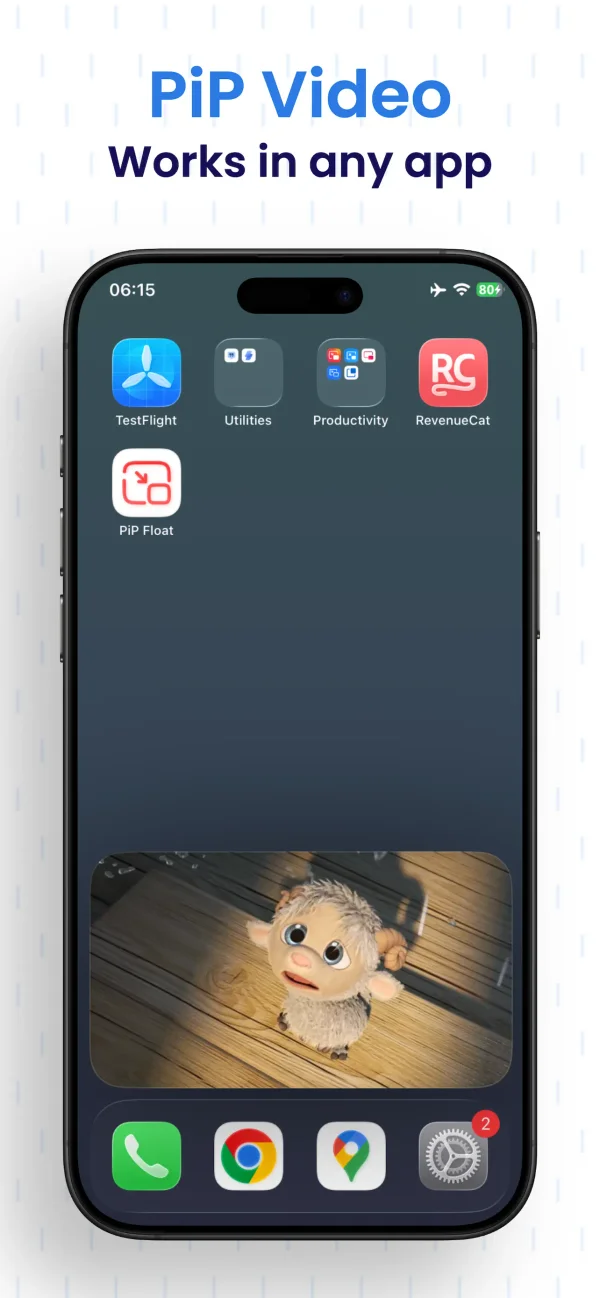
PiP Float is the ultimate floating window app for iPhone and iPad. Experience true multitasking with picture-in-picture mode that lets you display any content in floating windows while using other apps.
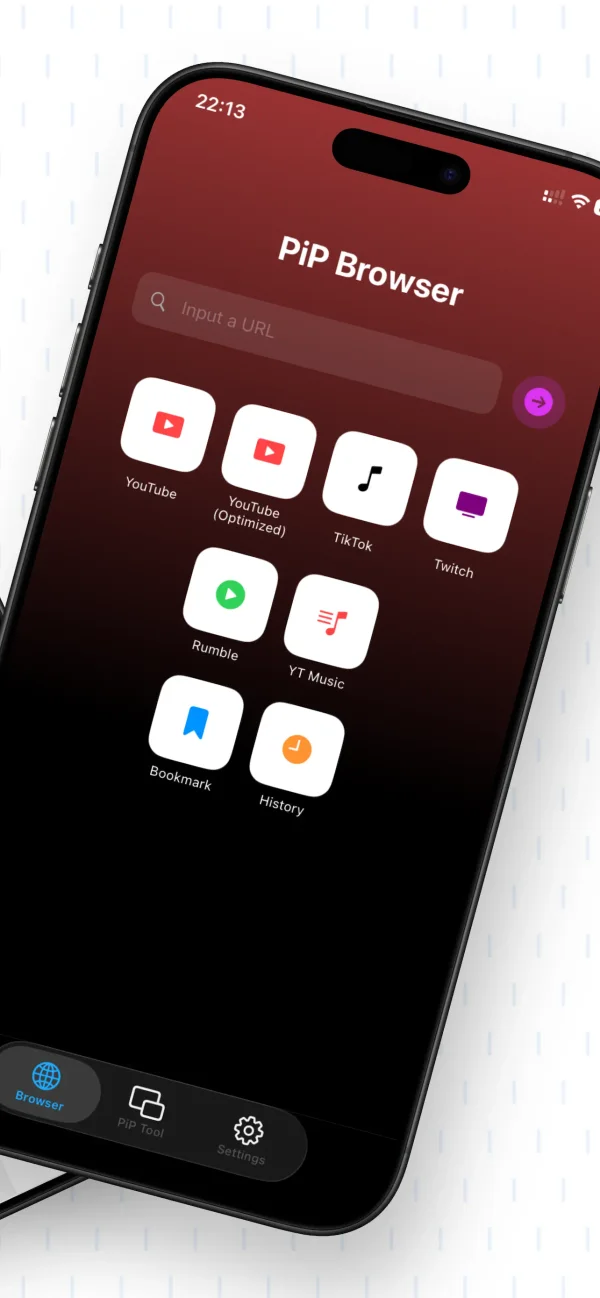
FLOATING BROWSER
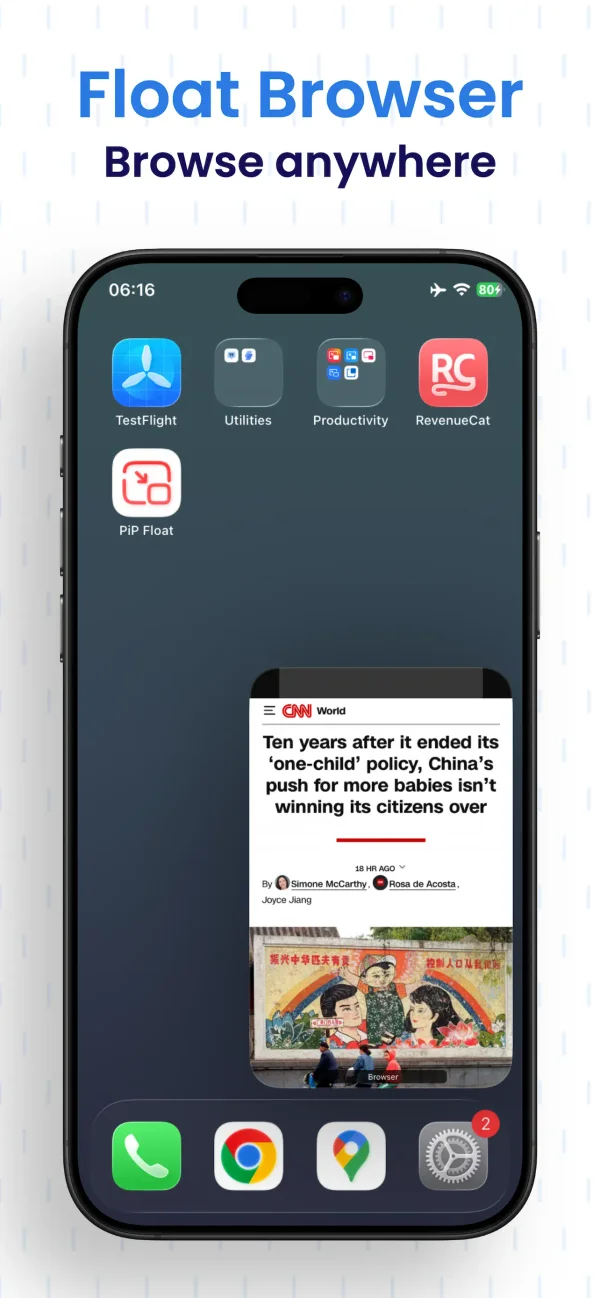
Browse any website in a floating window
Watch web videos from any site while texting
Open multiple browser tabs simultaneously
Full web browsing experience in PiP mode
Access your favorite video streaming platforms
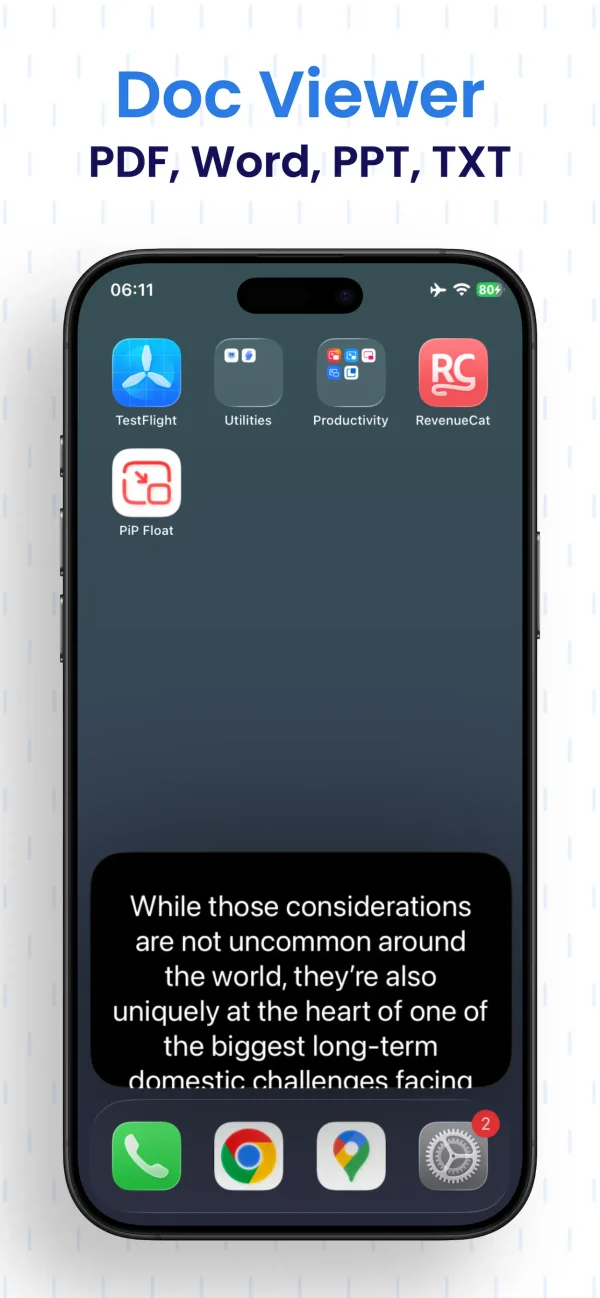
DOCUMENT VIEWER
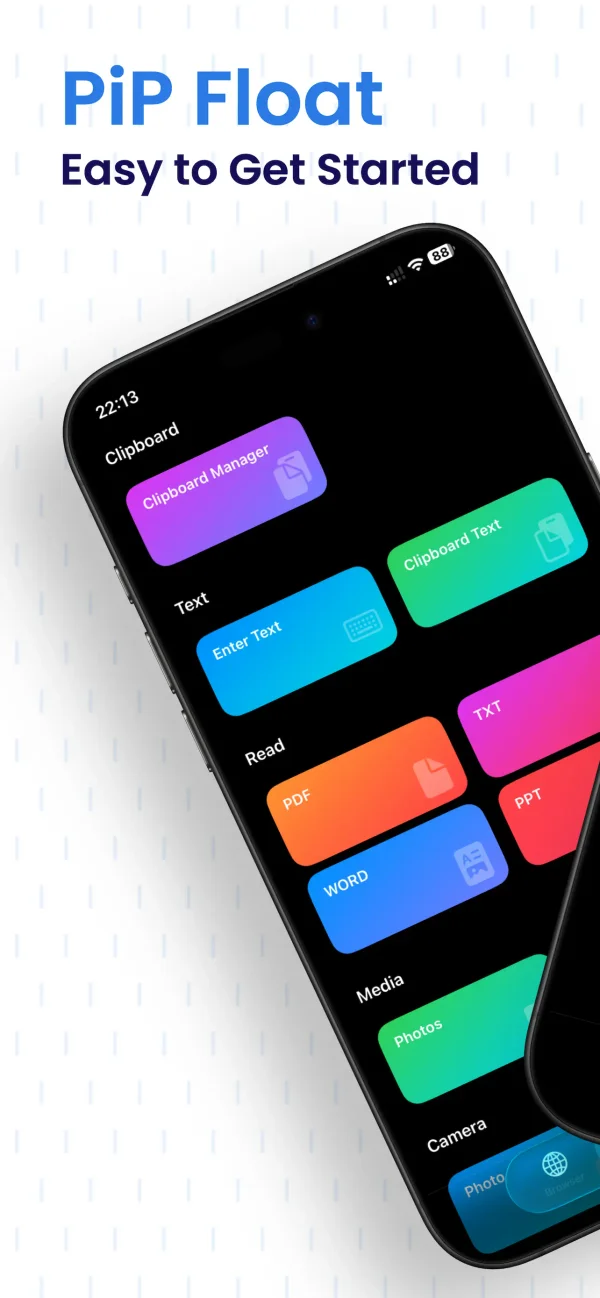
View PDF, DOC, DOCX, TXT, and PPT files
Automatic and manual page turning
Read documents while working on other tasks
Perfect for studying and productivity
MEDIA PLAYER
Play your personal videos in floating window
View photos from your library in PiP mode
Continuous audio playback
Keep media accessible while multitasking
SMART CLIPBOARD MANAGER
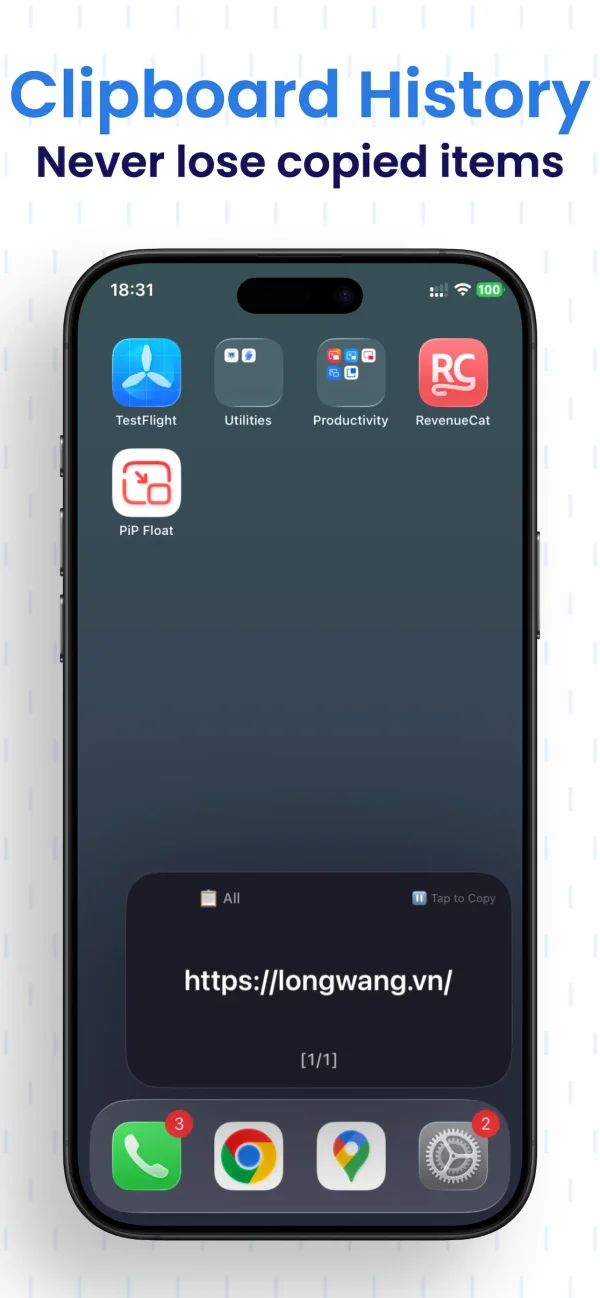
Automatically saves everything you copy (up to 100 items)
Smart categories: Emails, Links, Prices, Phone Numbers, Code
Navigate clipboard history in floating window
One-tap copy for any past item
Perfect for shopping and research
Private and secure - local storage only
PRODUCTIVITY TOOLS
Floating Notes for quick memos
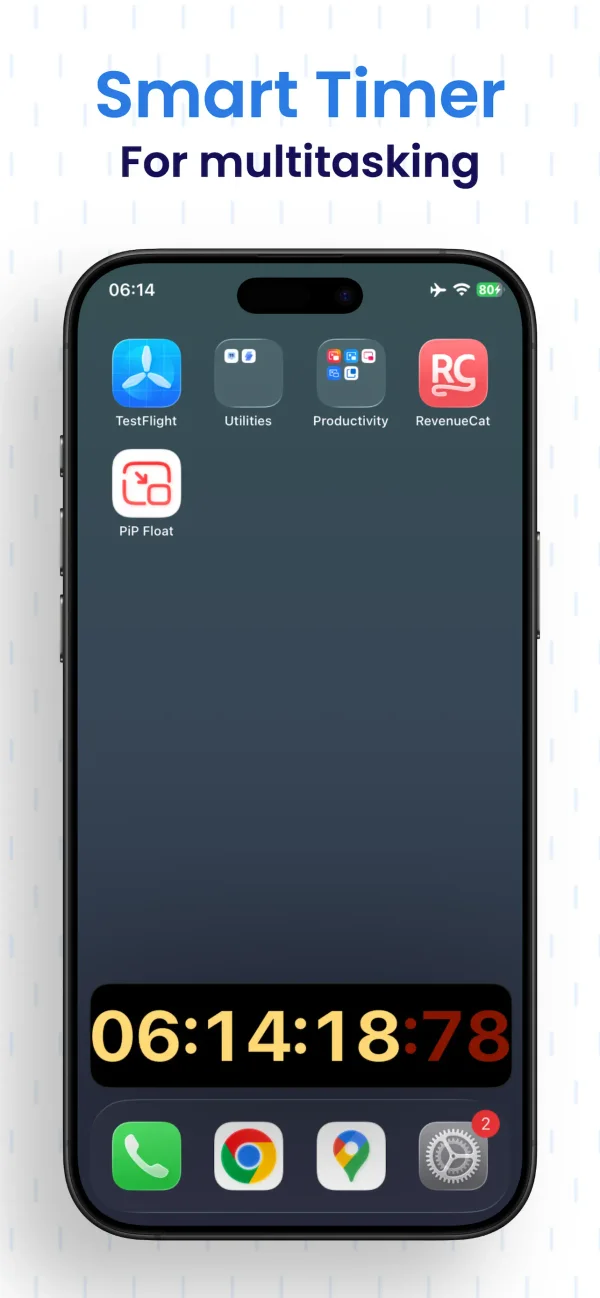
Clock, Timer, and Stopwatch display
Countdown timer in floating window
Stay organized with floating reminders
ADVANCED FEATURES
Multiple floating windows at once
Resizable and movable windows
Picture-in-picture for all content types
Seamless app switching
Customizable window appearance
Split screen multitasking
PERFECT FOR
Watching tutorials while practicing
Reading documents during video calls
Taking notes while browsing
Comparing prices while shopping online
Keeping track of copied information
Monitoring time while working
Viewing references while creating
PiP Float transforms your iPhone and iPad into a true multitasking powerhouse. Display any content in floating windows and boost your productivity today!
Note: Content played through the browser is subject to the terms of service of the websites you visit. PiP Float is a browser and productivity tool that does not modify or interfere with website content.
Download PiP Float now and experience the future of mobile multitasking!
Support us by leaving a review with your thoughts and suggestions. Your feedback helps us improve!
SUBSCRIPTION TERMS
Subscription automatically renews at the end of each term
Payment will be charged to your iTunes Account upon confirmation of purchase
Subscription renews automatically unless auto-renewal is disabled at least 24 hours before the end of the current period
Your account will be charged for renewal within 24 hours prior to the end of the current period
Manage your subscription and disable auto-renewal in your Account Settings after purchase
Privacy Policy: https://cheryl1511.github.io/pip
Terms of Use: https://www.apple.com/legal/internet-services/itunes/dev/stdeula/
Privasi aplikasi
Yang dinyatakan Binh Do di App Store tentang cara aplikasi ini menangani data.
-
Data tidak dikumpulkan
Pengembang tidak mengumpulkan data apa pun dari aplikasi ini.
Praktik privasi dapat bervariasi, misalnya berdasarkan fitur yang Anda gunakan atau usia Anda.
Informasi
- Penjual
- Binh Do
- Kategori
- Kegunaan
- Versi
- 1.0
- Diperbarui
- 9/1/2026
- Dirilis
- 9/1/2026
- Ukuran
- 18,1 MB
- Memerlukan
- iOS 14.0 atau yang lebih baru
- Batasan usia
- 4+
- Harga
- Gratis
- Pembelian dalam aplikasi
- Ya
- Bahasa
- Inggris
- Hak cipta
- © Vigo Global Co.,Ltd
Mungkin Anda juga suka
-
 Floating Apps - Layar BelahMultitasking Split Screen
-
 PiP - Picture in PictureKegunaan
-
 Split Screen & Dual BrowserKegunaan
-
 Split Screen - MultitaskingKegunaan
-
 Split Screen Web BrowserKegunaan
-
 Teleprompter Video ProFloating Script,Smart Prompter
-
 Multitasking Split ScreenKegunaan
-
 Split Screen: Dual BrowserKegunaan
-
 Split Screen: Dual WindowKegunaan
-
 Auto Scroll: Video | TapperKegunaan