
PLC Controller & Simulator
EtherNet/IP HMI & Diagnose
Dirancang untuk iPhone, iPad, iPod touch
Gratis
- Batasan usia4+
- KategoriBisnis
- PengembangKevin Andoh
- BahasaInggris
- Ukuran39,7 MB
Tertaut ke halaman resmi App Store
Download.org tidak menyimpan file PLC Controller & Simulator apa pun. Tombol ini membuka halaman aplikasi di App Store, tempat Kevin Andoh menerbitkannya. Halaman terakhir diperiksa pada 18/11/2026.
Tangkapan layar
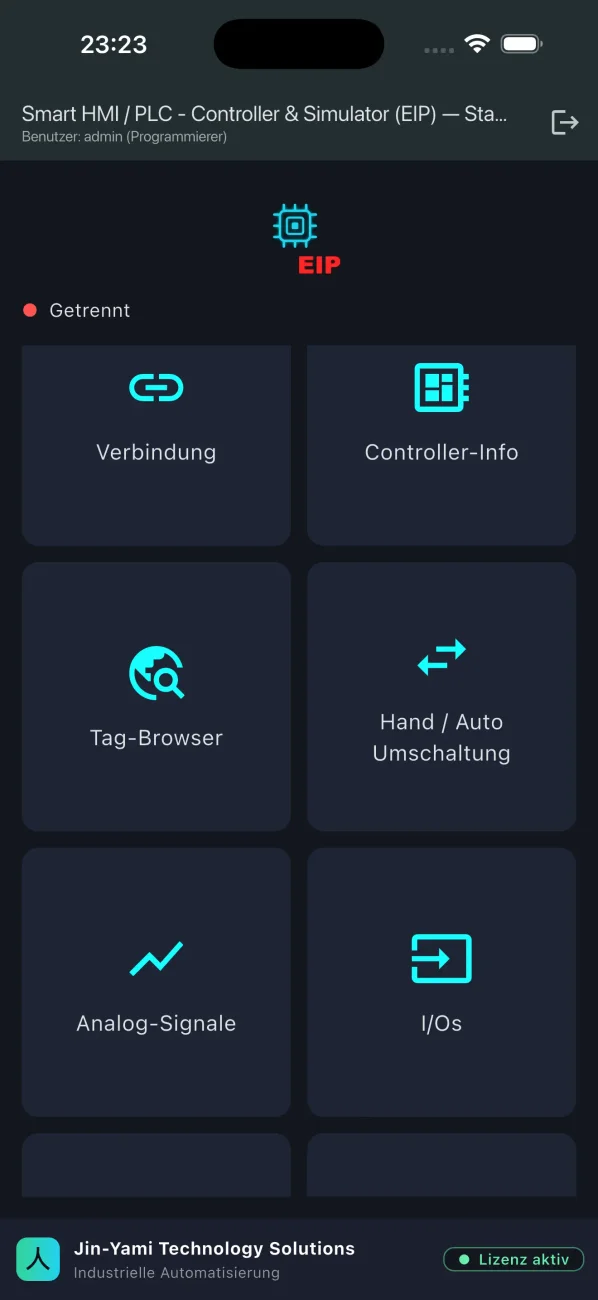
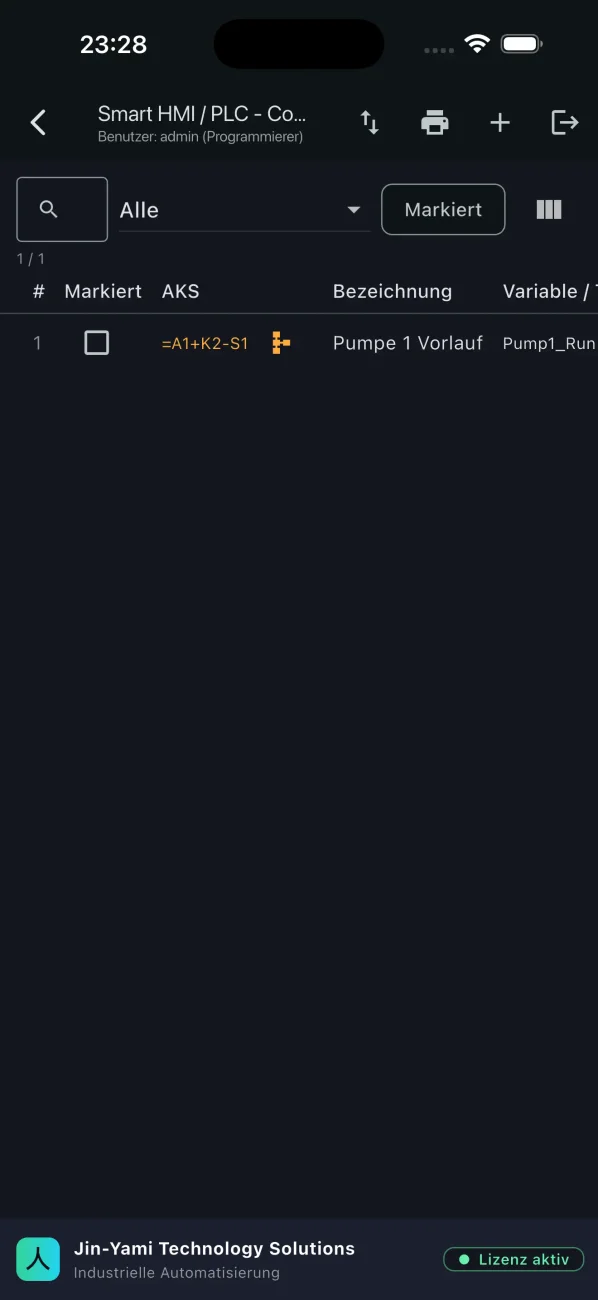

Tentang
Pengembang belum menyediakan teks ini dalam bahasa Anda.
Smart HMI / PLC – Controller & Simulator connects your iPhone or iPad directly
to programmable logic controllers (PLCs) over EtherNet/IP – no PC, no
engineering software required.
FEATURES
• Tag browser: read and write variables, arrays and UDTs live
• HMI view: document I/Os clearly (tag, terminal, cable, photo)
• Fault handling: acknowledge alarms, analog limit alarms
• Controller info & diagnostics: status, uptime, latency, clock drift
• Trend logging: values as a graph and as a background CSV log
• Import/Export: I/O and fault lists as CSV/XLSX, everything printable
• Built-in simulator: try every feature – completely without hardware
WHO IT'S FOR
For electricians, commissioning and maintenance engineers and automation
technicians who need fast, mobile access to a controller.
SAFETY NOTE
Interventions on live plants are at your own risk. This app is a tool and does
not replace a safety-rated control system.
Compatible with common EtherNet/IP controllers. "Allen-Bradley", "CompactLogix"
and others are trademarks of their respective owners; no affiliation is implied.
Yang baru
Versi 1.4.14 · 16/11/2026
Stability: large projects no longer crash. Project data, photos and inserted images are now stored as files instead of being loaded entirely into memory, so the app opens reliably even with many projects. New under Settings: "Storage & log" shows usage and a crash log.
Network schemas (HVAC plant schema): new blocks Switch, PLC and fibre splice box, plus freely named blocks with numbered ports. Connect blocks at right angles (crossing lines automatically get a bridge), with zoom, grouping, rectangles/zones over several parts and selectable colours. Per block you can store hostname, IP, subnet, MAC, gateway and location, shown or hidden right in the schema.
Images in the schema: insert photos and screen clips from the distribution plan straight into the schema. Print/share the schema incl. a change log; Excel/CSV export & import of schemas (incl. connections and zones).
I/O PDF: new statistics page (totals, status distribution, per-AKS breakdown) plus a change log in a unified landscape style.
HMI: a simulation button per HMI screen (all elements light up, watermark "Simulation"); app quick links now also open a specific HVAC schema or logic page.
Projects: reorder by dragging; every project tile shows the I/O status (checked/open/N-A/problem with percent). Activate a licence by scanning the QR code on the licence certificate.
More: jump links in the change log of distribution plan, schema and datasheet; improvements to PDF fonts and device-IP diagnostics.
Privasi aplikasi
Yang dinyatakan Kevin Andoh di App Store tentang cara aplikasi ini menangani data.
-
Data yang tidak ditautkan dengan Anda
Dapat dikumpulkan, tetapi tidak ditautkan dengan identitas Anda.
- Pengenal
Praktik privasi dapat bervariasi, misalnya berdasarkan fitur yang Anda gunakan atau usia Anda.
Informasi
- Penjual
- Kevin Andoh
- Kategori
- Bisnis
- Versi
- 1.4.14
- Diperbarui
- 16/11/2026
- Dirilis
- 7/7/2026
- Ukuran
- 39,7 MB
- Memerlukan
- iOS 15.0 atau yang lebih baru
- Batasan usia
- 4+
- Harga
- Gratis
- Bahasa
- Inggris
- Hak cipta
- © 2026 Ing. Kevin Andoh, MSc
Mungkin Anda juga suka
-
 Petromax DealerBisnis
-
 Personal Learning CoachProduktivitas
-
 PLC AssistanceProduktivitas
-
 Qube Site SurveyBisnis
-
 TechAIProduktivitas
-
 Mix Appliance RepairBisnis
-
 EmpiricCommander File ManagerProduktivitas
-
 Stobix: AI Trading AssistantKeuangan
-
 Odrid HMIProduktivitas
-
 Image to excel converterConvert picture to text excel