- Batasan usia4+
- KategoriKegunaan
- PengembangKING JIM CO.,LTD.
- BahasaInggris+ 1 lainnya
- Ukuran8,4 MB
pomera Link mungkin sedang tidak tersedia di App Store
Halaman di toko tidak dapat dijangkau saat terakhir kami periksa. Tautan tetap mengarah ke halaman resmi App Store.
Tangkapan layar


Tentang
Pengembang belum menyediakan teks ini dalam bahasa Anda.
This is King Jim's official application for Pomera.
Text data created with Pomera can be saved in the app using "QR Code" or "Wi-Fi Connection".
In addition to the Pomera QR Code Reader and other functions of the previous version, the new "Wi-Fi Connection" function of DM250 has been newly added and can be read into the application and used in emails and memos as well as QR Codes.
======================================
■If the camera does not start up when taking a picture of a QR code, the app may not have permission for the camera function.
From the "Settings" application on the iPhone, turn on the "pomeraLink" setting in the "Privacy" - "Camera" screen.
■When using "Wi-Fi Connection" or "FlashAir™ Transfer", open Wi-Fi Settings from the "Settings" application on your iPhone and connect to the Wi-Fi network of your Pomera or FlashAir.
This application is compatible with iPhone (6s or later) iOS13 or later.
It is not compatible with iPad. Even after installation, the app may not work or may not recognize the QR code.
======================================
List of Functions
Reading QR Codes
Simply hold the camera over a QR code displayed on "Pomera" to automatically recognize it and save it in the "History".
Reading a linked QR Code
Up to 999 consecutive QR Codes created with "Pomera" can be read. When a QR Code is successfully scanned, a vibration will alert you, and the number of the linked QR Code will be displayed, so you can display the next linked QR Code with "Pomera".
*DM250 can split up to 999 QR Codes, allowing you to convert a larger number of characters.
3. Sending and receiving files via Wi-Fi connection
You can send and receive text data between this application and Pomella through a Wi-Fi connection.
The supported model for Wi-Fi connection is DM250.
FlashAir transfer
Text data saved in FlashAir can be read, attached to e-mails, and uploaded to the cloud.
Files other than .txt and .csv format cannot be read.
FlashAir transfer is supported by DM100 and DM30 models.
5. Editing
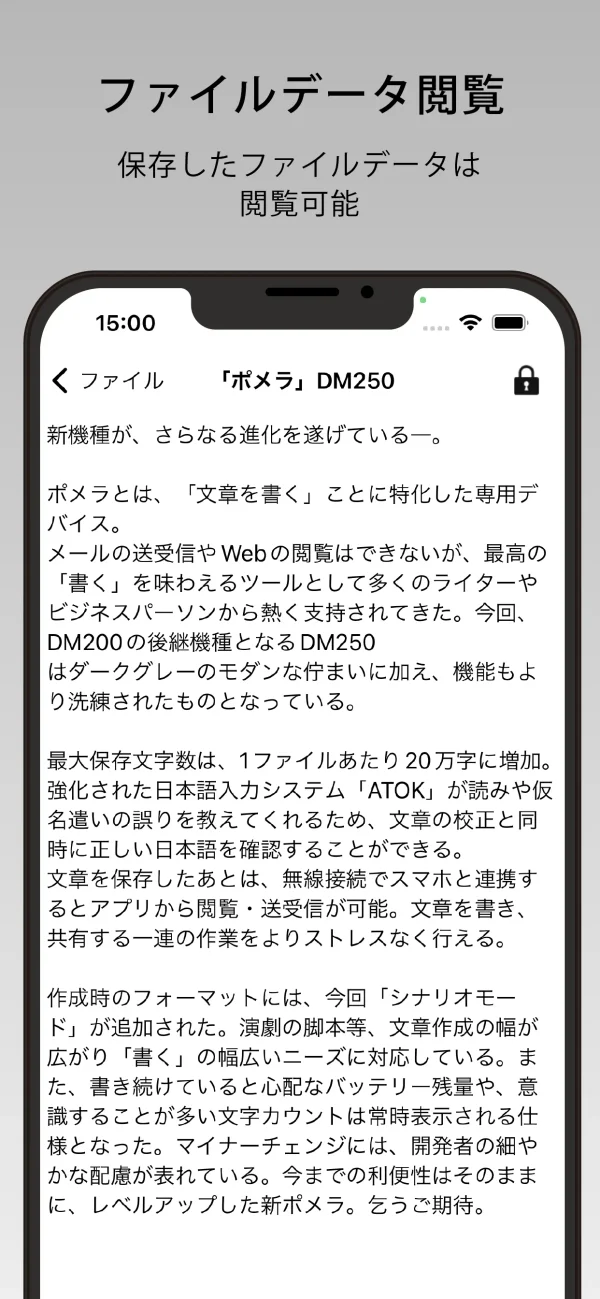
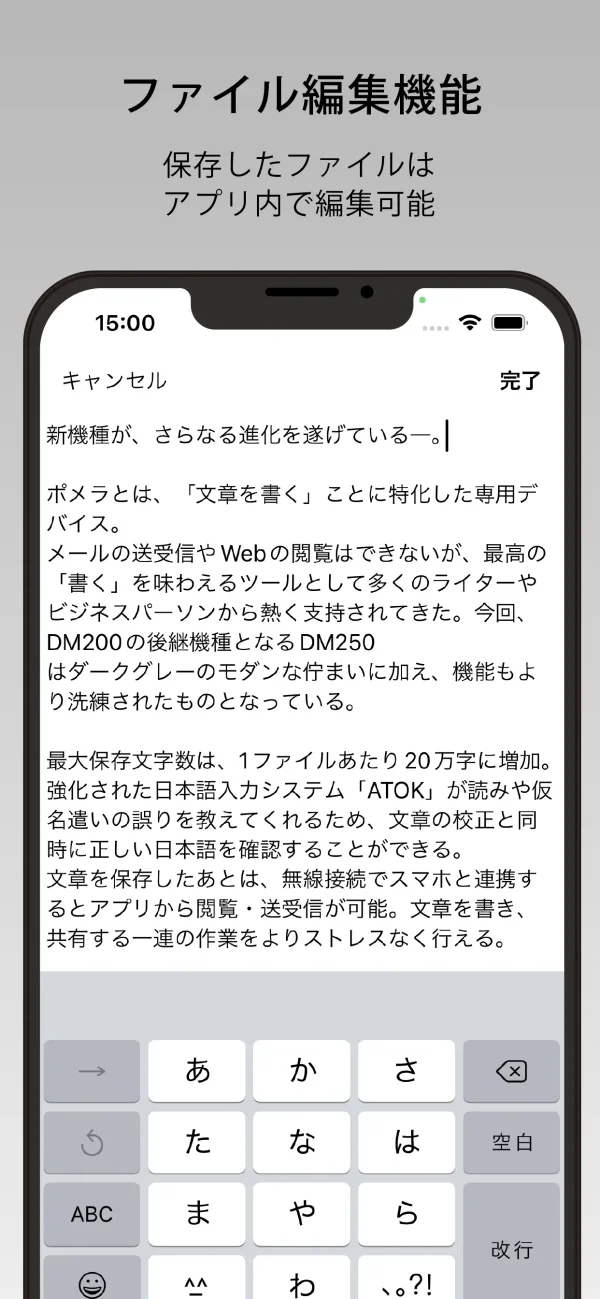
Data saved in "History" can be checked and edited later. In addition, the text can be pasted into the body of an e-mail or notepad, converted to PDF, or read out loud from the text.
The maximum number of items in the history is 200, and when the limit is reached, the oldest unprotected data will be deleted each time new data is added. The protection limit is 100 items.
QR Code is a registered trademark of DENSO WAVE INCORPORATED.
Translated with www.DeepL.com/Translator (free version)
Yang baru
Versi 4.0.3 · 17/2/2025
Small visual tweaks.
Privasi aplikasi
Yang dinyatakan KING JIM CO.,LTD. di App Store tentang cara aplikasi ini menangani data.
-
Data tidak dikumpulkan
Pengembang tidak mengumpulkan data apa pun dari aplikasi ini.
Praktik privasi dapat bervariasi, misalnya berdasarkan fitur yang Anda gunakan atau usia Anda.
Informasi
- Penjual
- KING JIM CO.,LTD.
- Kategori
- Kegunaan
- Versi
- 4.0.3
- Diperbarui
- 17/2/2025
- Dirilis
- 8/6/2010
- Ukuran
- 8,4 MB
- Memerlukan
- iOS 13.0 atau yang lebih baru
- Batasan usia
- 4+
- Bahasa
- Inggris, Jepang
- Hak cipta
- ©2010 KING JIM CO., LTD.