Printer App | Smart Printer •
Print Photos & Documents PDF
Dirancang untuk iPhone, iPad
Gratis · Pembelian dalam aplikasi
- Batasan usia17+
- KategoriBisnis
- PengembangMuhammad Ahtisham Mushtaq
- BahasaInggris+ 46 lainnya
- Ukuran10,5 MB
Tertaut ke halaman resmi App Store
Download.org tidak menyimpan file Printer App | Smart Printer • apa pun. Tombol ini membuka halaman aplikasi di App Store, tempat Muhammad Ahtisham Mushtaq menerbitkannya. Halaman terakhir diperiksa pada 12/11/2026.
Tangkapan layar
Tentang
Pengembang belum menyediakan teks ini dalam bahasa Anda.
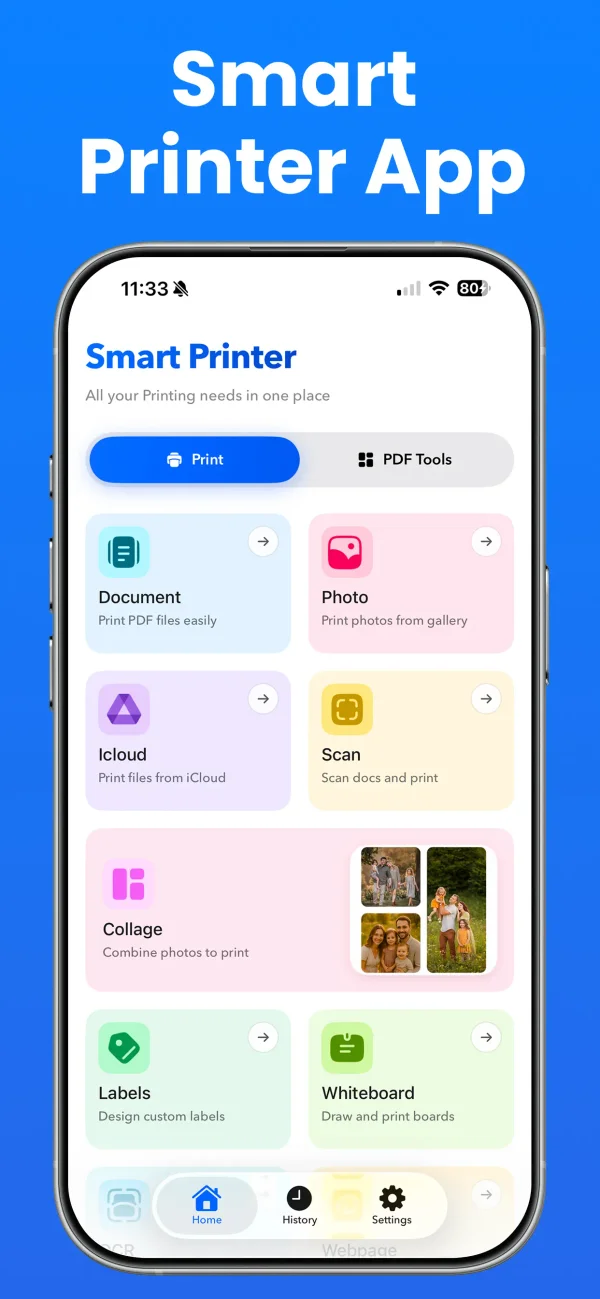
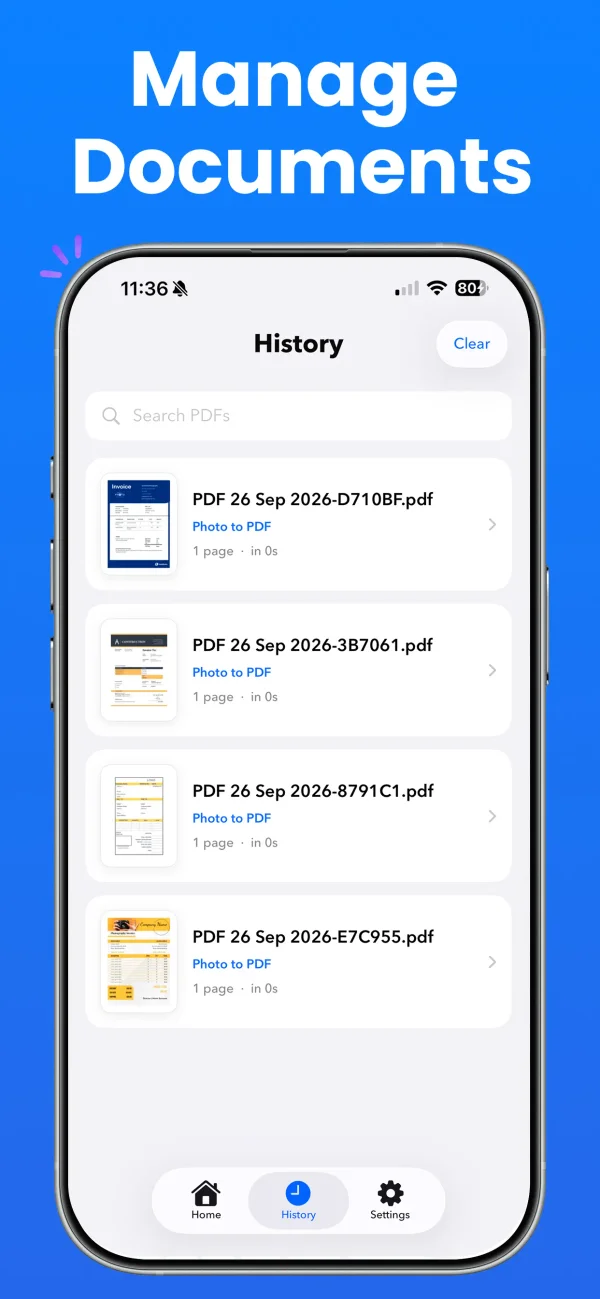
Smart Printer app helps you print from your iPhone or iPad with AirPrint, and manage everyday documents without jumping between apps. Whether you need a quick photo print, a scanned paper copy, or a cleaner PDF before you share it, Smart Printer keeps the flow simple: pick your file, preview, and print.
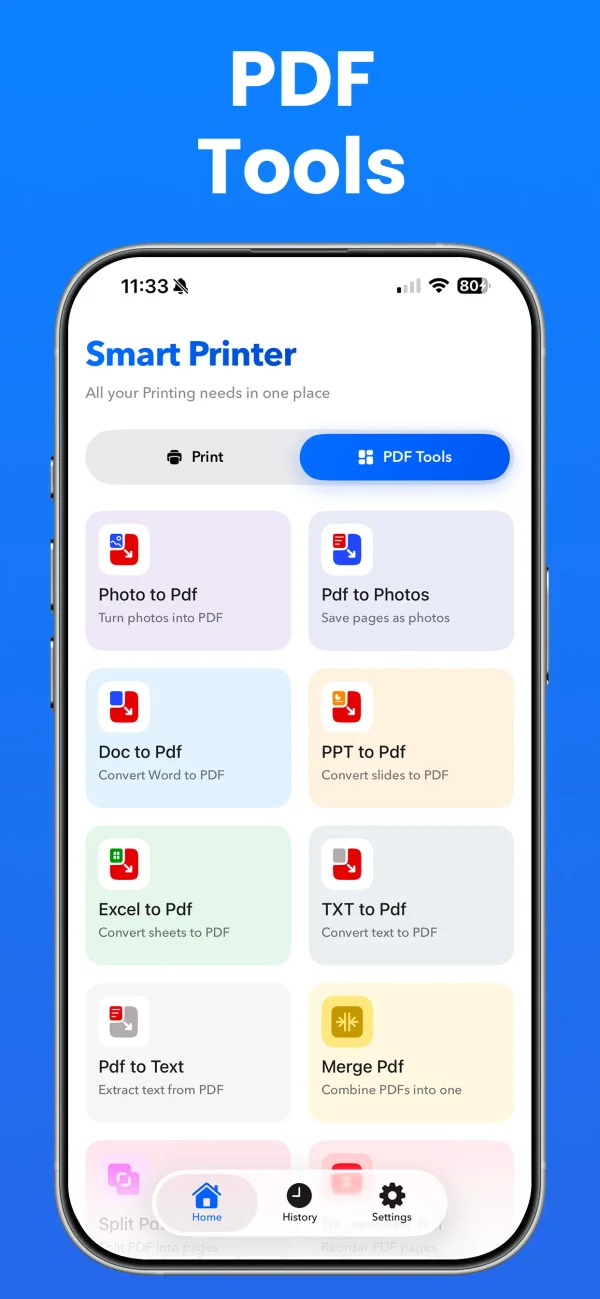
It also includes practical PDF tools and converters for the jobs people do most — merge and split files, reorder or remove pages, compress large PDFs, add a watermark, lock or unlock documents, and turn photos or office files into PDFs. Core print actions are available to try for free; full access to the remaining print features and all PDF tools is available with Pro.
Print
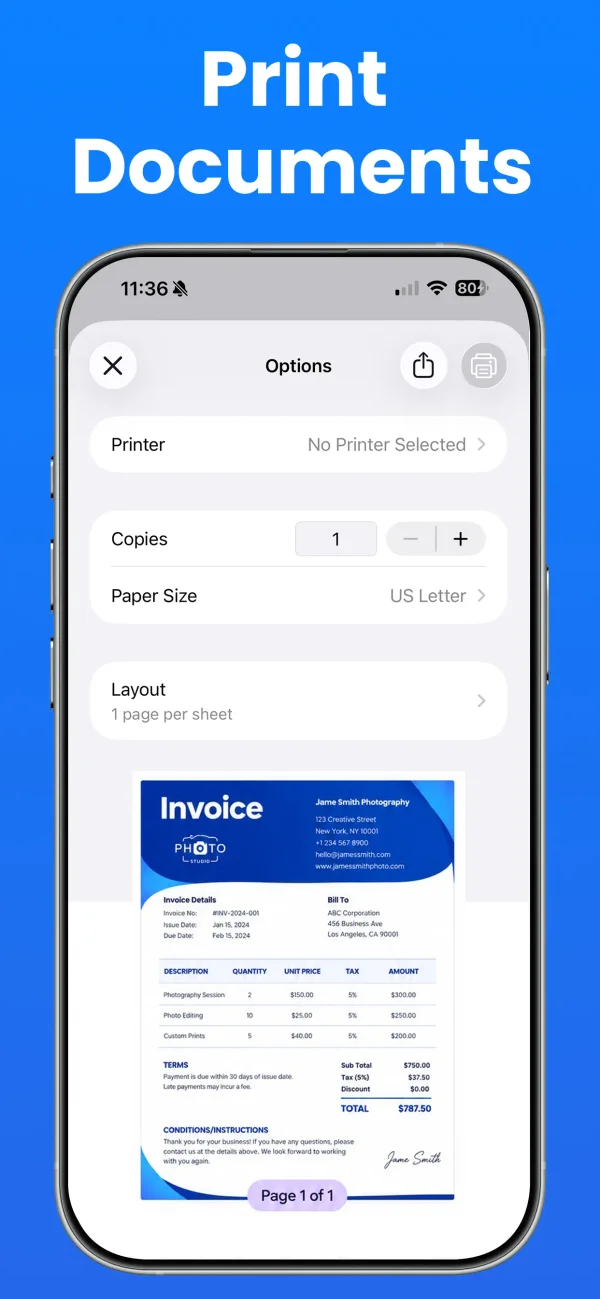
• Print PDF documents from Files and other apps
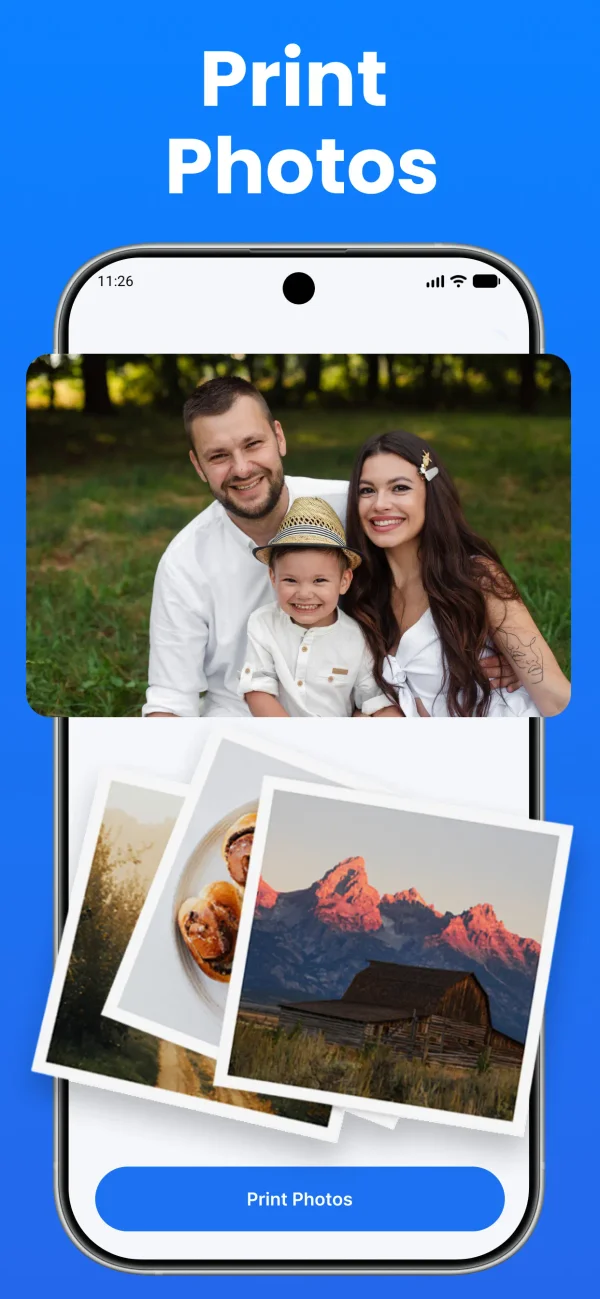
• Print photos from your library
• Open files from iCloud Drive and print
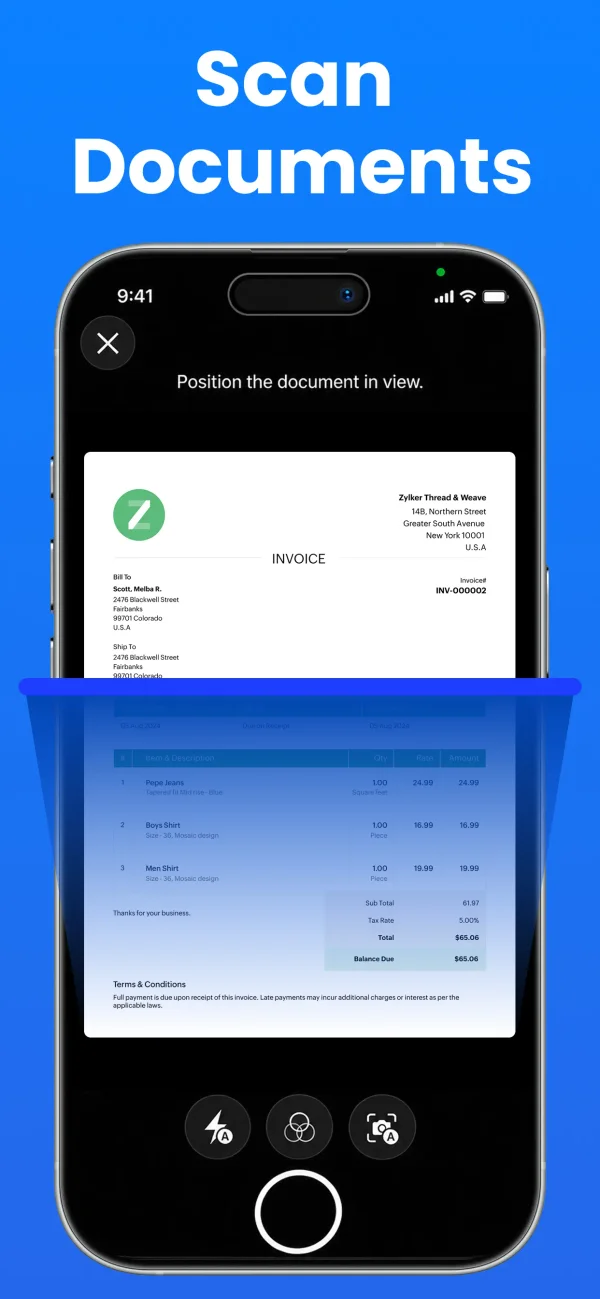
• Scan paper documents with the camera and print
• Build photo collages and print them
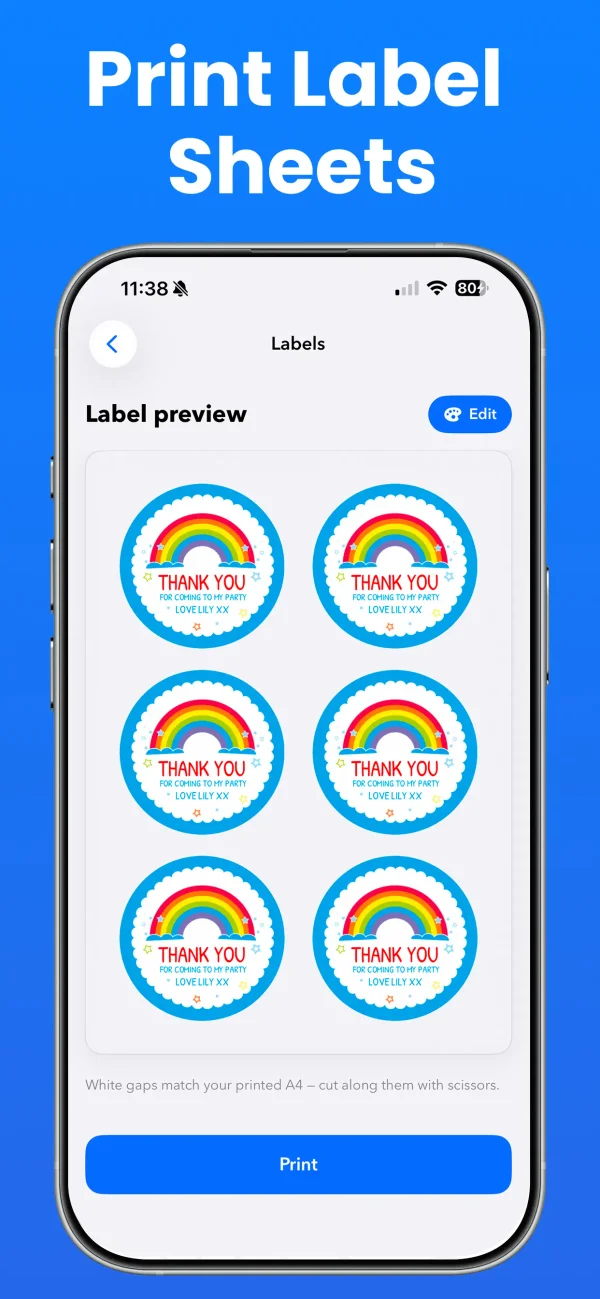
• Design simple labels for sheets
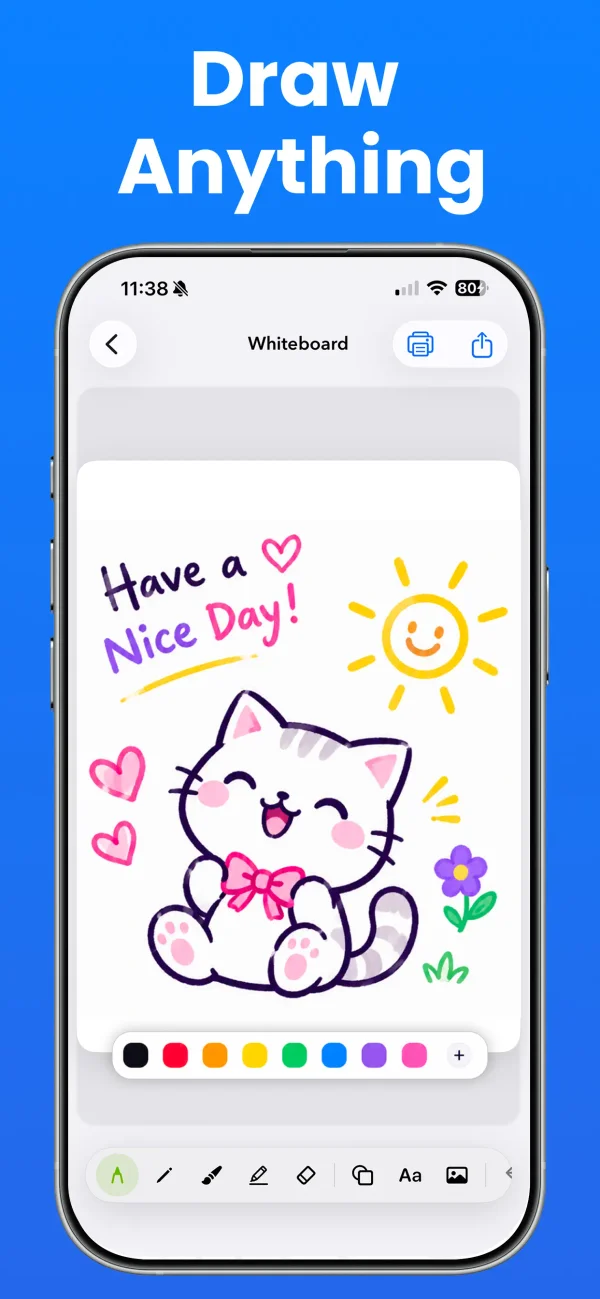
• Draw on a whiteboard canvas and print
• Extract text with OCR
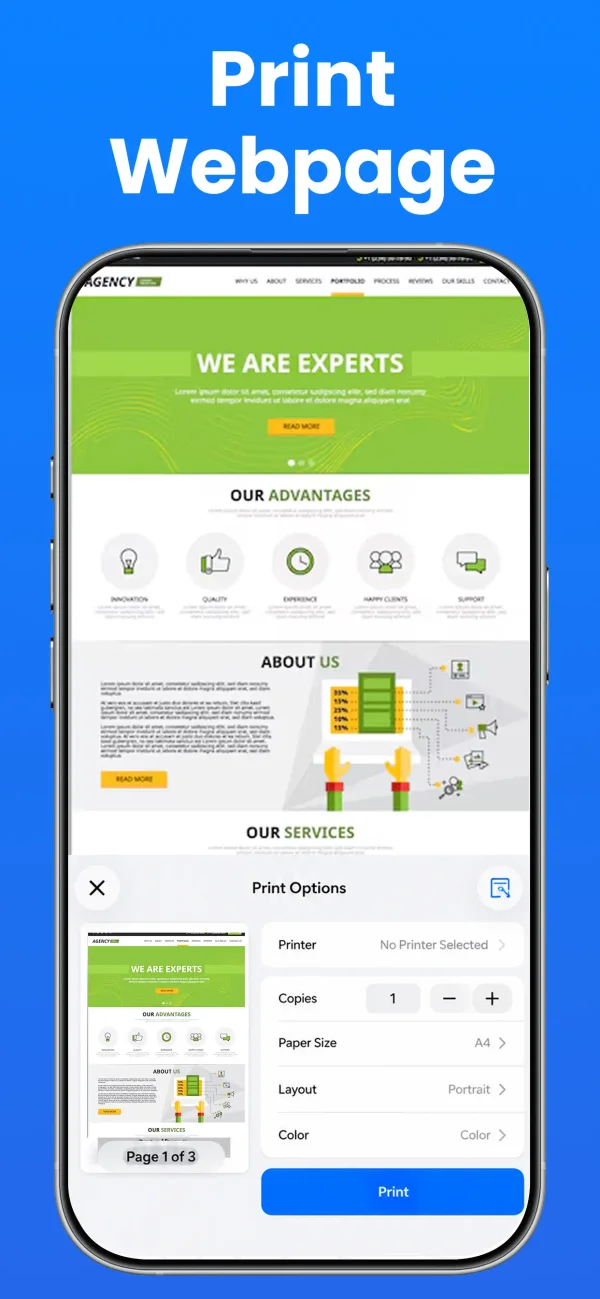
• Open a webpage and print it
• Write notes and print as A4
PDF tools
• Merge multiple PDFs into one
• Split a PDF into separate files
• Reorder, rotate, and rearrange pages
• Delete unwanted pages
• Add a text or image watermark
• Lock a PDF with a password
• Unlock a protected PDF
• Compress a PDF to reduce file size
Convert
• Photos ↔ PDF
• Word, PowerPoint, Excel, and TXT to PDF
• PDF to photos
• PDF to plain text
How printing works
Smart Printer uses Apple AirPrint. Choose a compatible printer on your Wi‑Fi network, preview the job, then print. No extra printer drivers to install inside the app.
Note
You can try core print actions (Document, Photo, iCloud, and Scan) with a limited number of free uses. Full access to the remaining print features and all PDF tools requires a Pro subscription or lifetime purchase. Subscriptions renew automatically unless cancelled at least 24 hours before the end of the current period in your Apple ID settings. Manage or cancel anytime in Settings → Apple ID → Subscriptions.
Privacy Policy & Terms of Use
https://sites.google.com/view/my-apps-term-of-use
https://sites.google.com/view/privacy-policy-my-applink
Yang baru
Versi 1.3 · 2/11/2026
- Localized the app into 40+ languages for a better global experience.
- Fixed bugs and improved overall app stability.
- Improved performance for a smoother printing experience.
Privasi aplikasi
Yang dinyatakan Muhammad Ahtisham Mushtaq di App Store tentang cara aplikasi ini menangani data.
-
Data tidak dikumpulkan
Pengembang tidak mengumpulkan data apa pun dari aplikasi ini.
Praktik privasi dapat bervariasi, misalnya berdasarkan fitur yang Anda gunakan atau usia Anda.
Informasi
- Penjual
- Muhammad Ahtisham Mushtaq
- Kategori
- Bisnis
- Versi
- 1.3
- Diperbarui
- 2/11/2026
- Dirilis
- 8/10/2026
- Ukuran
- 10,5 MB
- Memerlukan
- iOS 17.6 atau yang lebih baru
- Batasan usia
- 17+
- Harga
- Gratis
- Pembelian dalam aplikasi
- Ya
- Bahasa
- Inggris, Arab, Bengali, Bulgarian, Katalan, Kroat (Kroasia), Cheska (Republik Cheska), Dansk (Denmark), Belanda, Suomi (Finlandia), Prancis, Jerman + 35 lainnya
- Hak cipta
- © MAM Apps 2026. All Rights Reserved