PrintHub: Printer & Scanner
Print PDF, Photos & Posters
Dirancang untuk iPhone, iPad
Gratis · Pembelian dalam aplikasi
- Batasan usia4+
- KategoriKegunaan
- PengembangAleksandr Chanchikov
- BahasaJerman+ 8 lainnya
- Ukuran73,5 MB
Tertaut ke halaman resmi App Store
Download.org tidak menyimpan file PrintHub: Printer & Scanner apa pun. Tombol ini membuka halaman aplikasi di App Store, tempat Aleksandr Chanchikov menerbitkannya. Halaman terakhir diperiksa pada 24/11/2026.
Tangkapan layar
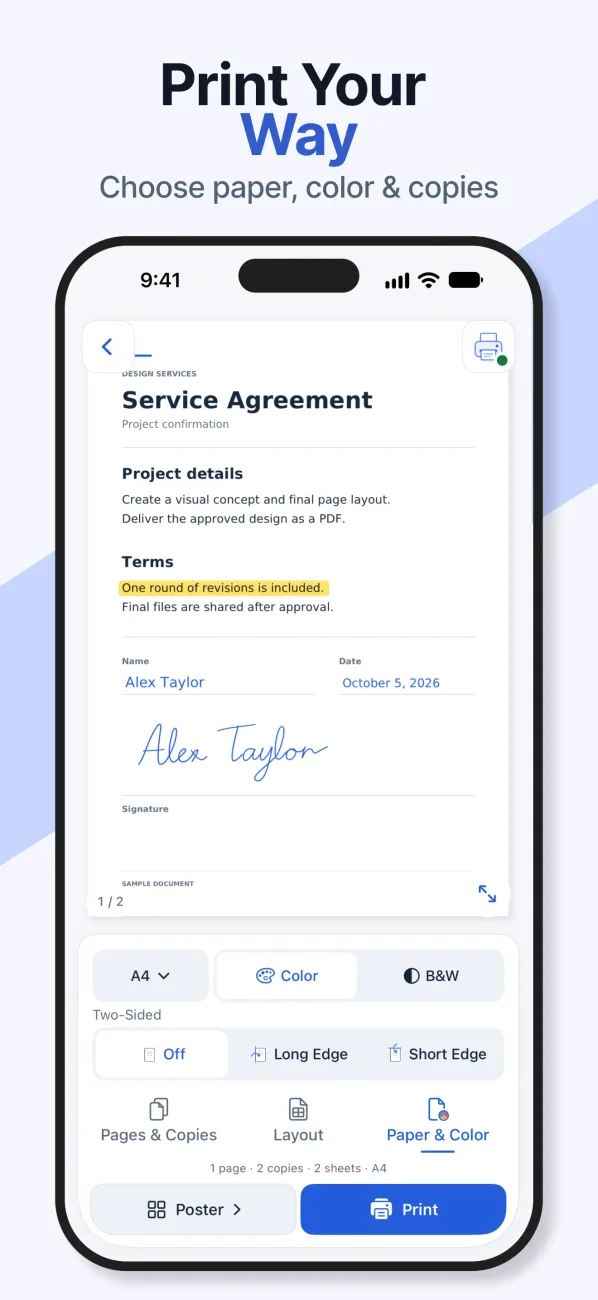
Tentang
Pengembang belum menyediakan teks ini dalam bahasa Anda.
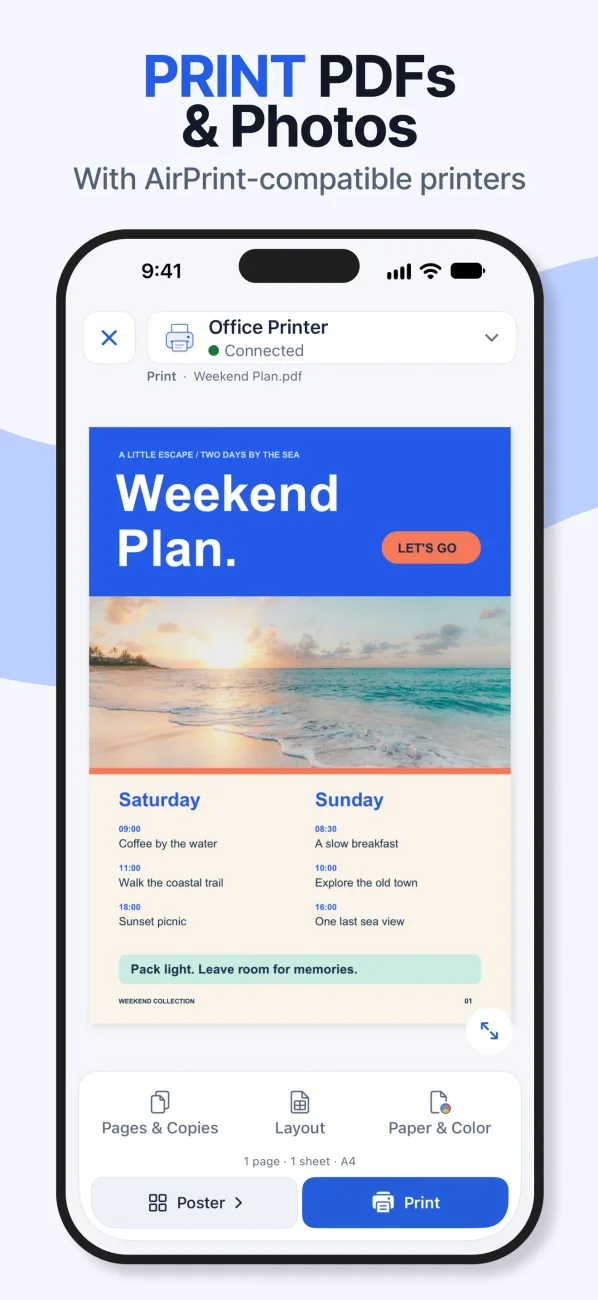
Print PDFs, photos and scanned documents from your iPhone or iPad without a computer. Use an AirPrint-compatible printer, preview each page and add a signature before printing.
PRINT THE WAY YOU NEED
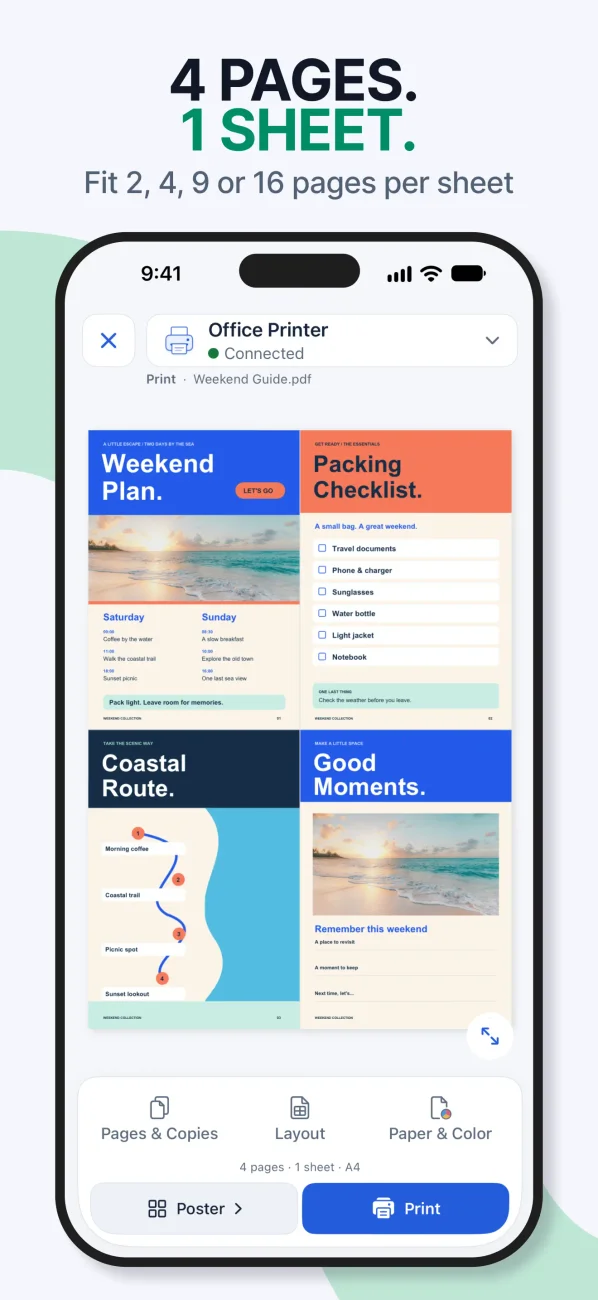
• Choose the paper size, orientation, page range and number of copies.
• Select color or black-and-white output.
• Place multiple pages on one sheet.
• Print on both sides when supported by your printer.
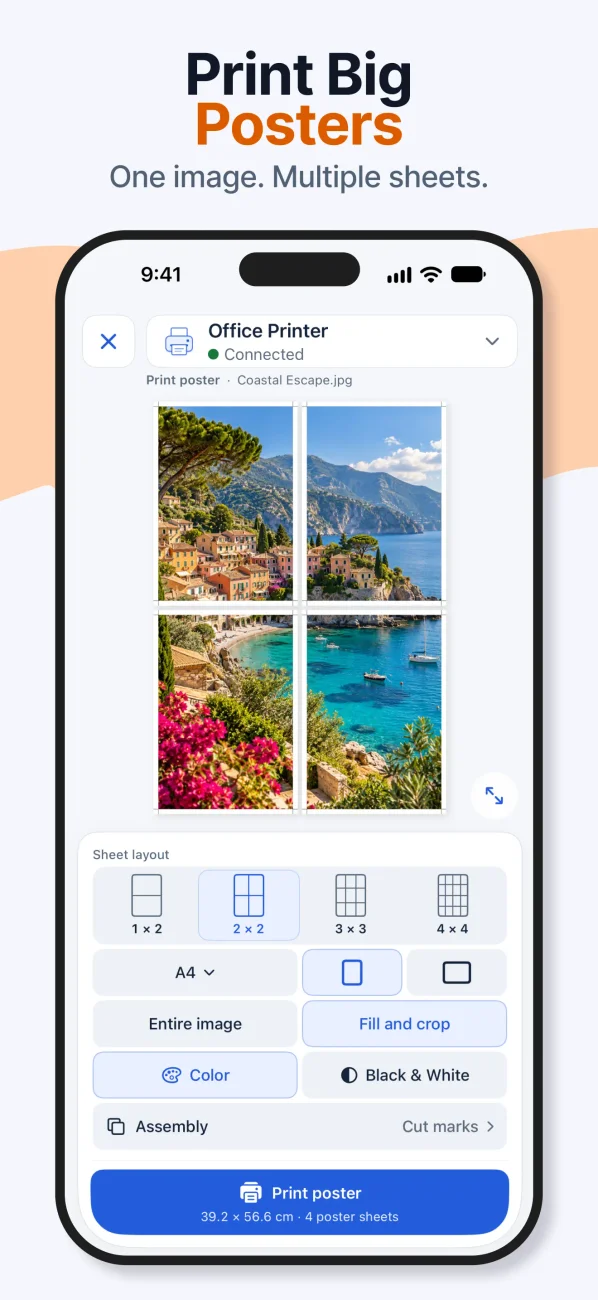
TURN AN IMAGE INTO A POSTER
Split a photo or image across multiple sheets to create a larger poster. Preview the layout before printing.
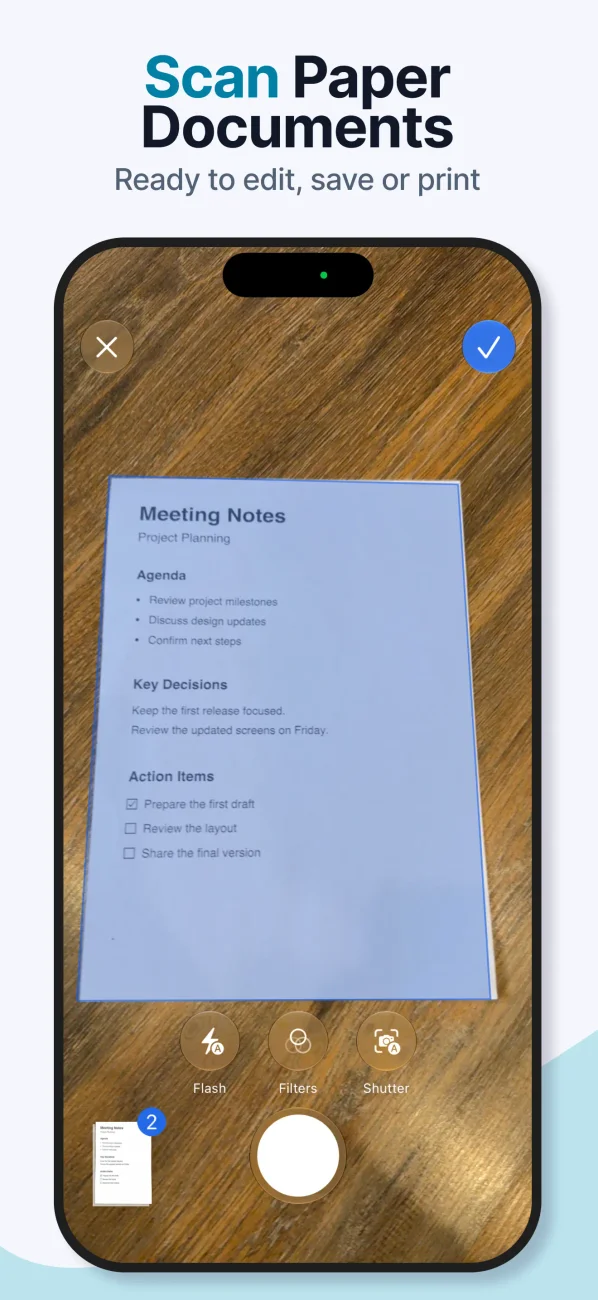
SCAN AND IMPORT
• Scan multi-page paper documents with the camera.
• Import photos, PDF, Word, Excel, PowerPoint, Keynote, Numbers, RTF and plain-text files.
• Send PDFs from Files and images from Photos to PrintHub using the Share menu.
• Create documents from supported clipboard content and web links.
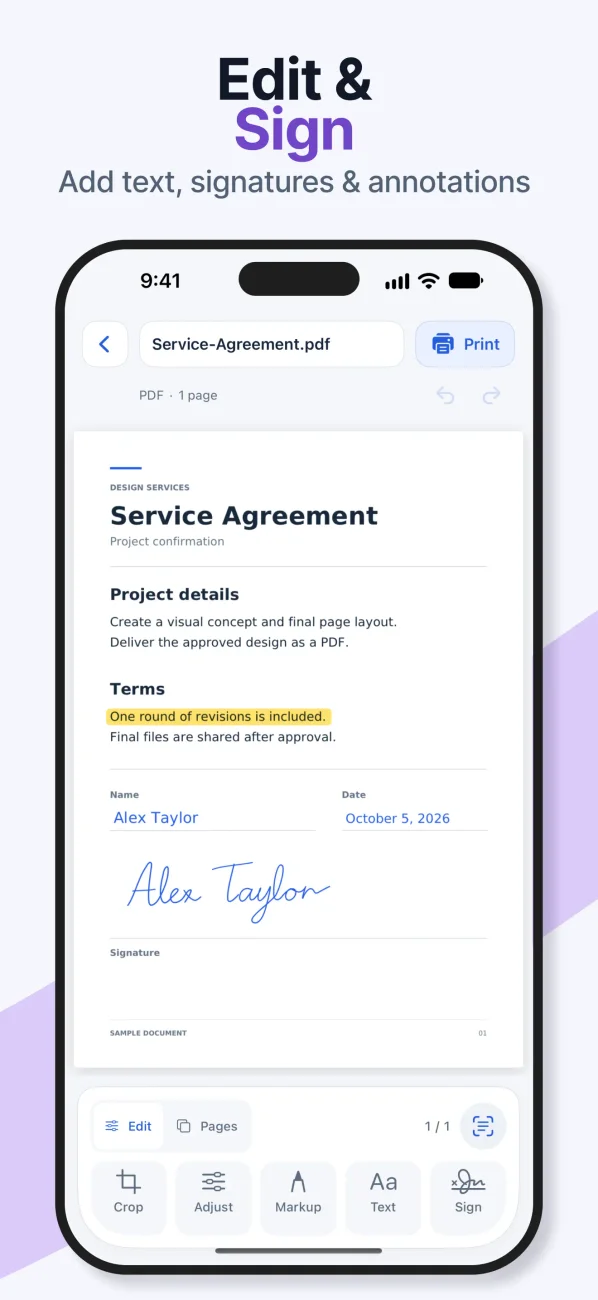
EDIT, SIGN AND ORGANIZE
• Crop, rotate, adjust brightness and contrast, or use Auto Enhance.
• Add text, hand-drawn signatures, shapes, drawings and blur annotations.
• Reorder pages and keep prepared documents in your local library.
• Reopen, rename or delete saved documents.
SAVE AS PDF
Export a multi-page document as a PDF to save or share a digital copy.
PRINTER COMPATIBILITY
Printing requires an AirPrint-compatible printer accessible on the same local network as your iPhone or iPad. Available paper sizes and print options depend on the printer.
PrintHub Pro unlocks unlimited printing and PDF export. Subscription access lasts while the subscription is active, and subscriptions renew automatically. Available purchase options, prices and any eligible trial are shown before purchase. Manage or cancel subscriptions through your Apple Account and restore purchases in PrintHub.
Terms of Use:
https://chematiks.github.io/printhub-legal/terms.html
Privacy Policy:
https://chematiks.github.io/printhub-legal/privacy.html
Yang baru
Versi 3.2 · 23/11/2026
Bring a personal touch to your Thanksgiving table. Print place cards for your guests and leave a handwritten note of thanks at each seat.
Need help connecting your printer? Close the printer picker without selecting a printer to open AirPrint connection help right from your document.
Privasi aplikasi
Yang dinyatakan Aleksandr Chanchikov di App Store tentang cara aplikasi ini menangani data.
-
Data yang ditautkan dengan Anda
Dapat dikumpulkan dan ditautkan dengan identitas Anda.
- Pembelian
- Lokasi
- Pengenal
- Data penggunaan
-
Data yang tidak ditautkan dengan Anda
Dapat dikumpulkan, tetapi tidak ditautkan dengan identitas Anda.
- Diagnostik
Praktik privasi dapat bervariasi, misalnya berdasarkan fitur yang Anda gunakan atau usia Anda.
Informasi
- Penjual
- Aleksandr Chanchikov
- Kategori
- Kegunaan
- Versi
- 3.2
- Diperbarui
- 23/11/2026
- Dirilis
- 12/8/2026
- Ukuran
- 73,5 MB
- Memerlukan
- iOS 17.6 atau yang lebih baru
- Batasan usia
- 4+
- Harga
- Gratis
- Pembelian dalam aplikasi
- Ya
- Bahasa
- Jerman, Inggris, Prancis, Italia, Jepang, Rusia, Spanyol, Tionghoa Tradisional, Tionghoa Sederhana
- Hak cipta
- © 2026 Aleksandr Chanchikov