PureView: Video
Curated channels, parent PIN
Dirancang untuk iPhone, iPad, iPod touch
Pembelian dalam aplikasi
- Batasan usia4+
- KategoriHiburan
- PengembangAkiva Ackerman
- BahasaInggris
- Ukuran11,5 MB
PureView: Video mungkin sedang tidak tersedia di App Store
Halaman di toko tidak dapat dijangkau saat terakhir kami periksa. Tautan tetap mengarah ke halaman resmi App Store.
Tangkapan layar

Tentang
Pengembang belum menyediakan teks ini dalam bahasa Anda.
PureView plays YouTube videos from one list of approved channels, and nothing else. A small team of curators picks whole channels. New uploads from those channels show up on their own.
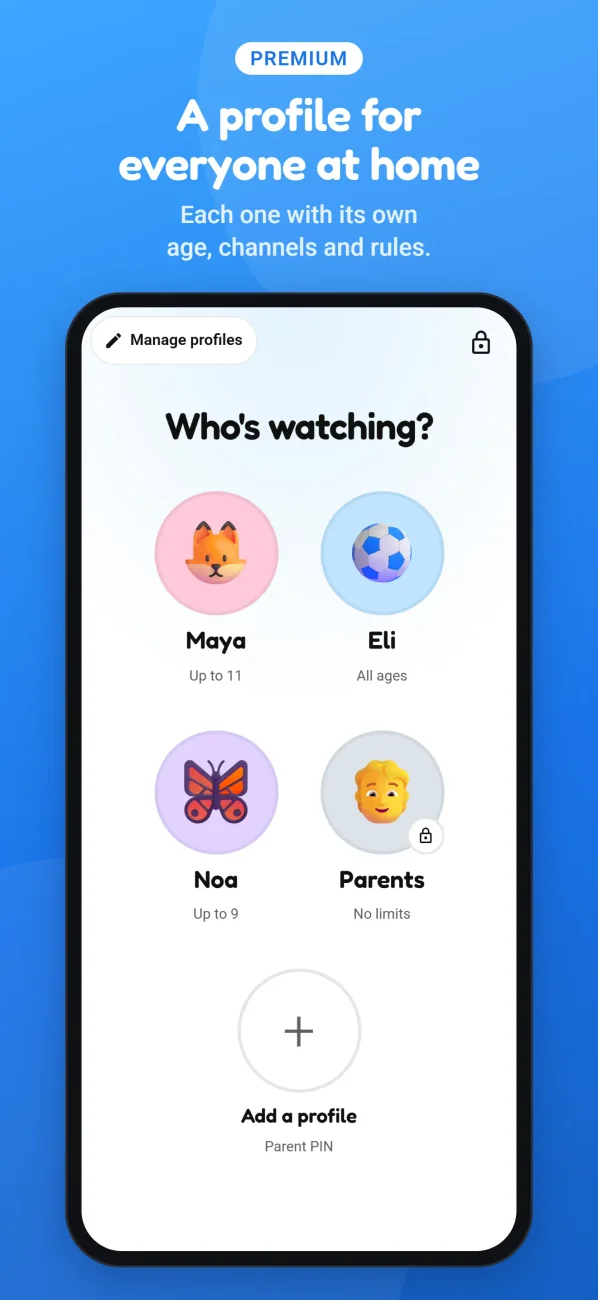
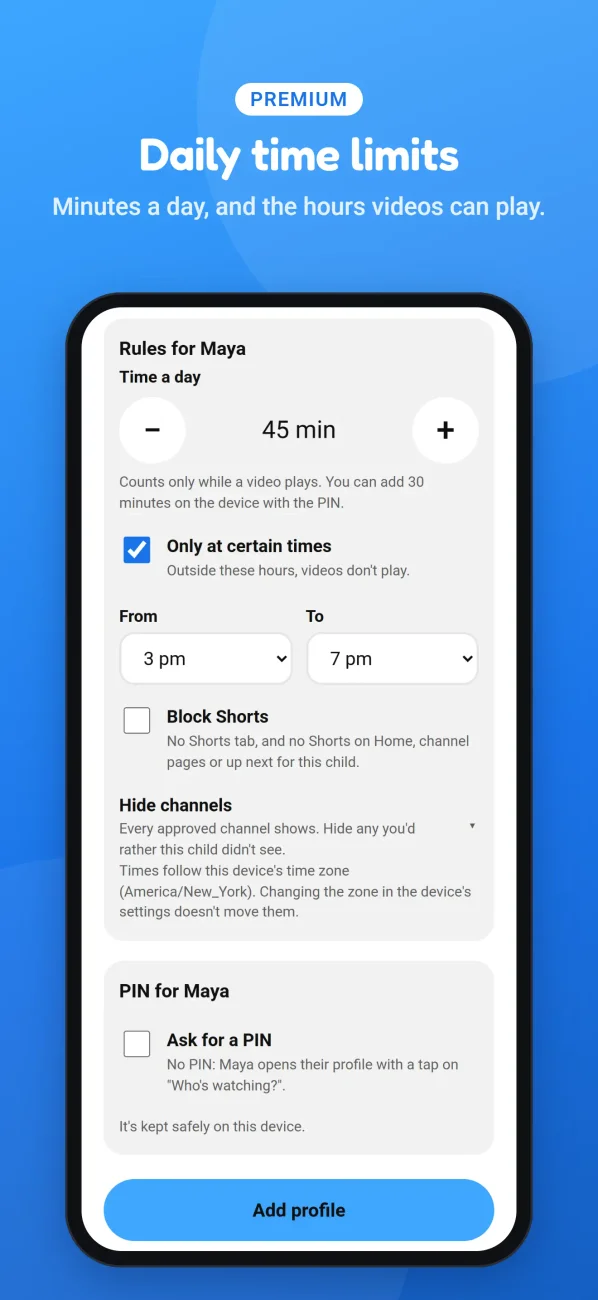
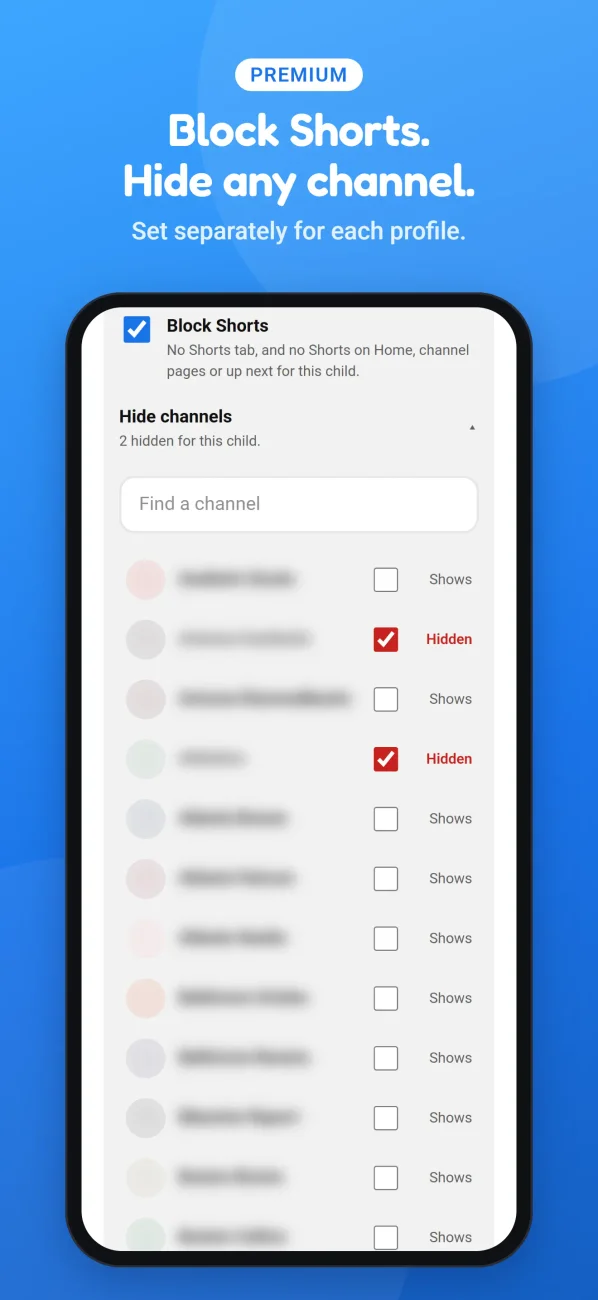
You decide what shows on each device.
What a parent controls
- A 4-digit PIN that guards every setting.
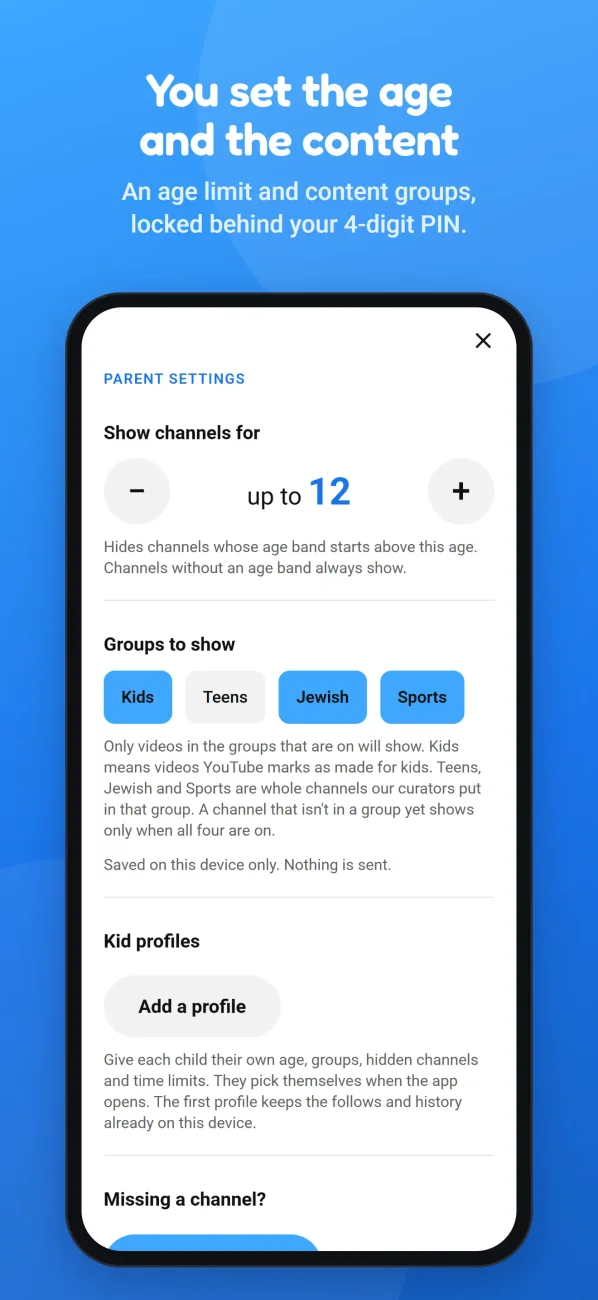
- An age setting: show channels up to the age you pick.
- Content groups: choose which kinds of channels show, like Sports or Jewish.
- Request a channel you want added.
- Send us feedback from inside the app.
Watching is free, with a free parent login. You make it in the app with your email and a password, then choose your PIN. The PIN and the filters stay on the device. Our servers keep your email, your sign-in records, the days you used the app and which videos played.
What's in the app
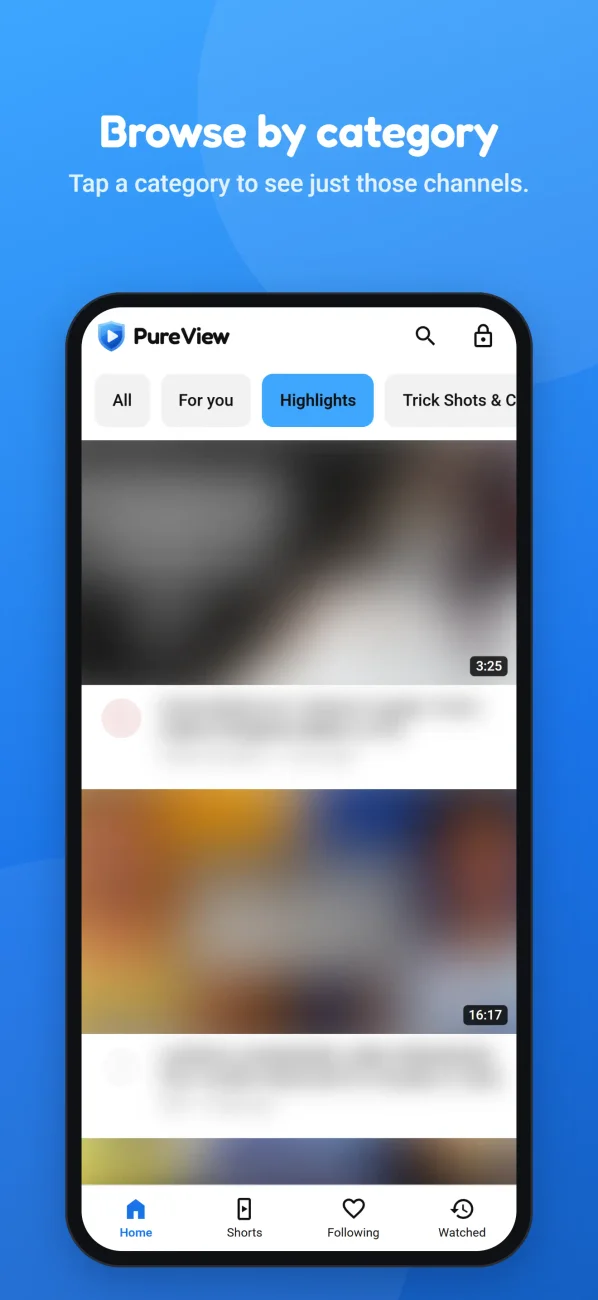
- Browse by category and follow channels.
- Shorts play upright in their own tab.
- Search covers the approved list only, never all of YouTube.
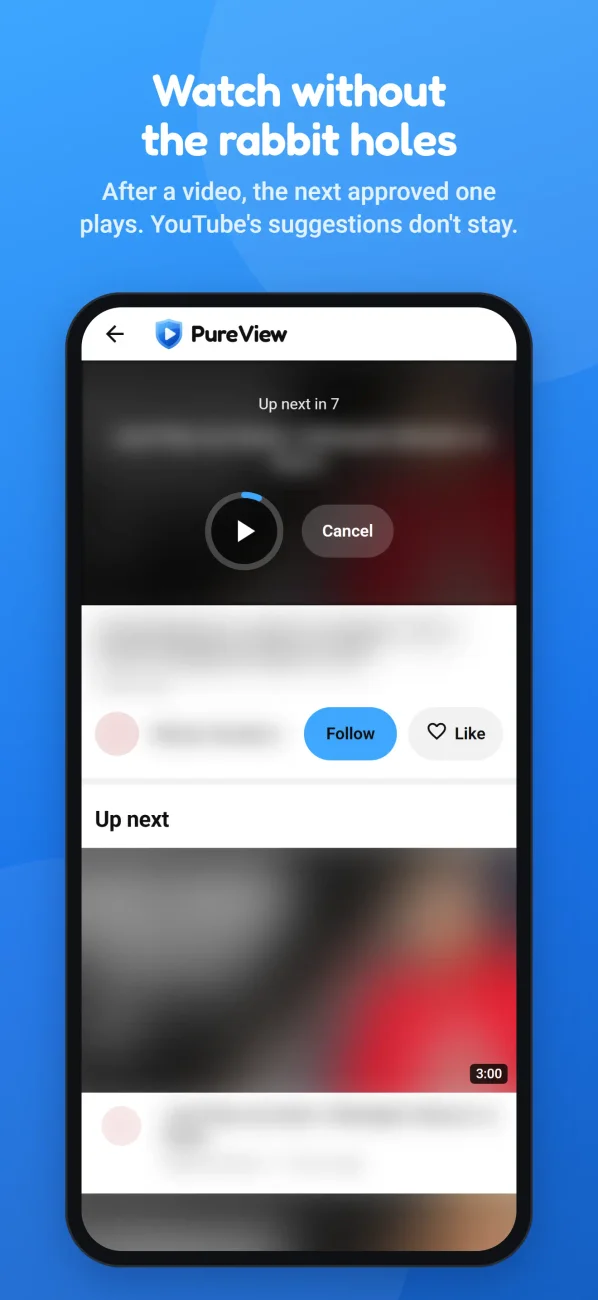
- When a video ends, YouTube's suggestions don't stay on screen. PureView plays the next approved video.
- No comments, no YouTube sign-in, nothing to post.
Good to know
Curators pick channels with care, but nobody watches every video. Stay involved. YouTube may show its own ads inside its player. We can't remove them, and PureView places none of its own. A tap on YouTube's own links inside the player, like the title or "Watch on YouTube", does nothing; the video keeps playing.
Tip: turn on Screen Time so the app can't be deleted without you. Deleting it clears the filters.
PureView is not made or endorsed by YouTube or Google. By using it you agree to the YouTube Terms of Service.
Privacy: https://pureviewapp.com/privacy
Terms of use: https://pureviewapp.com/terms
Support: https://pureviewapp.com/support
Yang baru
Versi 0.8.2 · 8/11/2026
Taps on YouTube's links in the player (the title, the logo, "Watch on YouTube") now do nothing. Links only leave the app from Parent settings, behind your PIN.
No more grown-up math question. Privacy, Terms and Support open inside the app.
Videos play in YouTube's privacy-enhanced mode, so they work even when Screen Time blocks youtube.com.
Shorts pick up where you left off, and a fresh install opens on the newest version.
Privasi aplikasi
Yang dinyatakan Akiva Ackerman di App Store tentang cara aplikasi ini menangani data.
-
Data yang ditautkan dengan Anda
Dapat dikumpulkan dan ditautkan dengan identitas Anda.
- Pembelian
- Info kontak
- Konten pengguna
- Pengenal
- Data penggunaan
- Data lainnya
-
Data yang tidak ditautkan dengan Anda
Dapat dikumpulkan, tetapi tidak ditautkan dengan identitas Anda.
- Riwayat pencarian
- Pengenal
- Diagnostik
Praktik privasi dapat bervariasi, misalnya berdasarkan fitur yang Anda gunakan atau usia Anda.
Informasi
- Penjual
- Akiva Ackerman
- Kategori
- Hiburan
- Versi
- 0.8.2
- Diperbarui
- 8/11/2026
- Dirilis
- 6/11/2026
- Ukuran
- 11,5 MB
- Memerlukan
- iOS 15.0 atau yang lebih baru
- Batasan usia
- 4+
- Pembelian dalam aplikasi
- Ya
- Bahasa
- Inggris
- Hak cipta
- © 2026 ASH-ai