- Batasan usia4+
- KategoriGrafik & Desain
- PengembangBad Assassin Games
- BahasaInggris
- Ukuran177,3 MB
Tertaut ke halaman resmi App Store
Download.org tidak menyimpan file Putty Buddy apa pun. Tombol ini membuka halaman aplikasi di App Store, tempat Bad Assassin Games menerbitkannya. Halaman terakhir diperiksa pada 23/11/2026.
Tangkapan layar
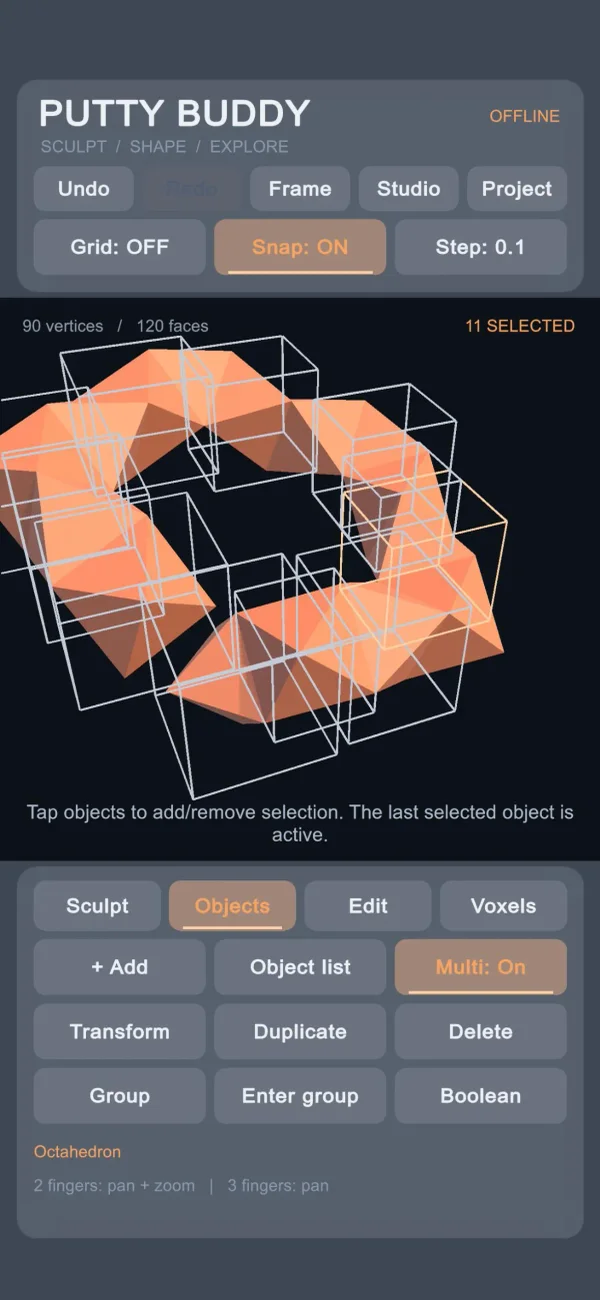
Tentang
Pengembang belum menyediakan teks ini dalam bahasa Anda.
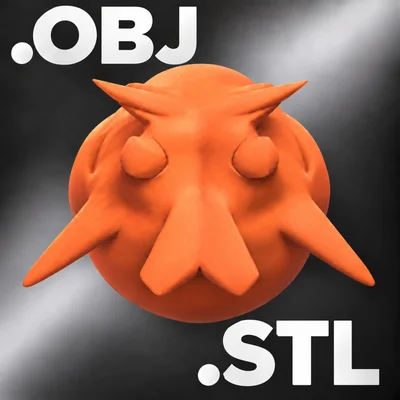
Create 3D models with your fingertips. Sculpt digital clay, build with multiple shapes, and export STL and OBJ files through the Files app.
Shape a character, carve a custom form, or build a branching structure one face at a time. Putty Buddy brings sculpting, geometric modeling, and voxel tools together in a touch-friendly workspace.
One purchase includes every sculpting tool, modeling feature, material option, saving feature, and export format. No subscriptions, ads, or account required. Work offline.
• Build with multiple objects
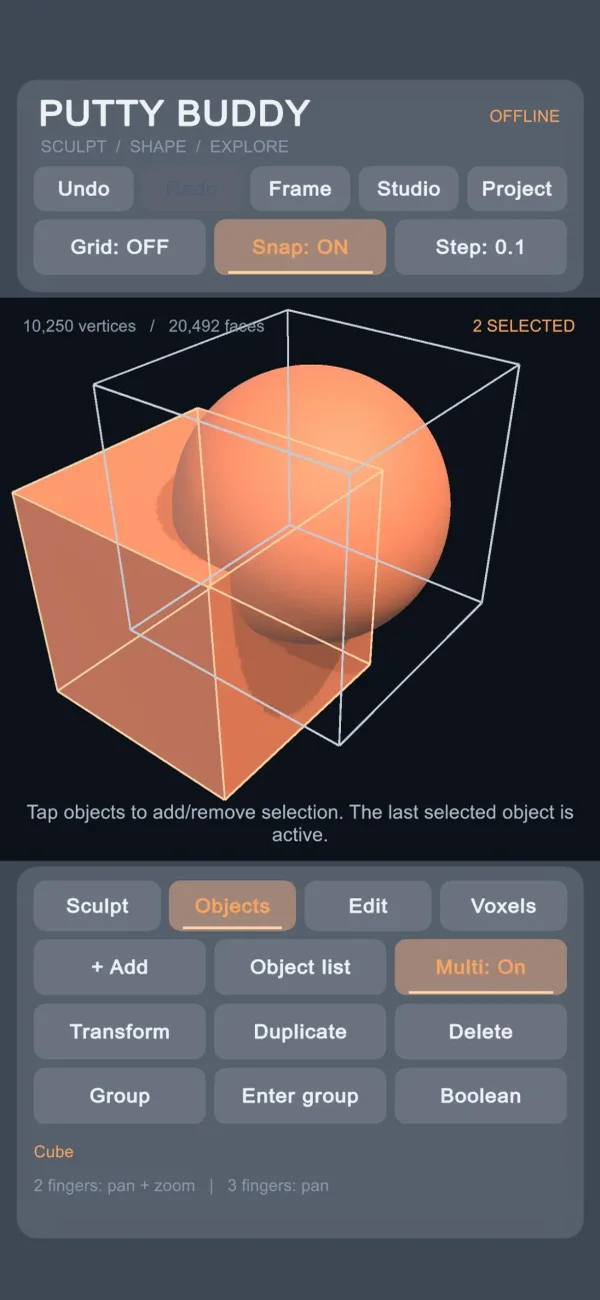
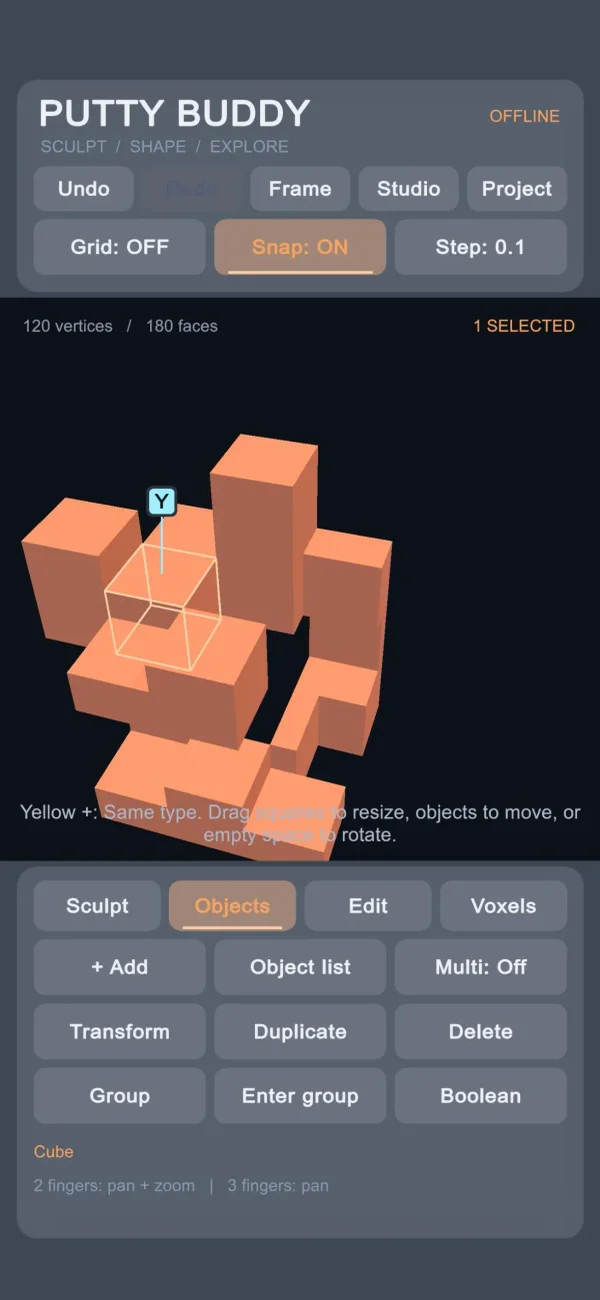
Start with an empty scene or add spheres, eggs, rounded blocks, cubes, cylinders, cones, planes, and toruses. Move, rotate, resize, color, duplicate, and arrange up to 32 objects in a scene.
• All five Platonic solids
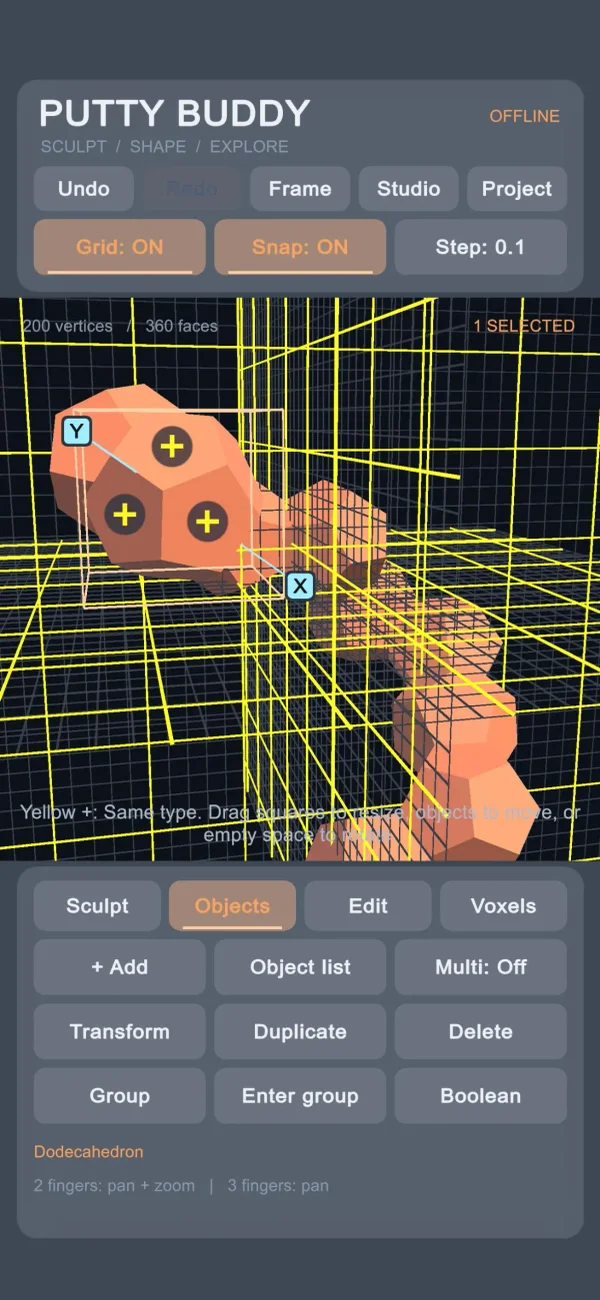
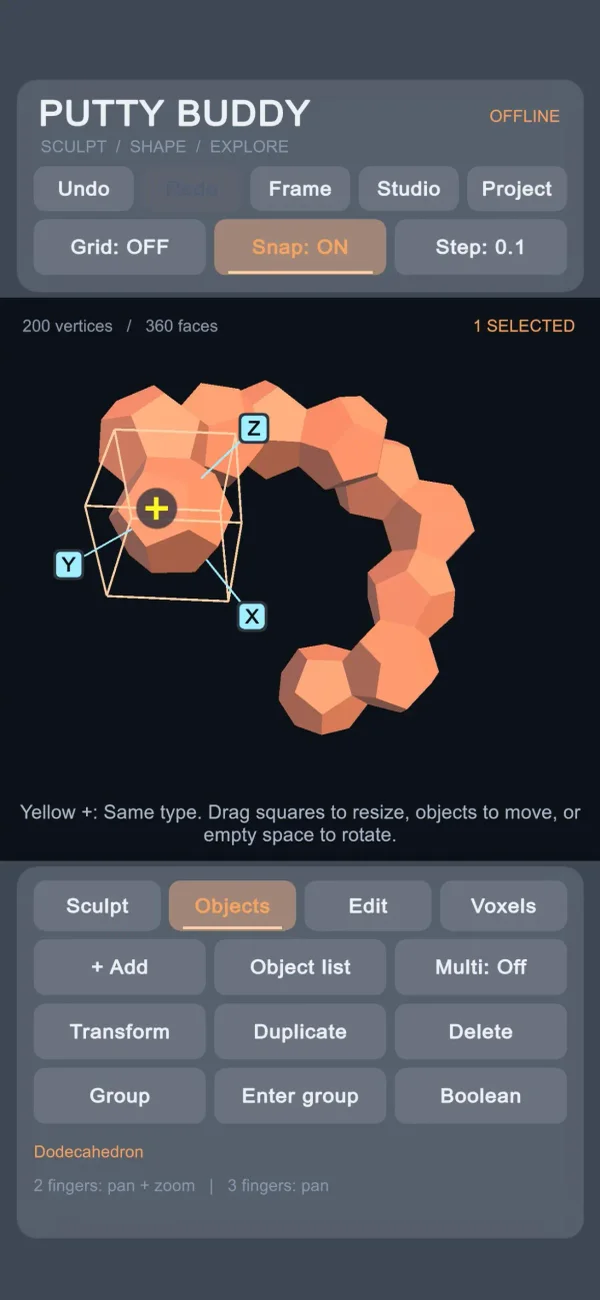
Create regular tetrahedrons, cubes, octahedrons, dodecahedrons, and icosahedrons. Explore geometric designs, repeating forms, chains, and branching structures.
• Attach shapes with a tap
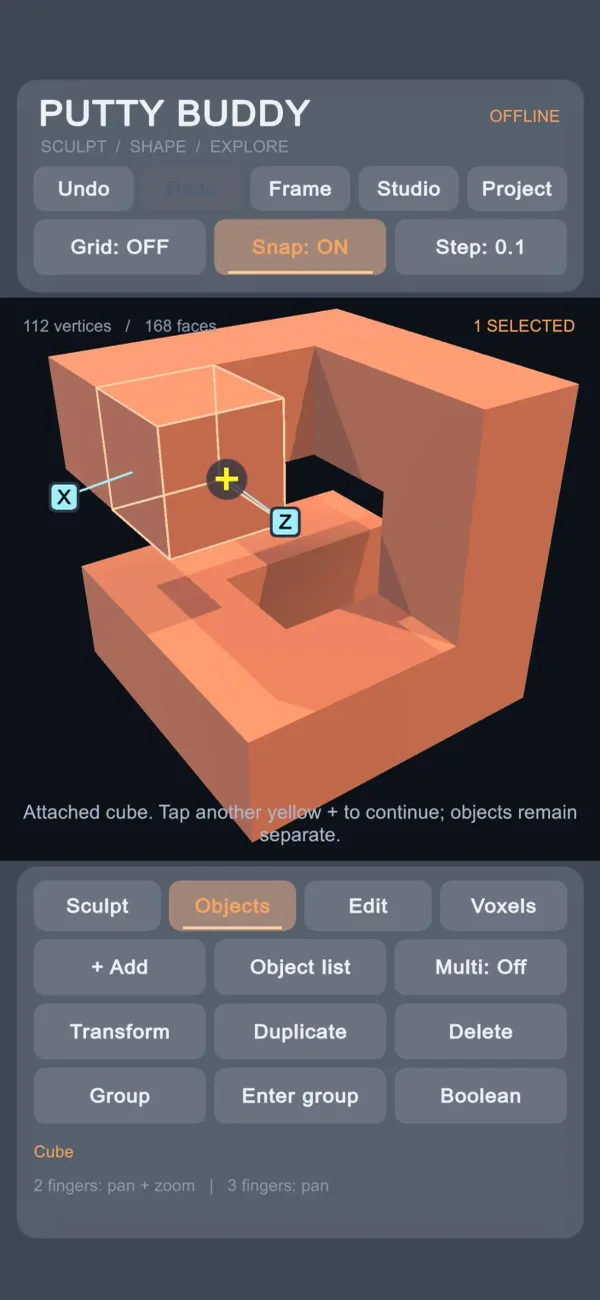
Tap a yellow + on a flat face to attach a compatible solid or add a cuboid. Matching solids align face to face, making it easy to build outward from a dodecahedron. Attached pieces remain separate objects you can select and move independently.
• Sculpt connected pieces together
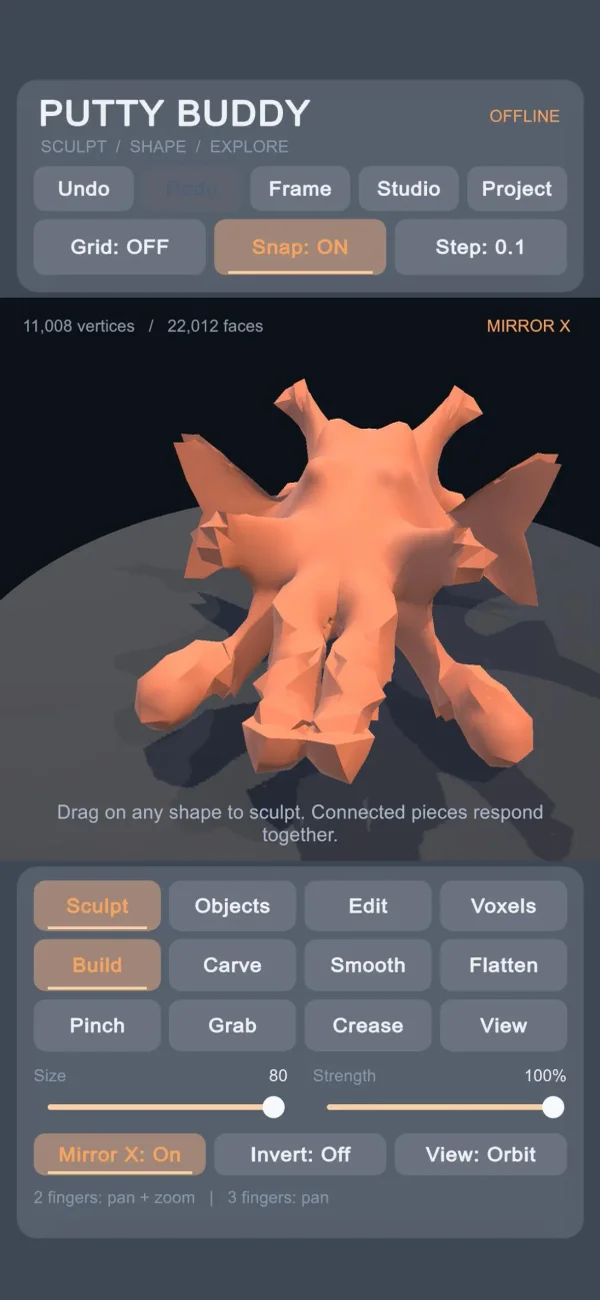
Brush across face-connected shapes as a continuous sculpting surface while keeping each piece independently editable. Mesh detail is added automatically where you sculpt, so you can start shaping without manually subdividing first.
• Seven sculpting brushes
Build adds volume. Carve removes it. Smooth softens bumps, Flatten levels surfaces, Pinch sharpens ridges, Grab pulls shapes outward, and Crease creates grooves. Adjust size, strength, and soft, firm, or sharp falloff. Reverse supported brushes with Invert, and mirror strokes across X, Y, or Z.
• Resize and position with control
Drag scaling handles directly on placed objects. Extend an attached cuboid while keeping its contact face in place. Use the toggleable 3D grid, snapping, numeric move/rotate/scale controls, center alignment, and floor placement to arrange your work.
• Group without merging
Move grouped objects together, enter a group to edit individual pieces, or ungroup them later. Grouping keeps each object's geometry separate.
• Cut, combine, and edit meshes
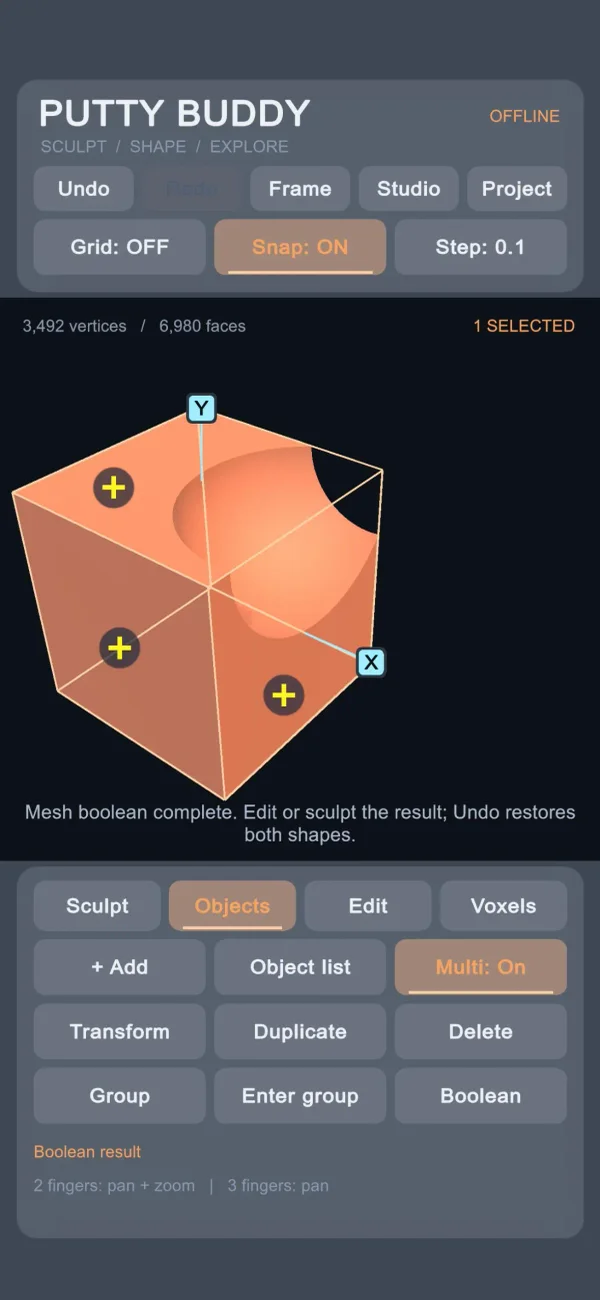
Use Union, Subtract, and Intersect on closed mesh shapes to combine forms, carve cutouts, or keep their overlap. Edit vertices, edges, and faces, and extrude individual faces to extend a model.
• Build with voxels
Add and erase voxel blocks, convert closed meshes into voxels, or turn voxel models into meshes for further shaping.
• Colors, finishes, and touch navigation
Choose from eight colors and clay, porcelain, or metallic appearances, with gloss and metallic controls. Rotate the view, pan with two fingers, and pinch to zoom. Jump to front, side, or top views, or frame your scene with a tap.
• Save and keep experimenting
Undo and redo edits as you work. Save and reopen three local projects, with autosave and backup recovery. Projects stay on your device.
• OBJ + MTL export
Export scene geometry, surface normals, and separate object records for compatible 3D software. The accompanying MTL file stores each object's base color and basic material settings. Keep the OBJ and MTL files together when transferring them.
• STL export for 3D printing workflows
Export binary STL with adjustable scale in millimeters. STL contains geometry only, without colors or materials. Separate or overlapping objects are not automatically fused for printing; check wall thickness and intersections in your preferred preparation or slicing software.
Access exported files through the Files app to copy, share, or transfer them.
Yang baru
Versi 1.1 · 18/11/2026
New features:
- Boolean operations
- grid snapping
- new primitive starting shapes
- yellow plus to add duplicate primitive to adjacent face
- extrusion tool
- 3 axis scaling
- 3 axis symmetry (optional)
Privasi aplikasi
Yang dinyatakan Bad Assassin Games di App Store tentang cara aplikasi ini menangani data.
-
Data tidak dikumpulkan
Pengembang tidak mengumpulkan data apa pun dari aplikasi ini.
Praktik privasi dapat bervariasi, misalnya berdasarkan fitur yang Anda gunakan atau usia Anda.
Informasi
- Penjual
- Brian McIntosh
- Kategori
- Grafik & Desain
- Versi
- 1.1
- Diperbarui
- 18/11/2026
- Dirilis
- 30/9/2026
- Ukuran
- 177,3 MB
- Memerlukan
- iOS 16.0 atau yang lebih baru
- Batasan usia
- 4+
- Harga
- Gratis
- Bahasa
- Inggris
- Hak cipta
- © Bad Assassin Games 2026
Mungkin Anda juga suka
-
 Image&PDF to CAD-CAD ConverterGrafik & Desain
-
 AI Event Designer - EveCraftGrafik & Desain
-
 INKD: AI Tattoo GeneratorGrafik & Desain
-
 AI Logos - Logo Maker, CreatorGrafik & Desain
-
 4K Wallpaper Generator AI WPIXGrafik & Desain
-
 Wallartee: Art PresentationGrafik & Desain
-
 MotionAI - Video GeneratorGrafik & Desain
-
 Generative AI: Video GeneratorGrafik & Desain
-
 AI Poster Maker - FlyraGrafik & Desain
-
 AI Car Designer & Editor: CarQGrafik & Desain