QuadStream
Four streams with split screen
Dirancang untuk iPhone, iPad, Mac, iPod touch
Rp 19ribu
- Batasan usia17+
- KategoriHiburan
- PengembangAlive Media
- BahasaInggris
- Ukuran2,0 MB
Tertaut ke halaman resmi App Store
Download.org tidak menyimpan file QuadStream apa pun. Tombol ini membuka halaman aplikasi di App Store, tempat Alive Media menerbitkannya. Halaman terakhir diperiksa pada 12/11/2026.
Tangkapan layar


Tentang
Pengembang belum menyediakan teks ini dalam bahasa Anda.
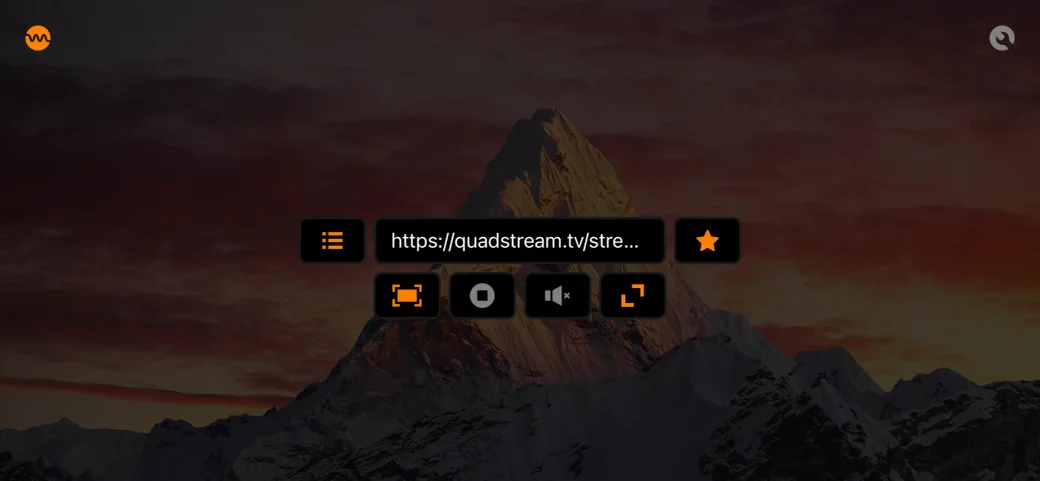
Watch four streams or videos simultaneously with split screen. Set any of the streams to fullscreen while keeping the other streams running (configurable).
Quickly switch between Twitch streams by accessing ongoing streams on Twitch channels with twitch:channel shorthand instead of the full stream URL.
Manage your streams or favorites online – check out the stream dashboard at quadstream.tv/stream and the favorites dashboard at quadstream.tv/favorites
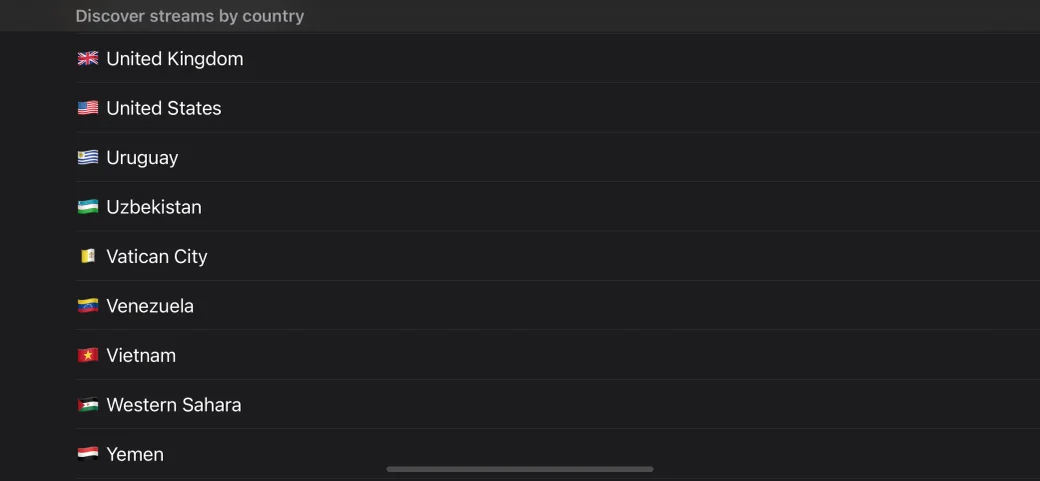
QuadStream 2.0 brings the legendary tvOS app also for iPadOS and macOS, and 2.1.0 adds support for iOS. New features include a discover menu for finding publicly available streams by country and easier access to the app settings.
Main features:
• up to four simultaneous streams or videos with split screen
• set any of the streams to fullscreen
• mute or stop streams separately
• videos loop automatically
• disconnected streams reconnect automatically
• access ongoing Twitch streams with twitch:channel shorthand
• remembers stream sources, mute and stop states
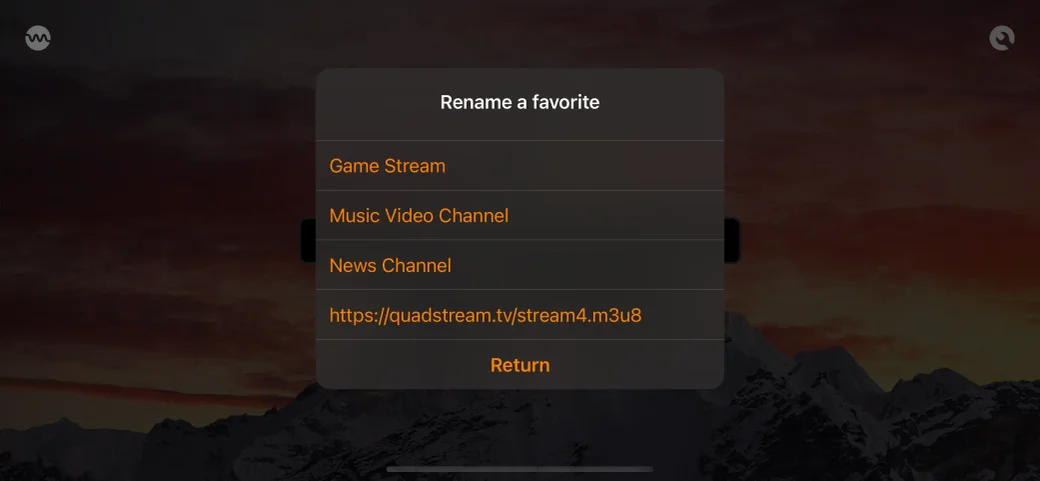
• add stream sources to favorites list
• rename favorite labels in the favorites menu with a favorite list button long press
• manage your streams online at quadstream.tv/stream
• manage your favorites online at quadstream.tv/favorites
• find publicly available streams by country in the discover view
The main streaming format is HTTP Live Streaming (HLS) which is supported by all major live streaming services.
Note: RTSP, RTMP and RTP protocols are not currently supported. Valid protocols include HTTP and HTTPS.
The full list of supported MIME types:
application/mp4
application/vnd.apple.mpegurl
application/x-mpegurl
video/3gpp
video/3gpp2
video/avi
video/mp4
video/quicktime
video/x-m4v
audio/3gpp
audio/3gpp2
audio/aac
audio/aacp
audio/aiff
audio/AMR
audio/basic
audio/mp3
audio/mp4
audio/mpeg
audio/mpeg3
audio/mpegurl
audio/mpg
audio/scpls
audio/wav
audio/wave
audio/x-aac
audio/x-aiff
audio/x-caf
audio/x-m4a
audio/x-m4b
audio/x-m4p
audio/x-m4r
audio/x-mp3
audio/x-mpeg
audio/x-mpeg3
audio/x-mpegurl
audio/x-mpg
audio/x-scpls
audio/x-wav
text/vtt
Yang baru
Versi 2.2.0 · 30/4/2026
Playback and user interface improvements.
Privasi aplikasi
Yang dinyatakan Alive Media di App Store tentang cara aplikasi ini menangani data.
-
Data tidak dikumpulkan
Pengembang tidak mengumpulkan data apa pun dari aplikasi ini.
Praktik privasi dapat bervariasi, misalnya berdasarkan fitur yang Anda gunakan atau usia Anda.
Informasi
- Penjual
- Alive Media
- Kategori
- Hiburan
- Versi
- 2.2.0
- Diperbarui
- 30/4/2026
- Dirilis
- 31/10/2015
- Ukuran
- 2,0 MB
- Memerlukan
- iOS 15.0 atau yang lebih baru
- Batasan usia
- 17+
- Harga
- Rp 19ribu
- Bahasa
- Inggris
- Hak cipta
- © 2026 Alive Media