Remote for Hyper-V
Start, stop and monitor VMs
Dirancang untuk iPhone, iPad
Gratis
- Batasan usia4+
- KategoriKegunaan
- PengembangAlexander Medchenko
- BahasaInggris
- Ukuran4,2 MB
Tertaut ke halaman resmi App Store
Download.org tidak menyimpan file Remote for Hyper-V apa pun. Tombol ini membuka halaman aplikasi di App Store, tempat Alexander Medchenko menerbitkannya. Halaman terakhir diperiksa pada 14/11/2026.
Tangkapan layar
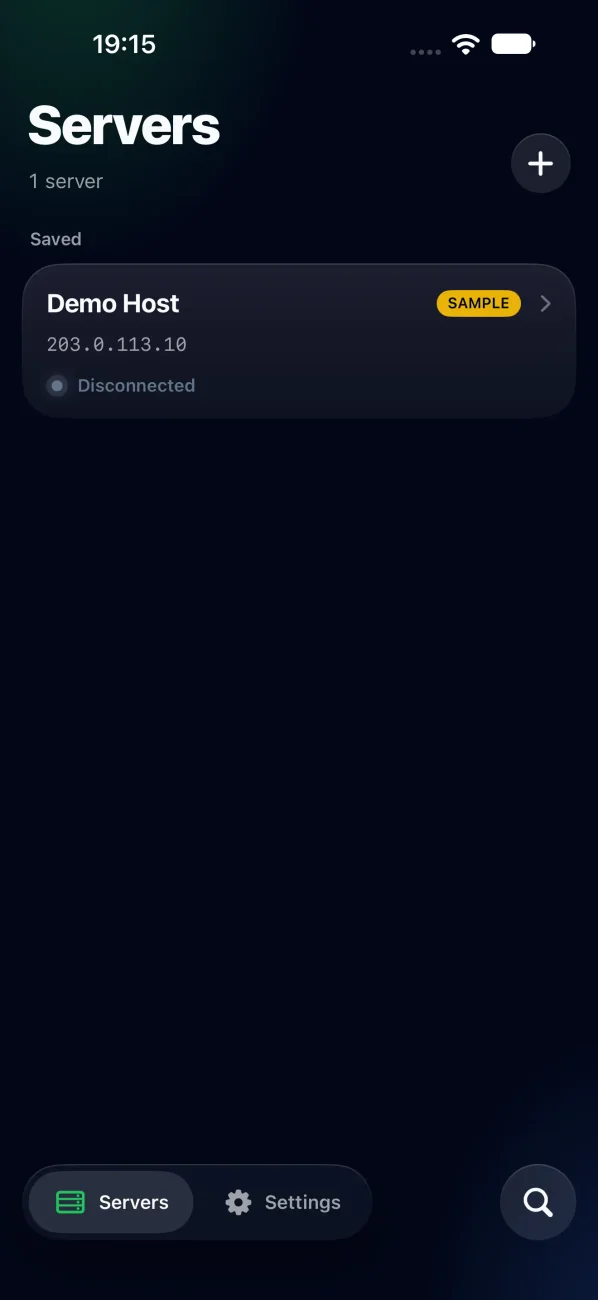
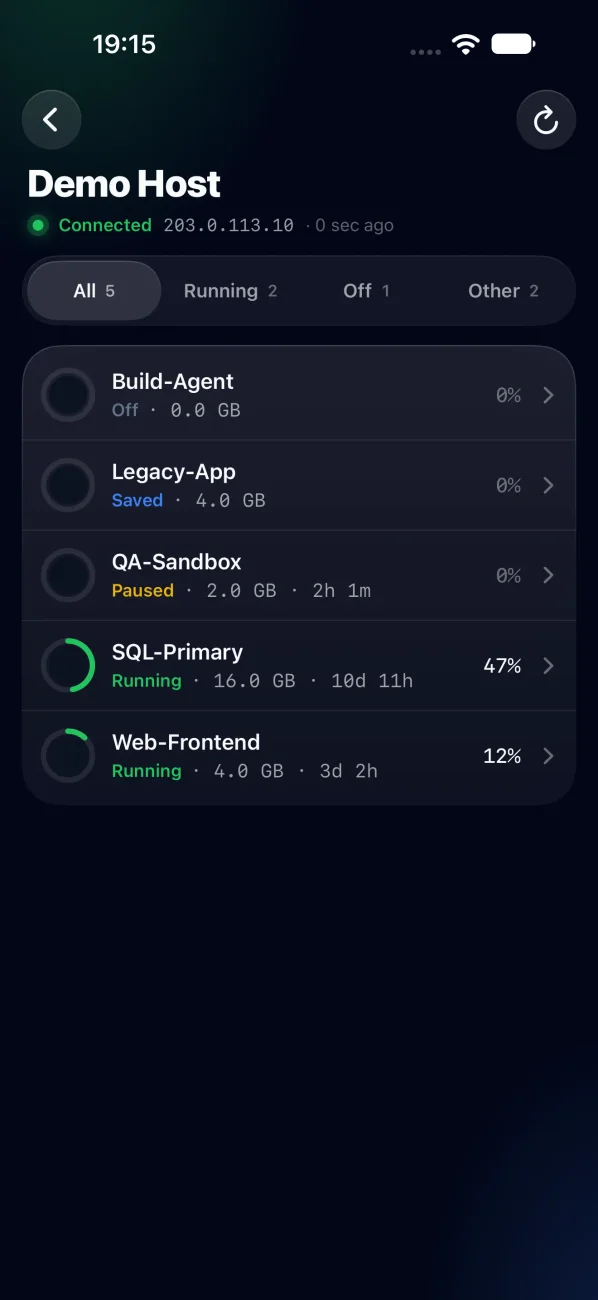
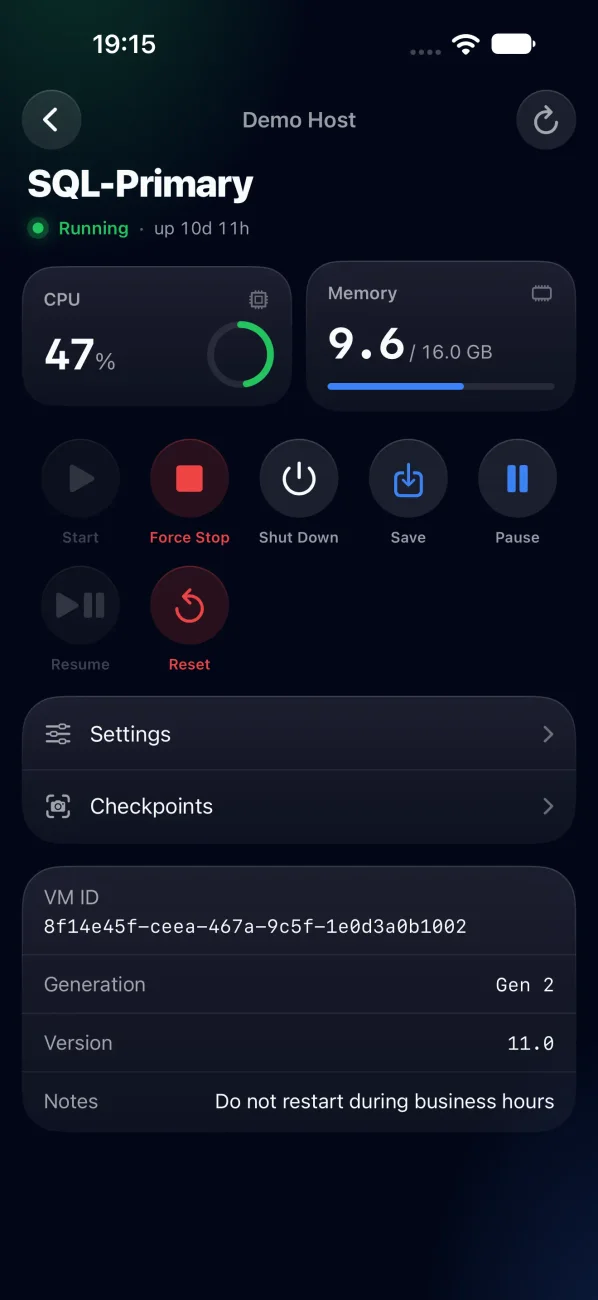
Tentang
Pengembang belum menyediakan teks ini dalam bahasa Anda.
Manage Microsoft Hyper-V virtual machines from your iPhone, over your own local
network. No cloud service sits in between: the app talks directly to your server.
WHAT YOU CAN DO
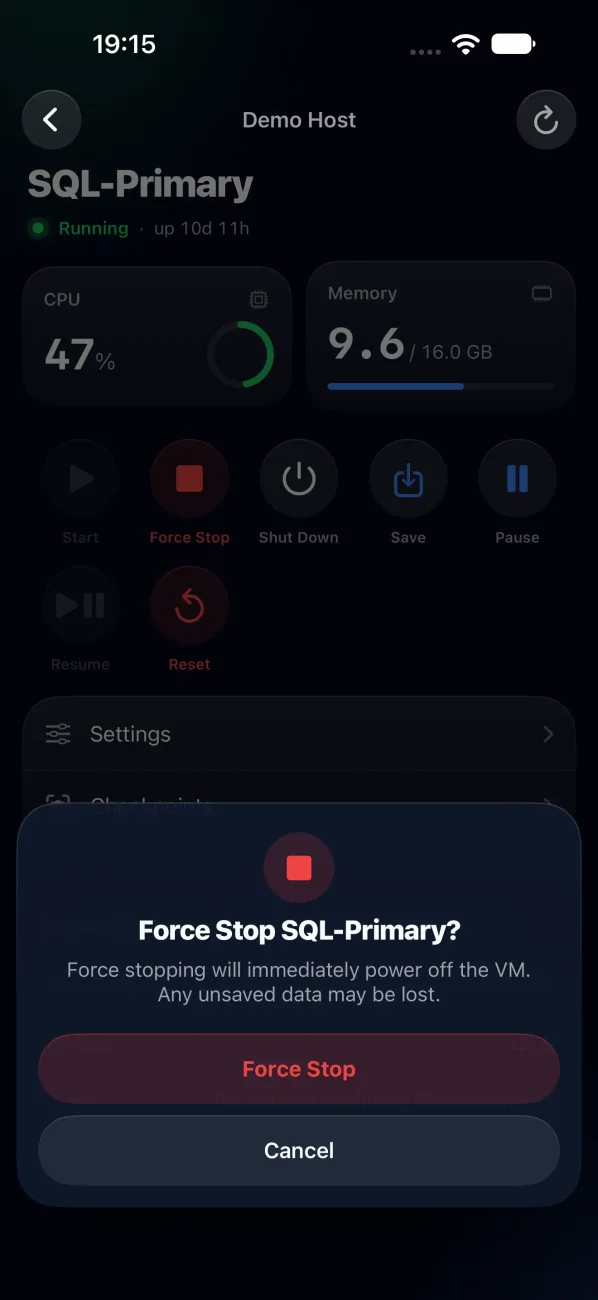
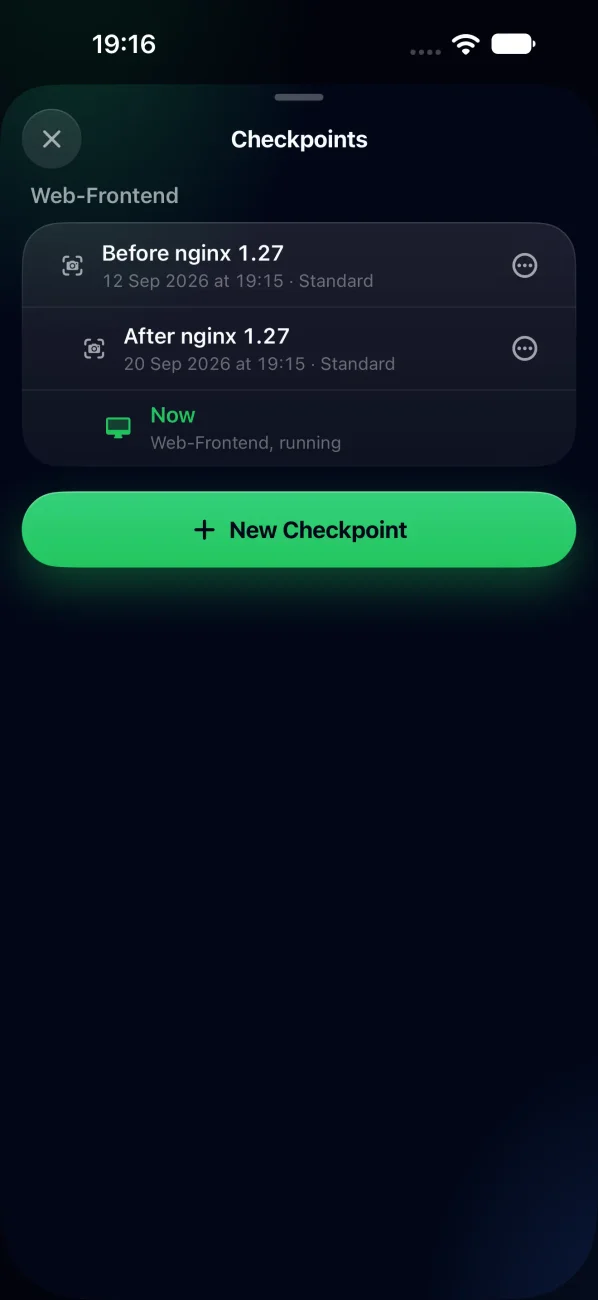
• See every VM at a glance: state, memory, CPU and uptime
• Start, shut down, force stop, save, pause, resume and reset
• Keep several servers and switch between them
• Find hosts on your network automatically, or add them by address
BUILT FOR YOUR OWN INFRASTRUCTURE
• Connects over WinRM, the remote management service built into Windows
• NTLM authentication, so your password never leaves the device
• HTTPS with certificate pinning: you confirm the server's fingerprint once, and
anything different is refused
• Credentials are stored in the iOS Keychain and never sent anywhere else
• No analytics, no accounts, no third-party code
BEFORE YOU START
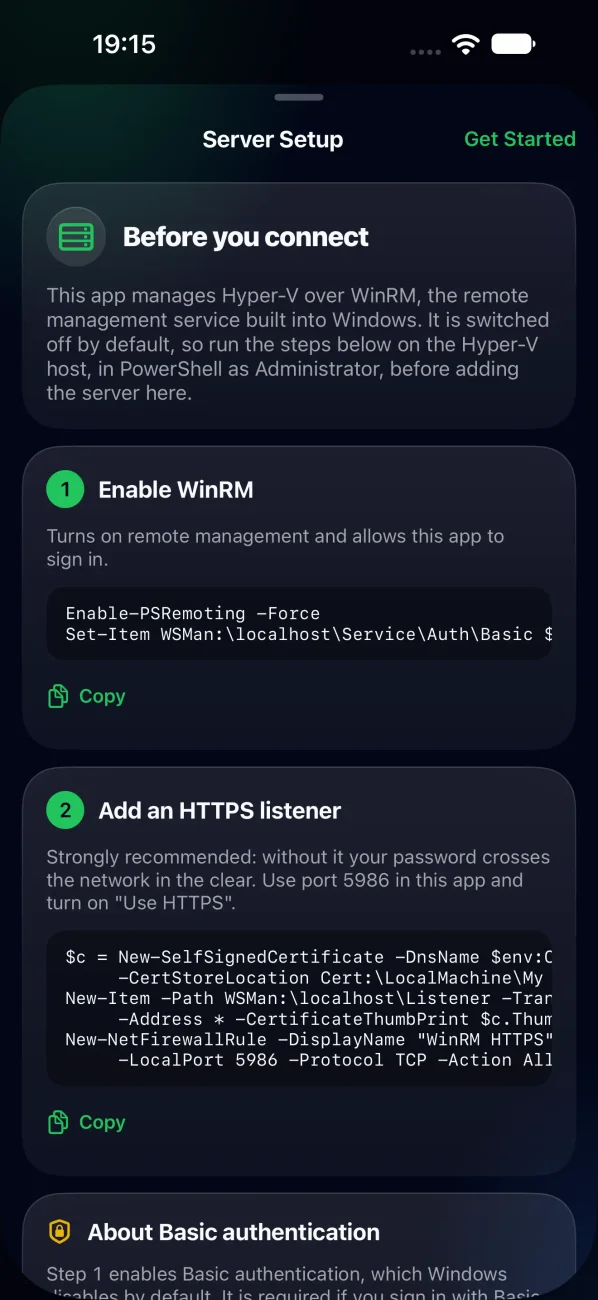
Your Hyper-V host needs WinRM enabled and an HTTPS listener. The app includes a
setup guide with the exact PowerShell commands to run.
Want to look around first? Tap "Explore with sample data" to try the whole app
against a built-in sample host, with no server required.
Yang baru
Versi 1.3.0 · 24/9/2026
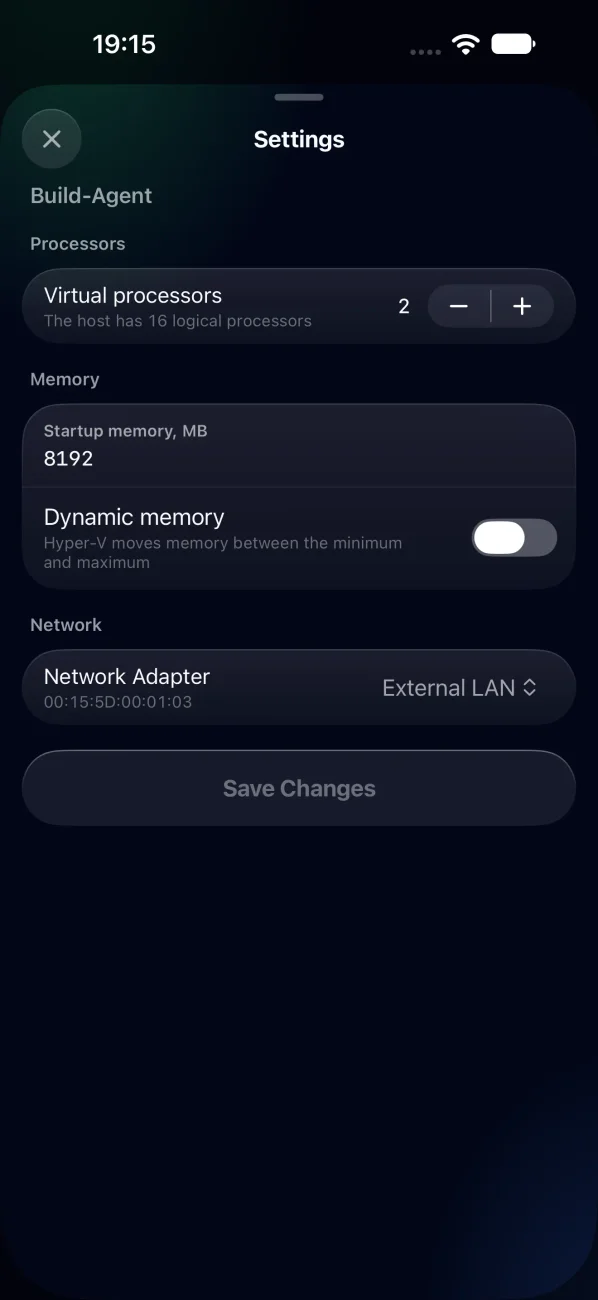
Change a machine's hardware from your phone.
• New Settings for each machine: virtual processors, startup and dynamic memory, and
which virtual switch each network adapter is connected to. Processors and memory
change while the machine is off; the switch changes at any time
• Saving or stopping one machine no longer disables the controls of the others
• Commands to a host that uses NTLM authentication now run alongside each other
instead of queueing, and can no longer be answered out of order
Privasi aplikasi
Yang dinyatakan Alexander Medchenko di App Store tentang cara aplikasi ini menangani data.
-
Data tidak dikumpulkan
Pengembang tidak mengumpulkan data apa pun dari aplikasi ini.
Praktik privasi dapat bervariasi, misalnya berdasarkan fitur yang Anda gunakan atau usia Anda.
Informasi
- Penjual
- Alexander Medchenko
- Kategori
- Kegunaan
- Versi
- 1.3.0
- Diperbarui
- 24/9/2026
- Dirilis
- 18/8/2026
- Ukuran
- 4,2 MB
- Memerlukan
- iOS 17.0 atau yang lebih baru
- Batasan usia
- 4+
- Harga
- Gratis
- Bahasa
- Inggris
- Hak cipta
- © 2026 Alexander Medchenko