- Batasan usia4+
- KategoriProduktivitas
- PengembangStefan Vollgger
- BahasaInggris
- Ukuran86,6 MB
Tertaut ke halaman resmi App Store
Download.org tidak menyimpan file Rock Mapper apa pun. Tombol ini membuka halaman aplikasi di App Store, tempat Stefan Vollgger menerbitkannya. Halaman terakhir diperiksa pada 15/11/2026.
Tangkapan layar



Tentang
Pengembang belum menyediakan teks ini dalam bahasa Anda.
Rock Mapper is packed with powerful features:
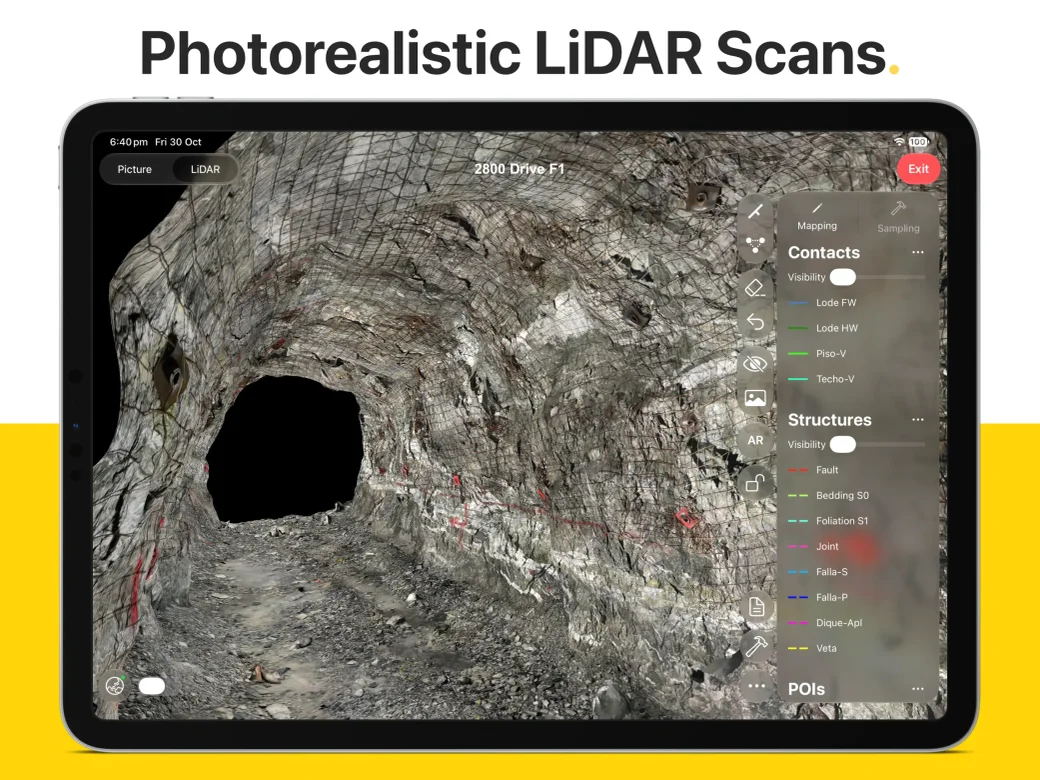
- 3D LIDAR SCANNING*: Generate photorealistic 3D models of rock faces & drives directly in the field using an iPad Pro.
- AUGMENTED REALITY*: Share & re-visit photorealistic LiDAR scans in Augmented Reality on any modern iOS device.
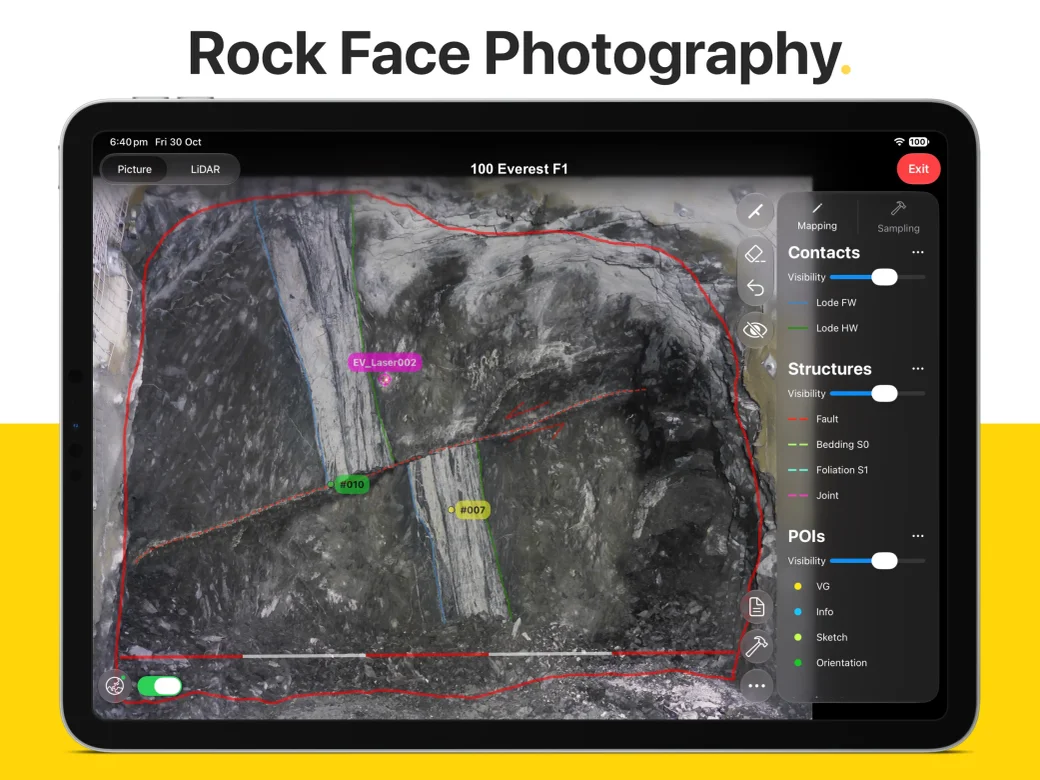
- PHOTOGRAPHY*: Take rock face photographs with the iPad's built-in camera. Rock Mapper takes care of all settings.
- GEOREFERENCING*: Register rock face photographs and 3D LiDAR scans using survey points and drive direction laser stations.
- MAPPING*: Directly map onto rock face photographs & 3D LiDAR scans using fully customisable annotation layers.
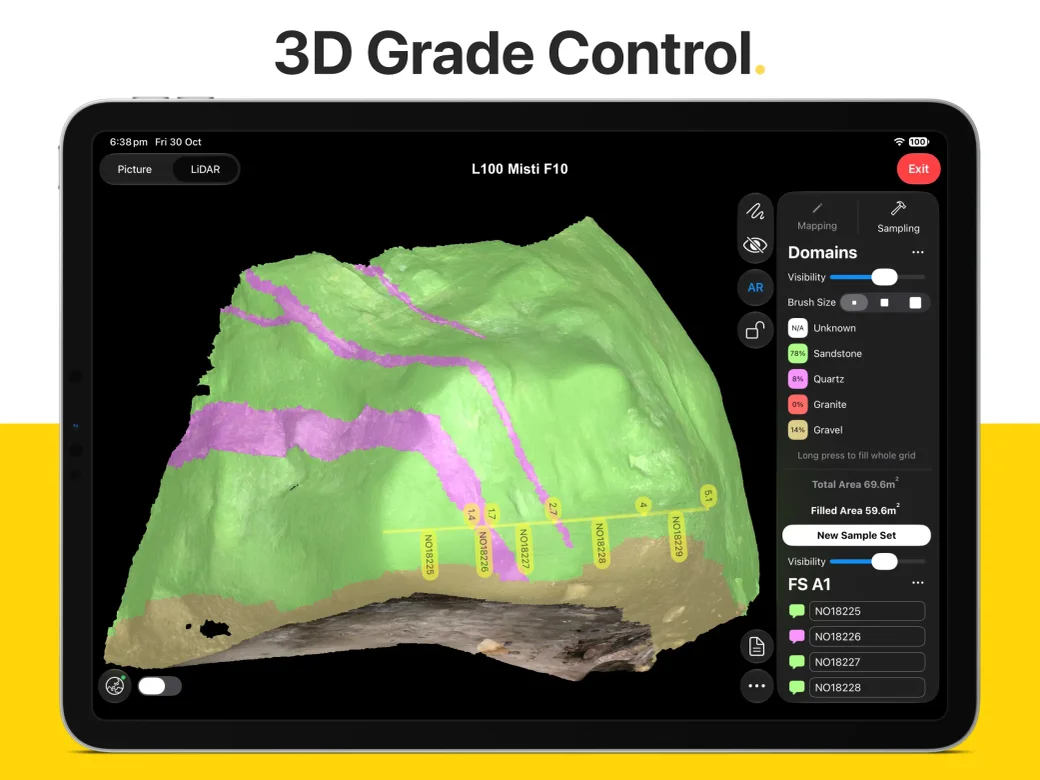
- GRADE CONTROL*: Record face samples & sampling domains by directly drawing onto the rock face photograph or 3D LiDAR scan.
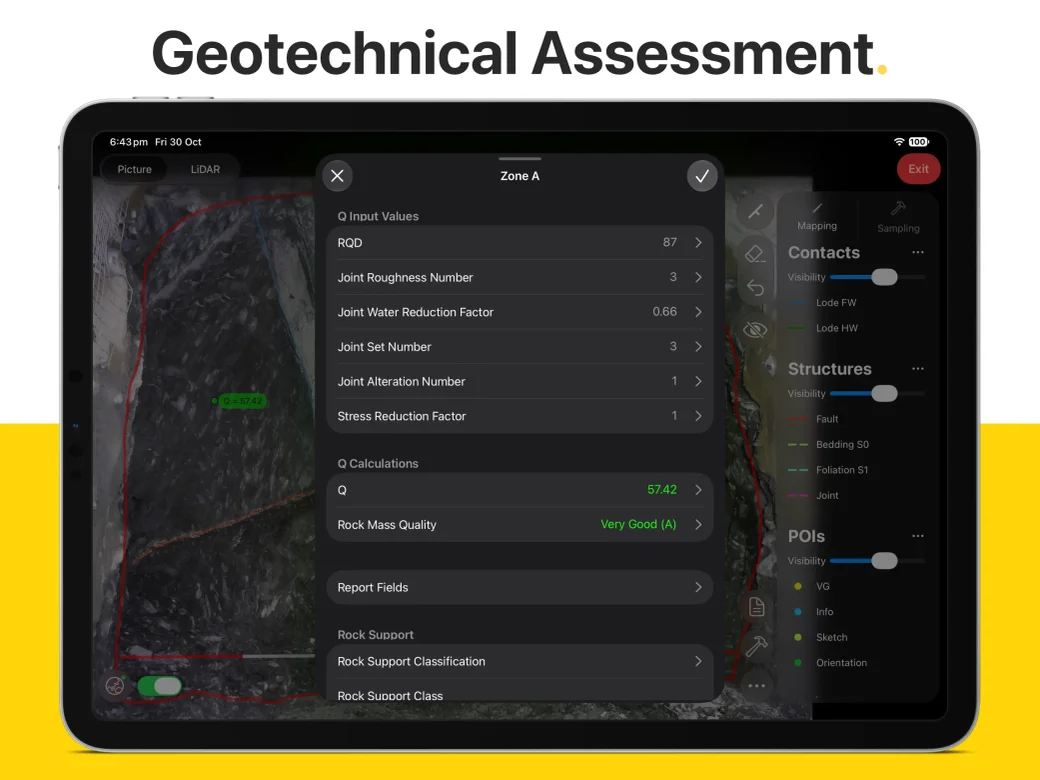
- ROCK MASS ASSESSMENT*: Access dedicated tools for Q System (after Barton et al 1974), RMR (after Bieniawski 1989) and Scanlines.
- REPORTING*: Auto-generated mapping reports, geotechnical reports & sampling reports saved as PDFs & ready to share.
- CLOUD SYNC*: All data immediately available in ready-to-use formats on the Rock Mapper Cloud.
- COMPATIBILITY: All data supplied in open, industry-standard formats that seamlessly integrate with 3D modelling platforms and database solutions, including Vulcan, Micromine, Leapfrog, Deswik, Surpac, Datamine, acQuire and MAXGEO datashed.
*Only available with subscription
Our clients around the globe love the data consistency, data fidelity, ease of use and time savings enabled by Rock Mapper.
Lift your geological/geotechnical mapping & grade control workflow to a whole new level. Become a Rock Mapper today.
Yang baru
Versi 3.6.0 · 30/10/2026
- Redesigned Graphical User Interface: A lighter, more focused and streamlined experience that keeps your data front and centre.
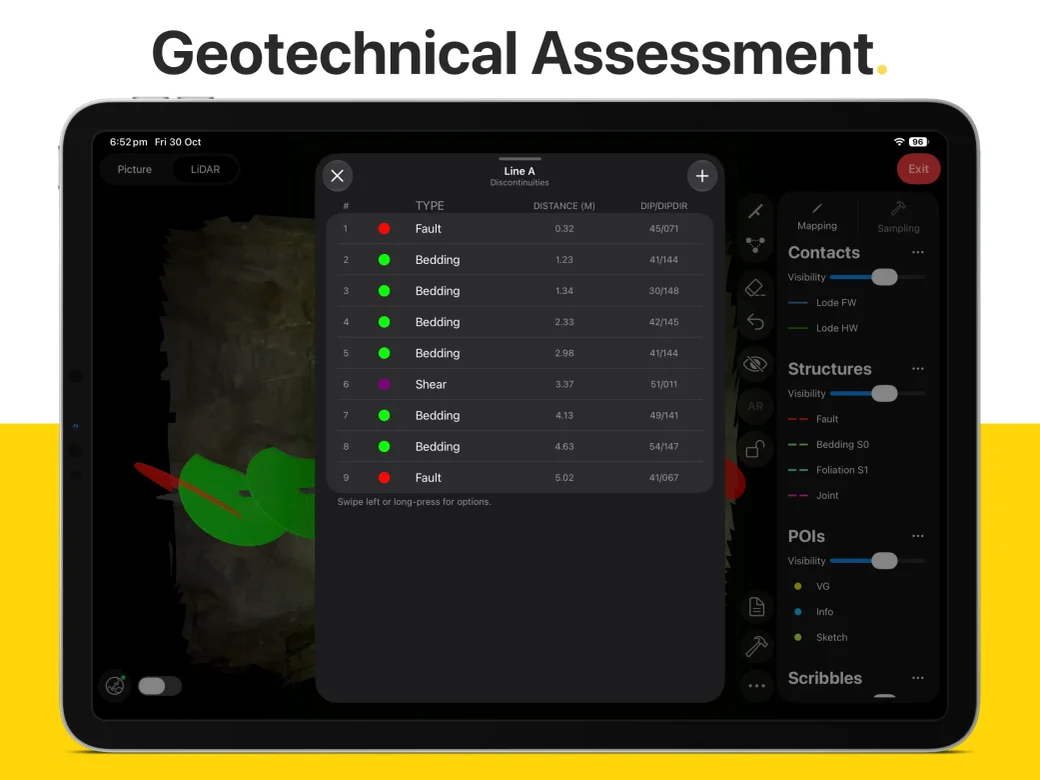
- New Geotech tool for Scanlines: Define a line across a rock face - on the photograph or the 3D LiDAR scan - and record every discontinuity that intersects it.
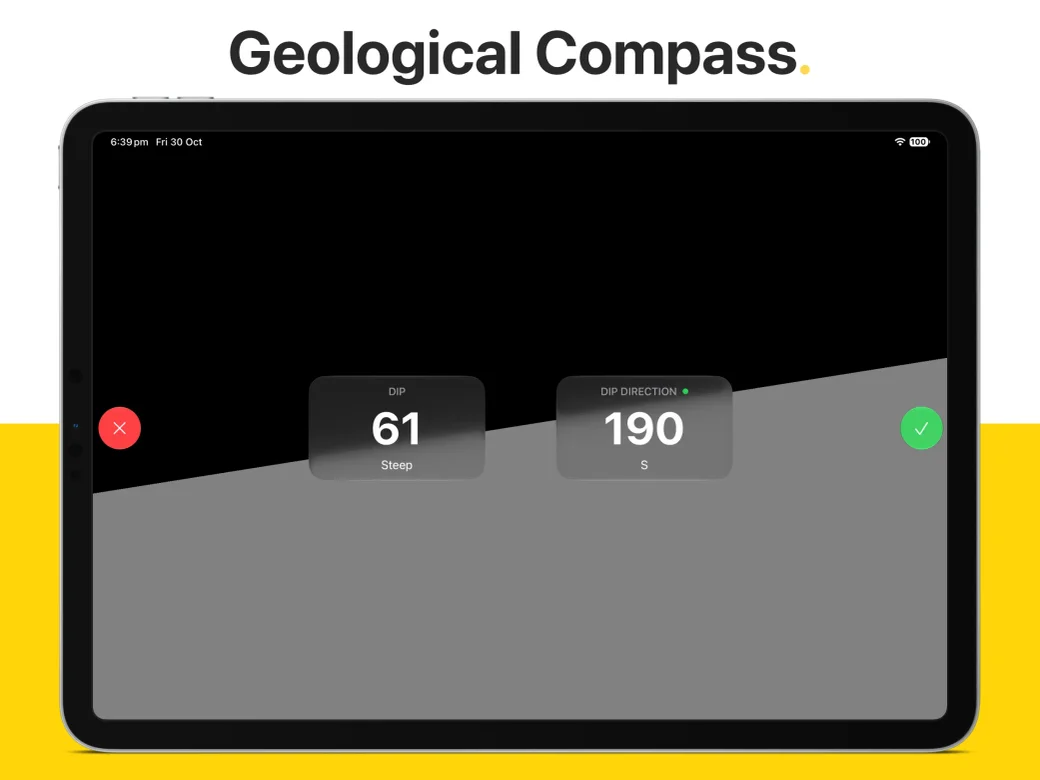
- Measure structures on LiDAR scans: Select 3 points along the structure to get dip & dip direction.
- Orientation measurements are now visualised as 3D disc and arrows.
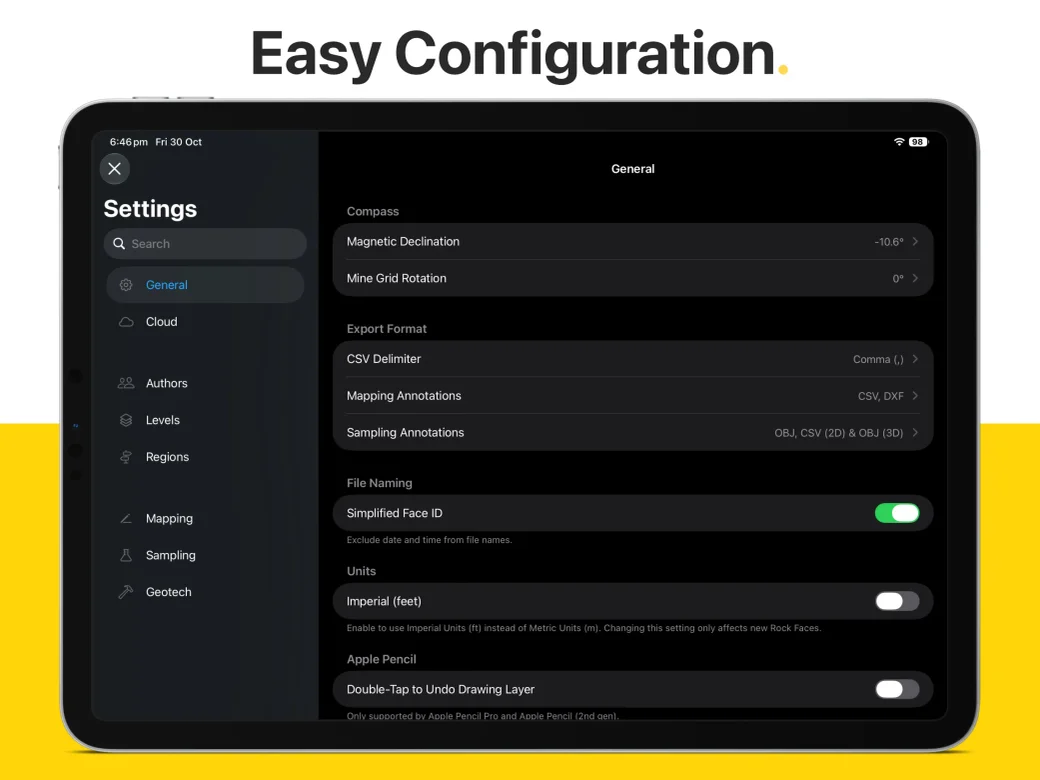
- Simplified FaceID: Shorten file names by excluding date and time. Enable in Settings > General > Simplified FaceID.
- Digital Tape Measure via AR: Use the iPad Pro's LiDAR for length measurements (e.g., face width).
- Survey Points and Laser Stations tables can now be sorted by tapping the column header.
- Assign locations for RMR89 and Q System values on photographs or LiDAR scans to preserve their spatial context.
- Opacity slider for Sample Sets.
- Linear Sample Set trace saved as DXF file.
- Restructured and simplified Settings page.
- Improved memory management: no more cache memory issues.
- Improved networking performance for faster uploads and downloads.
Privasi aplikasi
Yang dinyatakan Stefan Vollgger di App Store tentang cara aplikasi ini menangani data.
-
Data tidak dikumpulkan
Pengembang tidak mengumpulkan data apa pun dari aplikasi ini.
Praktik privasi dapat bervariasi, misalnya berdasarkan fitur yang Anda gunakan atau usia Anda.
Informasi
- Penjual
- Stefan Vollgger
- Kategori
- Produktivitas
- Versi
- 3.6.0
- Diperbarui
- 30/10/2026
- Dirilis
- 18/7/2020
- Ukuran
- 86,6 MB
- Memerlukan
- iOS 27.0 atau yang lebih baru
- Batasan usia
- 4+
- Harga
- Gratis
- Bahasa
- Inggris
- Hak cipta
- © 2025 Rock Mapper Pty Ltd
Mungkin Anda juga suka
-
 Datamine Discover MobileProduktivitas
-
 Deswik.SmartMapProduktivitas
-
 Deswik.DrillingProduktivitas
-
 Pitram ConnectProduktivitas
-
 acQuire Arena 5.4Produktivitas
-
 Deswik.SurveyProduktivitas
-
 StudBooks: The wait is overProduktivitas
-
 acQuire Arena 5.3Produktivitas
-
 Menggambar di Foto - PapdrawUbah sketsa ke gambar