- Batasan usia4+
- KategoriKegunaan
- PengembangRogers Communications Inc.
- BahasaInggris+ 3 lainnya
- Ukuran461,7 MB
Tertaut ke halaman resmi App Store
Download.org tidak menyimpan file Rogers Xfinity apa pun. Tombol ini membuka halaman aplikasi di App Store, tempat Rogers Communications Inc. menerbitkannya. Halaman terakhir diperiksa pada 21/11/2026.
Tangkapan layar

Tentang
Pengembang belum menyediakan teks ini dalam bahasa Anda.
You’re in control with Rogers Xfinity. Easily manage and protect your home WiFi and connected devices from anywhere, at any time.
Included exclusively with Rogers Xfinity Internet plans and bundles with TV/Streaming or Self Protection. If you used the previous Rogers Xfinity (Shaw) app, this app replaces it.
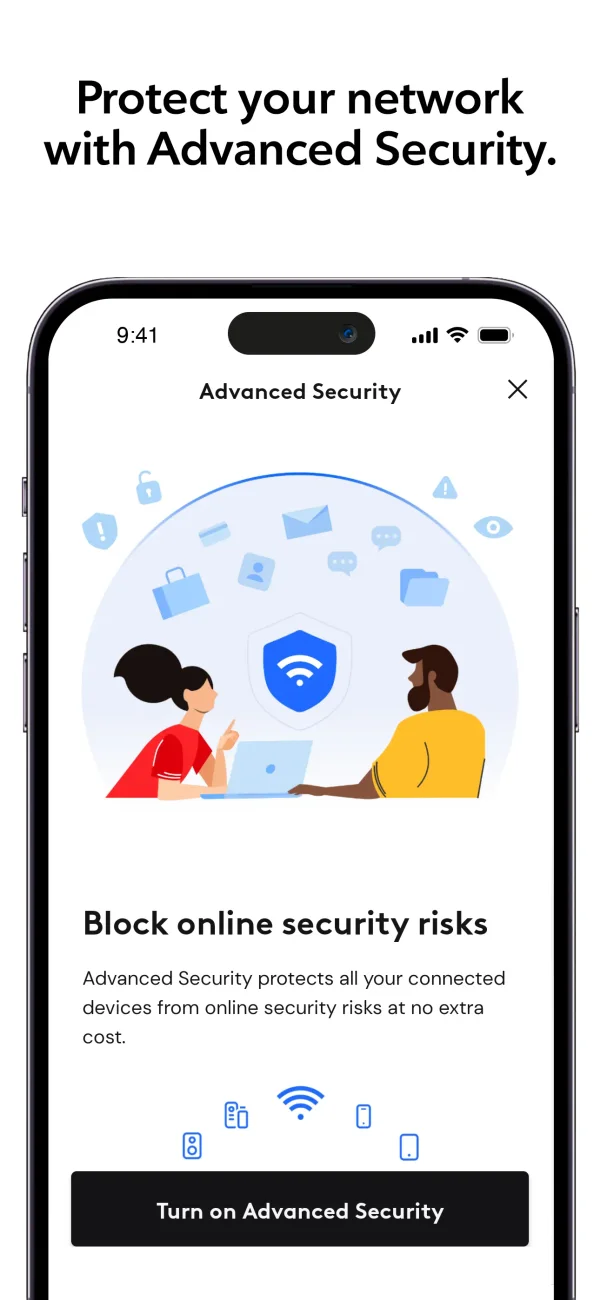
• Get our most secure WiFi – turn on Advanced Security for worry-free protection of all connected devices; automatically block online threats 24/7 and get alerts about suspicious activity
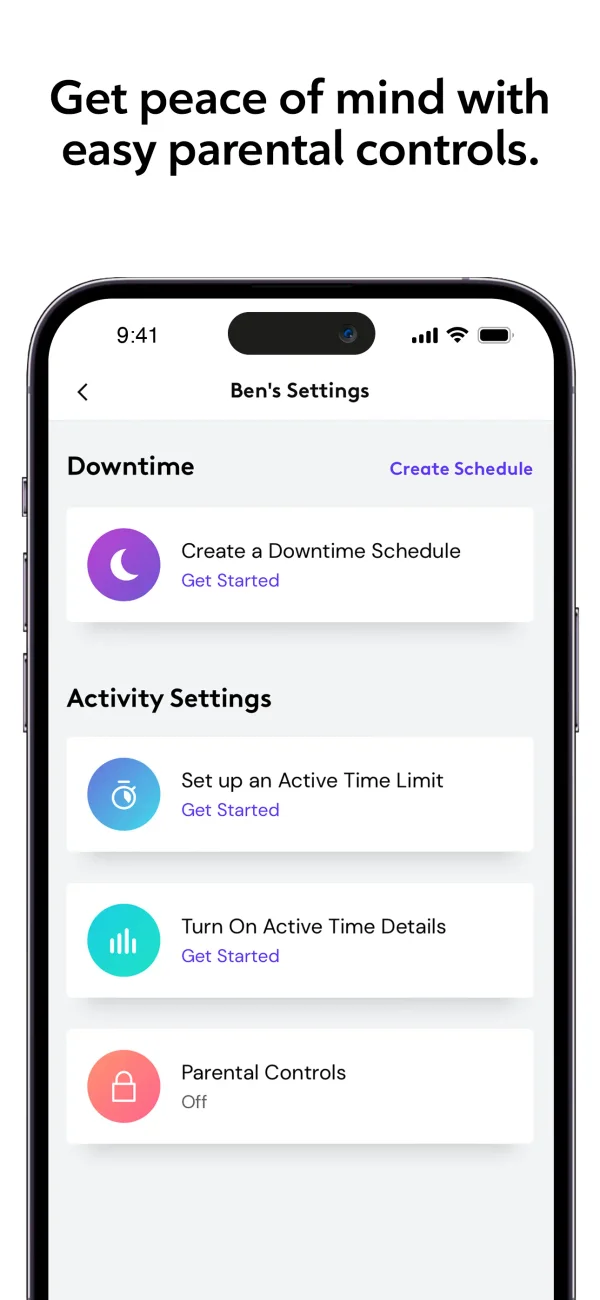
• Protect your loved ones – activate easy Parental Controls and Active Time Details for added peace of mind
• Pause or schedule WiFi whenever you choose – create Downtime Schedules or set Active Time Limits
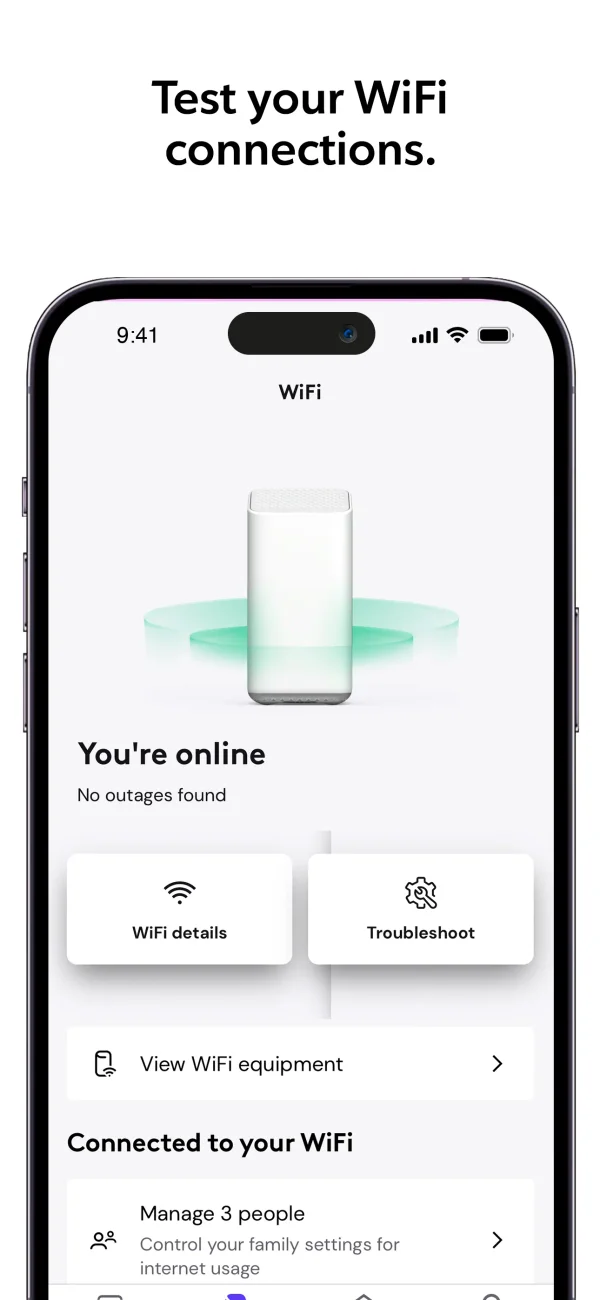
• Test your connections – ensure you’re getting the best WiFi for all your connected devices without having to call tech support
• Never forget your WiFi password again – quickly check, update or share your WiFi password
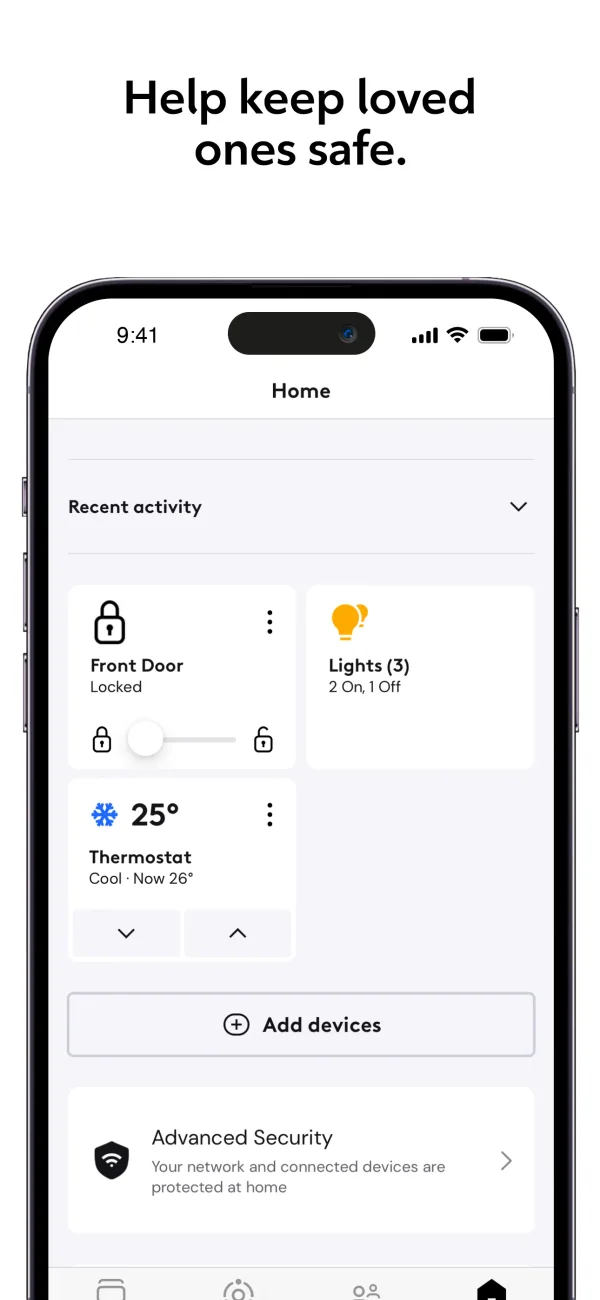
• One app that does it all – link and control smart devices like lights, thermostats and door locks, from popular brands
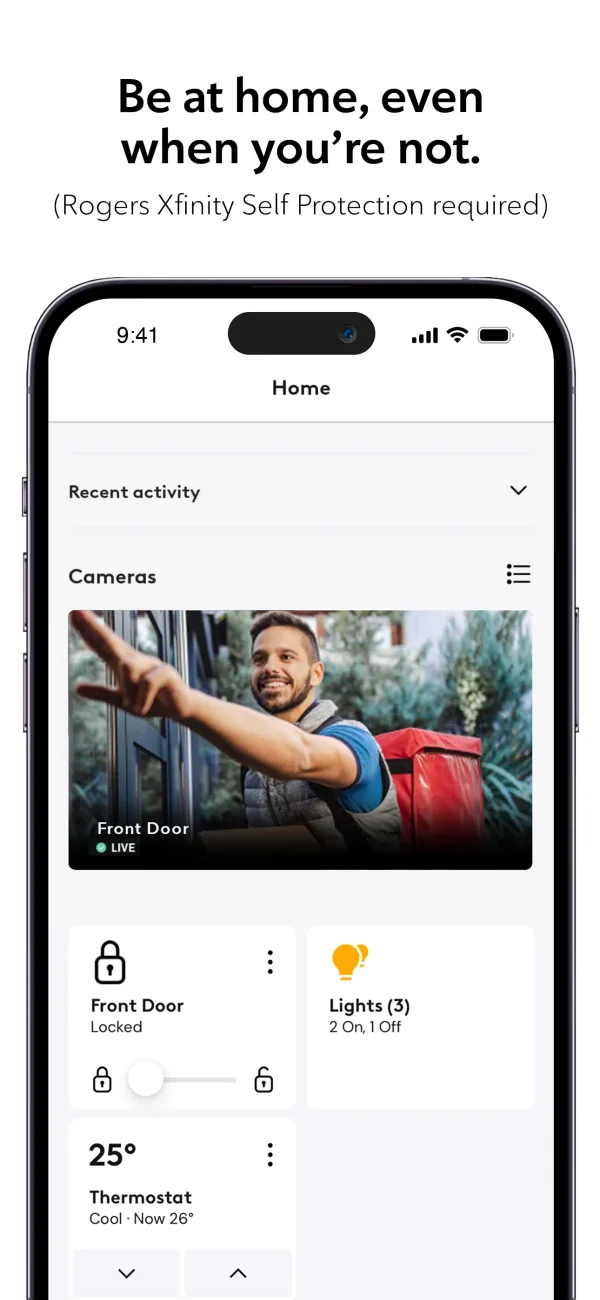
• Add Rogers Xfinity Self Protection to any Rogers Xfinity Internet plan and keep an eye on your home with 24/7 self-monitoring right at your fingertips.
• Elevate your home WiFi - Add Rogers Xfinity Pro to extend your WiFi range, Boost a Device, stay connected during power outages, and enjoy premium support.
Getting Started
• Download and install the Rogers Xfinity app on your smartphone
• Launch the app and sign in using your MyRogers or MyRogers (Shaw) username and password
Requirements
• Rogers Xfinity Gateway, included exclusively with Rogers Xfinity Internet plans and bundles
• MyRogers or MyRogers (Shaw) username and password to access the app, depending on which option you use for your Rogers Xfinity home services.
• App designed for smartphone use only.
For more information see rogers.com/rogers-xfinity-app
Yang baru
Versi 6.14 · 16/11/2026
We’ve been hard at work making improvements to the Rogers Xfinity app. This update brings you improvements and bug fixes.
We appreciate you using our app. Leave us a comment and let us know how we're doing.
Check out the latest features, download our app.
Requires iOS 17 or higher.
Privasi aplikasi
Yang dinyatakan Rogers Communications Inc. di App Store tentang cara aplikasi ini menangani data.
-
Data tidak dikumpulkan
Pengembang tidak mengumpulkan data apa pun dari aplikasi ini.
Praktik privasi dapat bervariasi, misalnya berdasarkan fitur yang Anda gunakan atau usia Anda.
Informasi
- Penjual
- Rogers Communications Inc.
- Kategori
- Kegunaan
- Versi
- 6.14
- Diperbarui
- 16/11/2026
- Dirilis
- 19/6/2019
- Ukuran
- 461,7 MB
- Memerlukan
- iOS 17.2 atau yang lebih baru
- Batasan usia
- 4+
- Harga
- Gratis
- Bahasa
- Inggris, Prancis, Italia, Spanyol
- Hak cipta
- © Rogers Communications Inc.