
Scientific Timer
Step timers for lab protocols
Dirancang untuk iPhone
Rp 19ribu
- Batasan usia4+
- KategoriProduktivitas
- PengembangStephane Boutet
- BahasaInggris+ 3 lainnya
- Ukuran7,9 MB
Tertaut ke halaman resmi App Store
Download.org tidak menyimpan file Scientific Timer apa pun. Tombol ini membuka halaman aplikasi di App Store, tempat Stephane Boutet menerbitkannya. Halaman terakhir diperiksa pada 17/11/2026.
Tangkapan layar


Tentang
Pengembang belum menyediakan teks ini dalam bahasa Anda.
Scientific Timer helps researchers keep complex experiments on schedule. It breaks multi-step protocols into timer-tasks, so every incubation, wash and spin gets its own timer, in order, and you always know what comes next.
Tired of juggling kitchen timers across the bench, or losing track of which tube went in the centrifuge when?
Start from a curated protocol or build your own, then run as many timer-tasks in parallel as your experiments need.
FEATURES
PROTOCOLS AS TIMER-TASKS
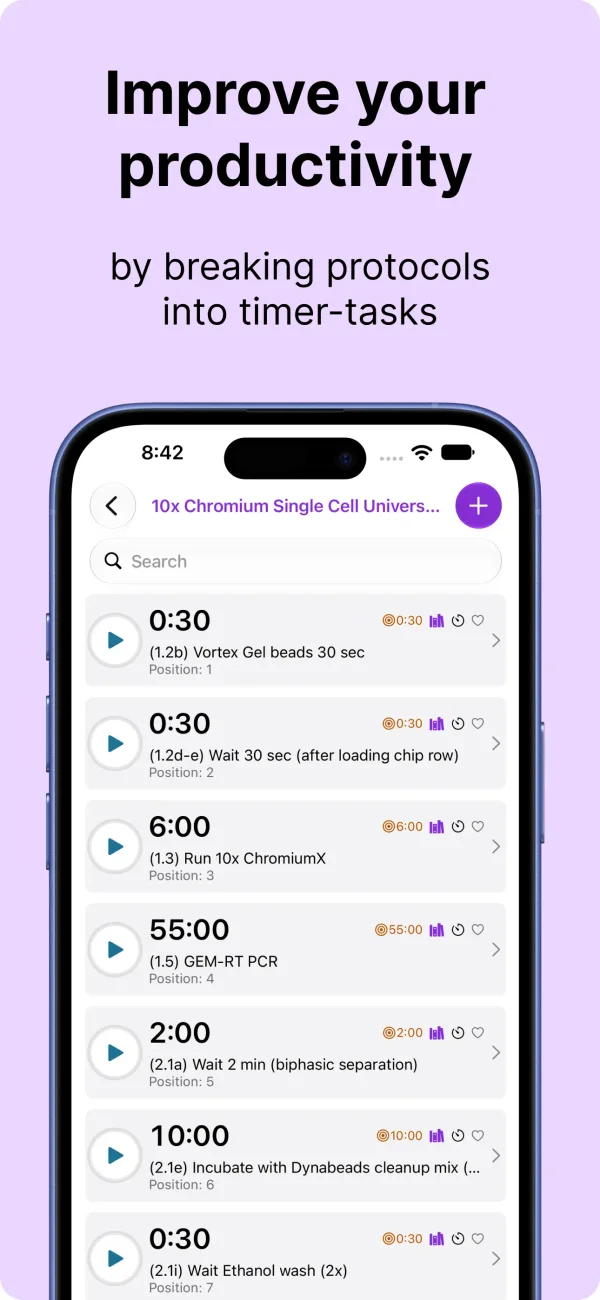
Each step of a protocol becomes a timer-task with its name, duration and position. Start, pause and reset each one on its own, and see its progress at a glance.
CURATED PROTOCOLS, READY TO RUN
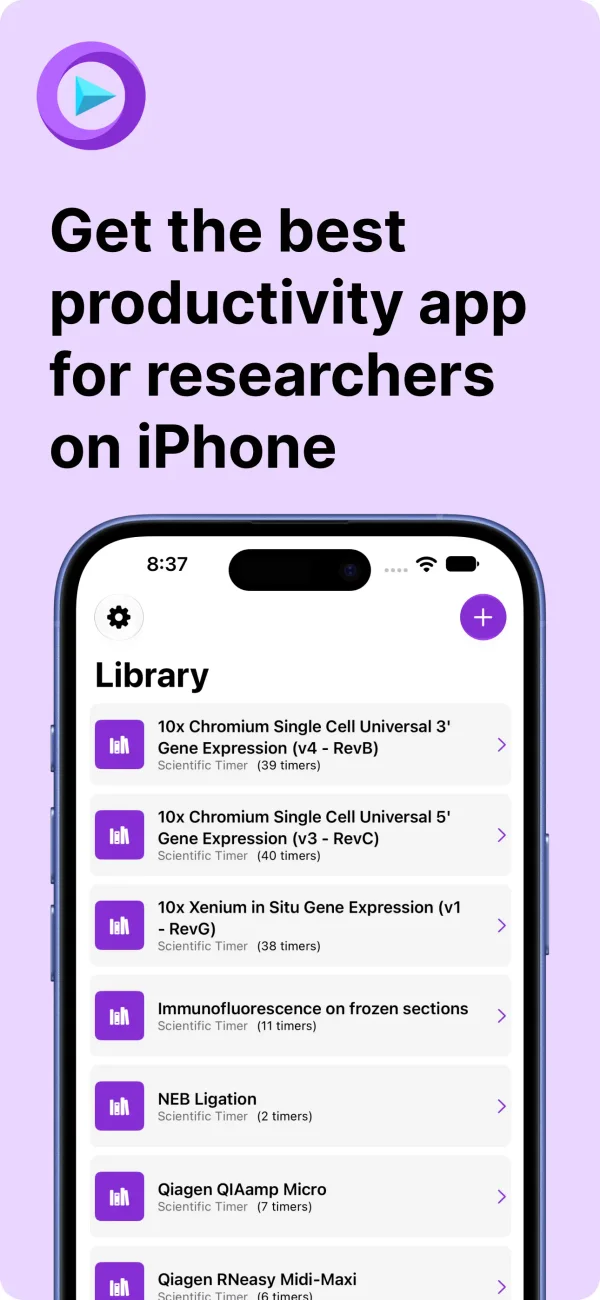
12 protocols with 211 timer-tasks, already set up: 10x Chromium Single Cell 3' Gene Expression v4 and 5' Gene Expression v3, 10x Xenium In Situ Gene Expression, ScaleBio Single Cell RNA Sequencing v1.1, Twist Library Preparation EF 2.0, Beckman Coulter SPRIselect left-side and double-sided size selection, Qiagen QIAamp DNA Micro, Qiagen RNeasy Midi/Maxi, NEB Ligation, immunofluorescence on frozen sections and trypsinization. Choose the ones you use when you first open the app, and change your selection later in Settings.
YOUR OWN PROTOCOLS
Create protocols and timer-tasks of your own, up to 24 hours each, as a countdown timer or a stopwatch. Put steps in the order you run them and mark your favorites.
RUN MANY AT ONCE
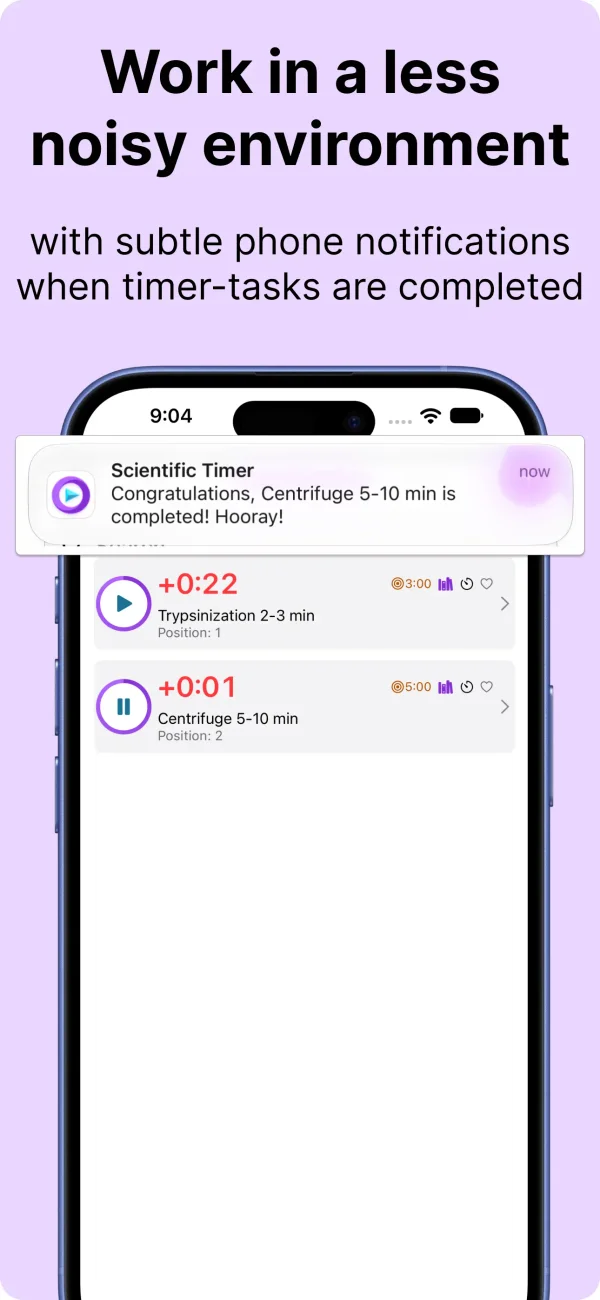
Run as many timer-tasks in parallel as you need, across several protocols. Timers keep counting while the app is closed, and a timer that passes its target keeps going, shown with a "+", so you know exactly how far over it is.
QUIET NOTIFICATIONS
A subtle notification on your iPhone tells you when a timer-task is done, instead of another alarm ringing across the lab.
SEARCH
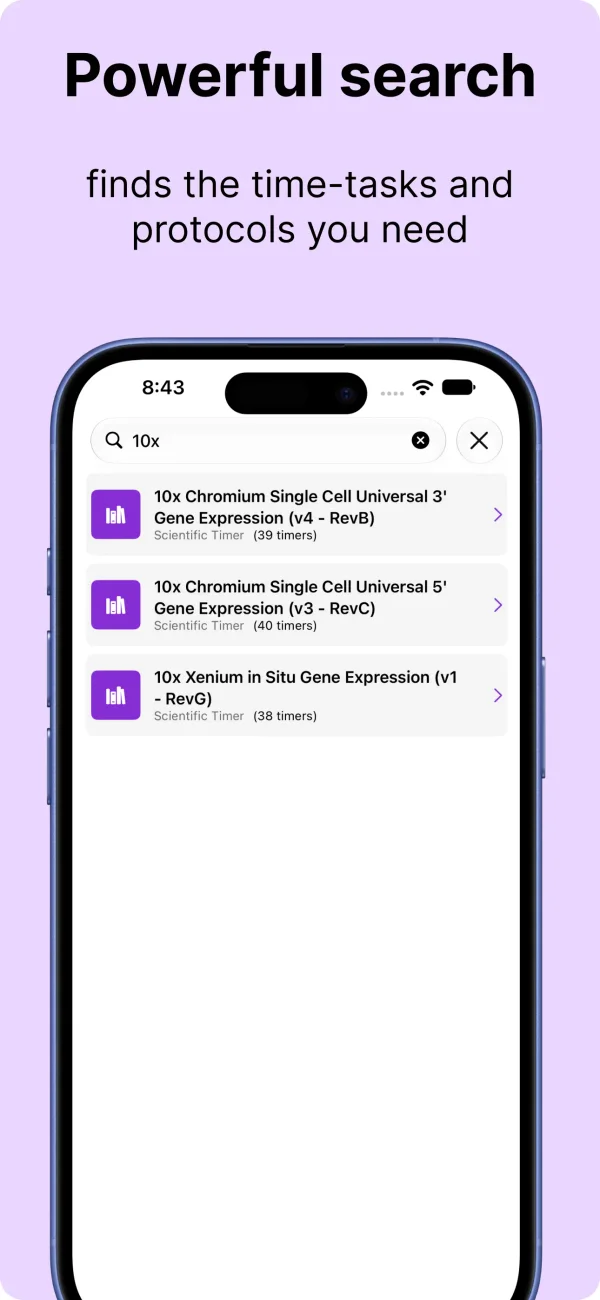
Find a protocol by name in your library, or a timer-task by name within a protocol.
BACK UP AND SHARE
Export the protocols you created to a file, and import them again on another iPhone or share them with your lab.
ACCESSIBLE TO EVERYONE
Works with VoiceOver and Voice Control, adapts to the largest text sizes, supports Dark Mode, respects Reduce Motion, and does not rely on colour alone.
PRIVATE BY DESIGN
Scientific Timer collects no data. No account, no sign-in, no analytics, no tracking, no third-party SDKs. Your protocols and timers stay on your iPhone.
LANGUAGES
The app and its curated protocols in English, French, Spanish and Simplified Chinese.
REQUIREMENTS
iPhone with iOS 18 or later.
Privacy Policy: https://elyzeo.com/apps/scientific-timer/privacy.html
Yang baru
Versi 1.2 · 23/9/2026
• Accessibility throughout. Scientific Timer now works fully with VoiceOver and Voice Control: every button has a clear name, and timers announce the time remaining or how long they are overdue, in all four languages.
• Larger Text. Every screen adapts to the largest text sizes, including the create and edit sheets and the welcome screens.
• Easier to read. Stronger contrast for target times, secondary text and buttons, in light and dark mode.
• Overdue timers now show a "+" before the time, so they stand out without relying on colour, and favourites use a filled heart.
• Reduce Motion is respected: screens no longer slide in when it is turned on.
• Bigger tap area for the start and pause buttons.
• A cleaner look: the create and edit sheets have a solid background, and step names fit on one line so every card in a protocol is the same height.
• Timer counts read correctly in the singular, such as "1 timer".
• No more sign-in. Scientific Timer no longer needs an account and no longer collects any data. Everything you create stays on your device, as it always has, so nothing is lost when you update.
• Profile is now Settings. Add your name there to sign the protocols and timer-tasks you create.
• More accurate notifications: a timer-task you pause and resume now notifies you when it actually finishes, and notifications from one timer-task no longer clear the others.
• Better battery life: paused and reset timers now fully stop in the background.
• Imported libraries appear right away, with a confirmation, and a file that can't be read leaves your library untouched.
• The built-in protocols load more reliably. If one can't be loaded, the app tells you instead of closing.
• On devices set to a language the app doesn't support yet, protocols and the welcome screens appear in English instead of being empty.
• Smoother scrolling in the library, and Send feedback opens a blank email ready to write.
Privasi aplikasi
Yang dinyatakan Stephane Boutet di App Store tentang cara aplikasi ini menangani data.
-
Data tidak dikumpulkan
Pengembang tidak mengumpulkan data apa pun dari aplikasi ini.
Praktik privasi dapat bervariasi, misalnya berdasarkan fitur yang Anda gunakan atau usia Anda.
Informasi
- Penjual
- Stephane Boutet
- Kategori
- Produktivitas
- Versi
- 1.2
- Diperbarui
- 23/9/2026
- Dirilis
- 31/5/2025
- Ukuran
- 7,9 MB
- Memerlukan
- iOS 18.0 atau yang lebih baru
- Batasan usia
- 4+
- Harga
- Rp 19ribu
- Bahasa
- Inggris, Prancis, Tionghoa Sederhana, Spanyol
- Hak cipta
- © 2026 Stéphane Boutet
Mungkin Anda juga suka
-
 Today Mini: To Do ListProduktivitas
-
 Talk Task AppProduktivitas
-
 BeanTune: Log your espressosProduktivitas
-
 VoiceNoteX: Audio to NotesProduktivitas
-
 daily reflections : ResetProduktivitas
-
 AllSwipe: Swipe Photo CleanerProduktivitas
-
 Reminder Alarms & MedicationProduktivitas
-
 AskAI GPT - AI Chat AssistantChat best AI app, AI Assistant
-
 eLABJournalProduktivitas
-
 Duse - Habit TrackerProduktivitas