Screen Flow Pro: Workflows
Record Across Apps-Export Fast
Dirancang untuk iPhone, iPad
Gratis · Pembelian dalam aplikasi
- Batasan usia4+
- KategoriKegunaan
- PengembangDOMINIC A ALEANDRI
- BahasaInggris
- Ukuran5,9 MB
Tertaut ke halaman resmi App Store
Download.org tidak menyimpan file Screen Flow Pro: Workflows apa pun. Tombol ini membuka halaman aplikasi di App Store, tempat DOMINIC A ALEANDRI menerbitkannya. Halaman terakhir diperiksa pada 17/11/2026.
Tangkapan layar
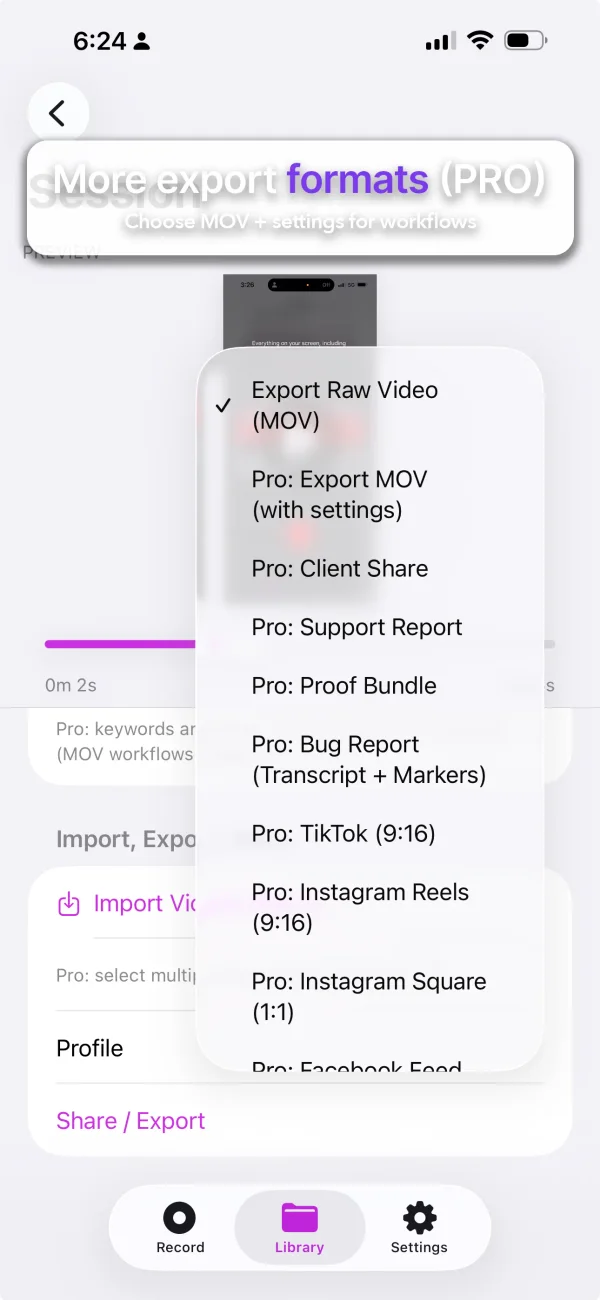

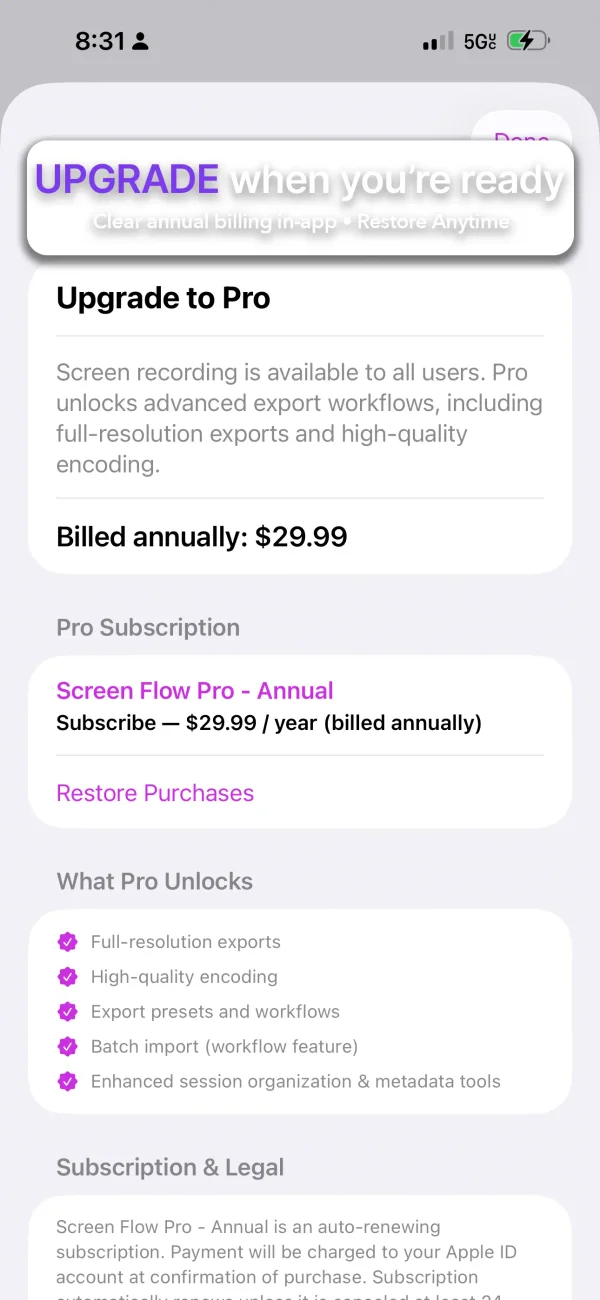
Tentang
Pengembang belum menyediakan teks ini dalam bahasa Anda.
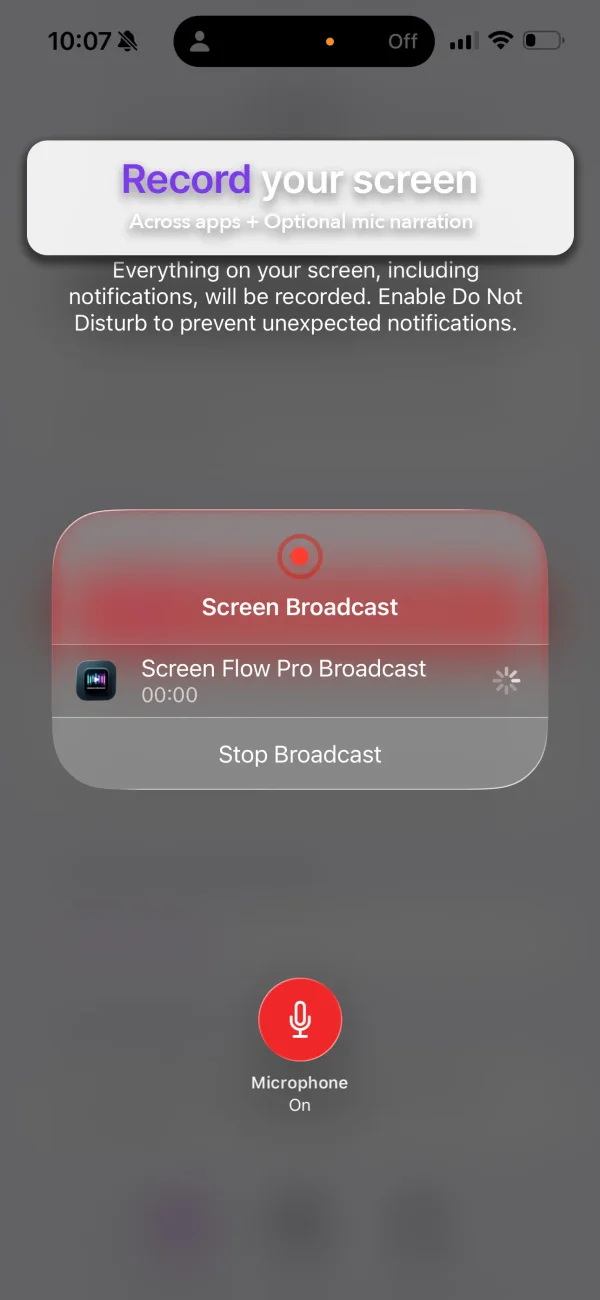
Screen Flow Pro is a Sessions-based screen recorder and video editor for iPhone and iPad. Record your screen, add voiceover narration, place timeline markers, and export share-ready video fast.
Whether you’re creating tutorials, walkthroughs, product demos, training clips, or how-to videos, Screen Flow Pro helps you record once and edit with precision.
Key Features
•Screen Recorder (iPhone + iPad): Capture smooth screen recordings for tutorials and demos
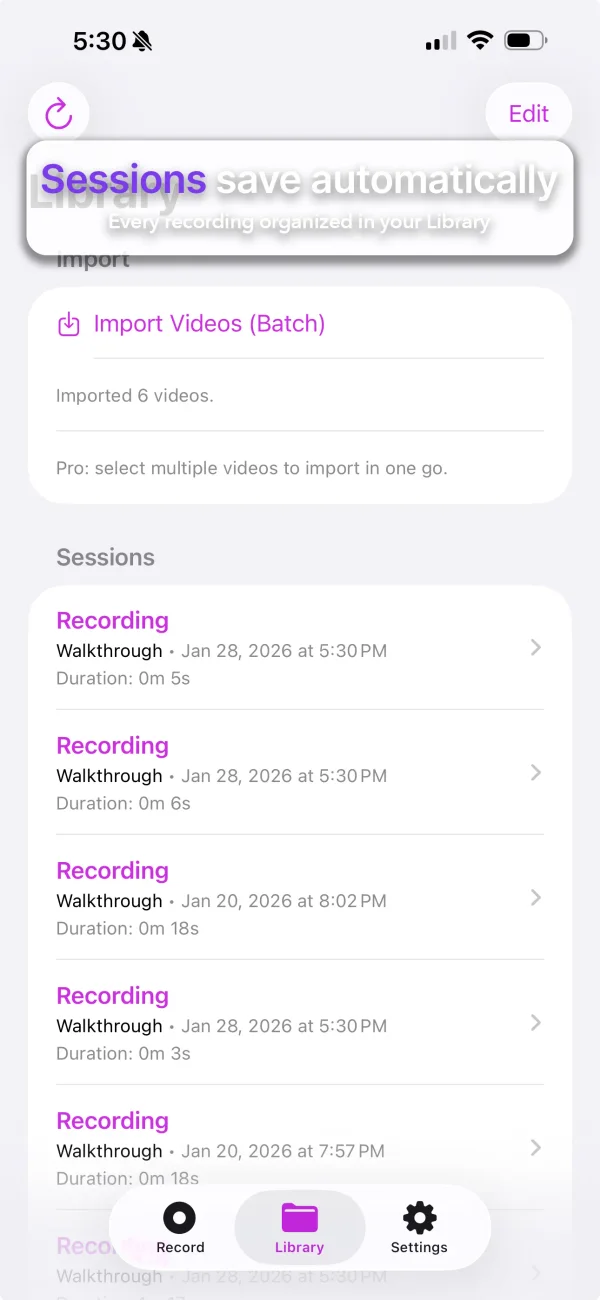
•Sessions Workflow: Save recordings as Sessions so you can revisit, edit, and export anytime
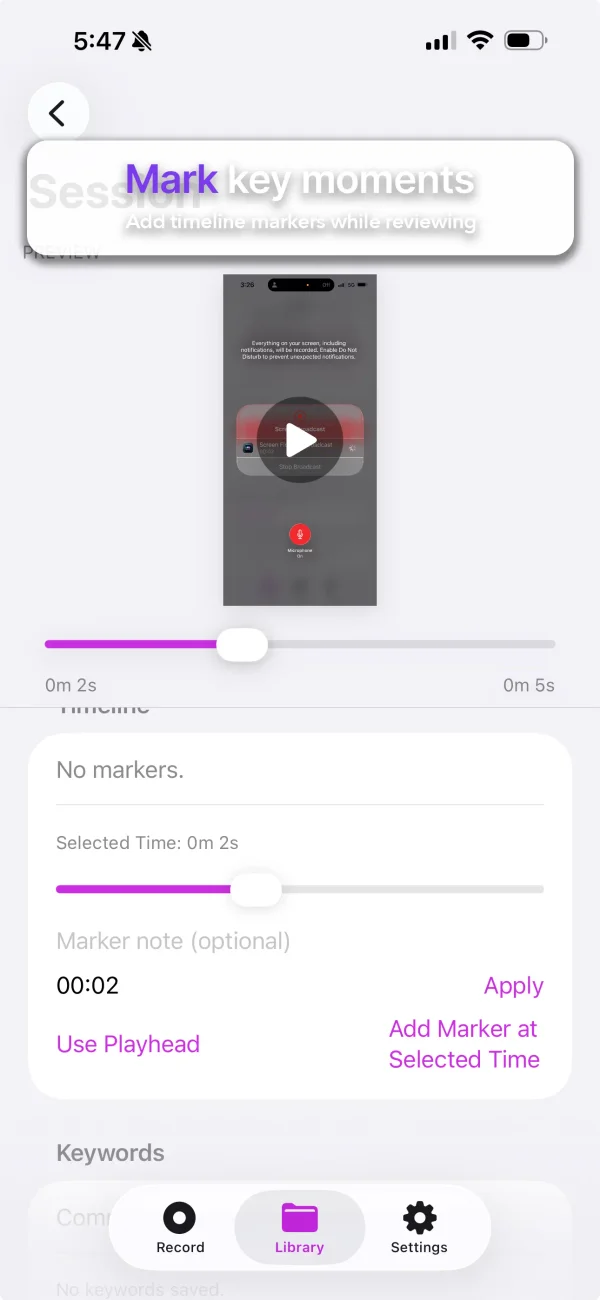
•Timeline Markers: Add markers while reviewing video to keep edits organized
•Scrub + Timecode Preview: Pinned preview with scrub bar and timecode for accurate navigation
•Voiceover / Narration: Record with microphone to explain steps clearly
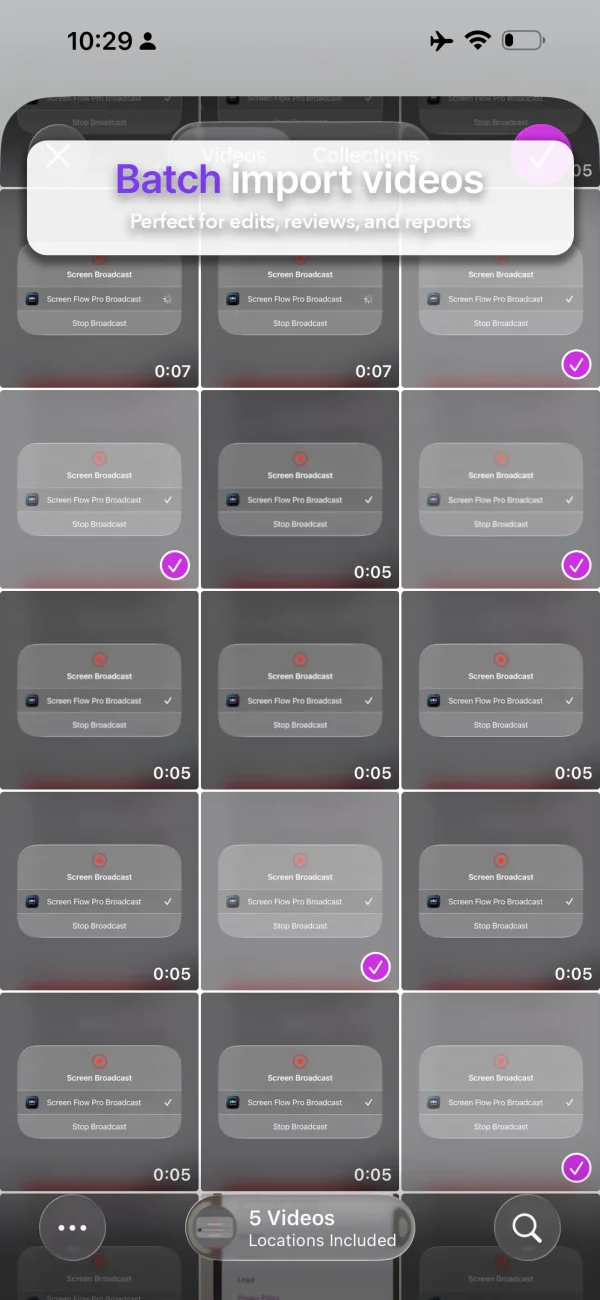
•Batch Import: Import multiple videos into Sessions for faster editing workflows
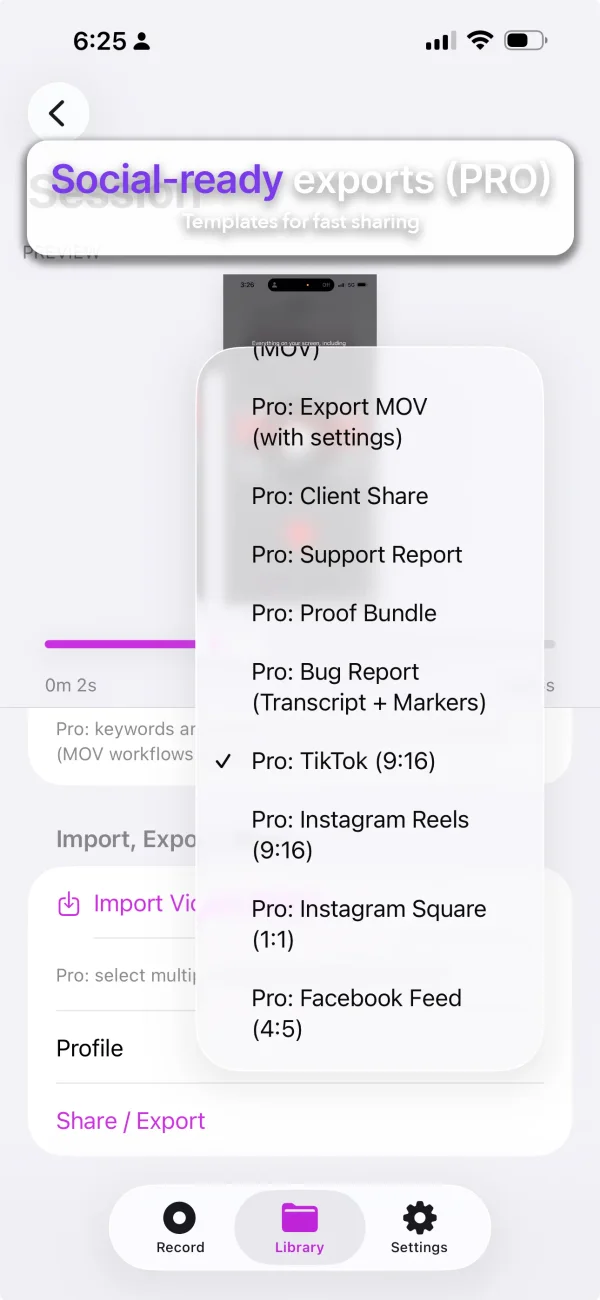
•Reliable Exports: MOV exports designed for consistent sharing and compatibility
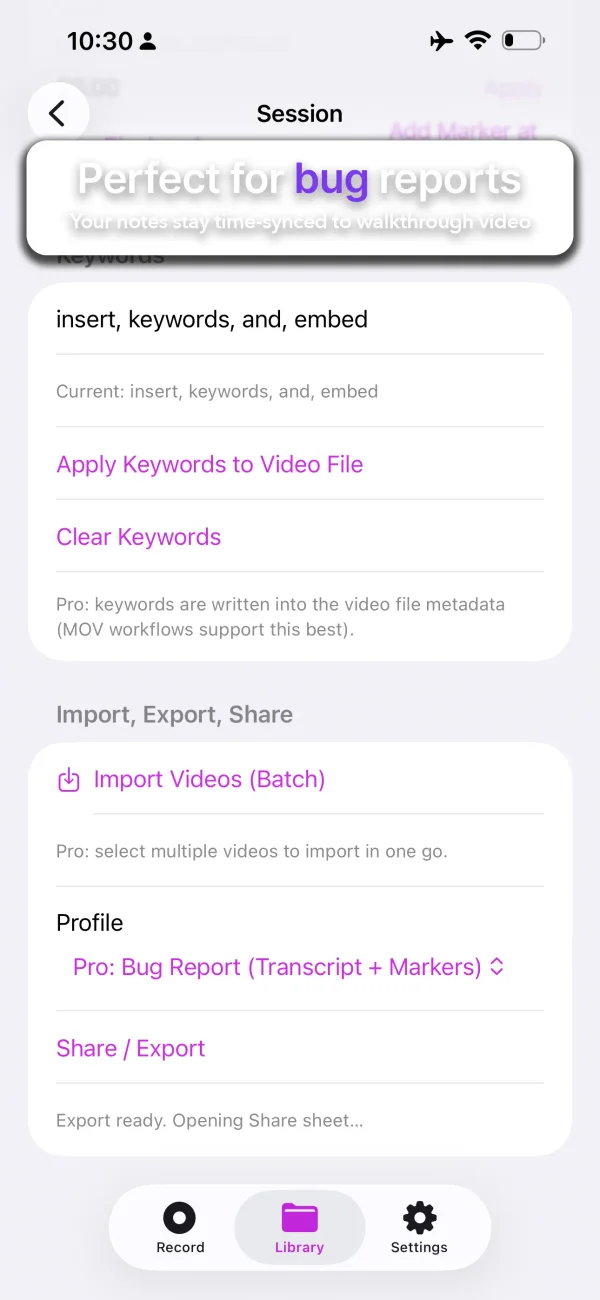
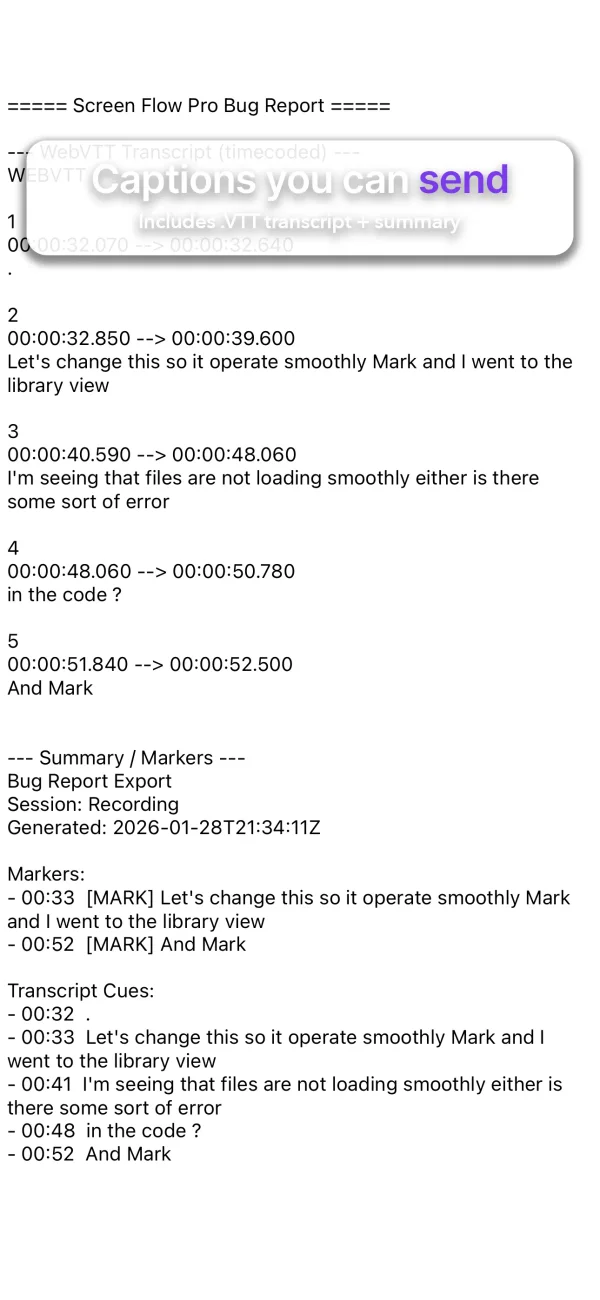
•Bug Report Export: Generate a shareable bug report package for troubleshooting and support
Made for
•Content creators and educators
•App walkthroughs and how-to tutorials
•Customer support and training videos
•Product demos and bug reproduction recordings
Free vs Pro
•Screen Flow Pro includes core recording and basic export for free. Pro unlocks advanced export and workflow features.
Support
If you need help, export a Bug Report from any Session to share your video + diagnostic details.
Privacy Policy: https://dom706-cmd.github.io/screen-flow-pro-docs/privacy.html
Terms of Use (EULA): https://www.apple.com/legal/internet-services/itunes/dev/stdeula/
Yang baru
Versi 1.0.9 · 29/1/2026
Pinned preview + scrub/timecode in Session editor
Batch Import support
Bug Report export reliability + progress UI improvements
MOV-only exports for more consistent sharing
Bug fixes & performance improvements
Privasi aplikasi
Yang dinyatakan DOMINIC A ALEANDRI di App Store tentang cara aplikasi ini menangani data.
-
Data tidak dikumpulkan
Pengembang tidak mengumpulkan data apa pun dari aplikasi ini.
Praktik privasi dapat bervariasi, misalnya berdasarkan fitur yang Anda gunakan atau usia Anda.
Informasi
- Penjual
- DOMINIC A ALEANDRI
- Kategori
- Kegunaan
- Versi
- 1.0.9
- Diperbarui
- 29/1/2026
- Dirilis
- 22/1/2026
- Ukuran
- 5,9 MB
- Memerlukan
- iOS 16.6 atau yang lebih baru
- Batasan usia
- 4+
- Harga
- Gratis
- Pembelian dalam aplikasi
- Ya
- Bahasa
- Inggris
- Hak cipta
- © 2026 Dominic Aleandri
Mungkin Anda juga suka
-
 TholosKegunaan
-
 Rimote: Mac Remote ControlKegunaan
-
 Thermal KitKegunaan
-
 Easy Voice: Audio NotesKegunaan
-
 Screen Flow: Pencerminan LayarBuat & Bagikan Konten
-
 Water Pulse: Daily DrinkKegunaan
-
 Pingify: Uptime & AlertsKegunaan
-
 Feast | Food Wallpapers HD 4kKegunaan
-
 OPT7 PLUSKegunaan
-
 Crystal Voice Recorder & MemosKegunaan