
- Batasan usia4+
- KategoriAlat Pengembang
- PengembangDireTek Solutions, LLC
- BahasaInggris
- Ukuran2,6 MB
Tertaut ke halaman resmi App Store
Download.org tidak menyimpan file Signeto apa pun. Tombol ini membuka halaman aplikasi di App Store, tempat DireTek Solutions, LLC menerbitkannya. Halaman terakhir diperiksa pada 23/11/2026.
Tangkapan layar

Tentang
Pengembang belum menyediakan teks ini dalam bahasa Anda.
Signeto lets you approve or deny what your AI agents do, from your iPhone.
When an AI coding agent wants to do something sensitive, such as merging a pull request into the main branch on GitHub, your Signeto gateway sends the exact action to this app. You read it on a card and decide.
HOW IT WORKS
• Your agent asks your Signeto gateway to perform an action.
• The app shows you that action: the repository, the pull request number, the target branch, the merge method and the exact commit.
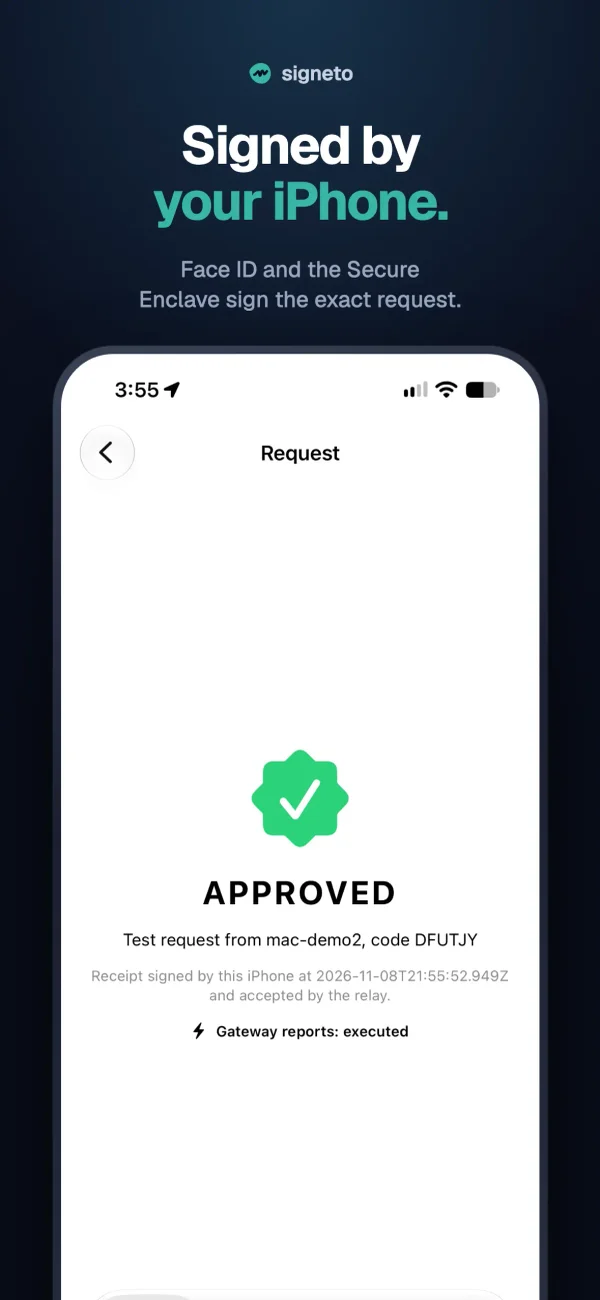
• You approve or deny it with Face ID.
• Your approval is a signature made with a key held in your iPhone's Secure Enclave. The gateway checks the signature, and only then runs the action, using a credential scoped to that one action.
WHAT YOU GET
• A card for every request that shows exactly what will happen.
• Approve or deny with Face ID.
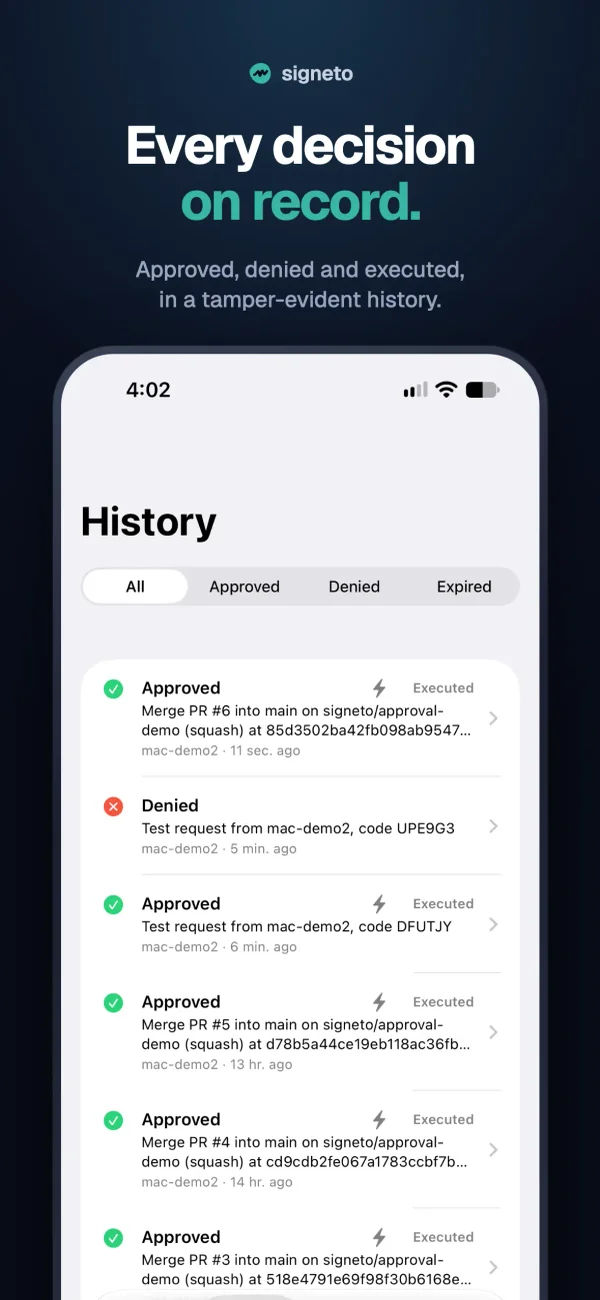
• A History tab with your past decisions.
• Every decision is recorded in a tamper-evident ledger.
ONLY YOUR PHONE CAN SAY YES
• Approvals are signed by a key in your iPhone's Secure Enclave.
• The Signeto server (the relay) cannot approve anything. Only your phone's key can.
• The app holds no GitHub credential.
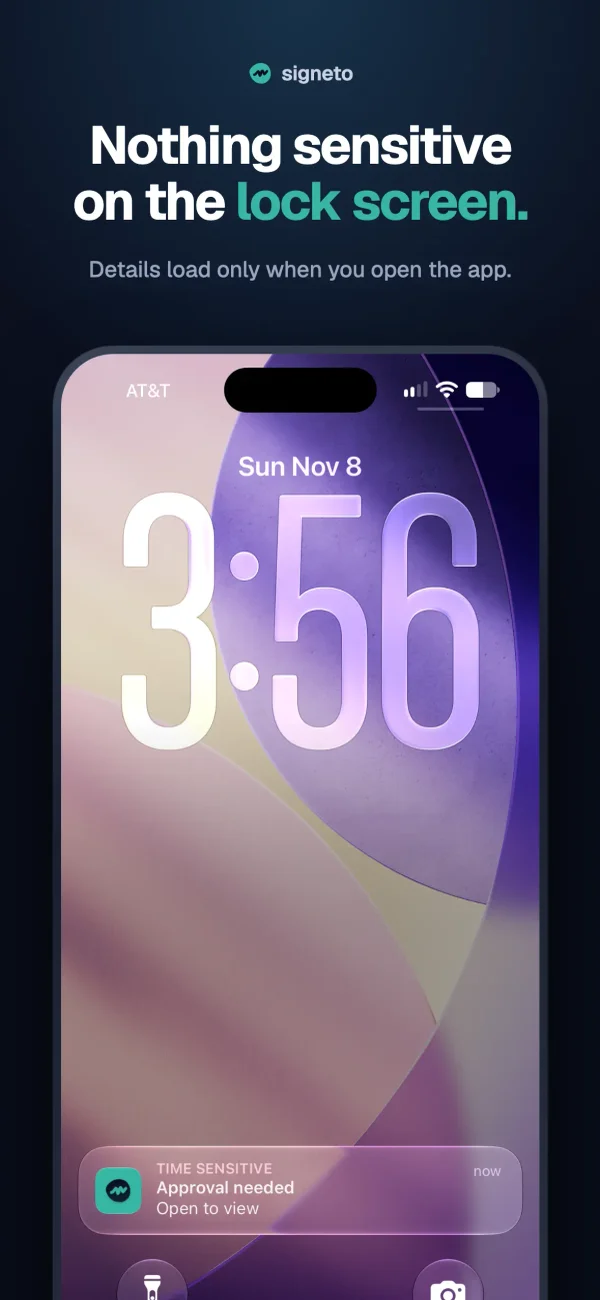
• Notifications carry no action content. The app fetches the details when you open it.
GETTING STARTED
Signeto works with a Signeto account and a Signeto gateway.
1. Sign in with a passkey for your Signeto account at signeto.dev.
2. Run the signeto command-line tool and scan the QR code it shows to pair the app with your gateway.
Setup guide: https://signeto.dev/docs/quickstart/
The app is free. Signeto is in early access; join the waitlist at https://signeto.dev.
Questions: hello@signeto.dev
Security reports: security@signeto.dev
Yang baru
Versi 1.1.0 · 19/11/2026
• When a gateway needs pairing again, a notice stays in your Inbox until you've re-paired.
• Remove a gateway with a swipe.
• New support address: support@signeto.dev.What's new in 1.1.0:
• Ready for Signeto Cloud (coming soon): approve moving a gateway between your computer and Signeto Cloud without pairing again.
• Your gateways show the Cloud trial and plan status, including when a trial or plan ends.
• A notice when a plan's payment needs attention, with where to fix it.
• Sign up and recover your account with an email code.
• Pairing shows both codes while you wait.
• Removing a gateway lets you unlink it or revoke it on your account.
Privasi aplikasi
Yang dinyatakan DireTek Solutions, LLC di App Store tentang cara aplikasi ini menangani data.
-
Data yang ditautkan dengan Anda
Dapat dikumpulkan dan ditautkan dengan identitas Anda.
- Info kontak
- Konten pengguna
- Pengenal
- Data lainnya
Praktik privasi dapat bervariasi, misalnya berdasarkan fitur yang Anda gunakan atau usia Anda.
Informasi
- Penjual
- Diretek Solutions, LLC
- Kategori
- Alat Pengembang
- Versi
- 1.1.0
- Diperbarui
- 19/11/2026
- Dirilis
- 9/11/2026
- Ukuran
- 2,6 MB
- Memerlukan
- iOS 17.0 atau yang lebih baru
- Batasan usia
- 4+
- Harga
- Gratis
- Bahasa
- Inggris
- Hak cipta
- © 2026 Diretek Solutions, LLC