
Simple Pixel Art Maker
Draw pixel art with layers
Dirancang untuk iPhone, iPad
Gratis · Pembelian dalam aplikasi
- Batasan usia+4
- KategoriGrafik & Desain
- PengembangChaleepa Mallawa
- BahasaInggris
- Ukuran5,7 MB
Tertaut ke halaman resmi App Store
Download.org tidak menyimpan file Simple Pixel Art Maker apa pun. Tombol ini membuka halaman aplikasi di App Store, tempat Chaleepa Mallawa menerbitkannya. Halaman terakhir diperiksa pada 12/11/2026.
Tangkapan layar


Tentang
Pengembang belum menyediakan teks ini dalam bahasa Anda.
Pixel art, made simple.
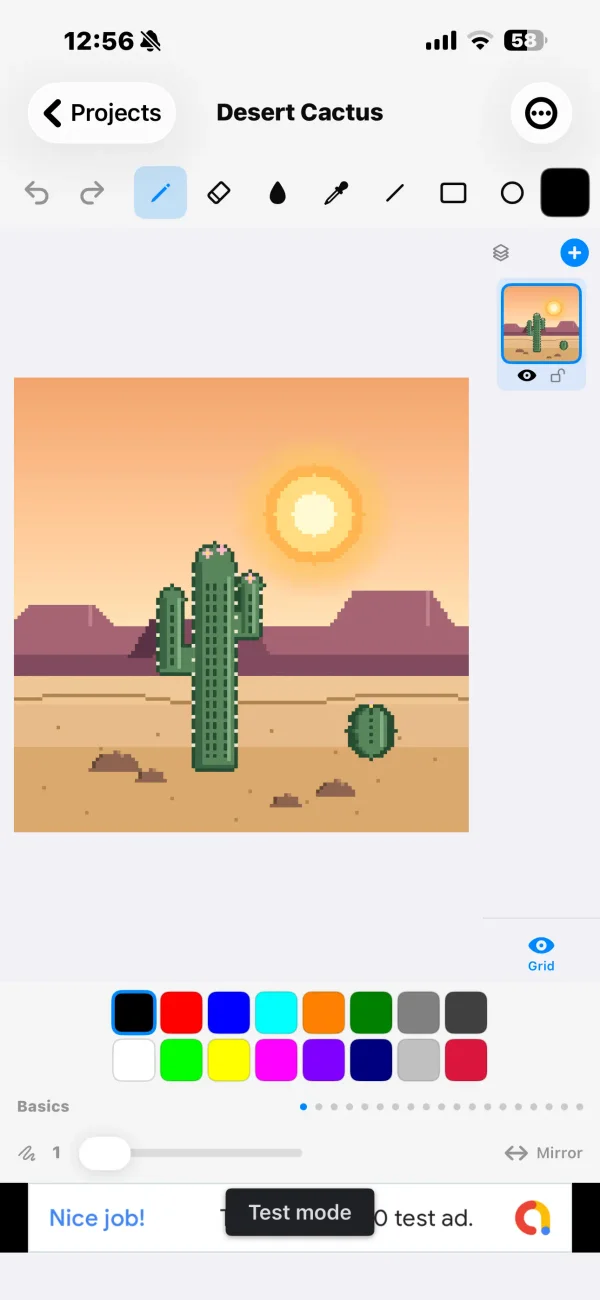
Simple Pixel Art Maker is a clean, fast drawing studio for iPhone and iPad — designed for the way pixel art actually works: a precise grid, a tight set of tools, and colors that snap to curated palettes. Tap a square. Pick a color. Build a tiny world, one pixel at a time.
EVERYTHING YOU NEED, NOTHING YOU DON'T
• Pencil, Eraser and Fill — the three tools you actually use
• Adjustable brush size from 1 to 8 pixels
• Eyedropper to sample any pixel on the canvas
• Pixel-perfect Line, Rectangle and Circle tools
• Move tool to nudge layer pixels around
• Unlimited Undo and Redo
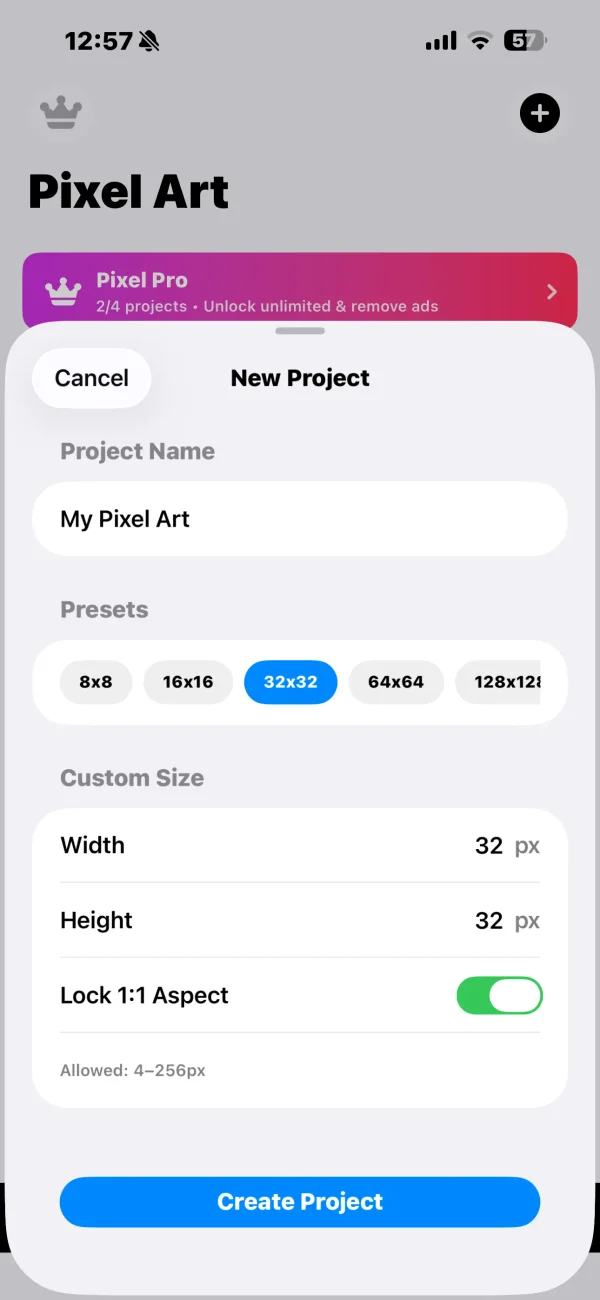
CANVAS SIZES FROM 8×8 TO 128×128
Pick a preset — 8, 16, 32, 64, 128 — or set a custom width and height up to 256 px. Lock the 1:1 aspect or go rectangular. Pixel grid lines and a checkerboard background are toggles, not requirements.
LAYERS
Build sky, mountains and the cactus on separate layers. Hide them, lock them, and reorder them as you sketch. The free version supports a comfortable starting stack; Pixel Pro unlocks unlimited layers for more ambitious scenes.
CURATED COLOR PALETTES
Swipe through Basics, Beach, Forest, Sunset, Retro and more — each carefully picked so your art looks intentional from the first pixel. Or use the eyedropper to grab any color already on the canvas.
MIRROR MODE
Horizontal, vertical, or both. Perfect for sprites, faces and symmetrical icons — every stroke mirrors instantly.
EXPORT TO PHOTOS
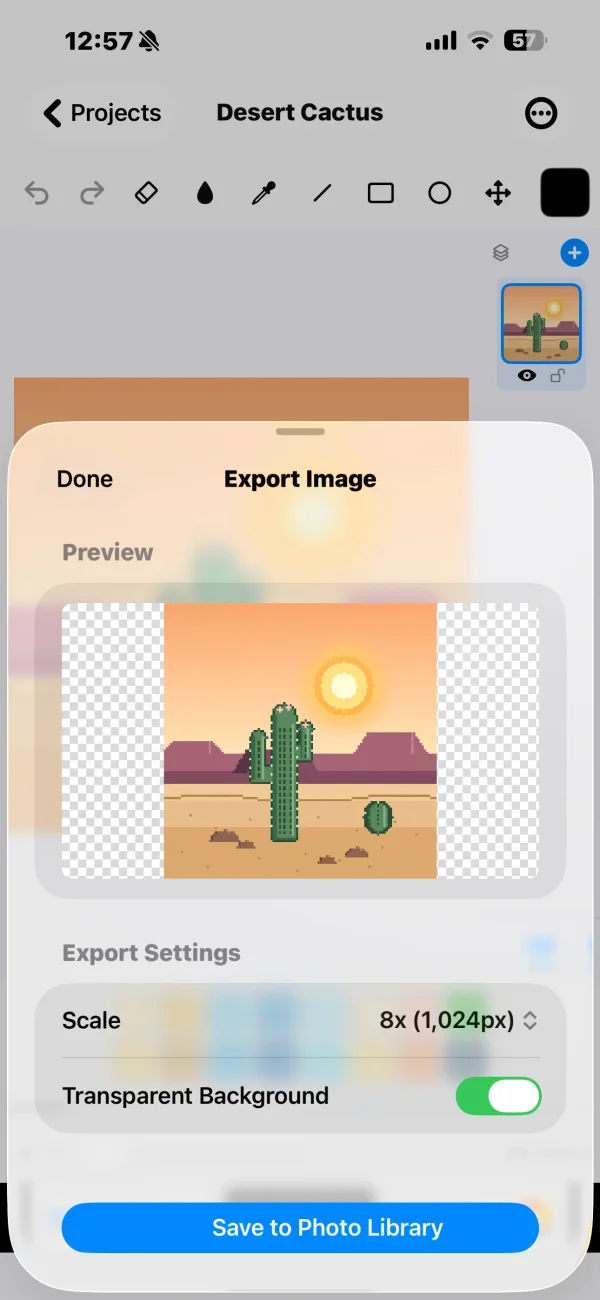
Save your art to the Photo Library as a PNG at 1×, 2×, 4× or 8× scale, with an optional transparent background. Your pixel art stays crisp at every size.
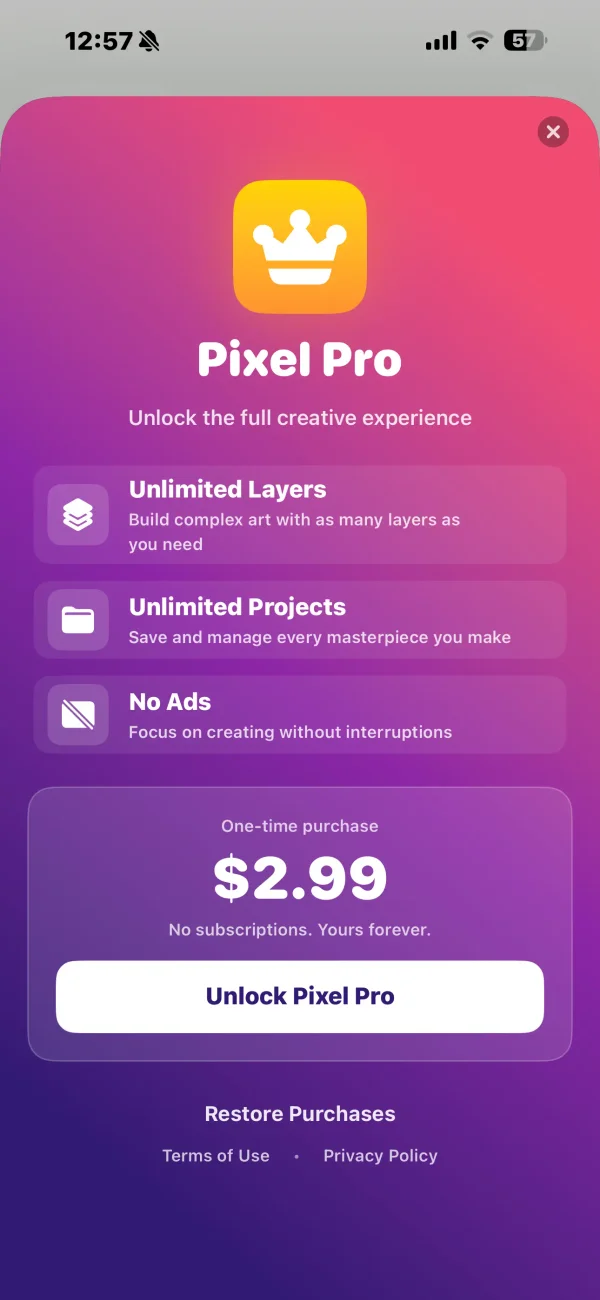
PIXEL PRO — $2.99, ONCE
Simple Pixel Arts Maker is free to download with non-personalized ads. A single in-app purchase unlocks Pixel Pro for $2.99:
• Unlimited Layers — build complex scenes with as many layers as you need
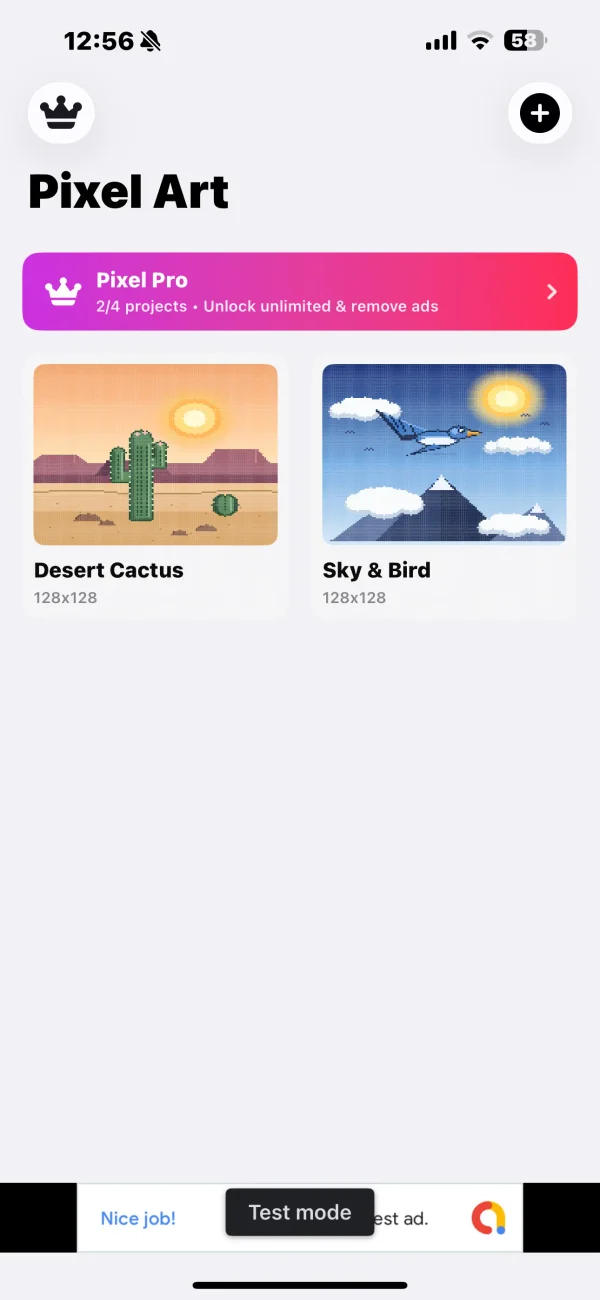
• Unlimited Projects — the free version keeps 4 recent projects; Pixel Pro removes that ceiling
• No Ads — no banners, no interstitials, ever
• One-time purchase. No subscriptions. Yours forever.
QUIETLY PRIVATE
No account. No sign-up. No analytics. Your pixel-art projects are stored locally on your device and are never uploaded anywhere. The free version uses Google AdMob to serve ads; if you choose "Ask App Not to Track," only non-personalized ads are served.
PERFECT FOR
• Game designers prototyping sprites and tile art
• Kids and beginners discovering pixel art for the first time
• Logo, icon, and emoji designers who want pixel-perfect output
• Anyone who finds drawing on a grid relaxing
Privasi aplikasi
Yang dinyatakan Chaleepa Mallawa di App Store tentang cara aplikasi ini menangani data.
-
Data yang digunakan untuk melacak Anda
Dapat digunakan untuk melacak Anda di aplikasi dan situs web milik perusahaan lain.
- Lokasi
- Pengenal
- Data penggunaan
-
Data yang ditautkan dengan Anda
Dapat dikumpulkan dan ditautkan dengan identitas Anda.
- Pembelian
- Lokasi
- Pengenal
- Data penggunaan
Praktik privasi dapat bervariasi, misalnya berdasarkan fitur yang Anda gunakan atau usia Anda.
Informasi
- Penjual
- Chaleepa Mallawa
- Kategori
- Grafik & Desain
- Versi
- 1.0
- Diperbarui
- 13/5/2026
- Dirilis
- 13/5/2026
- Ukuran
- 5,7 MB
- Memerlukan
- iOS 17.0 atau yang lebih baru
- Batasan usia
- +4
- Harga
- Gratis
- Pembelian dalam aplikasi
- Ya
- Bahasa
- Inggris
- Hak cipta
- © 2026 Chaleepa Mallawa
Mungkin Anda juga suka
-
 z3DBuildMosaicGrafik & Desain
-
 dotStudioGrafik & Desain
-
 Pixel Art Maker - AnywhereGrafik & Desain
-
 PixelCreaterGrafik & Desain
-
 Pixel Art Studio Sprite EditorGrafik & Desain
-
 Pixel Forge: Pixel Art MakerGrafik & Desain
-
 Draw Pixel: Pixel Art CanvasGrafik & Desain
-
 PIXIO Pixel StudioGrafik & Desain
-
 PixelEven - Pixel Art MakerGrafik & Desain