SINAR MLog
Sinar TXM, SinarMLog, Sinar
Dirancang untuk iPhone, iPod touch
Gratis
- Batasan usia4+
- KategoriProduktivitas
- PengembangPareen Patel
- BahasaInggris
- Ukuran23,2 MB
Tertaut ke halaman resmi App Store
Download.org tidak menyimpan file SINAR MLog apa pun. Tombol ini membuka halaman aplikasi di App Store, tempat Pareen Patel menerbitkannya. Halaman terakhir diperiksa pada 13/11/2026.
Tangkapan layar

Tentang
Pengembang belum menyediakan teks ini dalam bahasa Anda.
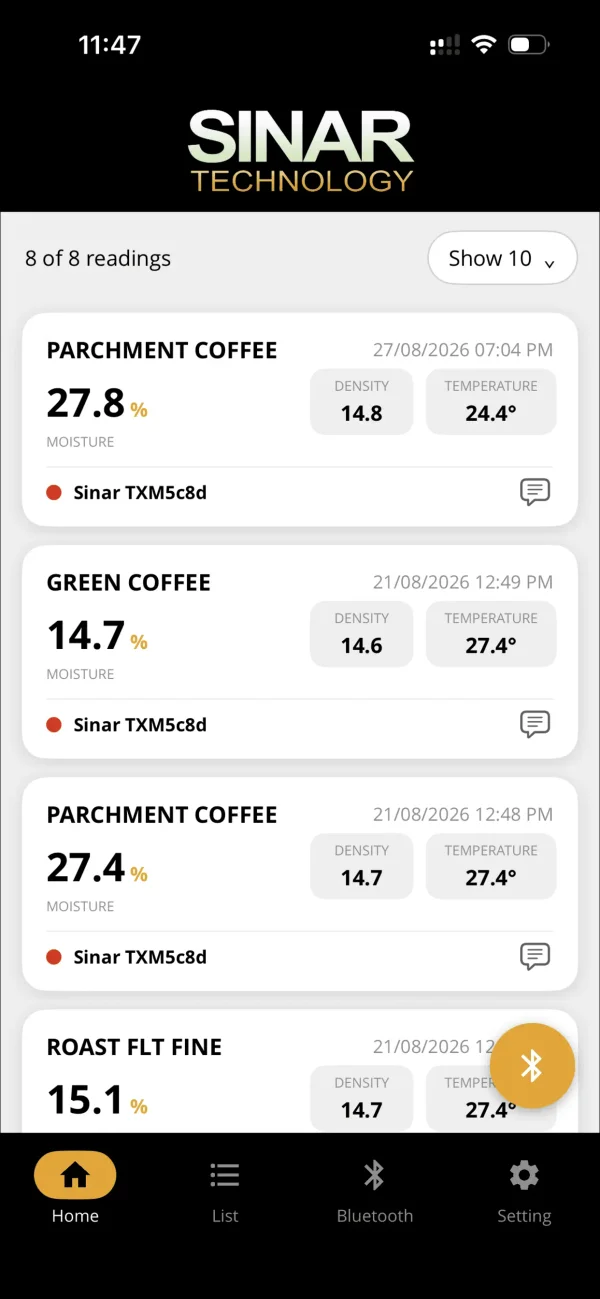
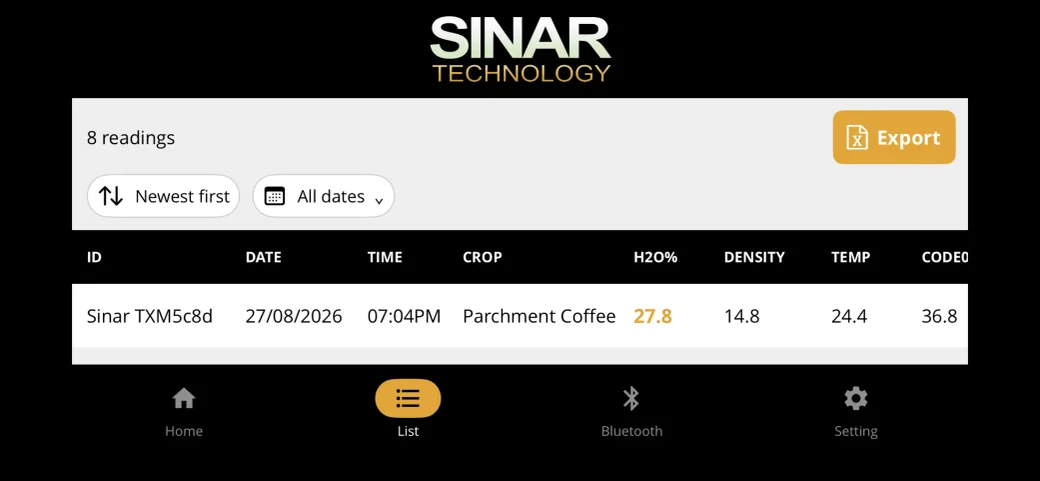
App is designed as a quick and easy way to display, store and transfer data received from any compatible Sinar instruments through "TXM", a BLE device. These instruments measure the moisture, density and temperature of a given crop sample with date and time. Once TXM is connected to the MLog App, all tests taken on a compatible Sinar Instrument will be displayed on the app. The test results will be stored in the App with the storage capacity upto 1000 reading. The user has an option to export the Test results stored in the Data log through Email or Whatsapp in the form of a .csv file. This eliminates any errors in writing the results and the hassle of Printing the data.
To keep the recorded test results secure, the user cannot delete any test result except the last/ most recent one. There is also a provision to write a comment for each test result.
This application is not taking any personal information.
This application is not storing any information of cloud, Internet is not required to use this application.
Sinar Technology have full knowledge of this project and have no issue with the application proposal.
Yang baru
Versi 2.0.2 · 3/9/2026
Warranty registration
• Register your SINAR TECHNOLOGY product from Settings > Warranty.
• Attach a photo of your purchase receipt — take one or pick from your
library — or register without it. It's optional either way.
• The form fills in what we already know about your account, so there is
less to type.
Readings tab
• Sort by newest first or oldest first with one tap.
• Filter by date, including a custom range.
• Export now includes the time column and every reading on screen. Notes
containing commas or line breaks no longer break the exported file.
• Delete a reading by swiping or long-pressing its row, always with a
confirmation first.
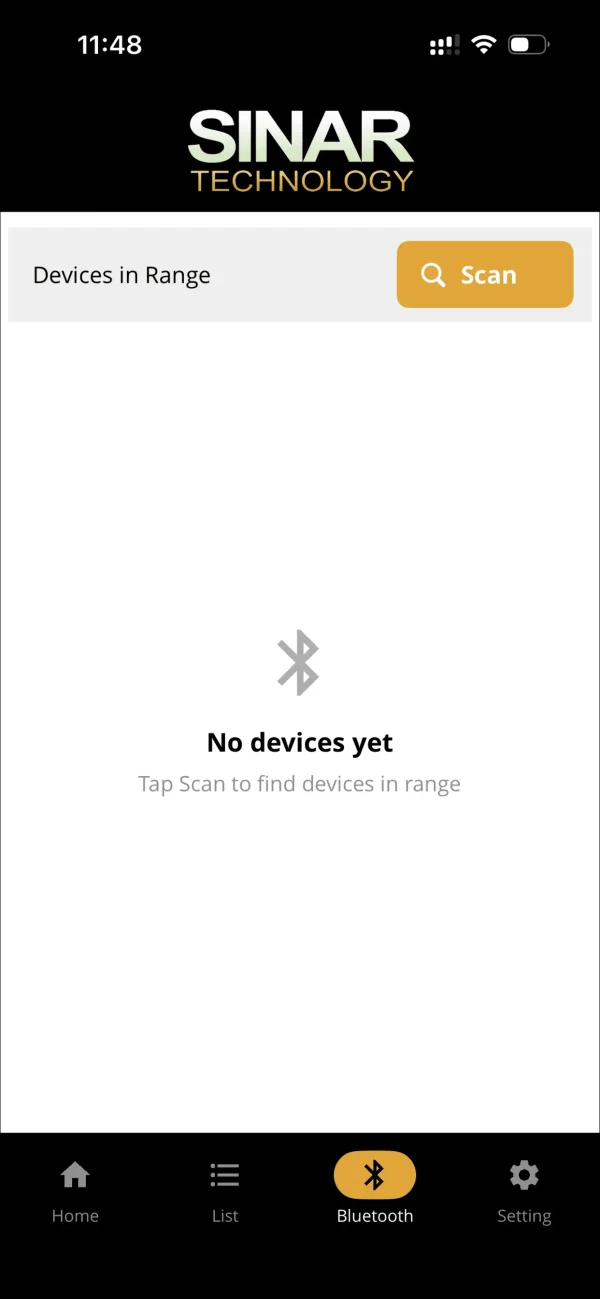
Devices tab
• A clearer starting screen when nothing has been found yet, and a live
"Scanning…" state so you can see the search running.
Report an error and get help
• Send an error report to our team straight from Settings, prefilled from
your registration details.
• The user guide downloads once and opens offline afterwards.
Fixes and polish
• Dates and times display correctly, including am/pm, and now prefer your
phone's clock over the meter's.
• Fixed a crash when taking a receipt photo. If camera or photo access was
turned off, the app now explains why and takes you to the right Settings
page.
• Lighter typography on the Settings page, tidier Home cards, a black strip
below the tab bar, and you can now show 10 readings on the homepage.
Privasi aplikasi
Yang dinyatakan Pareen Patel di App Store tentang cara aplikasi ini menangani data.
-
Data tidak dikumpulkan
Pengembang tidak mengumpulkan data apa pun dari aplikasi ini.
Praktik privasi dapat bervariasi, misalnya berdasarkan fitur yang Anda gunakan atau usia Anda.
Informasi
- Penjual
- Pareen Patel
- Kategori
- Produktivitas
- Versi
- 2.0.2
- Diperbarui
- 3/9/2026
- Dirilis
- 13/7/2021
- Ukuran
- 23,2 MB
- Memerlukan
- iOS 15.6 atau yang lebih baru
- Batasan usia
- 4+
- Harga
- Gratis
- Bahasa
- Inggris
- Hak cipta
- © 2021 Sinar Agritec (R&D) Ltd