SleepTimer – Bedtime Routine
A timer for media and bedtime
Dirancang untuk iPhone
Gratis
- Batasan usia4+
- KategoriGaya Hidup
- PengembangTom Krusch
- BahasaInggris+ 1 lainnya
- Ukuran10,0 MB
Tertaut ke halaman resmi App Store
Download.org tidak menyimpan file SleepTimer – Bedtime Routine apa pun. Tombol ini membuka halaman aplikasi di App Store, tempat Tom Krusch menerbitkannya. Halaman terakhir diperiksa pada 17/11/2026.
Tangkapan layar

Tentang
Pengembang belum menyediakan teks ini dalam bahasa Anda.
Fall asleep relaxed. We'll take care of the rest.
SleepTimer is your smart companion for a perfect night's sleep. Do you like to fall asleep to videos, podcasts, audiobooks, or relaxing music? Are you worried that your iPhone will run all night, drain the battery, or wake you up later?
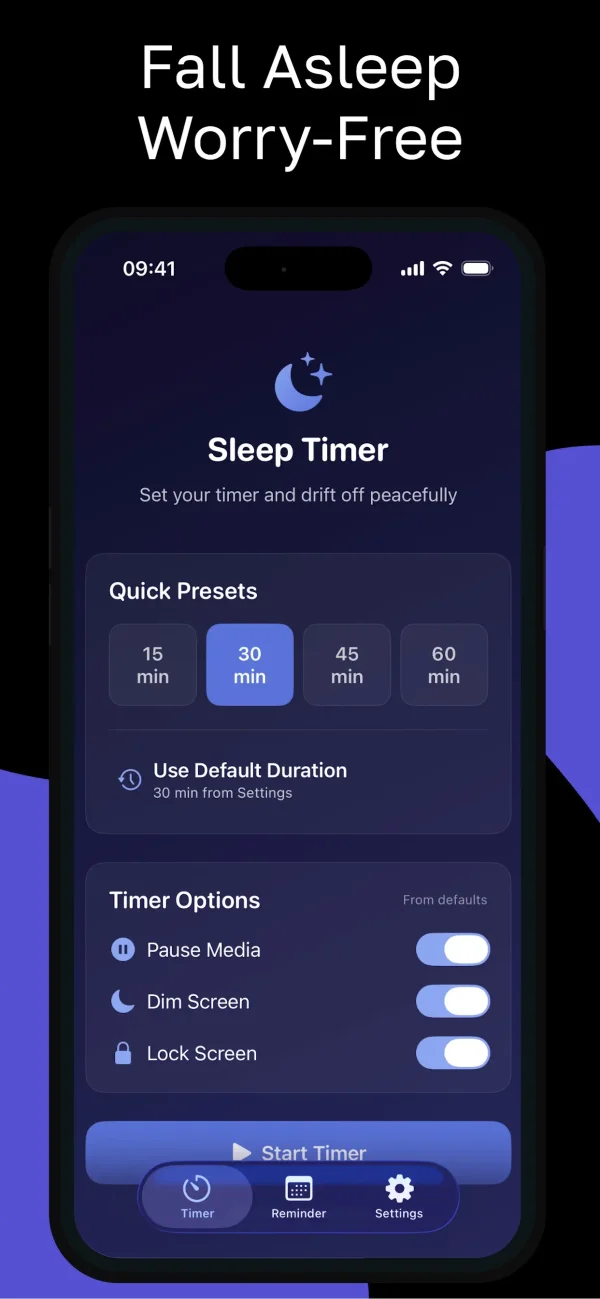
SleepTimer solves this problem. The app automatically pauses all your media, gently dims the screen, and locks your iPhone—all fully automatically after your desired time.
Your advantages at a glance:
- No more dead batteries: Your iPhone turns off when you sleep.
- Undisturbed sleep: No sudden noises or bright lights in the middle of the night.
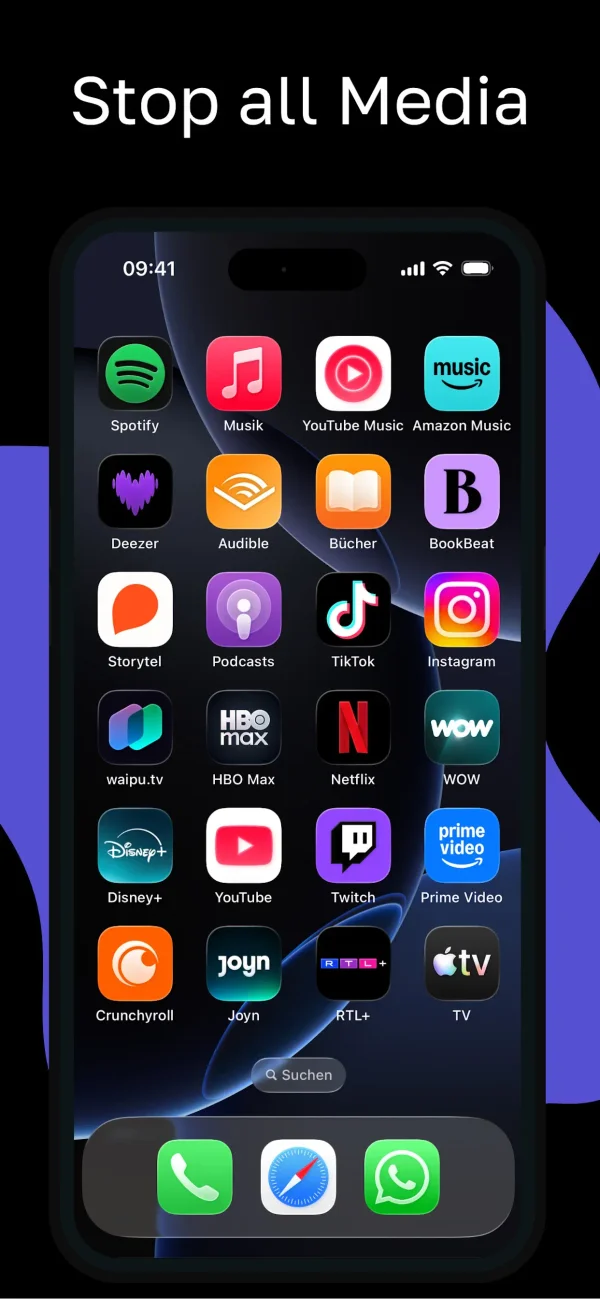
- Full control: Use YouTube, TikTok, Apple Music, Spotify, or your favorite podcast app.
Top features:
Flexible timers: Choose between 5 and 120 minutes or set a custom time.
Media stop: Reliably pauses music, videos, and streams.
Gentle dimming: Reduces brightness shortly before the end to protect your eyes.
Auto-lock: Securely locks the screen.
Shortcuts integration: Harness the power of Apple Shortcuts for maximum background reliability.
Perfect for:
- Falling asleep with audiobooks (Audible, etc.)
- Meditation and white noise for relaxation
- Watching videos in bed (YouTube, TikTok)
It's that simple:
Select the duration.
Activate the desired actions (pause, dim, lock).
Press start and relax!
Note: To use the advanced system functions (lock & dim), the app installs the necessary Apple shortcuts.
Privasi aplikasi
Yang dinyatakan Tom Krusch di App Store tentang cara aplikasi ini menangani data.
-
Data tidak dikumpulkan
Pengembang tidak mengumpulkan data apa pun dari aplikasi ini.
Praktik privasi dapat bervariasi, misalnya berdasarkan fitur yang Anda gunakan atau usia Anda.
Informasi
- Penjual
- Tom Krusch
- Kategori
- Gaya Hidup
- Versi
- 1.0.0
- Diperbarui
- 4/2/2026
- Dirilis
- 4/2/2026
- Ukuran
- 10,0 MB
- Memerlukan
- iOS 26.0 atau yang lebih baru
- Batasan usia
- 4+
- Harga
- Gratis
- Bahasa
- Inggris, Jerman
- Hak cipta
- © Tom Krusch
Mungkin Anda juga suka
-
 Night TimerGaya Hidup
-
 RosaKnock: Focus & ADHD TimerPengingat di pergelangan
-
 Schützen-HüthumGaya Hidup
-
 Frame365 - Daily Photo JournalGaya Hidup
-
 Anchor & CoGaya Hidup
-
 Alarm Manager – Smart Wake UpGaya Hidup
-
 Kultur MagazineGaya Hidup
-
 Inner Journal, Buku HarianJurnal mood, PIN, tanpa iklan
-
 Thanksgiving 2026 ImagesGaya Hidup
-
 Sewing Pattern TranslatorGaya Hidup