- Batasan usia4+
- KategoriBisnis
- PengembangSmart Car Key
- BahasaInggris
- Ukuran73,6 MB
Tertaut ke halaman resmi App Store
Download.org tidak menyimpan file Smart Car Key apa pun. Tombol ini membuka halaman aplikasi di App Store, tempat Smart Car Key menerbitkannya. Halaman terakhir diperiksa pada 16/11/2026.
Tangkapan layar

Tentang
Pengembang belum menyediakan teks ini dalam bahasa Anda.
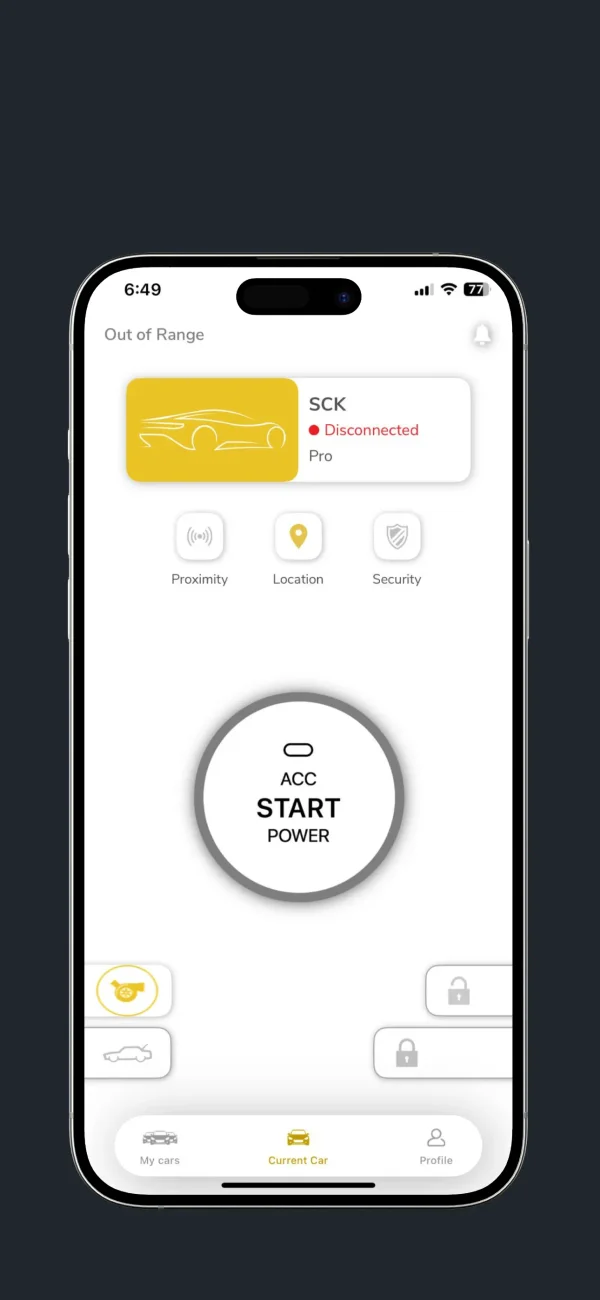
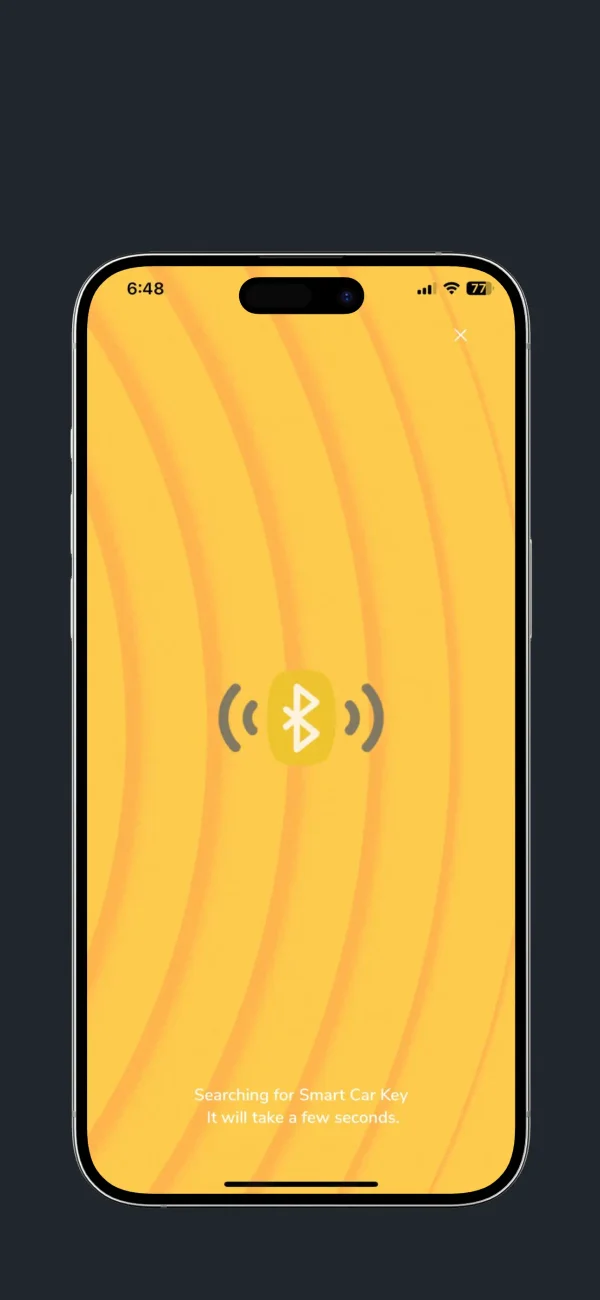
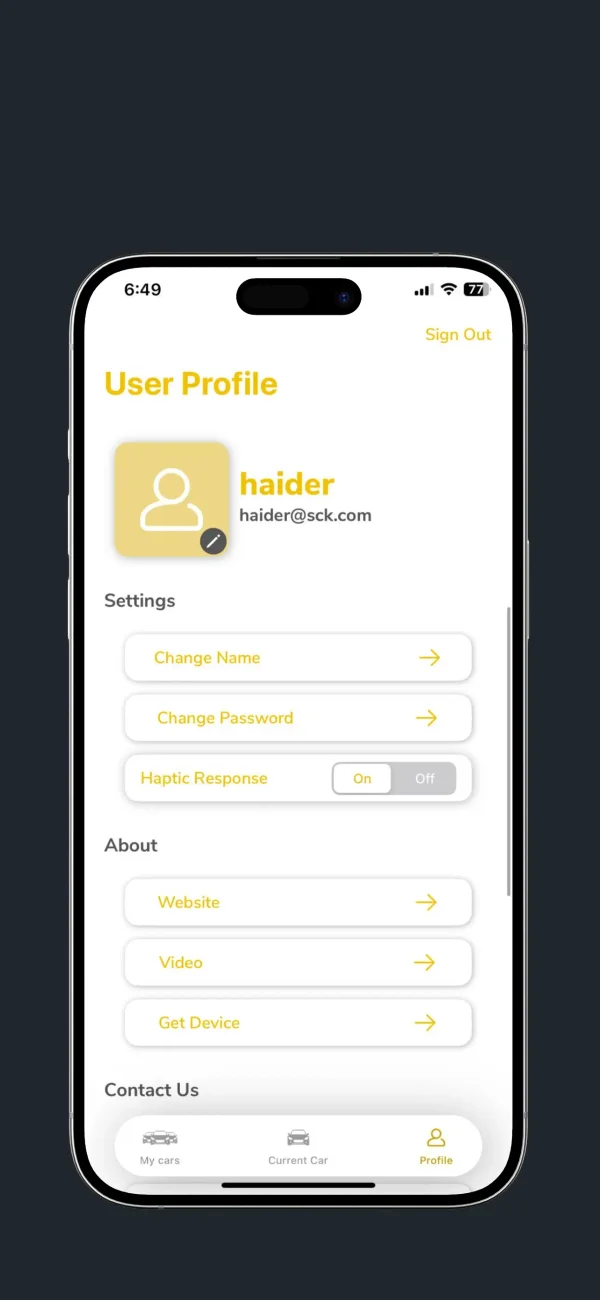
Once you download the SmartCarKey app to your smartphone and pair the phone to a device installed in your car, the smartphone becomes your car key. For the ultimate connected-car experience, our device, app, and sleek, modern dashboard give you fingertip control of the following features:
- Lock/ Unlock
- Start/ Stop
- Remote start
- Unlock Trunk
- Last parked location
- Auto security
- Engine deactivate
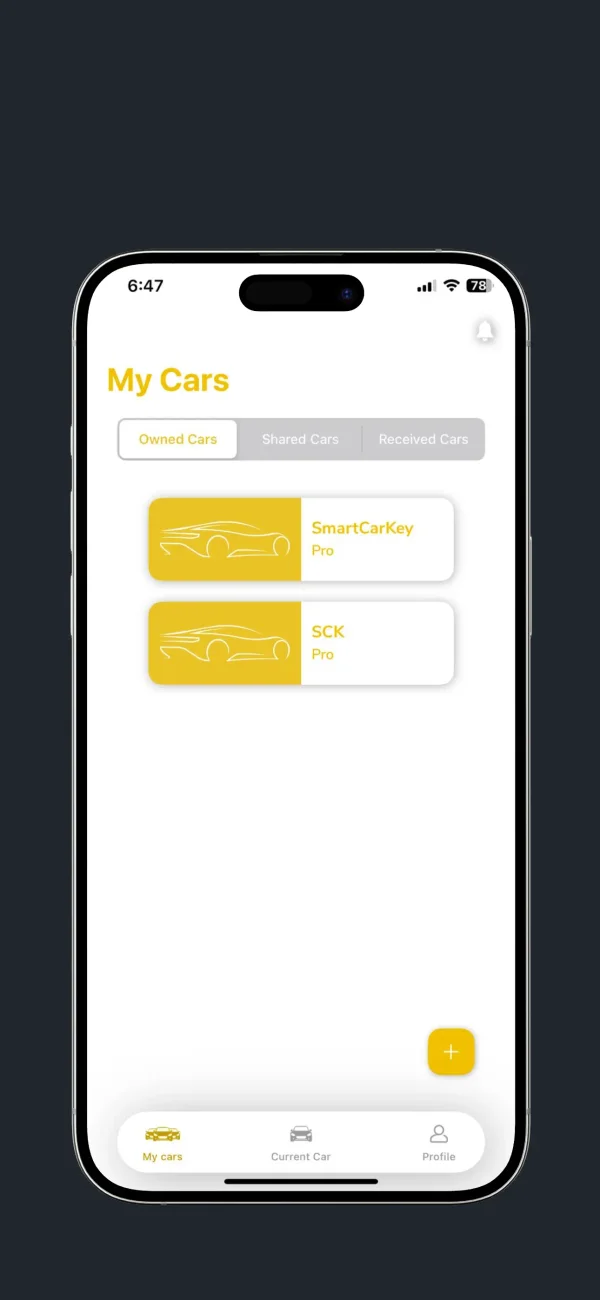
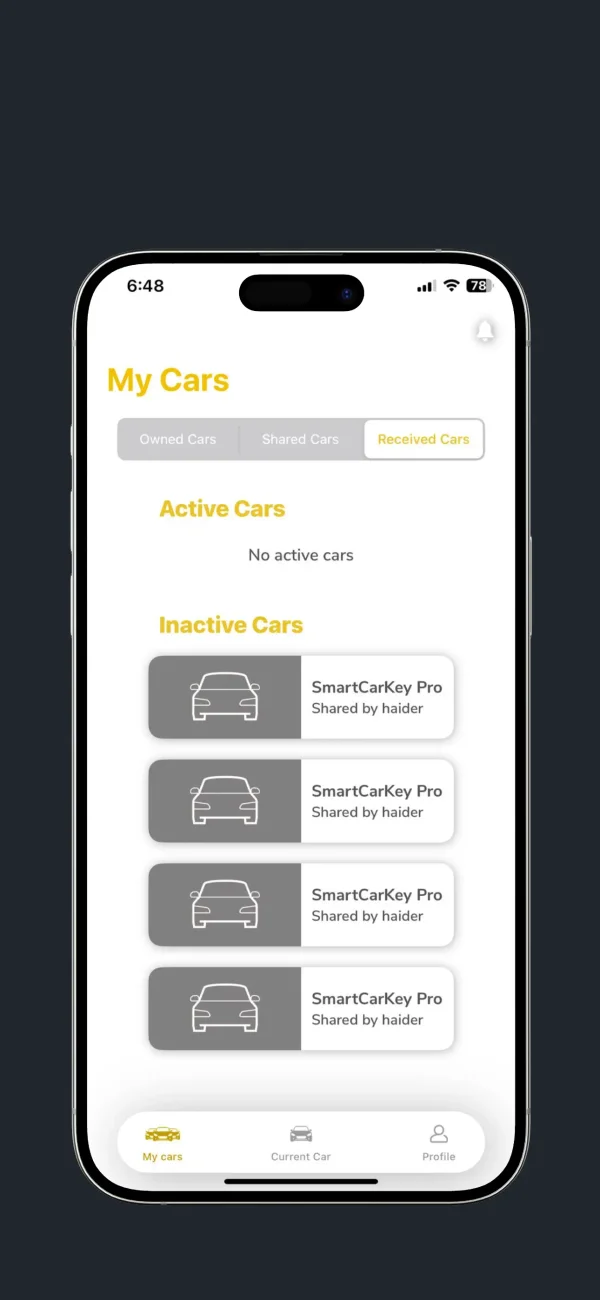
- Car sharing
Your car can now become smart... and use a digital car key!!!
Using Bluetooth technology to wirelessly send data to the car, drivers also have the option to turn on the auto-lock/unlock and the auto start/stop option and won’t even need to remove the phone from their bag or pocket to start the car. Once the driver is within range the door automatically unlocks and then the vehicle automatically starts, just put it into gear, and away you go.
Forgot whether you locked your car? No problem! The auto security feature automatically locks the car for you when you move a certain distance away from the car ensuring your car is always secure
Another great feature of SmartCarKey is the ‘last parked location’. This feature allows you to use the map on your phone to locate where you parked the car last and allows you to navigate to it quickly and easily. Never lose your car again.
Owners can share the Smart Key to family and friends via the app from anywhere in the world allowing them to use the car. The owner can also include time limits on how long the users can operate the vehicle.
Fleet owners can also use smartcarkey to their advantage. Our sharing platform allows operators to send out multiple digital keys to multiple drivers for designated time slots and also set time limits ensuring maximum utilization of the fleet.
Follow these three steps to get your car converted to use a smart digital key
1. Download the SmartCarKey App
2. Get the SmartCarKey device installed in your vehicle
3. Set up your account, leave your keys at home and start using a digital car key.
You don't have to have the latest car to have the latest technology!!!!!
Yang baru
Versi 3.1 · 2/9/2026
Bug fixes, iOS 26 UI improvements, and better turbo and Bluetooth reliability.
Privasi aplikasi
Yang dinyatakan Smart Car Key di App Store tentang cara aplikasi ini menangani data.
-
Data tidak dikumpulkan
Pengembang tidak mengumpulkan data apa pun dari aplikasi ini.
Praktik privasi dapat bervariasi, misalnya berdasarkan fitur yang Anda gunakan atau usia Anda.
Informasi
- Penjual
- smart car key pty ltd
- Kategori
- Bisnis
- Versi
- 3.1
- Diperbarui
- 2/9/2026
- Dirilis
- 19/11/2020
- Ukuran
- 73,6 MB
- Memerlukan
- iOS 13.0 atau yang lebih baru
- Batasan usia
- 4+
- Harga
- Gratis
- Bahasa
- Inggris
- Hak cipta
- © 2020 Smartech Holdings (ANZ) Pty Ltd
Mungkin Anda juga suka
-
 Car Play Connect. Digital key.Bisnis
-
 Mitra - Asisten Telepon AIJawab, saring & menelepon
-
 Network Toolbox Net securityProduktivitas
-
 Spy Phone ® Phone TrackerGPS Keluarga & Pelacak Kontak
-
 Passkeys AppProduktivitas
-
 Stocks AlerterKeuangan
-
 Spy Phone ® Pro TrackerKontak & GPS Keluarga
-
 Checkbook - Account TrackerKeuangan
-
 Folio: Digital Wallet AppProduktivitas
-
 BitTycoon:BTC Cloud MiningKeuangan