- Batasan usia4+
- KategoriNavigasi
- PengembangairWORK aviation media UG
- BahasaInggris
- Ukuran90,0 MB
Tertaut ke halaman resmi App Store
Download.org tidak menyimpan file smartCHECK apa pun. Tombol ini membuka halaman aplikasi di App Store, tempat airWORK aviation media UG menerbitkannya. Halaman terakhir diperiksa pada 14/11/2026.
Tangkapan layar

Tentang
Pengembang belum menyediakan teks ini dalam bahasa Anda.
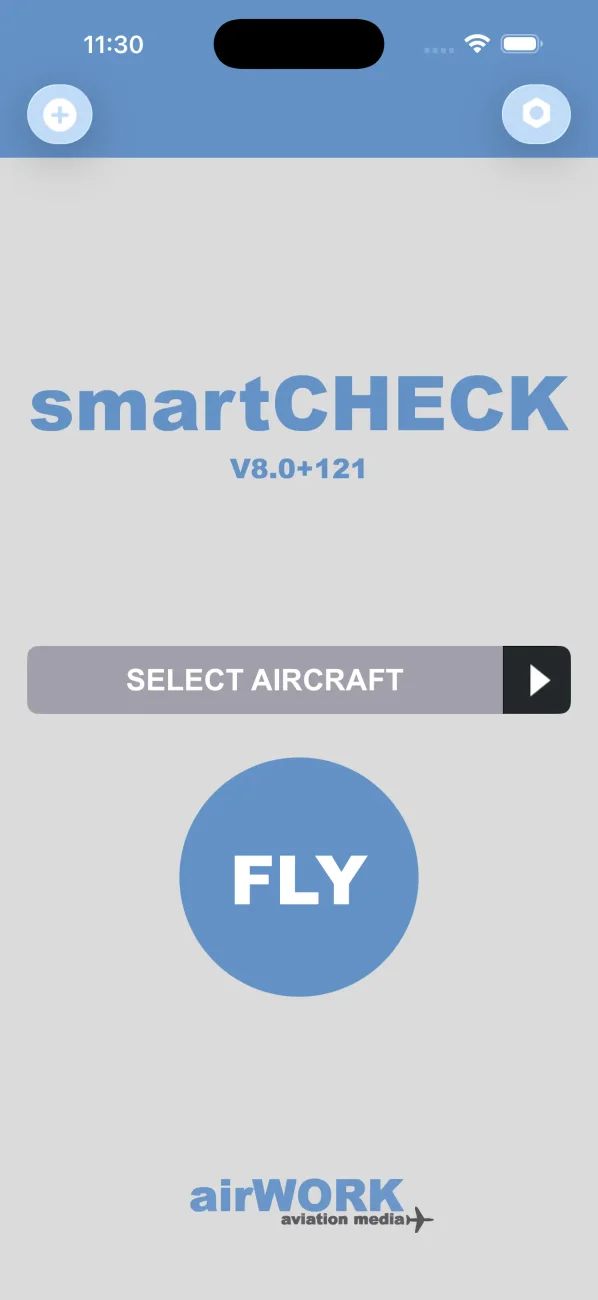
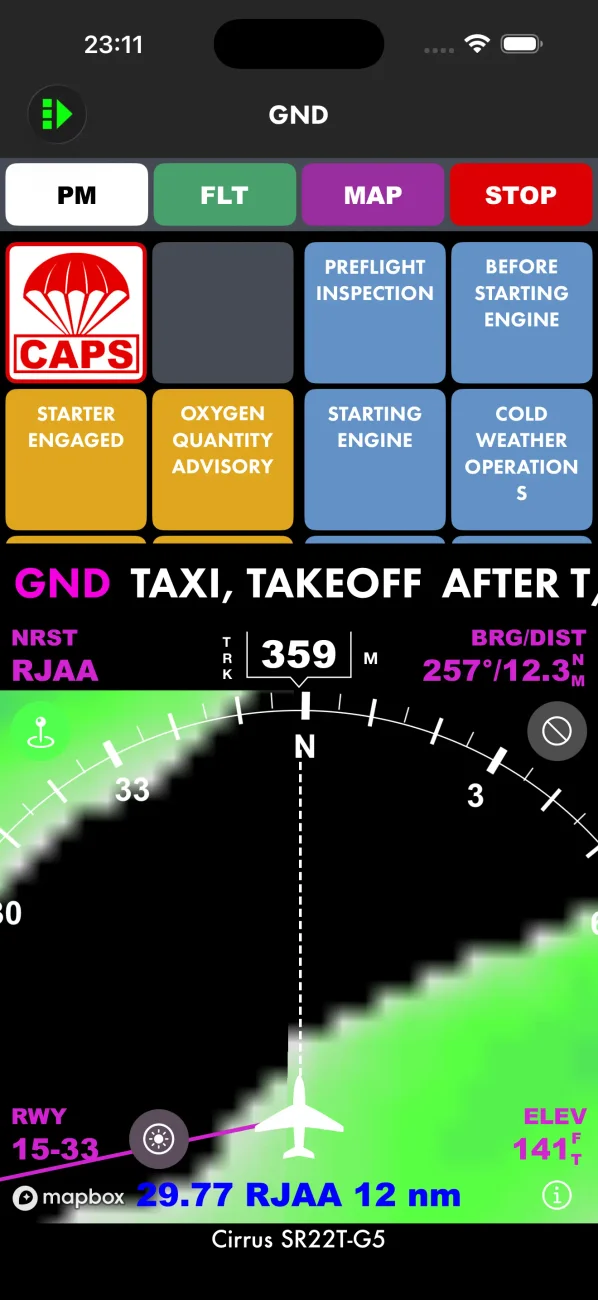
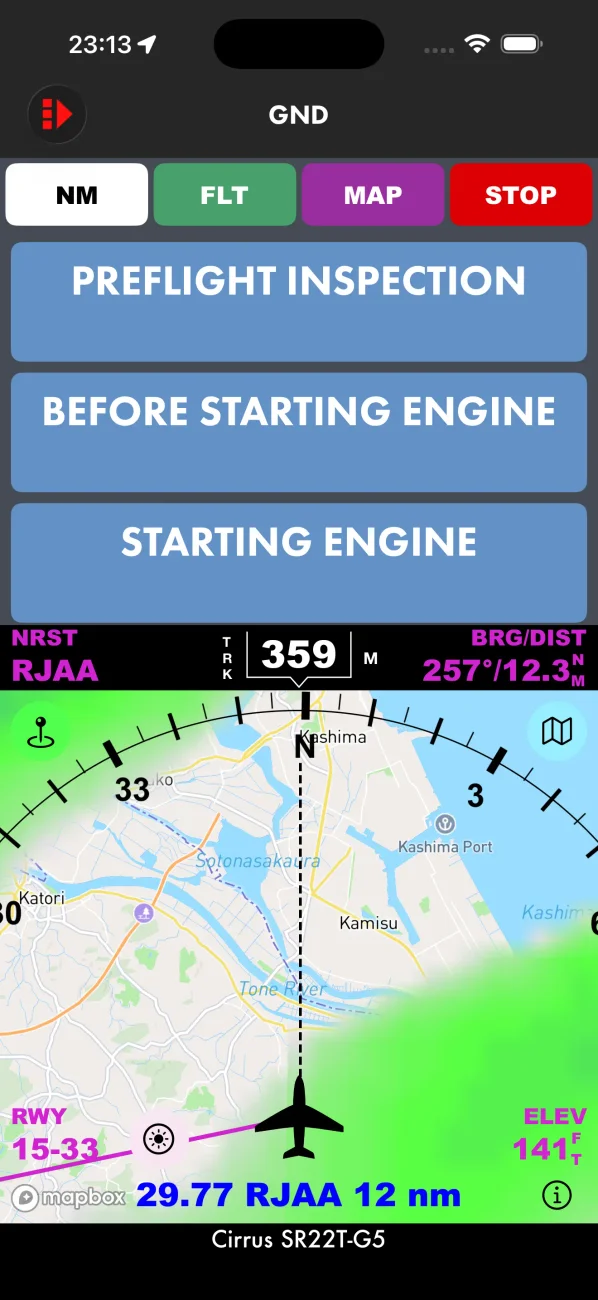
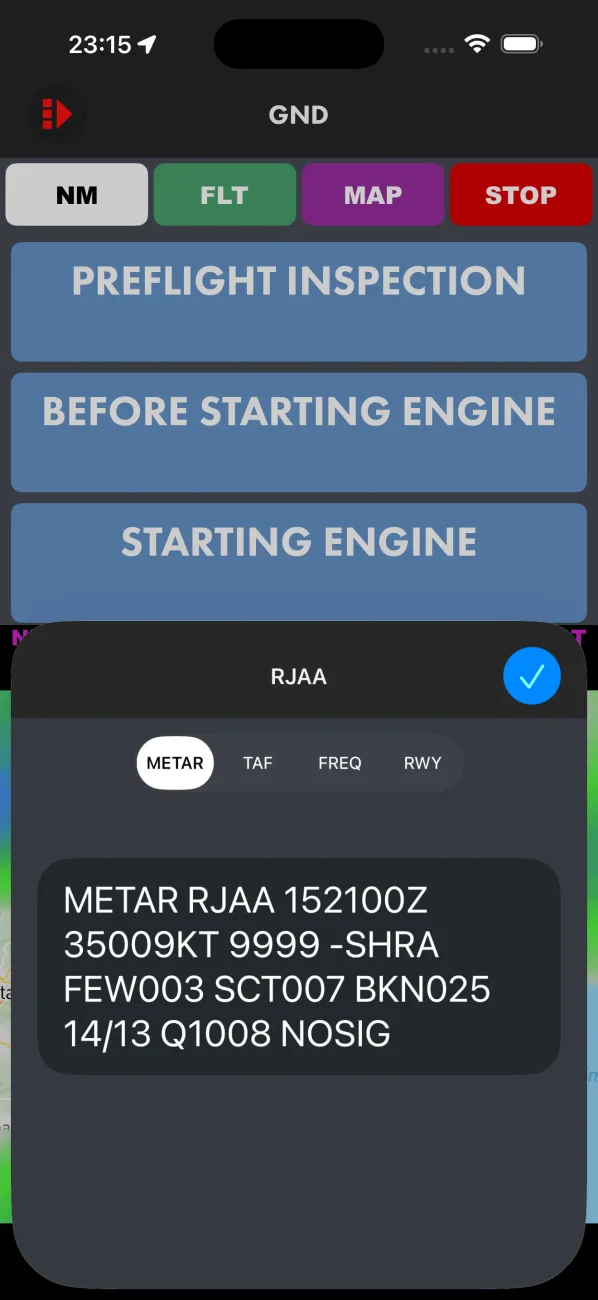
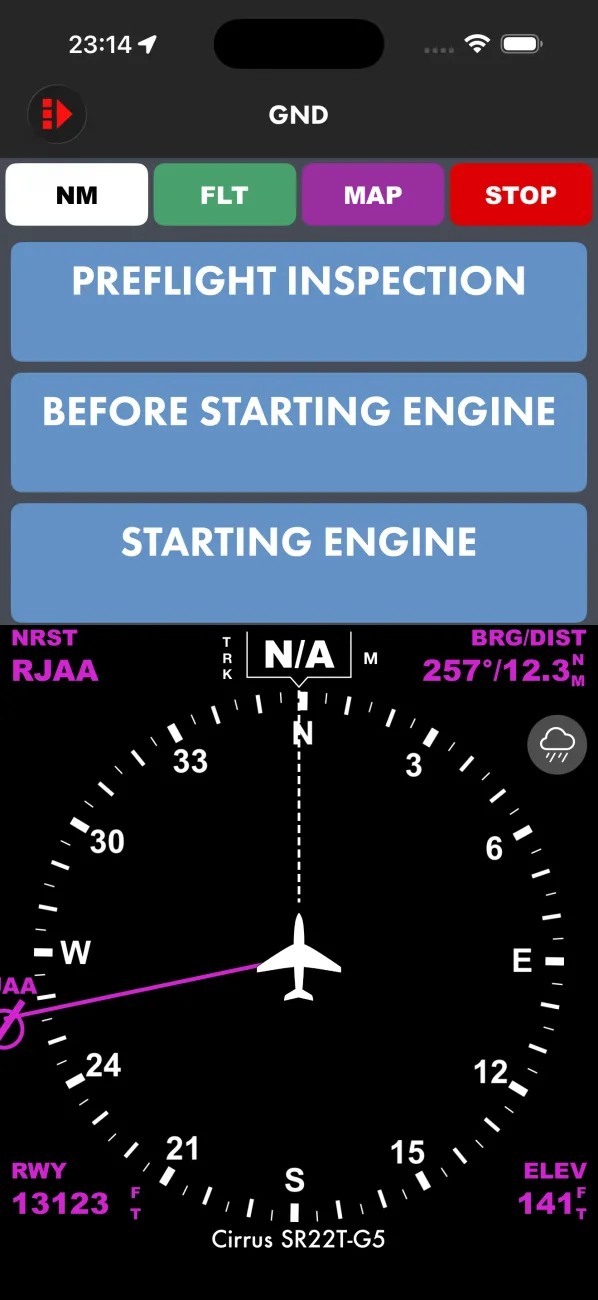
smartCHECK is an App that reads Checklists by synthetic voice to airplane crews – smartCHECK is your „Digital Copilot“.
I. Checklists
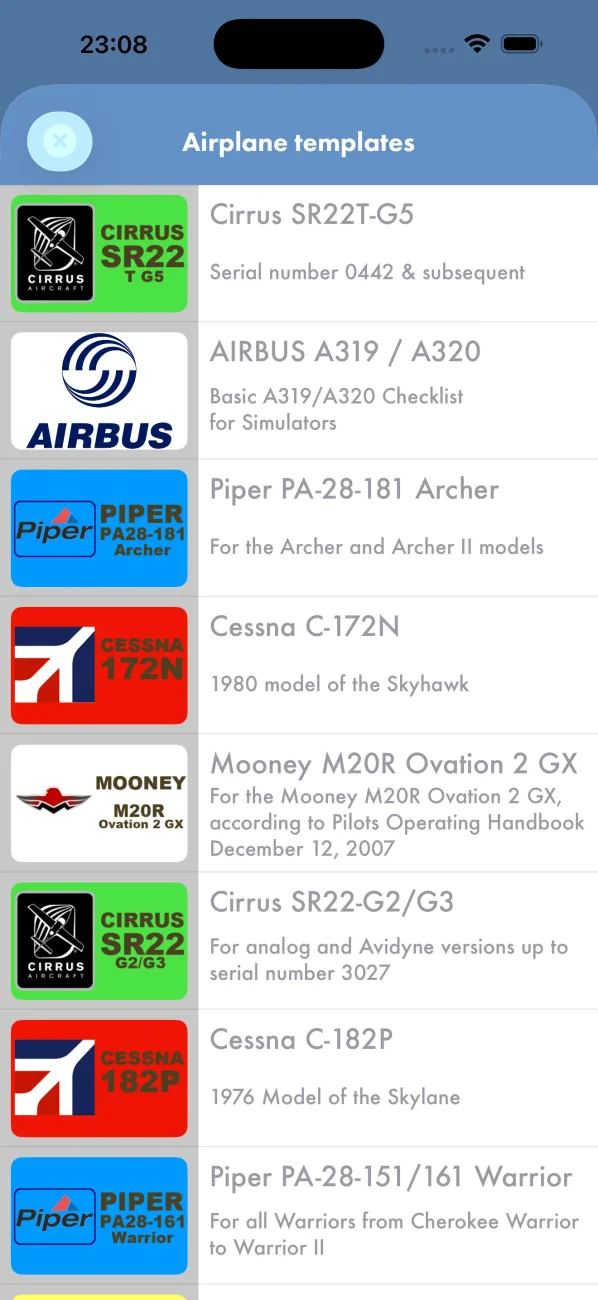
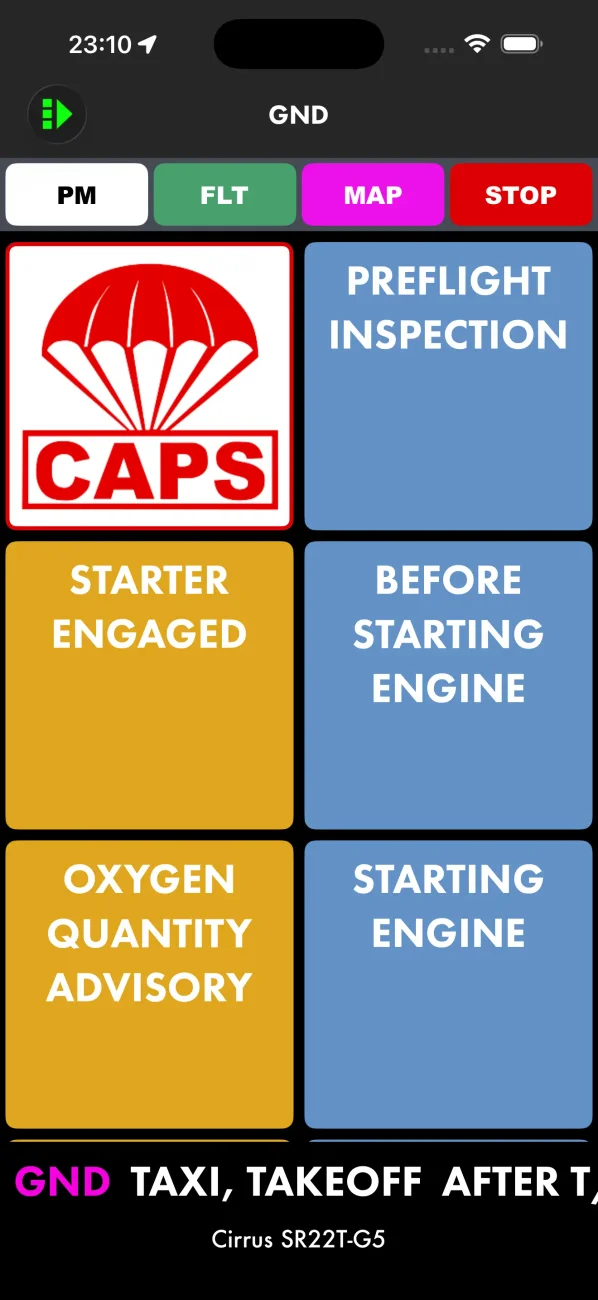
App comes with a ready Light Airplane Template and a ready checklist set for the Cirrus SR22-G3 and G3 models.
You can easily add items or even checklists to the checklist set.
Other Checklist sets as in-app purchases: Cessna 172, 182, Piper Warrior and Archer.
All checklist sets from the store can be downloaded as often as required, edited and saved.
All checklist sets can be shared by eMail if the recipient owns the basic checklist of that airplane.
Send checklist sets to yourself to save them on your computer or in a cloud service. Or install them on a second iPad.
Make your own checklists for the categories Normal, Abnormal and Emergency and save them in the right category (Ground, Taxi…) of the checklist set for your airplane
All checklists you create can be read to you
II. Checklist Usage and Setting
Checklists can be displayed as text only or shown as text and be read to the pilot/crew at the same time.
Checklist items (text or audio) can also be completed manually one at a time by simply tapping the screen.
If the whole checklist is read automatically then the reading can always be stopped and resumed by one tap on the screen.
Some Checklist groups (Ground, Taxi, Takeoff…) can be forwarded automatically by GPS.
Move and sort the icons on the screen according to your needs.
Your edited checklists will be preserved with each new version of smartCHECK (we still recommend saving them).
III. Automatic Altitude Callouts on Take-off (especially important for pilots of airplanes with BRS or CAPS system)
Height AGL* above the Take-off runway can be announced („five hundred“).
Pilot can either set one Height AGL* to be announced or a range between 100 and 1000 feet.
Elevation above Take-off runway can be displayed in large numbers at the same time.
Cirrus Aircraft Checklists contain a special CAPS checklist.
After Take-off Checklists can be activated and read automatically and hands off.
IV. Integrated Document Browser: Access all your Documents, Tables or Manuals with one tap
Document Browser. Create green icons, give them a name and import any PDF or JPEG document. you might want to access with one tap.
Import PDF documents like Avionics Manuals or Performance tables.
Every document is accessible with tapping its icon.
Use the camera of your iPad to create a document on the spot.
Notepad feature.
V. Other Tools and Settings
Oil Log: Enter the Oil status of your engine, how much oil you added and the app calculates the oil consumption per flight hour.
Fuel Switch Timer: Select an interval and get an onscreen and audio reminder to switch your tanks.
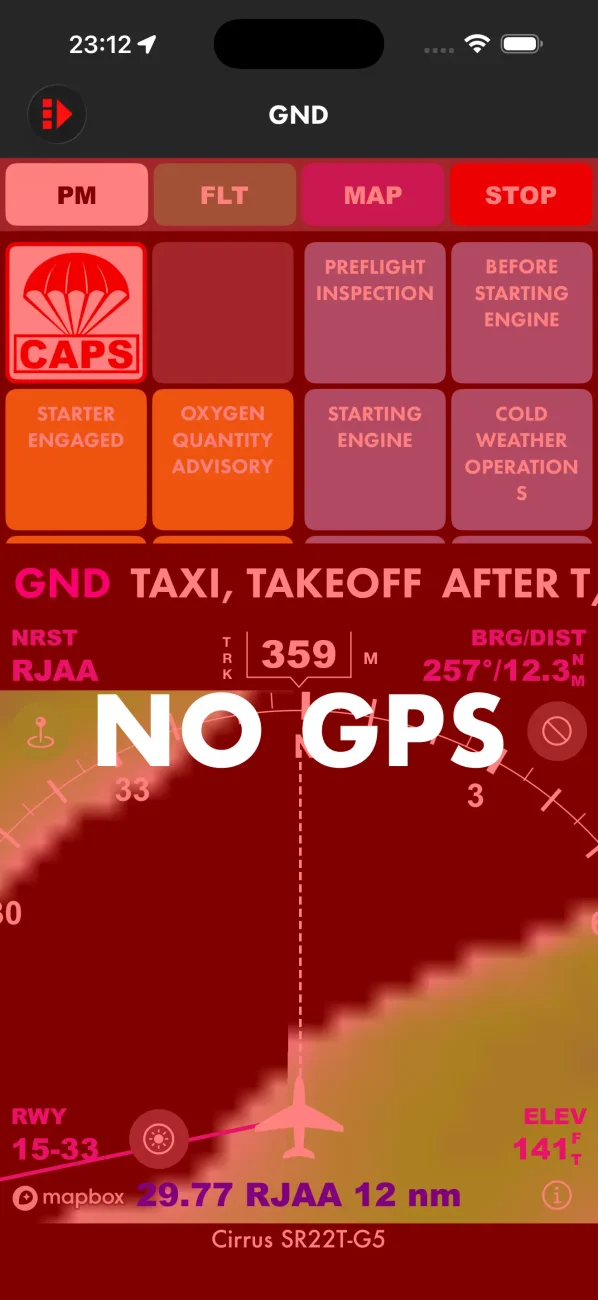
Control brightness of screen in the app or use the red Night Mode.
Switch the audio feature on/off.
Switch on/off automatic forwarding of flight phases. Or swipe groups manually.
Auto voice on/off. Auto voice means: The app reads the complete checklist and goes back to the main menu when checklist is completed.
When using checklists without auto voice each tap on the screen will read one item (manual audio mode).
If used without audio each tap will only mark each item/line green (manual text mode).
Move checklist icons to other place on the screen by sliding them to a new position.
Filter which checklist types you want to have displayed with a simple toggle switch. This way you can reduce the number of icons on the screen.
More information: www.airwork.biz
Hardware Requirements: smartCHECK will work on every iPad and iPad mini.
Terms of Use: https://www.apple.com/legal/internet-services/itunes/dev/stdeula/
Yang baru
Versi 9.7 · 30/9/2026
Introducing smartCHECK Weather, a monthly subscription for weather radar.
Share weather access between smartCHECK and iEFIS PRO using your airWORK account.
Improved subscription restoration and status synchronization.
Privasi aplikasi
Yang dinyatakan airWORK aviation media UG di App Store tentang cara aplikasi ini menangani data.
-
Data yang tidak ditautkan dengan Anda
Dapat dikumpulkan, tetapi tidak ditautkan dengan identitas Anda.
- Diagnostik
Praktik privasi dapat bervariasi, misalnya berdasarkan fitur yang Anda gunakan atau usia Anda.
Informasi
- Penjual
- airWORK aviation media UG (haftungsbeschraenkt)
- Kategori
- Navigasi
- Versi
- 9.7
- Diperbarui
- 30/9/2026
- Dirilis
- 5/1/2016
- Ukuran
- 90,0 MB
- Memerlukan
- iOS 16.6 atau yang lebih baru
- Batasan usia
- 4+
- Harga
- Rp 299ribu
- Pembelian dalam aplikasi
- Ya
- Bahasa
- Inggris
- Hak cipta
- © airWORK aviation media UG