- Batasan usia4+
- KategoriAlat Pengembang
- PengembangSebastian Stadlbauer
- BahasaInggris+ 1 lainnya
- Ukuran11,6 MB
Tertaut ke halaman resmi App Store
Download.org tidak menyimpan file SnapRDP apa pun. Tombol ini membuka halaman aplikasi di App Store, tempat Sebastian Stadlbauer menerbitkannya. Halaman terakhir diperiksa pada 14/11/2026.
Tangkapan layar
Tentang
Pengembang belum menyediakan teks ini dalam bahasa Anda.
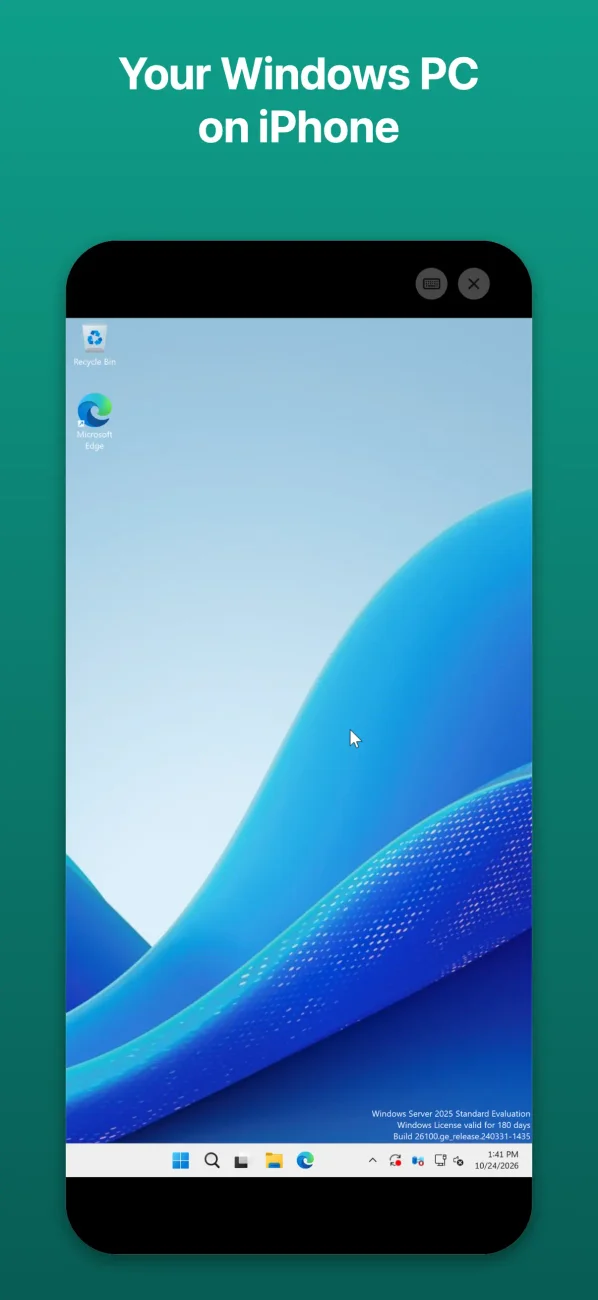
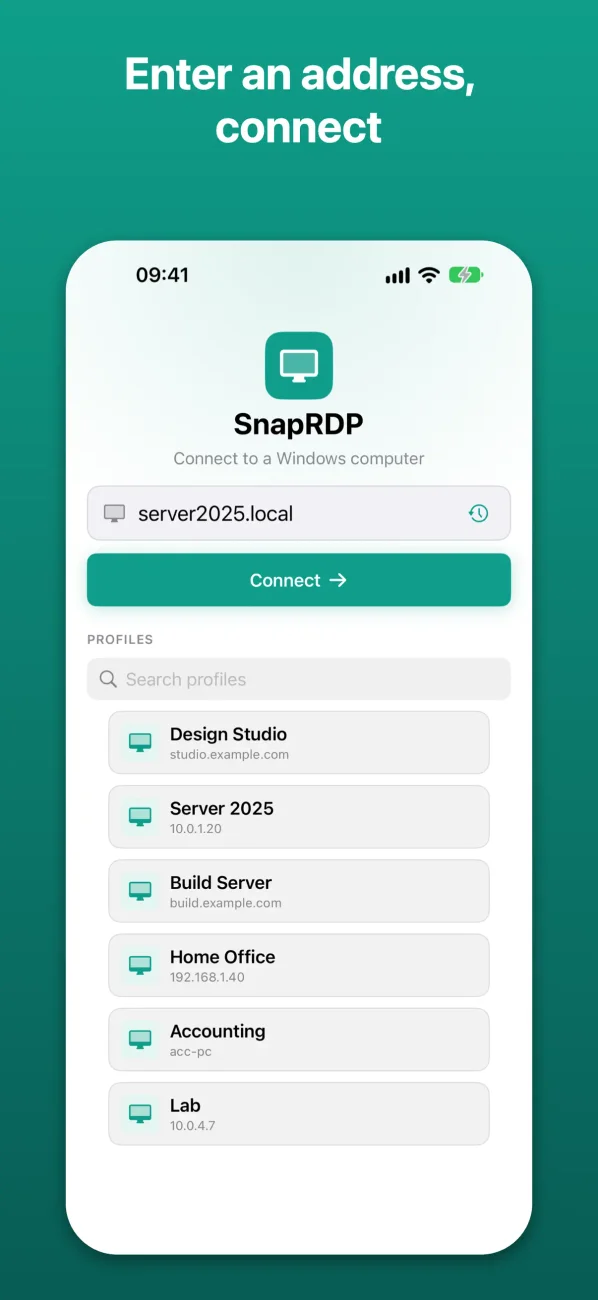
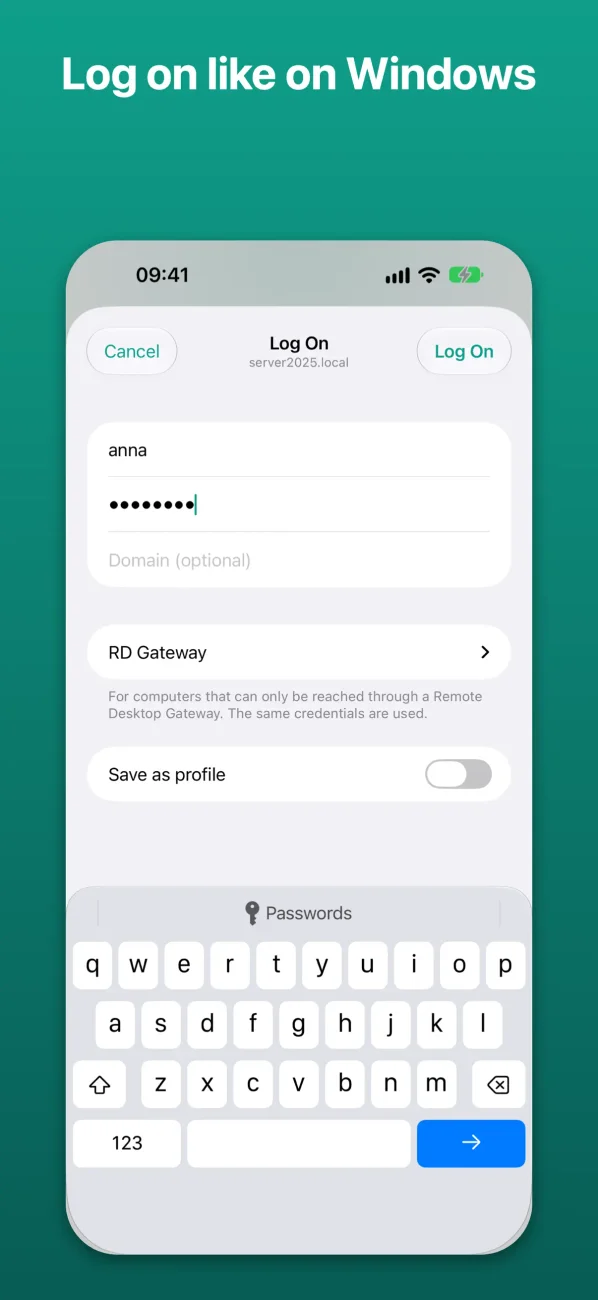
SnapRDP is a lean Remote Desktop client for iPhone and iPad. It works like Remote Desktop Connection on Windows: enter an address, log on – and the Windows desktop appears on your device.
USE IT LIKE A TRACKPAD
• One finger moves the pointer, a tap clicks, a double tap double-clicks.
• Tap with two fingers to right-click, drag with two fingers to scroll.
• Double-tap and hold to drag windows and select text.
• Pinch to zoom; the view follows the pointer.
• On iPad with a mouse or trackpad, the pointer controls Windows directly.
KEYBOARD WITH EXTRA KEYS
• Esc, Tab, Ctrl, Alt, the Windows key, arrow keys, F1–F12 and Ctrl+Alt+Del above the on-screen keyboard.
• Characters such as @ \ € { } and accented letters arrive as you type them – whatever keyboard layout the Windows PC uses.
FITS YOUR SCREEN
The resolution follows your device – in portrait, landscape and Split View on iPad. Windows is scaled so it stays usable on iPhone, too.
CONNECTED IN SECONDS
• Type an IP address or computer name; SnapRDP checks first whether the computer can be reached.
• Profiles with a saved password connect with one tap.
• Connect through a Remote Desktop Gateway.
SECURE
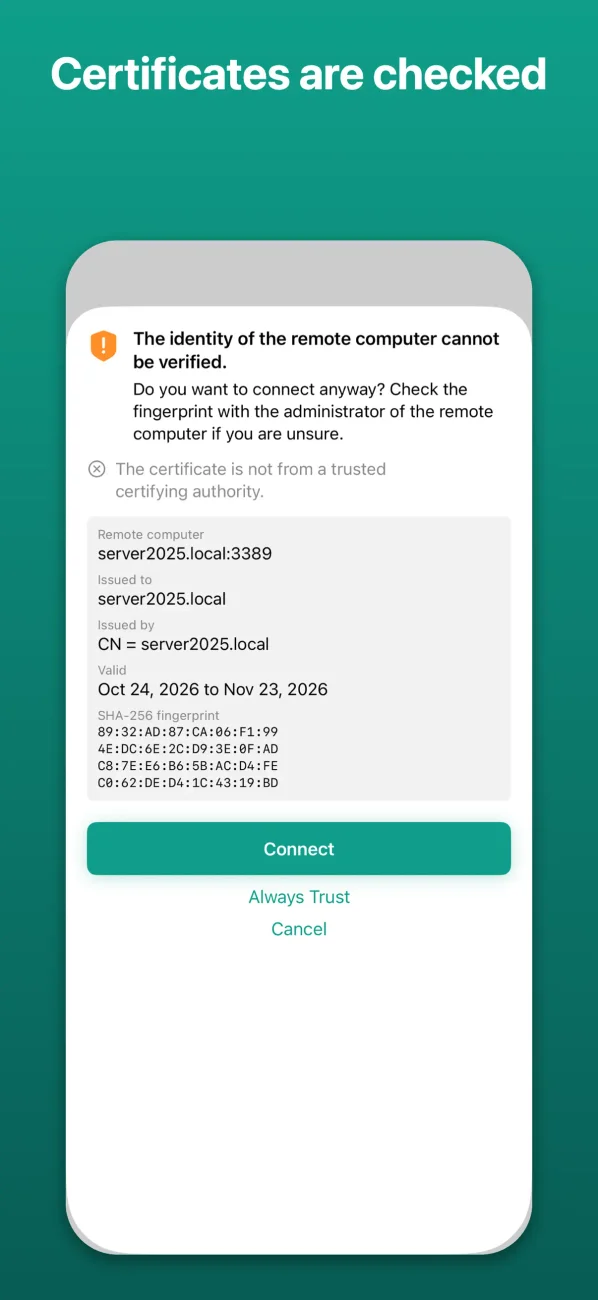
• Server certificates are checked: SnapRDP shows unknown ones with their fingerprint and warns clearly when a known certificate changes.
• No ads, no analytics, no account, no in-app purchases. Your data stays on your device.
REQUIREMENTS
iOS or iPadOS 17 or later. Remote Desktop must be turned on on the Windows PC (Windows Pro, Enterprise or Windows Server).
Windows is a trademark of Microsoft Corporation. SnapRDP is an independent product and is not affiliated with Microsoft.
Privasi aplikasi
Yang dinyatakan Sebastian Stadlbauer di App Store tentang cara aplikasi ini menangani data.
-
Data tidak dikumpulkan
Pengembang tidak mengumpulkan data apa pun dari aplikasi ini.
Praktik privasi dapat bervariasi, misalnya berdasarkan fitur yang Anda gunakan atau usia Anda.
Informasi
- Penjual
- Sebastian Stadlbauer
- Kategori
- Alat Pengembang
- Versi
- 1.0
- Diperbarui
- 27/10/2026
- Dirilis
- 27/10/2026
- Ukuran
- 11,6 MB
- Memerlukan
- iOS 17.0 atau yang lebih baru
- Batasan usia
- 4+
- Harga
- Gratis
- Bahasa
- Inggris, Jerman
- Hak cipta
- © 2026 Sebastian Stadlbauer
Mungkin Anda juga suka
-
 Multi Agent ManagerAlat Pengembang
-
 Conchshell: SSH, SFTP & RDPAlat Pengembang
-
 MoshroomAlat Pengembang
-
 AFK - AI Code TerminalAlat Pengembang
-
 Vulk - AI App BuilderAlat Pengembang
-
 Mobile IDE for Claude Code AIAlat Pengembang
-
 GrafLensAlat Pengembang
-
 AI App Builder: AppForceStudioAlat Pengembang
-
 TermRover - SSH TerminalAlat Pengembang
-
 TesterBuddy: Find App TestersAlat Pengembang