- Batasan usia4+
- KategoriBisnis
- PengembangFujikura Ltd.
- BahasaInggris
- Ukuran64,7 MB
Tertaut ke halaman resmi App Store
Download.org tidak menyimpan file Splice+ apa pun. Tombol ini membuka halaman aplikasi di App Store, tempat Fujikura Ltd. menerbitkannya. Halaman terakhir diperiksa pada 16/11/2026.
Tangkapan layar
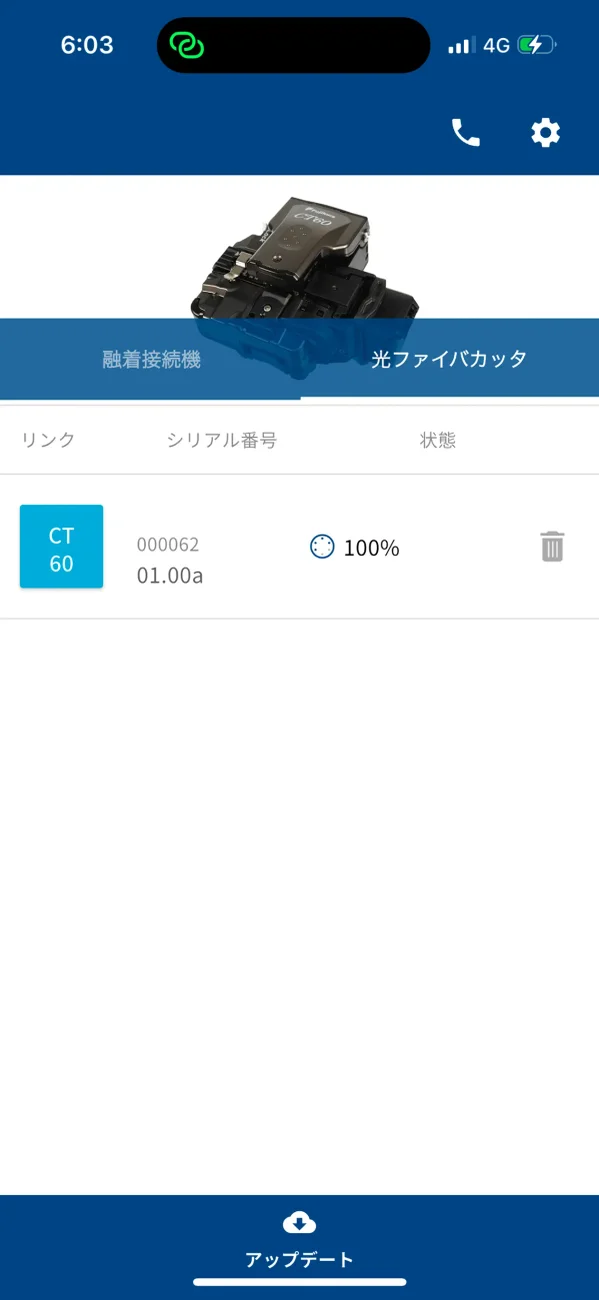
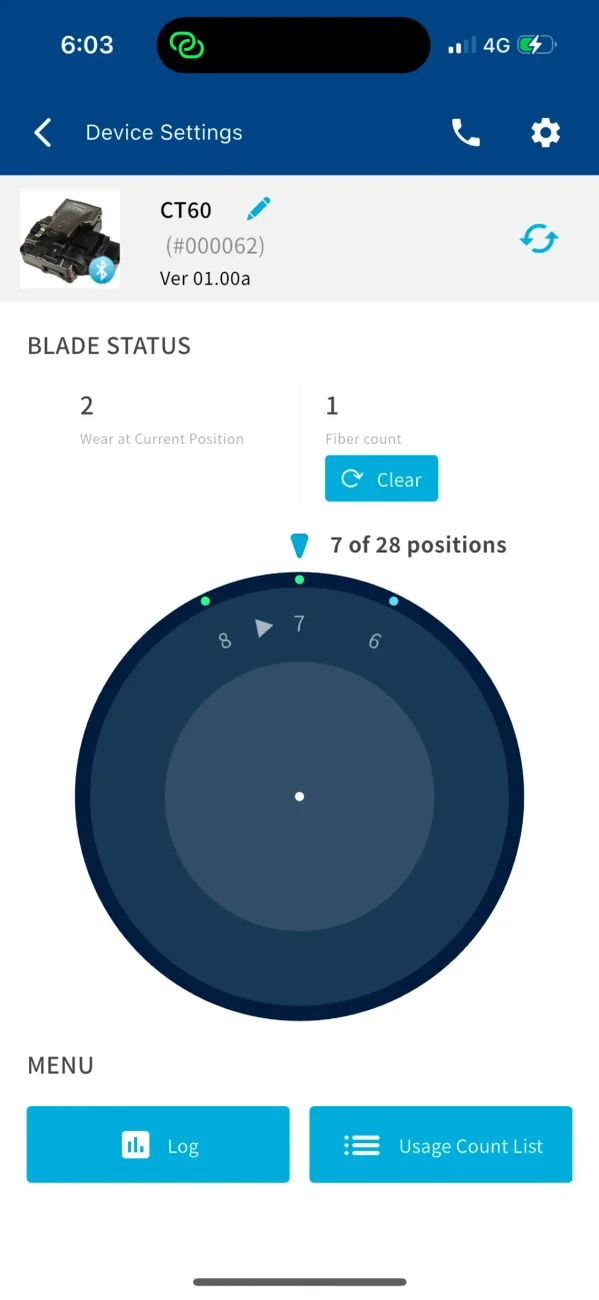
Tentang
Pengembang belum menyediakan teks ini dalam bahasa Anda.
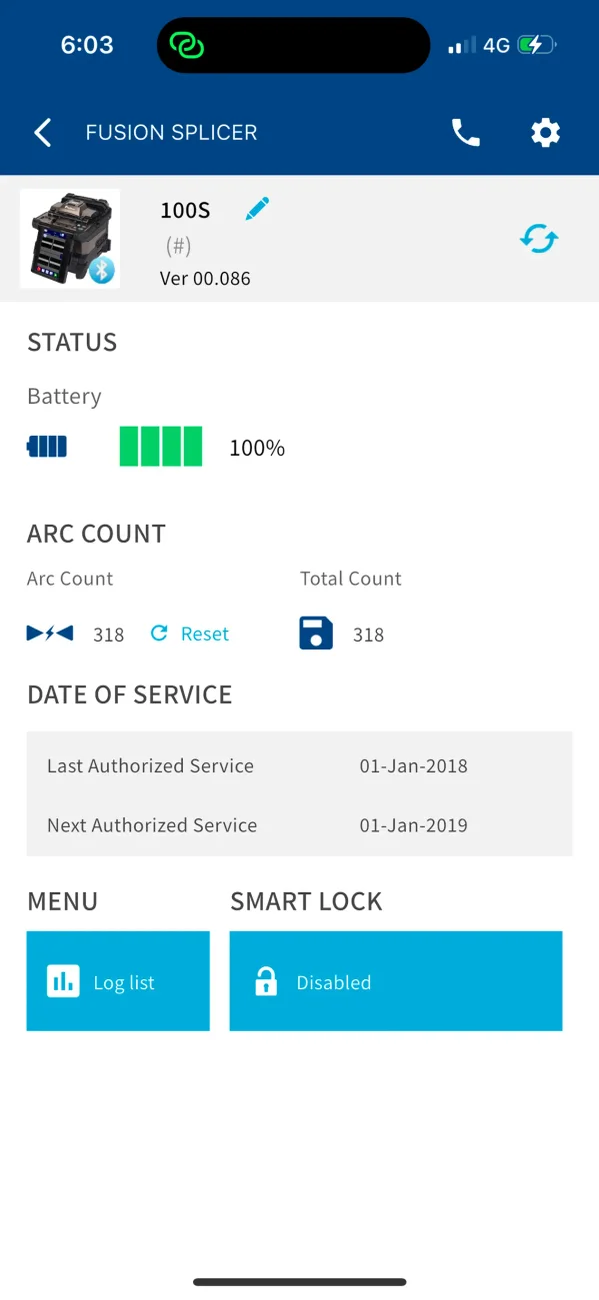
Splice+ is a smartphone application that works in cooperation with Fujikura's devices for optical fiber splicing work which have Bluetooth capability*.
The app provides a function to edit settings of the devices, function to update firmware, tutorials of the devices, and so on.
Also smart lock function is provided for the specific splicers.
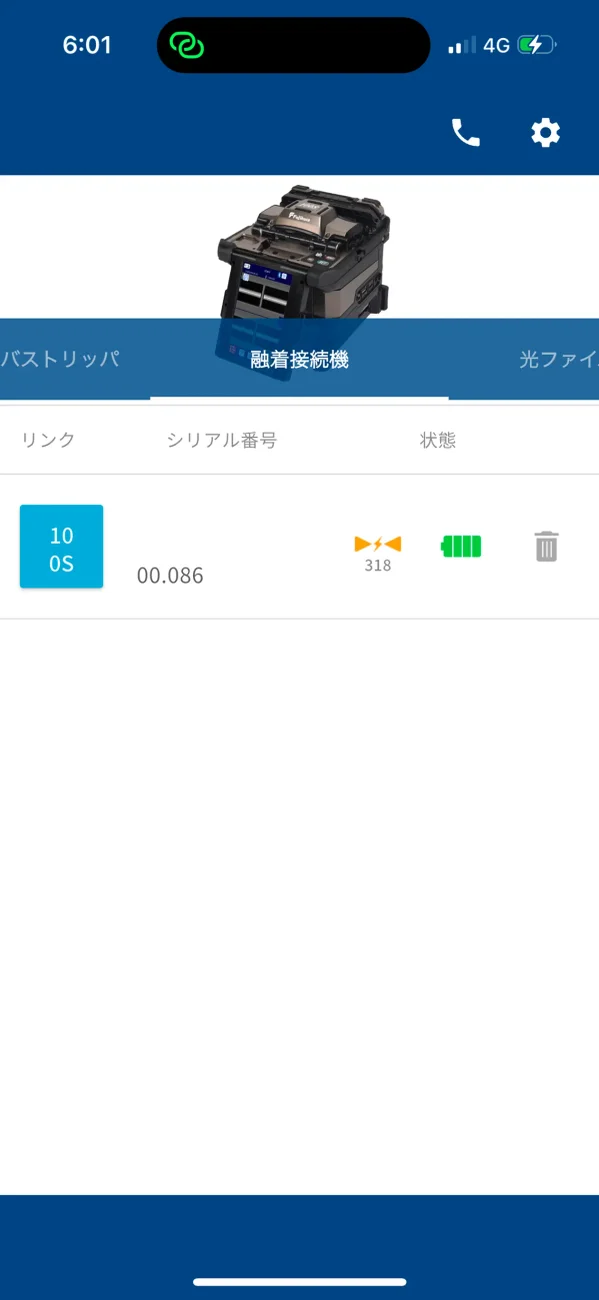
When the app starts, the app shows the list of the devices available to be connected or the devices that were connected once.
+There are rectangular link icons on the left of the top menu.
When there is/are dark blue link icon(s) in the list, tapping that icon establishes a connection between the app and the device.
+The link icon of a connected device is colored with blue.
+When the link icon is grey, the corresponding device isn't ready for connection. However, you can still check the information of the device collected during the last connection.
If you want the app to connect a device that doesn't appear on the list or link icon of which is colored with grey, press and hold the Bluetooth button on the device until the Bluetooth lamp starts blinking.
Once the Bluetooth led starts blinking, the device appears on the list and its link icon becomes dark blue. Then you can connect the device to the app by tapping the icon.
If the Bluetooth button doesn't help the connection, look into the the Bluetooth menu of the iPhone's setting menu and check if the target device is listed in MY DEVICES. If the device is listed, tap the "i" icon and then tap "Forget This Device" to remove old paring information. Then try connection again.
*Currently following devices are available
-Ribbon Fiber Stripper RS02 and RS03
-Optical Fiber Clearver CT50
-Fusion Splicer 86/87/88/90 and 42/43/45 Series
Yang baru
Versi 2.4.0 · 7/9/2026
Added support for uploading splice results to FTPS/SFTP servers
Privasi aplikasi
Yang dinyatakan Fujikura Ltd. di App Store tentang cara aplikasi ini menangani data.
-
Data tidak dikumpulkan
Pengembang tidak mengumpulkan data apa pun dari aplikasi ini.
Praktik privasi dapat bervariasi, misalnya berdasarkan fitur yang Anda gunakan atau usia Anda.
Informasi
- Penjual
- Fujikura Ltd.
- Kategori
- Bisnis
- Versi
- 2.4.0
- Diperbarui
- 7/9/2026
- Dirilis
- 24/7/2017
- Ukuran
- 64,7 MB
- Memerlukan
- iOS 15.0 atau yang lebih baru
- Batasan usia
- 4+
- Harga
- Gratis
- Bahasa
- Inggris
- Hak cipta
- © 2017 Fujikura Ltd.