- Batasan usia4+
- KategoriPerjalanan
- PengembangSpokane Transit Authority
- BahasaInggris
- Ukuran44,2 MB
STA Connect mungkin sedang tidak tersedia di App Store
Halaman di toko tidak dapat dijangkau saat terakhir kami periksa. Tautan tetap mengarah ke halaman resmi App Store.
Tangkapan layar



Tentang
Pengembang belum menyediakan teks ini dalam bahasa Anda.
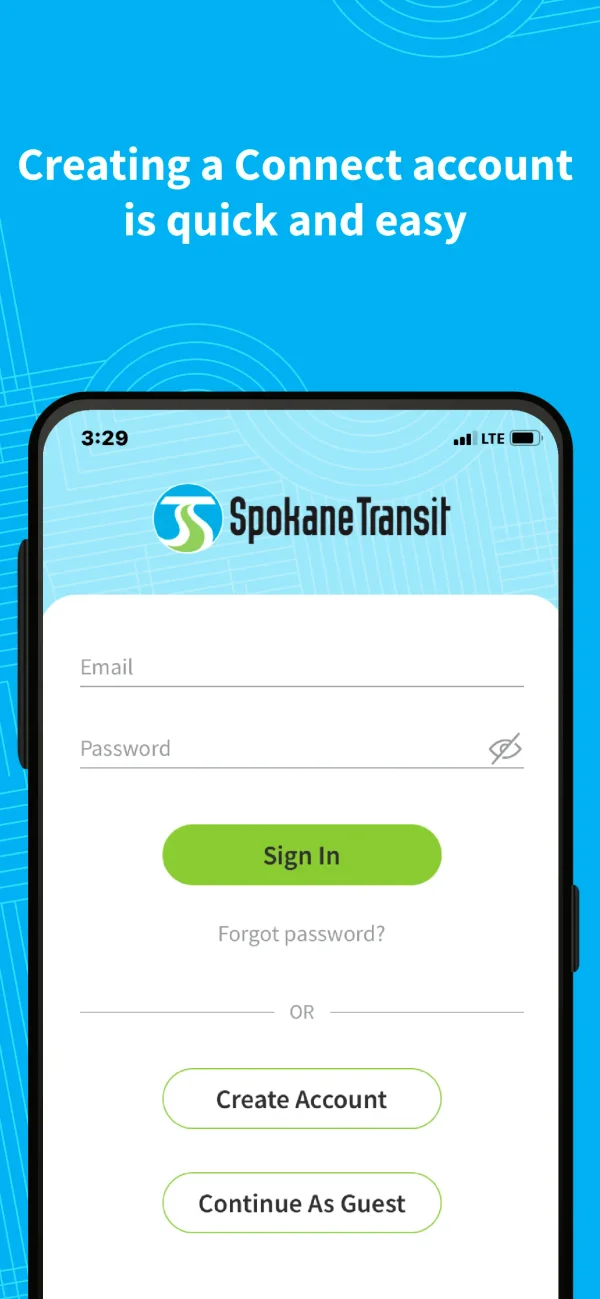
The Spokane Transit Authority (STA) Connect app is packed full of features! With the STA Connect app you can:
- Link a physical Connect card or create a virtual eConnect card
- Add value or passes
- Check your balance
- View fare capping progress
- Enable autoload
- Lock lost or stolen cards
- Manage payment methods
- View card activity, including ride history
Virtual eConnect cards are separate from physical Connect cards. eConnect cards are completely virtual and exist only in your mobile phone. Every card, whether physical or eConnect, has a unique 20 digit number, and that 20 digit number has its own separate balances and fare capping totals from any other Connect card number, even when linked within the same STA Connect app account profile.
To add value to an eConnect or physical Connect card, simply add a credit or debit card to your Connect account, then add value to your cart and check out. With value added to your card, you are ready to ride! Please note that no refund can be given on funds loaded to a physical or eConnect card.
When you board the bus, bring up the fare payment QR code and hold your phone approximately eight inches below the fare validator with the screen facing up. When your eConnect card has been validated and fare collected, you’ll hear a beep and see a green check mark.
Riders with a Universal Transit Access Pass (UTAP) through a local university (e.g. EWU, Gonzaga, SCC, SFCC, Whitworth, or WSU Spokane), employer (e.g. City of Spokane or Spokane County), or other partner agency (e.g. Kendall Yards) can now link their UTAP to their virtual Connect card directly in the STA Connect app. Simply register with your UTAP email address and use the “Partner Agency” widget on the home screen to get started.
Learn more about the Connect fare system at spokanetransit.com/connect/
Yang baru
Versi 1.6.0 · 30/7/2026
We’ve been working hard to improve your experience with our app.
This update includes:
* General performance improvements
* Bug fixes and stability enhancements
* Minor UI and usability updates
Thank you for using our app!
Privasi aplikasi
Yang dinyatakan Spokane Transit Authority di App Store tentang cara aplikasi ini menangani data.
-
Data yang ditautkan dengan Anda
Dapat dikumpulkan dan ditautkan dengan identitas Anda.
- Info keuangan
- Info kontak
- Pengenal
-
Data yang tidak ditautkan dengan Anda
Dapat dikumpulkan, tetapi tidak ditautkan dengan identitas Anda.
- Diagnostik
Praktik privasi dapat bervariasi, misalnya berdasarkan fitur yang Anda gunakan atau usia Anda.
Informasi
- Penjual
- Spokane Transit Authority
- Kategori
- Perjalanan
- Versi
- 1.6.0
- Diperbarui
- 30/7/2026
- Dirilis
- 1/10/2022
- Ukuran
- 44,2 MB
- Memerlukan
- iOS 13.0 atau yang lebih baru
- Batasan usia
- 4+
- Bahasa
- Inggris
- Hak cipta
- © 2026 Spokane Transit Authority. All Rights Reserved.