
Stackd: Transfer Planner
Plan your California transfer
Dirancang untuk iPhone, iPod touch
- Batasan usia4+
- KategoriPendidikan
- PengembangTOUFIC MEDHAT SALEH
- BahasaInggris
- Ukuran14,7 MB
Stackd: Transfer Planner mungkin sedang tidak tersedia di App Store
Halaman di toko tidak dapat dijangkau saat terakhir kami periksa. Tautan tetap mengarah ke halaman resmi App Store.
Tangkapan layar



Tentang
Pengembang belum menyediakan teks ini dalam bahasa Anda.
Stackd helps California community college students organize their transfer plan.
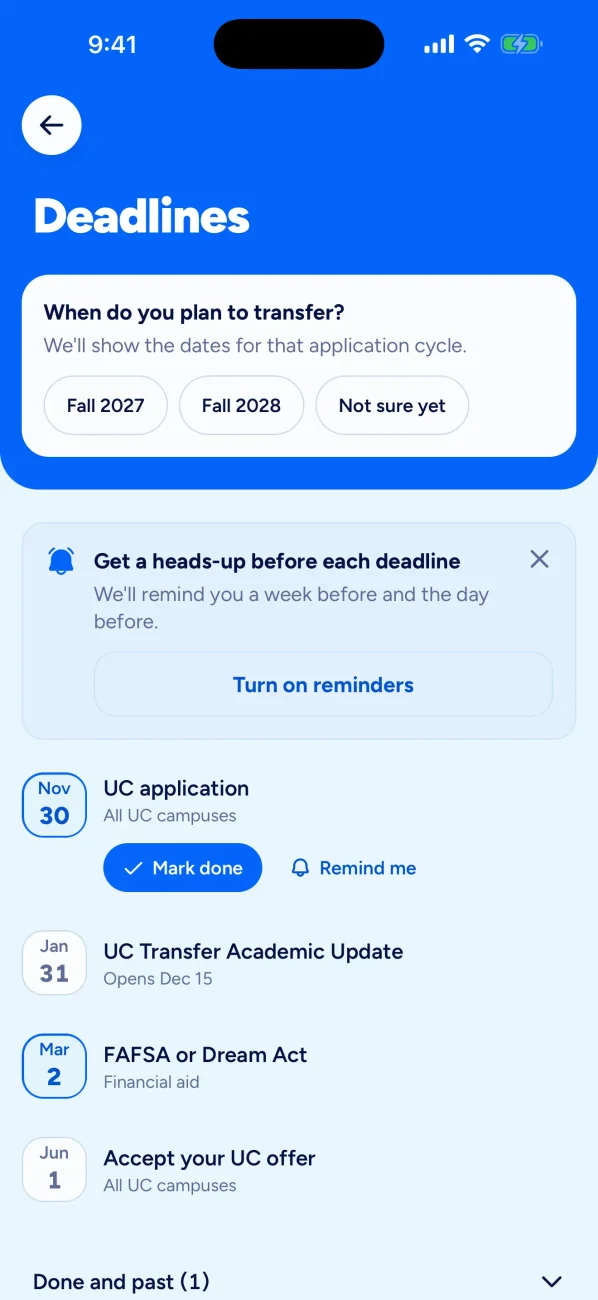
Never miss a transfer deadline
Home shows your next deadline with a countdown, and a checklist for your UC or Cal State application. The Deadlines screen lists every date for your transfer year, from the UC application to the FAFSA, each linked to its official source. Turn on reminders to get a heads-up before each one.
Draft your UC personal insight answers
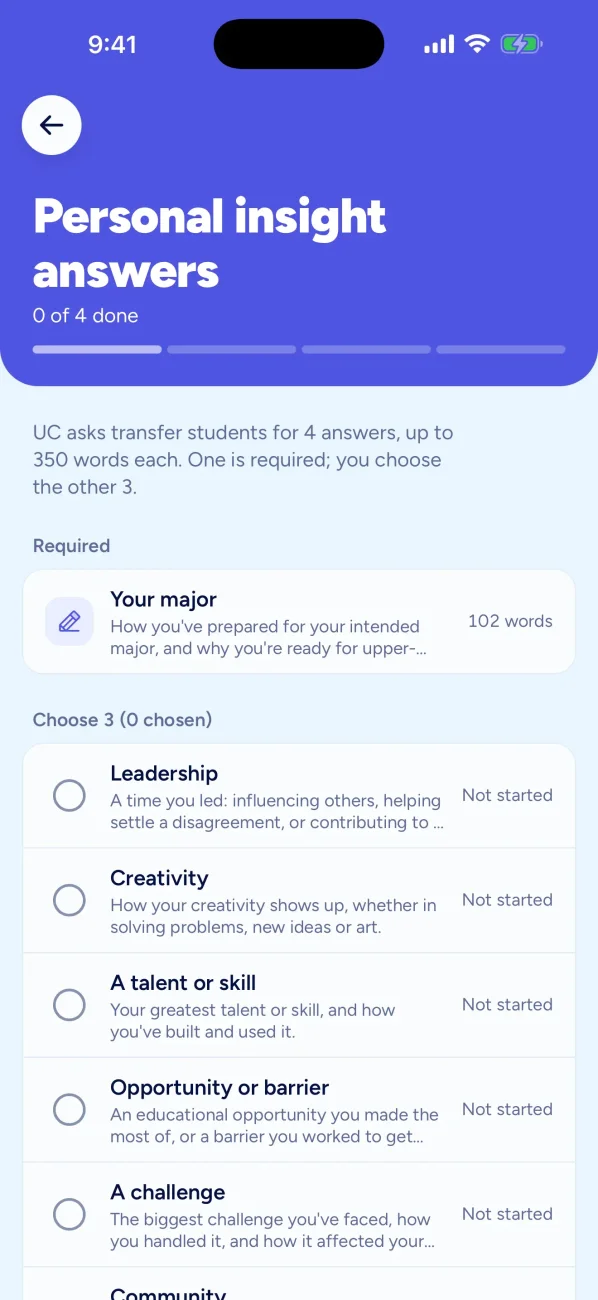
Write all four of your UC personal insight answers in Stackd: the required one and the three you choose. Stackd counts your words against the 350-word limit, saves your drafts to your account, and shows when all four are done. Bring a draft in from a file or the clipboard, copy it out when it's ready, and send a private link to a counselor or teacher so they can comment, no account needed.
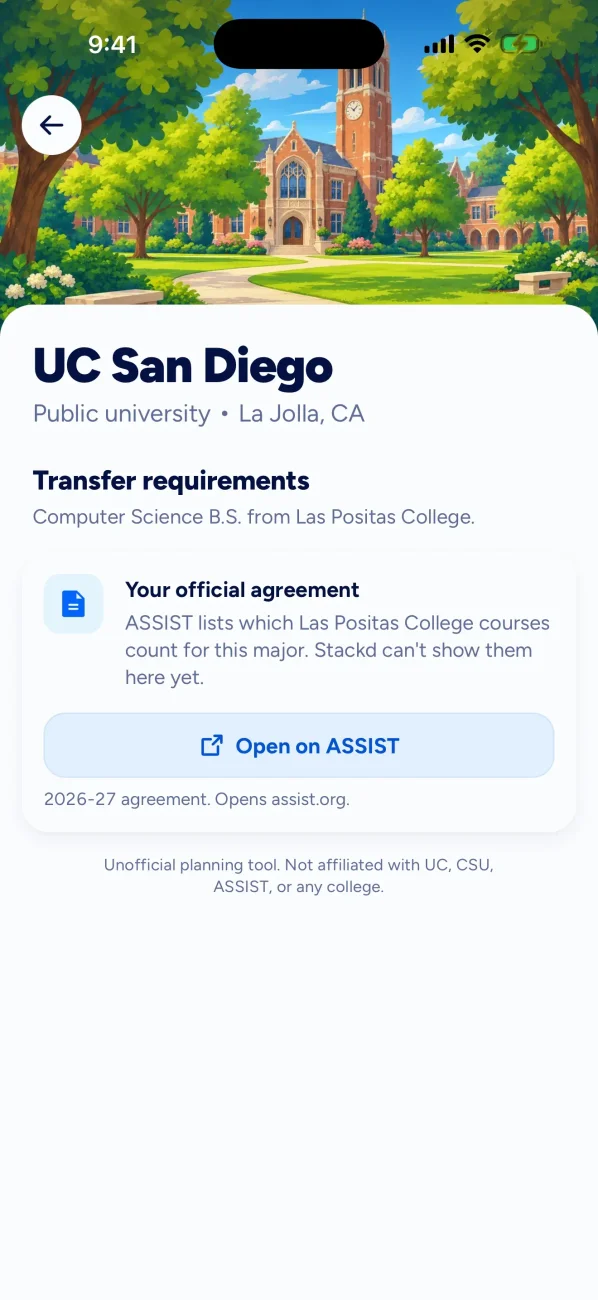
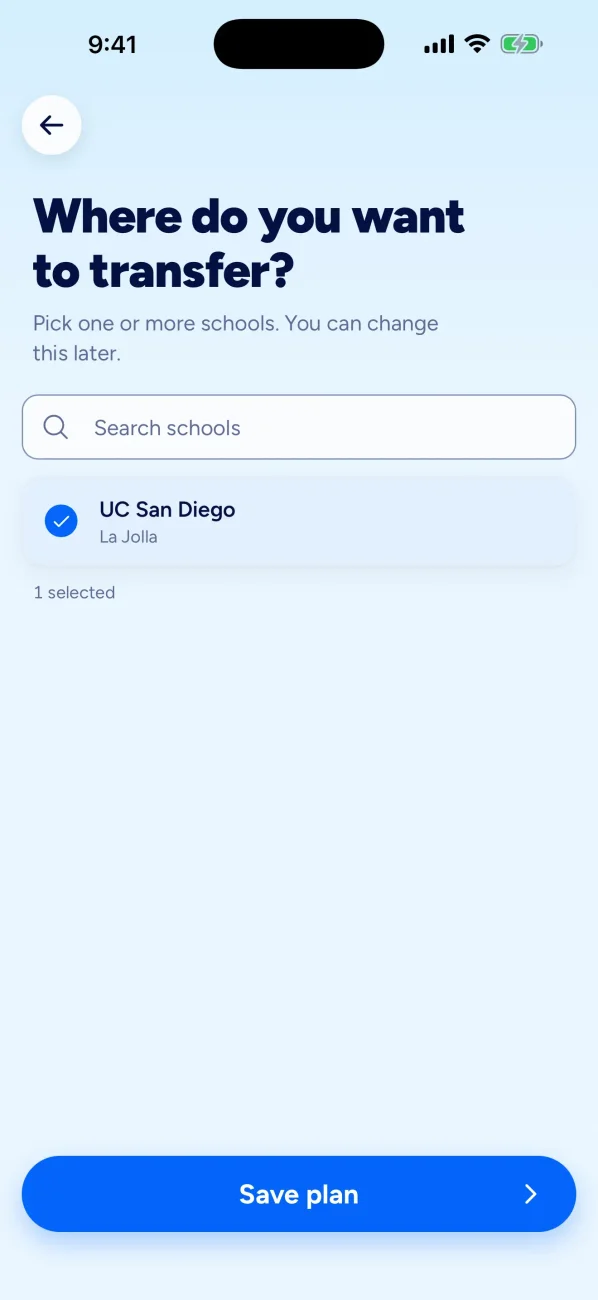
Pick your community college, the universities you're aiming for, and your major. Stackd saves your plan to your account, so it's there on any device you sign in on, and opens the official transfer agreement for your path on ASSIST, the official source for California transfer agreements.
What you can do:
- Create an account with email, Sign in with Apple, or Continue with Google
- Choose your college, the universities you're aiming for, and your major
- See your plan on Home, and change it any time in Settings
- Open the official agreement for your college, school, and major
- Draft, count and finish your UC personal insight answers, and ask someone to review them
- Delete your account and its data any time in Settings
Stackd starts with a small set of colleges, universities, and majors and adds more as each one is checked. When your path isn't covered yet, Stackd points you to ASSIST.
Stackd is an unofficial planning tool. It isn't affiliated with ASSIST, the University of California, the California State University, or any college, and it doesn't guarantee admission or that any course will transfer. Stackd doesn't submit applications and never writes your answers for you. Confirm your plan with a counselor.
Developed by Ryan Saleh, Shikhar Sisodia, Abyan Kashif, and Antonio Avila.
Yang baru
Versi 1.4.1 · 13/11/2026
Continue with Google now uses Google’s own sign-in on iPhone, so you stay in the app. Screens also load faster.
Privasi aplikasi
Yang dinyatakan TOUFIC MEDHAT SALEH di App Store tentang cara aplikasi ini menangani data.
-
Data yang ditautkan dengan Anda
Dapat dikumpulkan dan ditautkan dengan identitas Anda.
- Info kontak
- Konten pengguna
- Pengenal
Praktik privasi dapat bervariasi, misalnya berdasarkan fitur yang Anda gunakan atau usia Anda.
Informasi
- Penjual
- TOUFIC MEDHAT SALEH
- Kategori
- Pendidikan
- Versi
- 1.4.1
- Diperbarui
- 13/11/2026
- Dirilis
- 28/10/2026
- Ukuran
- 14,7 MB
- Memerlukan
- iOS 15.0 atau yang lebih baru
- Batasan usia
- 4+
- Bahasa
- Inggris
- Hak cipta
- © 2026 Ryan Saleh, Shikhar Sisodia, Abyan Kashif, Antonio Avila
Mungkin Anda juga suka
-
 Squirk: Spelling & PhonicsPendidikan
-
 TransferAI: College TransferPendidikan
-
 Transfer ConnectPendidikan
-
 Delaware DMV Practice Test DEPendidikan
-
 Big Five Personality testBIG5,BIG 5,BIG FIVE,BIGFIVE
-
 SignScribe: ASLPendidikan
-
 BayaanReferensi
-
 SAT Math Test PrepPendidikan
-
 Nooka: Your Insight FeedPendidikan
-
 Encourage | College PlanningPendidikan