Stage Timer
Remote Controlled Countdown
Dirancang untuk iPhone, iPad
Gratis · Pembelian dalam aplikasi
- Batasan usia4+
- KategoriProduktivitas
- PengembangMSDC TECHNOLOGIES LTD
- BahasaInggris
- Ukuran16,8 MB
Tertaut ke halaman resmi App Store
Download.org tidak menyimpan file Stage Timer apa pun. Tombol ini membuka halaman aplikasi di App Store, tempat MSDC TECHNOLOGIES LTD menerbitkannya. Halaman terakhir diperiksa pada 14/11/2026.
Tangkapan layar
Tentang
Pengembang belum menyediakan teks ini dalam bahasa Anda.
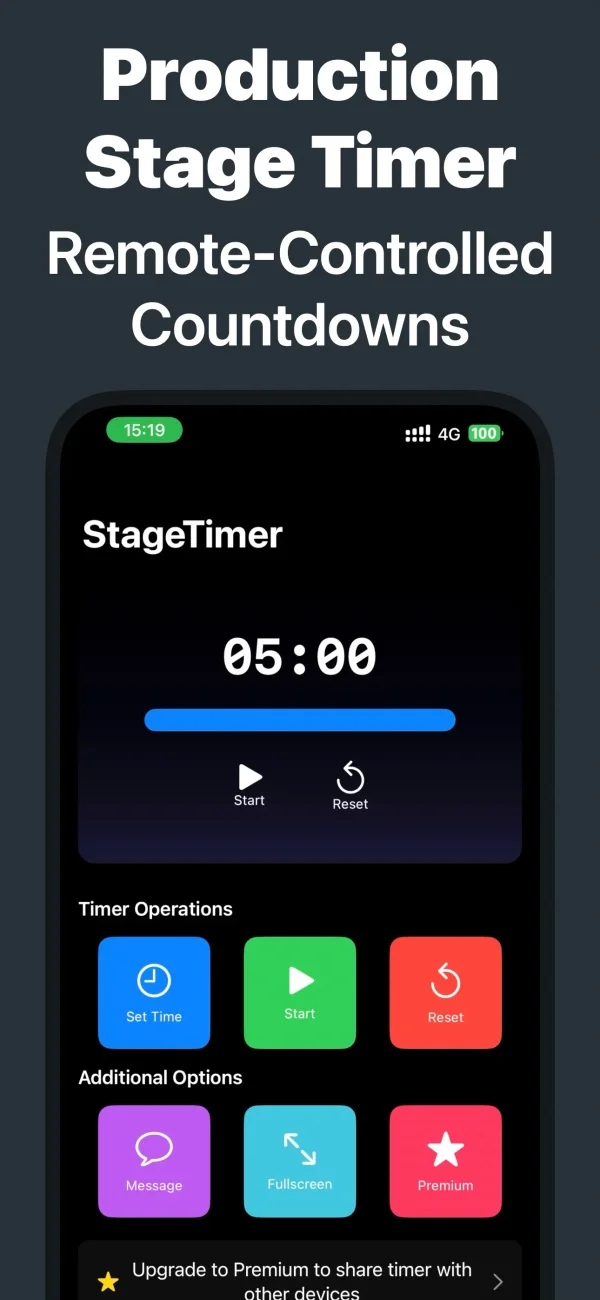
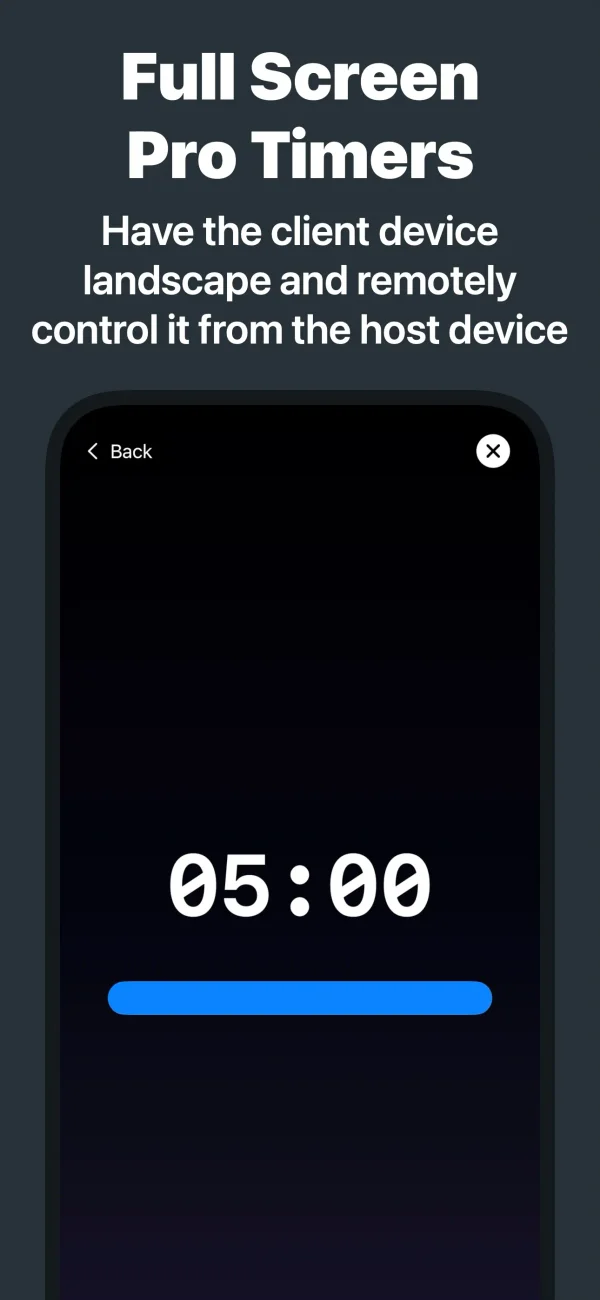
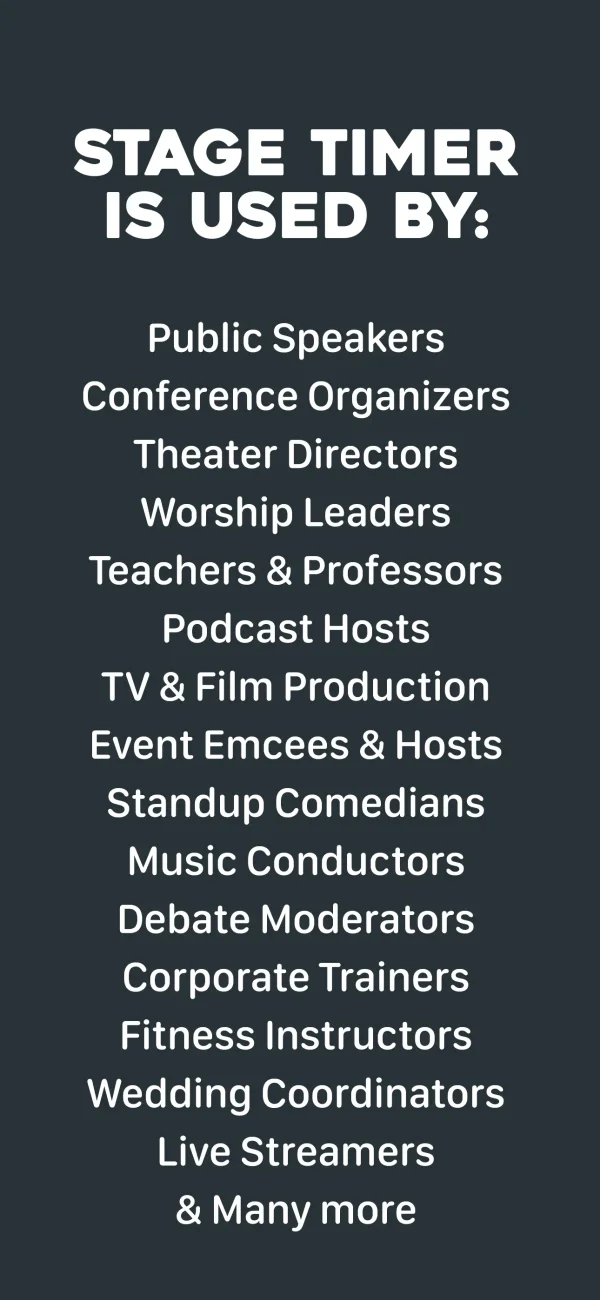
StageTimer is a powerful, versatile, and intuitive timer app designed for professionals, educators, event hosts, and performers who need precision timing for live events, presentations, conferences, and stage performances. With its sleek interface, robust functionality, and seamless multi-device connectivity, StageTimer helps you stay on track, manage your time efficiently, and ensure your events run smoothly.
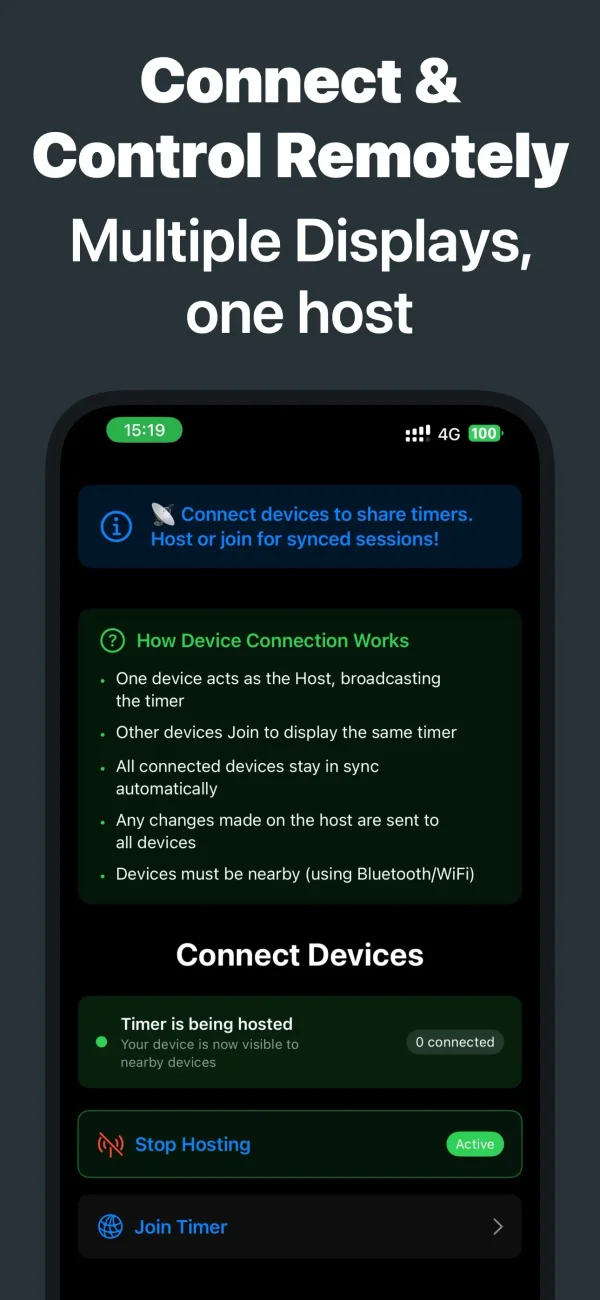
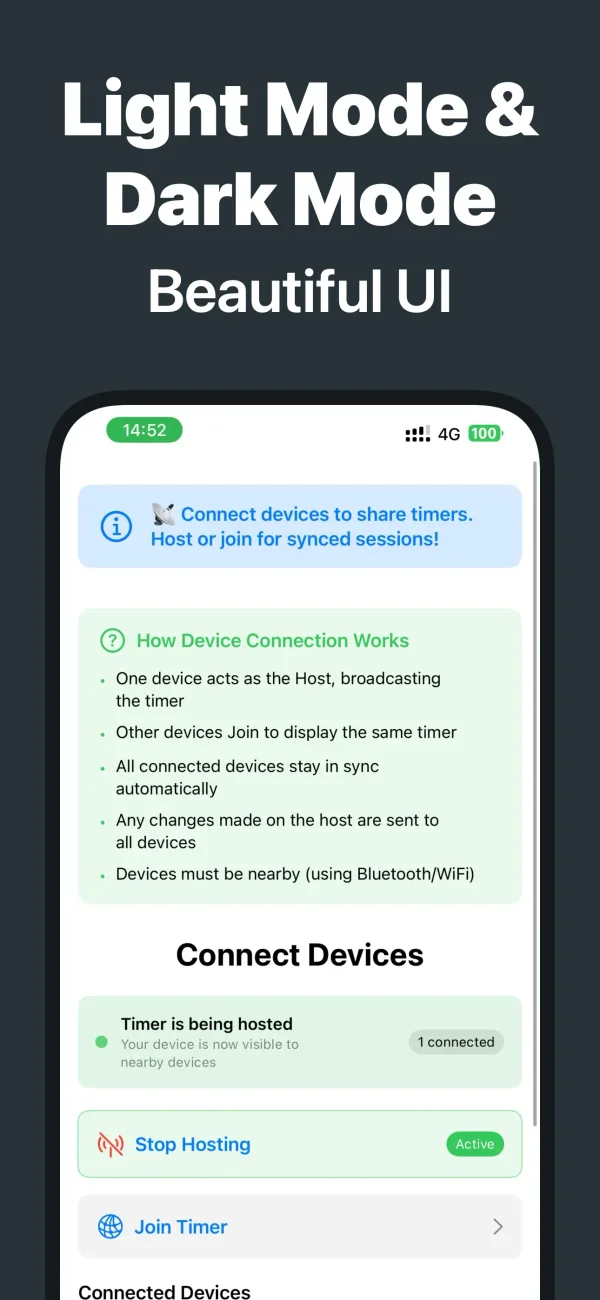
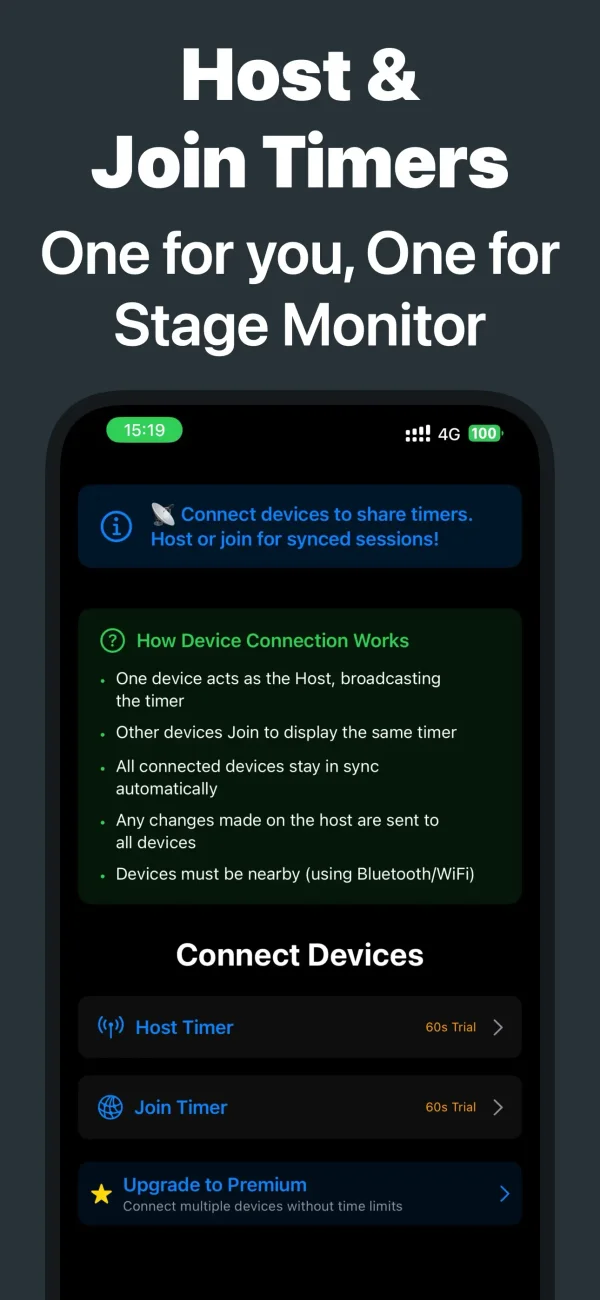
Whether you’re a teacher timing classroom activities, a presenter coordinating your speech, or an event organizer managing multiple timers across devices, StageTimer provides you with an elegant, customizable timing solution. Enjoy a large, easy-to-read timer display accompanied by interactive controls that let you start, pause, reset, and update your timer with just a few taps. Plus, thanks to its innovative multi-device connectivity, you can share timer sessions across several devices—keeping your entire team or audience perfectly synchronized no matter where they are.
But StageTimer isn’t just about keeping time—it’s about enhancing your entire event experience. Use the fullscreen mode for a distraction-free view that’s ideal for large presentations, or set custom messages to display important cues or instructions directly on the timer screen. Every aspect of the app has been designed with both aesthetics and functionality in mind, ensuring that your timing experience is not only accurate but also visually appealing.
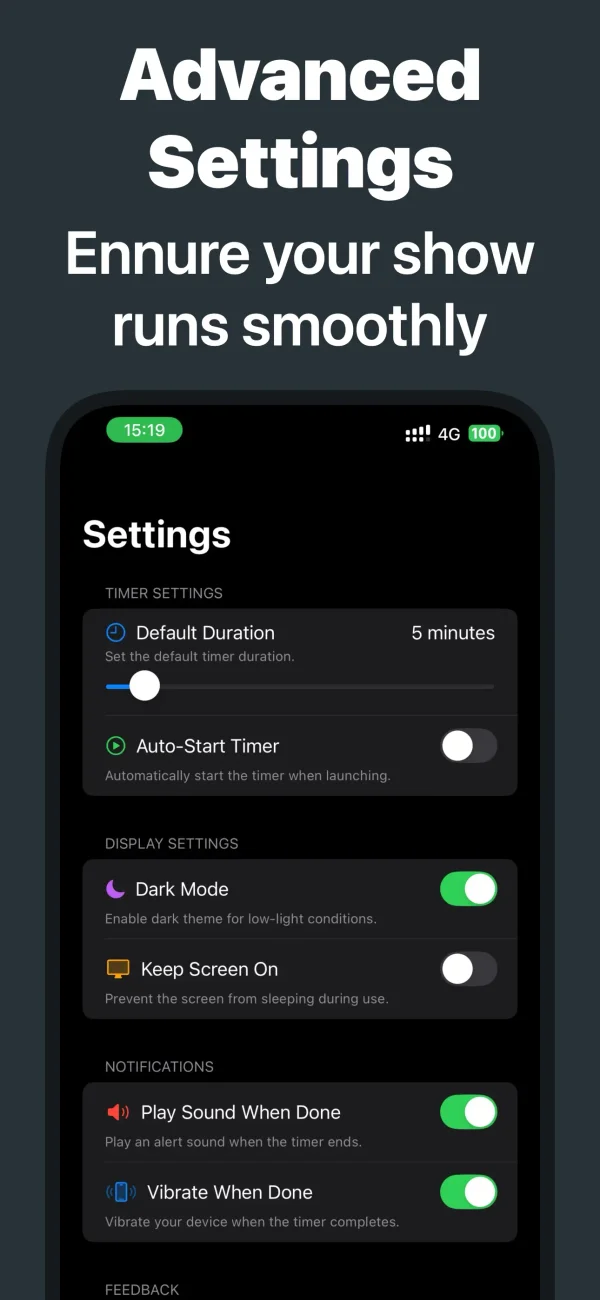
StageTimer offers a rich settings menu that empowers you to tailor the app to your exact needs. Set your default duration, enable auto‑start for immediate timing, toggle between dark and light modes, or keep your screen on during critical moments. And for those who demand even more, our premium upgrade unlocks advanced features like multi‑device sharing, remote controls, custom themes, and audio alerts. With a one‑time payment, you can upgrade to premium—no recurring subscriptions, just professional-grade tools that are yours forever.
Every detail of StageTimer is crafted to ensure a seamless and intuitive user experience. The user-friendly interface, paired with clear controls and flexible options, makes it simple to focus on your performance rather than fiddling with settings. Whether you’re preparing for a live stage performance, running a workshop, or simply managing everyday tasks, StageTimer is the perfect companion to keep you punctual and in control.
Join thousands of satisfied users who have elevated their timing game. With StageTimer, you’re not just managing time—you’re mastering it.
Key Features:
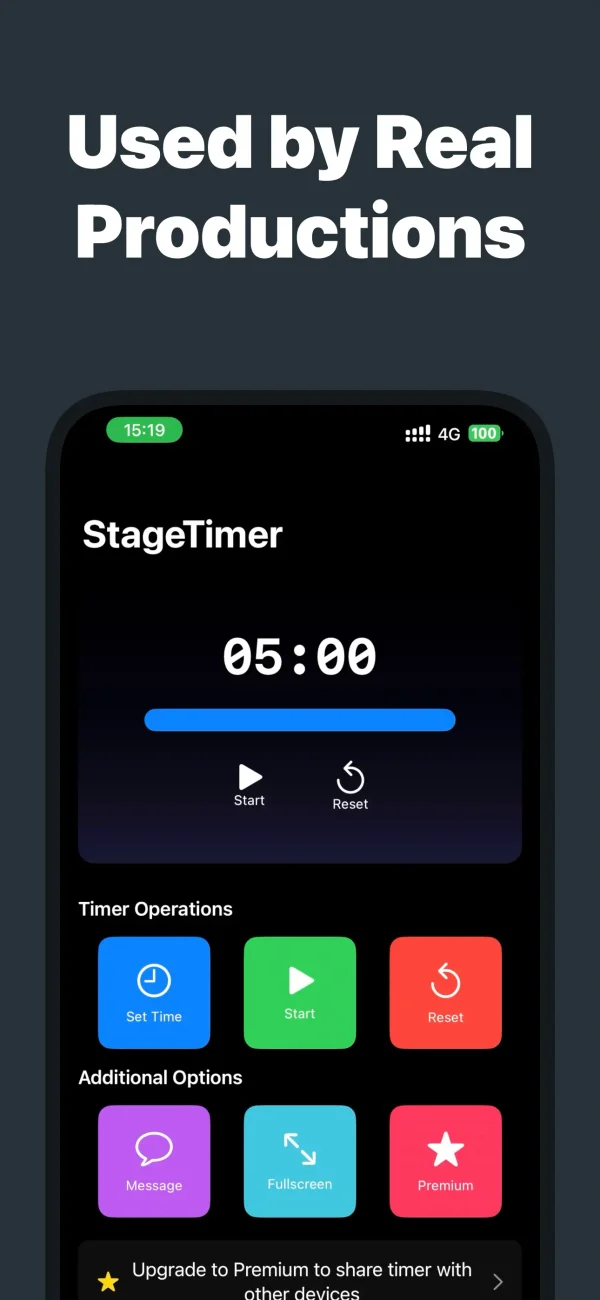
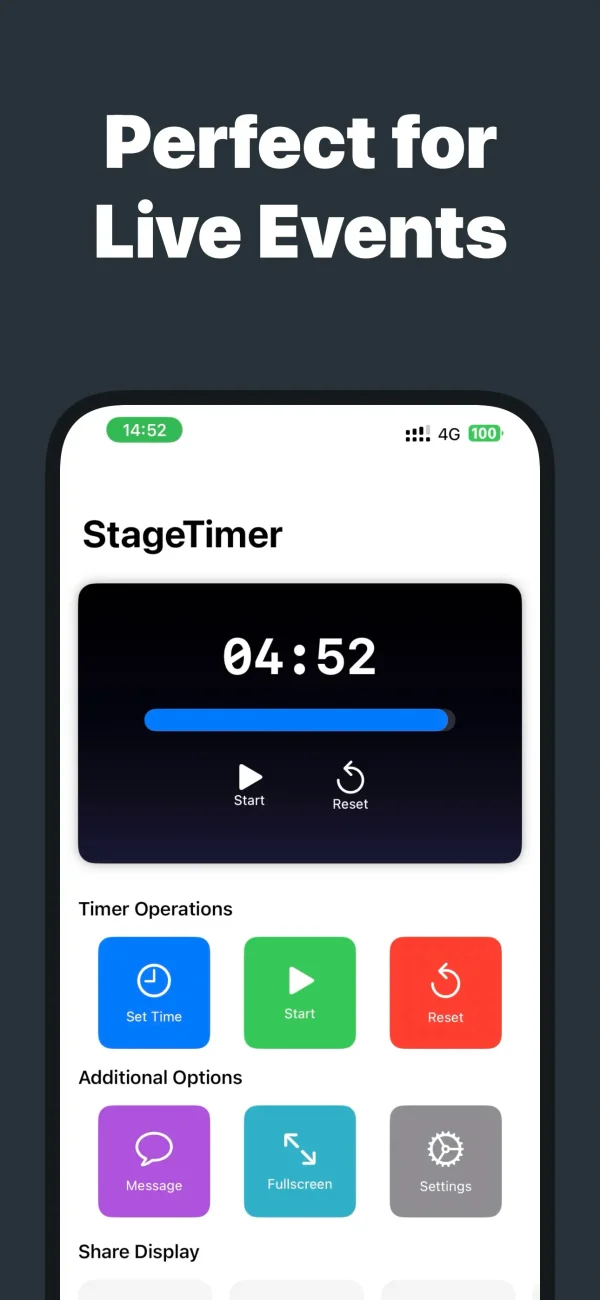
• Precision Timer Display with a dynamic progress bar
• Intuitive Start, Pause, and Reset Controls
• Customizable Timer Duration (up to 1 hour for free users, 24 hours for premium)
• Multi-Device Connectivity for Synchronized Timer Sessions
• Fullscreen Mode for Distraction-Free Presentations
• Custom Messaging for On-Screen Instructions
• Advanced Settings including Dark Mode, Auto‑Start, and “Keep Screen On”
• Premium Upgrade with a One‑Time Payment (No Subscription)
• Remote Controls, Custom Themes, and Audio Alerts (Premium)
• Sleek, User-Friendly Interface Designed for Professionals
Download StageTimer today and experience the ultimate tool for managing your time. Whether you’re leading a classroom, staging a live performance, or orchestrating a large event, StageTimer ensures you’re always in control—and always on time.
Your payment will be charged to your Apple ID account. In-app purchases are processed by Apple and are subject to their standard terms and conditions. By downloading StageTimer, you agree to Apple's End User License Agreement (available at https://www.apple.com/legal/internet-services/itunes/dev/stdeula/) as well as our Privacy Policy, which is available at https://mattcowlin.com/policies/privacy.html. Please review these terms carefully before making any purchase.
Yang baru
Versi 1.1.8 · 2/6/2026
Fixes bug meaning some users could not save a timer
Privasi aplikasi
Yang dinyatakan MSDC TECHNOLOGIES LTD di App Store tentang cara aplikasi ini menangani data.
-
Data tidak dikumpulkan
Pengembang tidak mengumpulkan data apa pun dari aplikasi ini.
Praktik privasi dapat bervariasi, misalnya berdasarkan fitur yang Anda gunakan atau usia Anda.
Informasi
- Penjual
- MSDC TECHNOLOGIES LTD
- Kategori
- Produktivitas
- Versi
- 1.1.8
- Diperbarui
- 2/6/2026
- Dirilis
- 23/8/2023
- Ukuran
- 16,8 MB
- Memerlukan
- iOS 17.6 atau yang lebih baru
- Batasan usia
- 4+
- Harga
- Gratis
- Pembelian dalam aplikasi
- Ya
- Bahasa
- Inggris
- Hak cipta
- © MSDC Technologies LTD
Mungkin Anda juga suka
-
 Show StopWatchProduktivitas
-
 Cue to Cue Theatre EditionProduktivitas
-
 Countdown Visual Timer: AnakJam pasir autisme ABA 0 60 ASD
-
 dmx calculatorProduktivitas
-
 Flip Timer & stopwatchbagi kebugaran,latihan,belajar
-
 Jam Pasir Hitung Mundur VisualTimer Belajar & Fokus
-
 Ultimate Focus - Timer VisualBelajar, Kerja, Fokus & Timer
-
 Akiflow: AI Planner & CalendarProduktivitas
-
 Teleprompter ProProduktivitas
-
 Noteflow: AI Notes TakingProduktivitas