Stops+
Precise Camera Attribute Calc
Dirancang untuk iPhone, iPad
Gratis · Pembelian dalam aplikasi
- Batasan usia9+
- KategoriFoto & Video
- PengembangPurpl Pro
- BahasaInggris
- Ukuran29,5 MB
Tertaut ke halaman resmi App Store
Download.org tidak menyimpan file Stops+ apa pun. Tombol ini membuka halaman aplikasi di App Store, tempat Purpl Pro menerbitkannya. Halaman terakhir diperiksa pada 14/11/2026.
Tangkapan layar


Tentang
Pengembang belum menyediakan teks ini dalam bahasa Anda.
Designed for artists/technologists who aspire to creative mastery with absolute precision. Say goodbye to guesswork on/off sets or even labs.
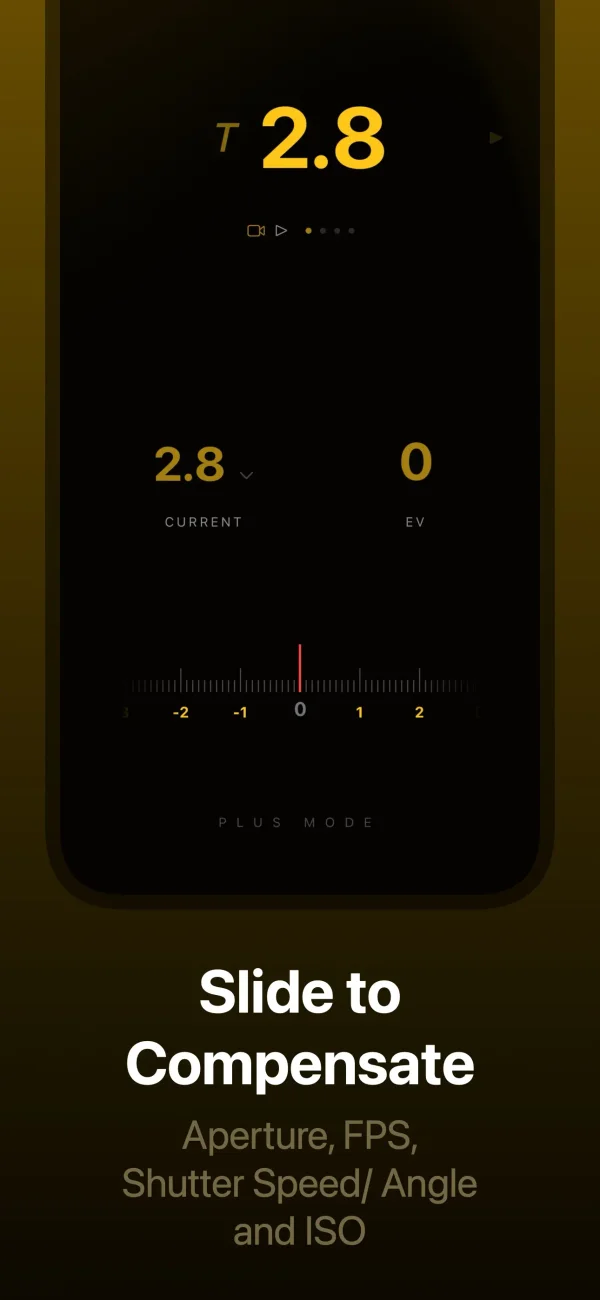
• 'Stops+' helps calculate compensation for exposure changes to Aperture, FPS, Shutter Angle, Shutter Speed and ISO with super-fine increments.
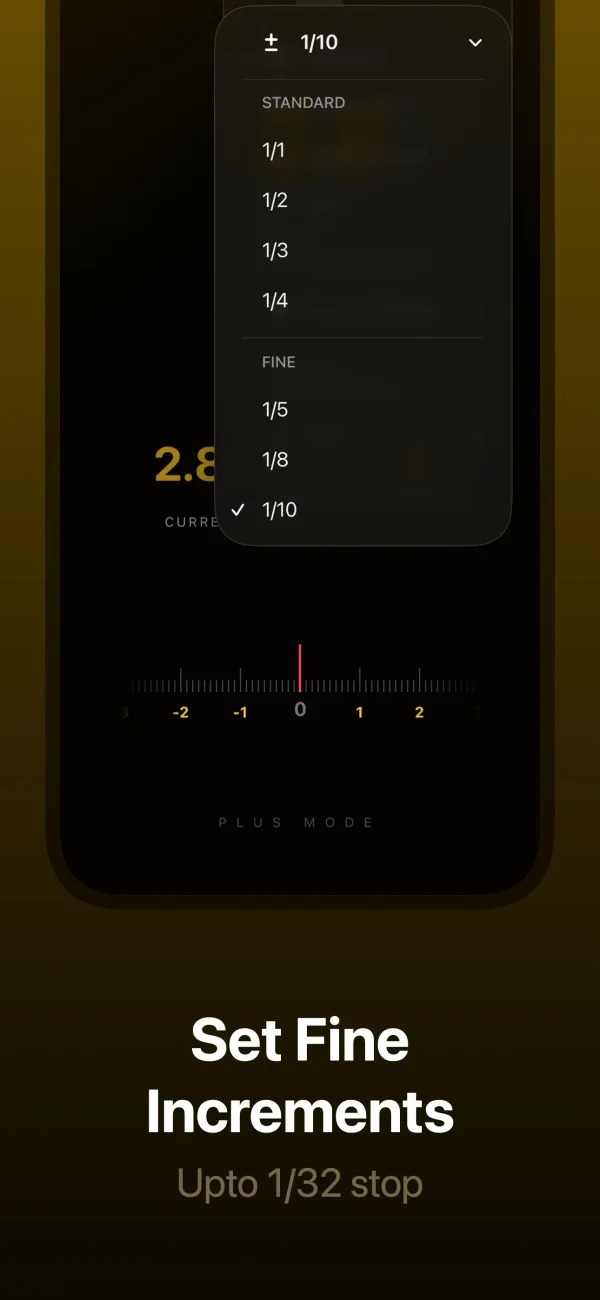
• You can make adjustments as small as 1/32 stop for a range up to 28 stops.
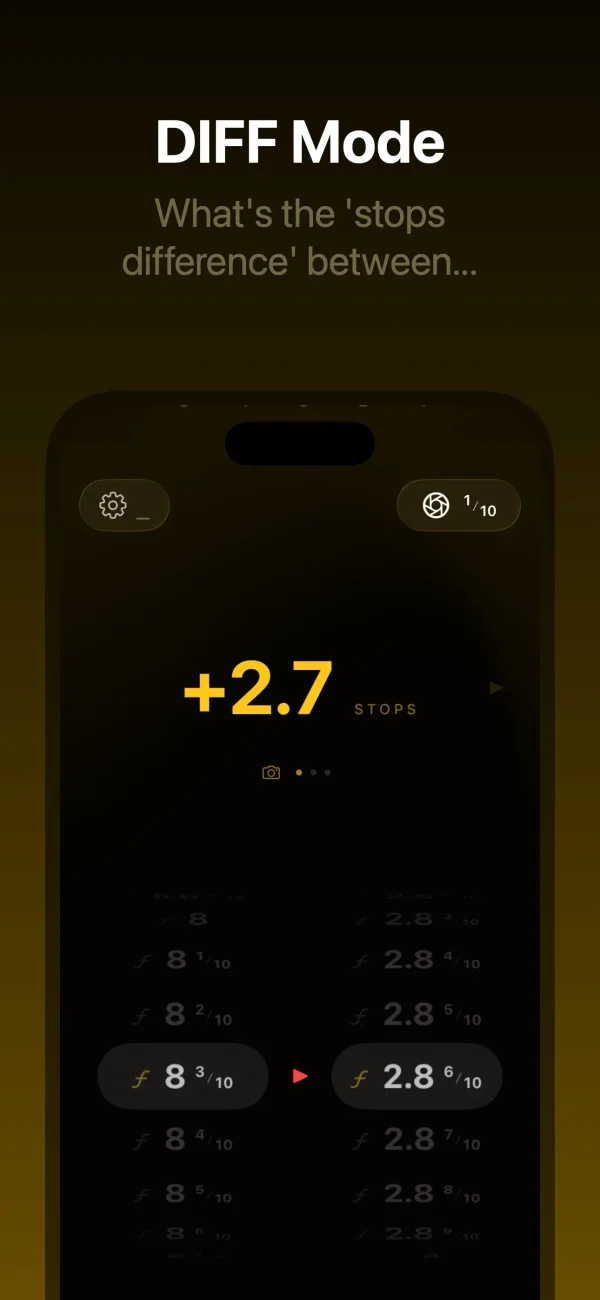
• With DIFF Mode - you can also now get the stops difference between two attribute values instantly.
>> HOW PRECISE?
• Quite extensively. Nothing is hardcoded, and it always calculates instantly even for the tiniest changes. The technology behind, it is similar to what camera manufacturers use to design their high-end cameras. Though tuned for fine results, it’s still quite adaptable to your needs and remembers your preferences.
>> USE CASES:
• DOUBLE-CHECK your compensated values on set.
• PRE-PLAN your shoots. For example… whether you really need high power lighting equipment based on your camera’s available dynamic range. You can test-out varied scenarios compensating for exposure in prep itself.
• Play around and TRAIN yourself to learn the in-between values. For example… did you know, If you compensate for -2/3 stops on shutter angle of 172.8°, it is 108.9°?! Neat.
>> HOW IT WORKS:
1. Simple. First, pick your shoot mode - i.e., Video or Photo mode.
2. Then just select what you'd like to adjust like Aperture, FPS, Shutter angle, Shutter speed or ISO - based on the shoot mode selected.
PLUS Mode:
3. Next, set the precision for how finely you’d like to increment the exposure such as 1/3rd, 1/8th etc...
4. Set your current value in the picker you want to compensate for.
5. Additionally, if you’d like to pre-compensate for any lens filters (such as ND, PL , Artistic Filters etc…) - now you can stack up to 2 filters.
6. NEW in 1.4: For ISO - you can also pre-compensate like the PROs to calculate ETTR/ ETTL now i.e, ‘what ISO to shoot at’ Vs ‘what ISO to expose for’.
7. Finally, just slide your exposure slider and watch the magic happen.
DIFF Mode:
1. Just flick those two fancy wheels to get the ‘stops difference’ instantly. Feel free to play around.
>> VALUE ADDED FEATURES
--- Custom Compensation Settings
Customize any of the parameters below:
• Aperture: Option to set your lens’s min & max aperture.
• FPS: Option to select even high or ultra-high frame rates, up to a whopping 1,000,000 frames per second.
• ISO: Option to select full or 1/3rd increments - ranging from ISO 50 to 819,200.
• Shutter Angle: Option to set your min & max angles (from 1 to 360)
• Shutter Speed: Option to set your min & max speed (from 1/32000 to 30 sec)
• Lens Filters: NDs usually have varied nomenclatures in the industry like ND0.3, ND2 or ND 1x - you now have the option to select your preferred naming style. Similarly, PL also has a naming style for convenience here, though not industry standard.
--- Super Fine Increments
• Set your preference for fine exposure increments from 1 full stop all the way upto 1/32 stop.
--- Precise Decimal Digits
• Go beyond or below the industry standard to explore compensated values with more or less decimal digits.
--- Extended Slider Range
• With an extended range beyond today’s cameras abilities - discover compensated results even for futuristic shooting scenarios.
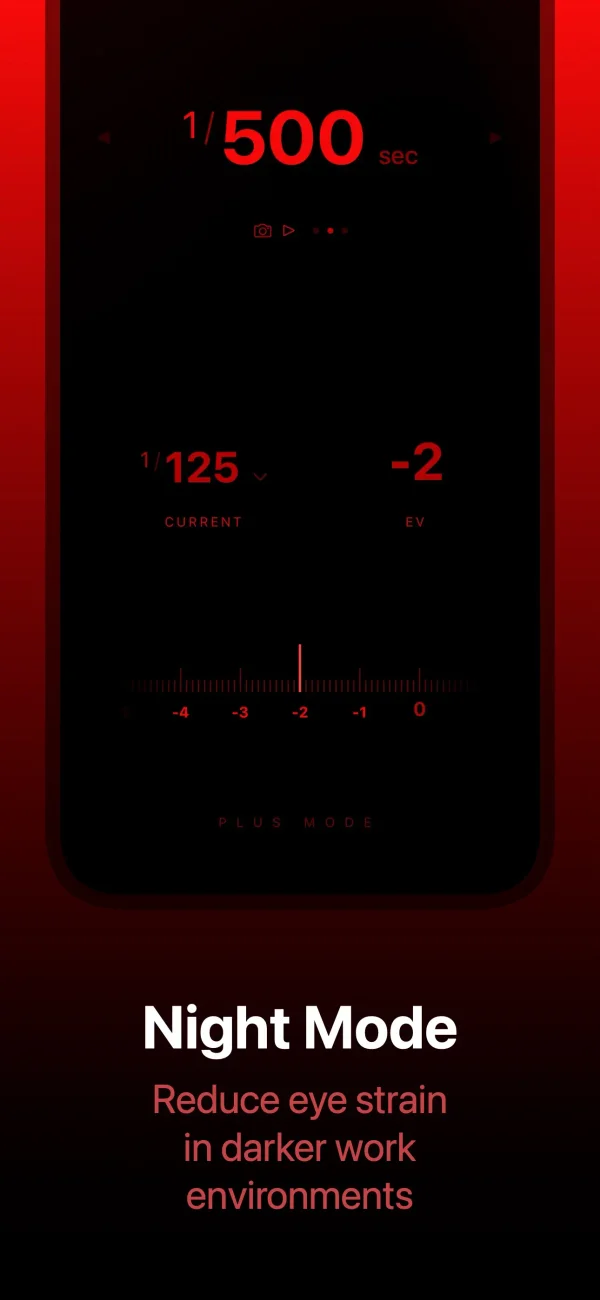
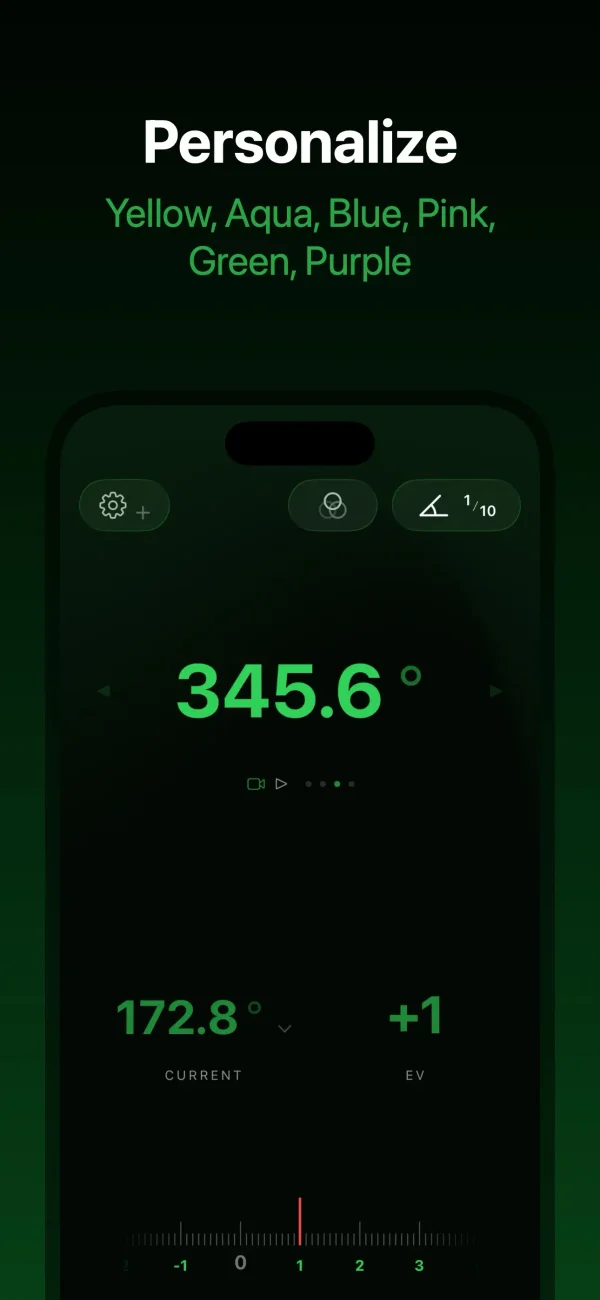
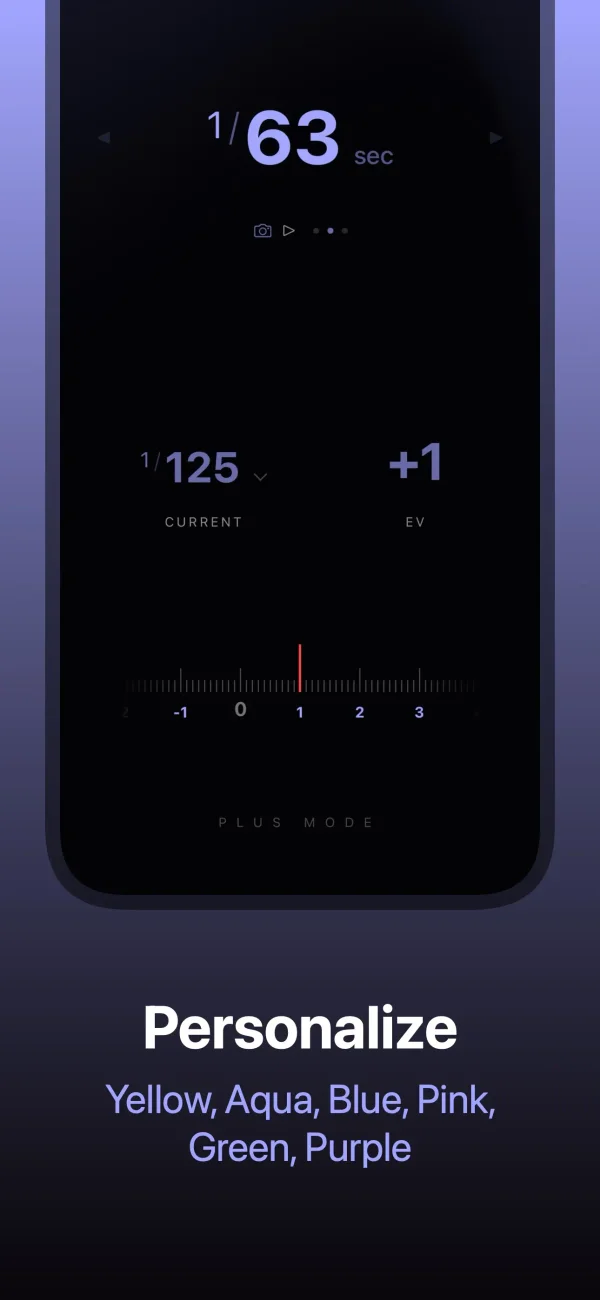
--- Personalized Themes + Dark Mode
• Choose your preferred theme and let your personality shine.
--- Themed App Icons
• Showcase your inner theme even outside with a theme-paired app icon style.
--- iPadOS ready
Do the same & much more on iPads with:
• multi-window support like Slide Over, Split View etc….
• PRO Tip: You can also customize themes individually for each window separately.
• NEW in 1.4: iPadOS also gets the ‘swipe to switch’ camera attributes
----------
Terms of Use:
https://www.apple.com/legal/internet-services/itunes/dev/stdeula/
Yang baru
Versi 1.4 · 20/2/2026
>> NEW:
• ETTR/ ETTL
‣ Shoot a clean image like the PROs by pre-setting your ISO goals
• Plus LIFETIME
‣ ‘One time purchase’ option to gain forever access to all ‘Plus(Y) features’
• Dynamic Theme
‣ Auto-cycles theme to adapt to selected camera attribute
• Swipe Up/Down
‣ You can now swipe up, down, left or right - to instantly get to where you wanna go
• ‘Orange Rise’ Theme
>> PERFORMANCE:
• 4x faster load times
• Advanced optimizations behind the hood for a snappier performance inspite of compute intensive feature additions
>> UPDATE:
• Sectioned Long Pickers
‣ Extra long picker menus like FPS, Lens Filters etc… now presented in a more user friendly way categorized in sections
• Some fixes & tweaks across the app
Privasi aplikasi
Yang dinyatakan Purpl Pro di App Store tentang cara aplikasi ini menangani data.
-
Data yang tidak ditautkan dengan Anda
Dapat dikumpulkan, tetapi tidak ditautkan dengan identitas Anda.
- Data penggunaan
Praktik privasi dapat bervariasi, misalnya berdasarkan fitur yang Anda gunakan atau usia Anda.
Informasi
- Penjual
- Purpl Project - FZE
- Kategori
- Foto & Video
- Versi
- 1.4
- Diperbarui
- 20/2/2026
- Dirilis
- 9/1/2025
- Ukuran
- 29,5 MB
- Memerlukan
- iOS 18.0 atau yang lebih baru
- Batasan usia
- 9+
- Harga
- Gratis
- Pembelian dalam aplikasi
- Ya
- Bahasa
- Inggris
- Hak cipta
- © 2024 Purpl Pro
Mungkin Anda juga suka
-
 Luma CalcFoto & Video
-
 Photographer’s CompanionFoto & Video
-
 ExposureLab: ND & Golden HourFoto & Video
-
 Lighting RatioFoto & Video
-
 Clamshot: Retro Pixel CameraFoto & Video
-
 Color Grading - FärgFoto & Video
-
 Log to LUTFoto & Video
-
 Honesmith Optics: RAW CameraFoto & Video
-
 DOF Calculator for PhotographyFoto & Video
-
 Frame Line PROFoto & Video