
StopTheMadness Pro
Take back your web browser
Dirancang untuk iPhone, iPad, Mac
Rp 199ribu
- Batasan usia4+
- KategoriKegunaan
- PengembangJeff Johnson
- BahasaInggris
- Ukuran16,6 MB
Tertaut ke halaman resmi App Store
Download.org tidak menyimpan file StopTheMadness Pro apa pun. Tombol ini membuka halaman aplikasi di App Store, tempat Jeff Johnson menerbitkannya. Halaman terakhir diperiksa pada 25/11/2026.
Tangkapan layar



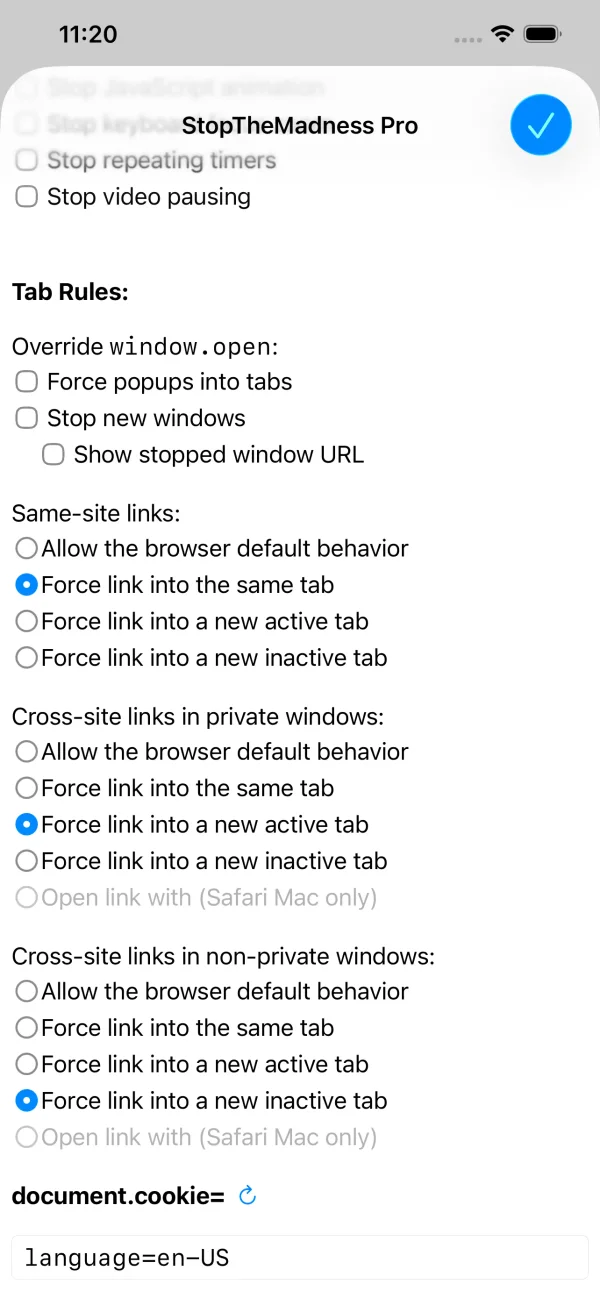
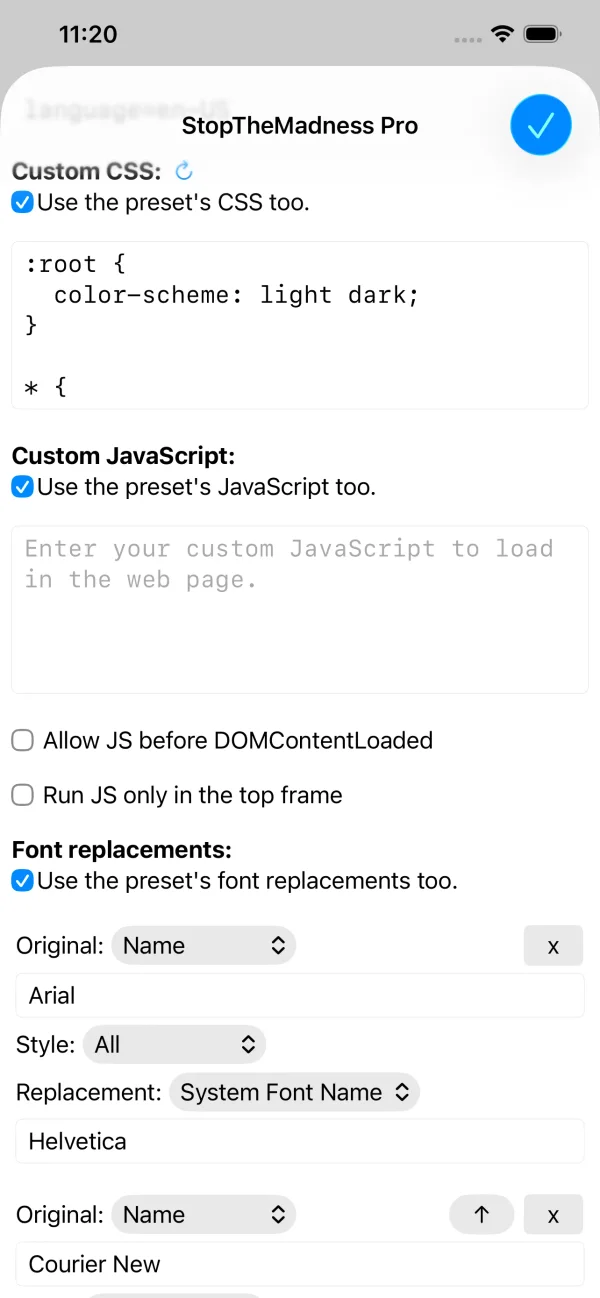
Tentang
Pengembang belum menyediakan teks ini dalam bahasa Anda.
StopTheMadness Pro is a web browser extension that stops websites from making your browser harder to use, and it protects your privacy on the web. StopTheMadness Pro is not an ad blocker but rather a one of a kind extension with a huge number of unique features! Made by indie developer Jeff Johnson. The support link has documentation and my email address. StopTheMadness Pro includes extensions for Safari on iOS and iPadOS, Safari, Safari web apps, Chrome, and Firefox on macOS.
StopTheMadness Pro is a major update to the beloved StopTheMadness extension, adding automatic iCloud sync of settings between all devices, as well as countless other new features and improvements.
StopTheMadness Pro features:
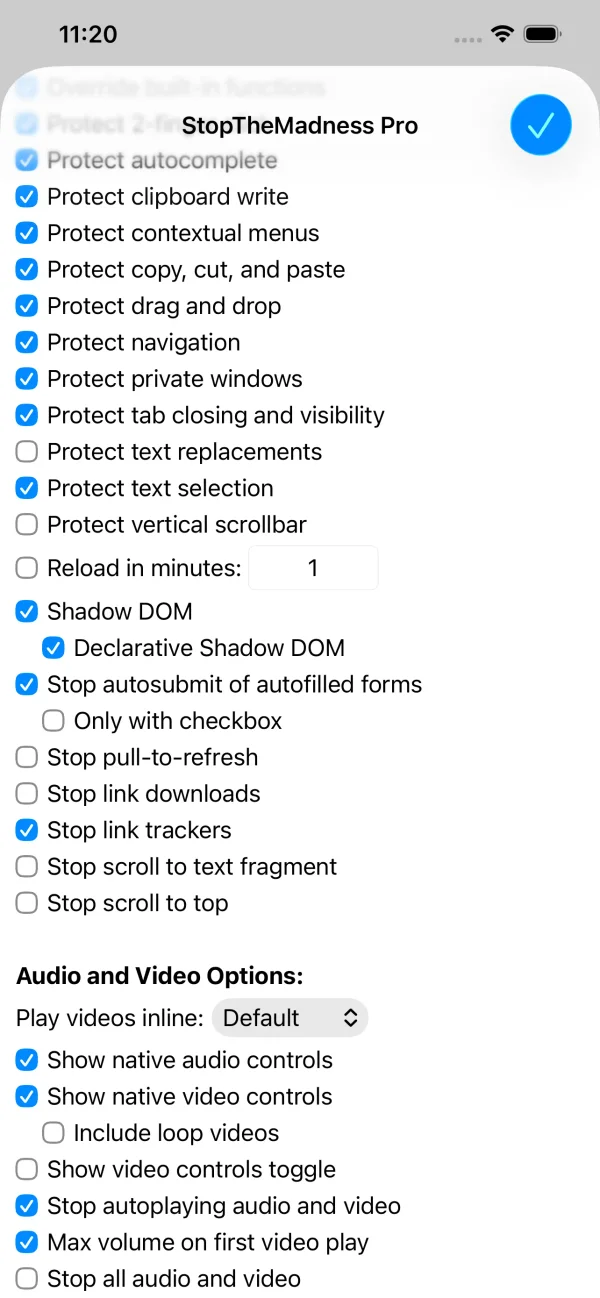
• Stop websites from disabling user interface features in your browser such as text selection, copy, cut, and paste, drag and drop, contextual menus, AutoFill, ⌘-key keyboard shortcuts, and 2-finger tap to open links in a new tab
• Stop Google AMP
• Remove URL query tracking parameters automatically
• Stop clickjacking on Google Search, Gmail, Facebook, and DuckDuckGo
• Stop hyperlink auditing (anchor "ping")
• Stop tracking beacons (Navigator.sendBeacon)
• Bypass well-known URL shorteners such as bit.ly, tinyurl, and t.co
• Stop autoplaying audio and video
• Always show Safari's native video controls, including Picture-in-Picture
• Unmute videos automatically on first play
• Auto-select video playback speed
• Stop Safari from pausing audio in background apps such as Apple Music
• Hide "Get the app" banners on Google, Google Maps, DuckDuckGo, IMDb, Quora, Patreon, Reddit, and Tumblr
• Hide "Sign in with Google" on all websites
• Hide "We'd like to send you some notifications" banners on many websites
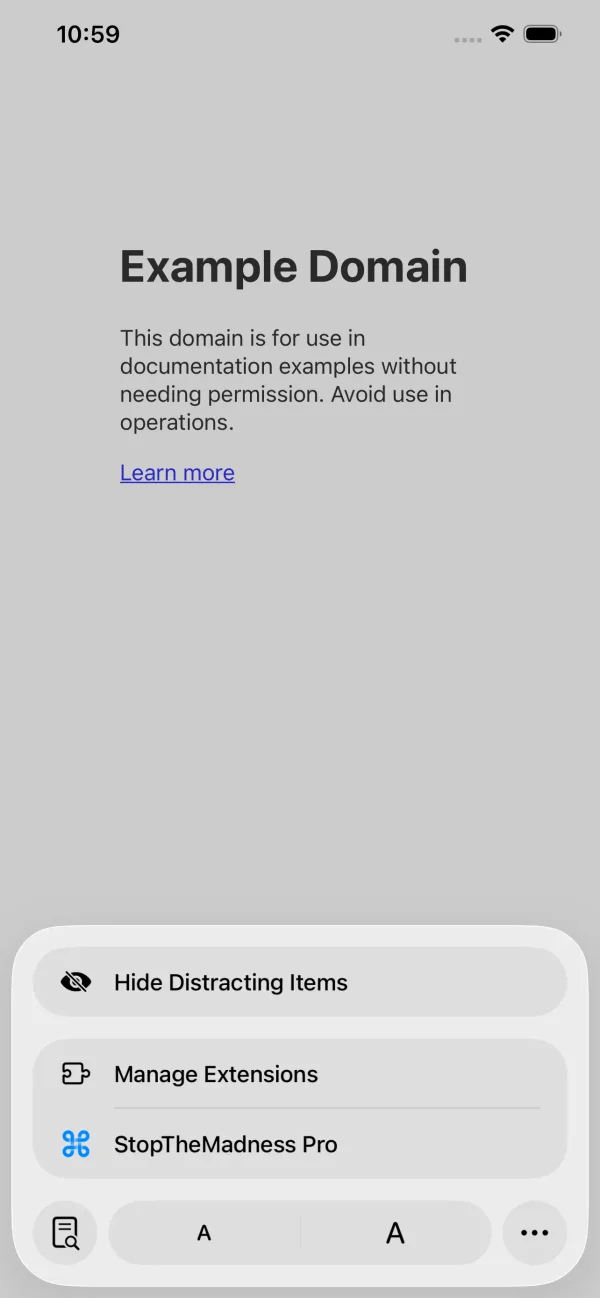
• Hide elements on web pages with a tap
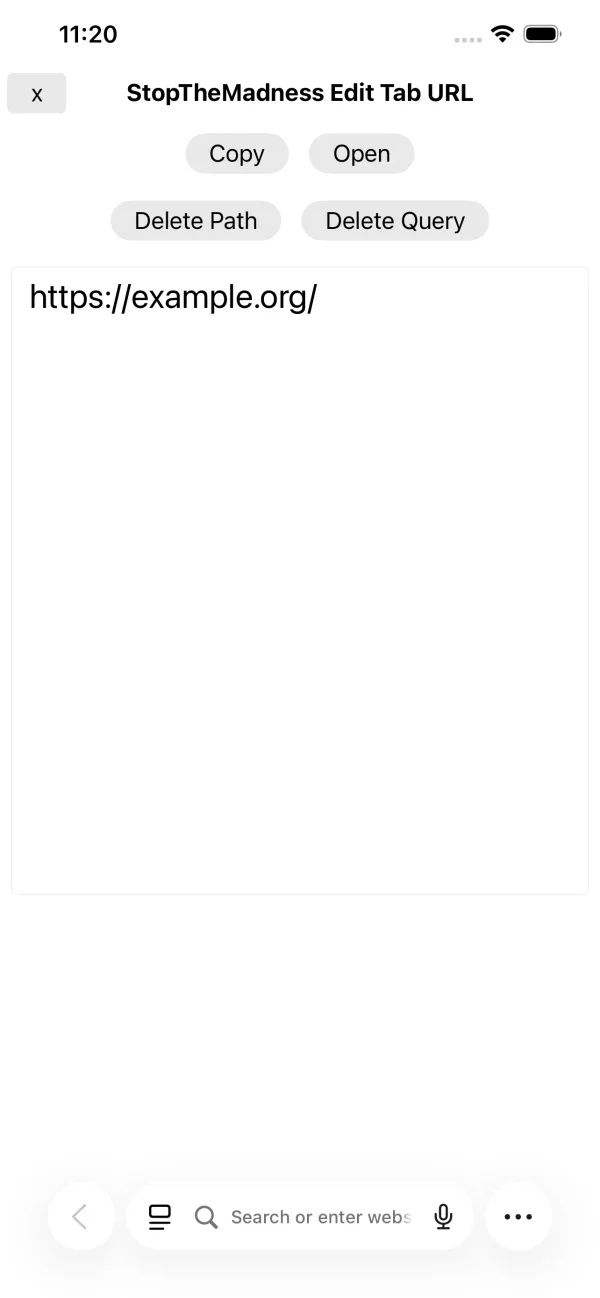
• Edit the tab URL in a large separate window instead of Safari's small address bar
• Font substitution on websites
• Website-specific CSS and JavaScript
• Run custom JavaScript snippets at any time
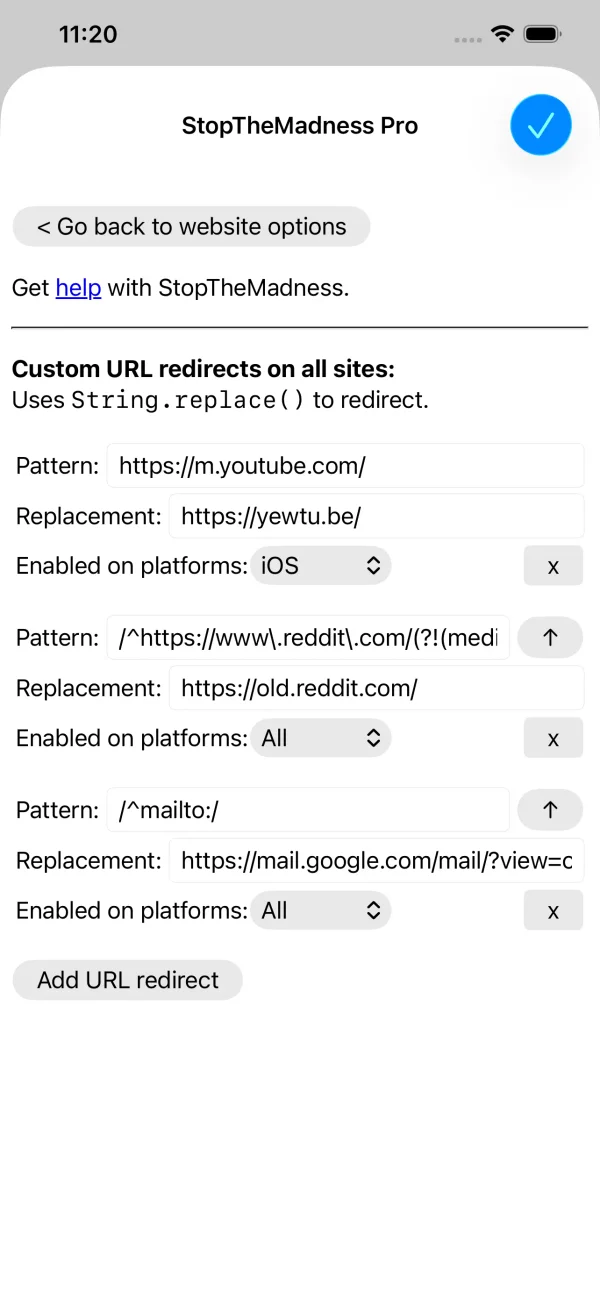
• Custom URL redirects
• Stop losing characters in maxlength password fields
• Force links to open in the current tab instead of a new tab, or force links to open in a new tab instead of the current tab
• Force images to the front so you can drag, use the contextual menu, and save
• Stop web animations
• Stop websites from overwriting your system clipboard
• Show the concealed password in password fields
• Stop websites from disabling text replacements in Safari
• Stop websites from changing the cursor and hiding the scrollbar
• Stop the software keyboard from zooming in the web page
• Stop websites from disabling pinch to zoom
• Reload the web page on a timer
• View and edit web page HTML
• And many more!
Yang baru
Versi 28.2 · 30/10/2026
• YouTube Picture-in-Picture: Fixed the alignment of the Picture-in-Picture button
• Custom JavaScript: Reduced memory usage in the web browser
Privasi aplikasi
Yang dinyatakan Jeff Johnson di App Store tentang cara aplikasi ini menangani data.
-
Data tidak dikumpulkan
Pengembang tidak mengumpulkan data apa pun dari aplikasi ini.
Praktik privasi dapat bervariasi, misalnya berdasarkan fitur yang Anda gunakan atau usia Anda.
Informasi
- Penjual
- Jeff Johnson
- Kategori
- Kegunaan
- Versi
- 28.2
- Diperbarui
- 30/10/2026
- Dirilis
- 12/12/2023
- Ukuran
- 16,6 MB
- Memerlukan
- iOS 17.0 atau yang lebih baru
- Batasan usia
- 4+
- Harga
- Rp 199ribu
- Bahasa
- Inggris
- Hak cipta
- © 2023 Jeffrey Johnson
Mungkin Anda juga suka
-
 Banish - Block 'Open in App'Kegunaan
-
 Litterbox - Post PeekerKegunaan
-
 Vinegar - Tube CleanerKegunaan
-
 Vidimote for SafariKegunaan
-
 Mapper for SafariKegunaan
-
 Noir - Dark Mode for SafariKegunaan
-
 Gnome: Find and Share GIFsKegunaan
-
 Kagi for SafariKegunaan
-
 AdGuard Pro: Safari Ad BlockerPrivacy & Browser Security
-
 Baking Soda - Tube CleanerKegunaan