
Stream Calendar
Smart Meeting Management
Dirancang untuk iPhone, iPad, iPod touch
Gratis
- Batasan usia4+
- KategoriProduktivitas
- PengembangCreative Solutions Company
- BahasaInggris
- Ukuran50,5 MB
Tertaut ke halaman resmi App Store
Download.org tidak menyimpan file Stream Calendar apa pun. Tombol ini membuka halaman aplikasi di App Store, tempat Creative Solutions Company menerbitkannya. Halaman terakhir diperiksa pada 12/11/2026.
Tangkapan layar


Tentang
Pengembang belum menyediakan teks ini dalam bahasa Anda.
Stream Calendar – Project-based scheduling and time management for modern teams
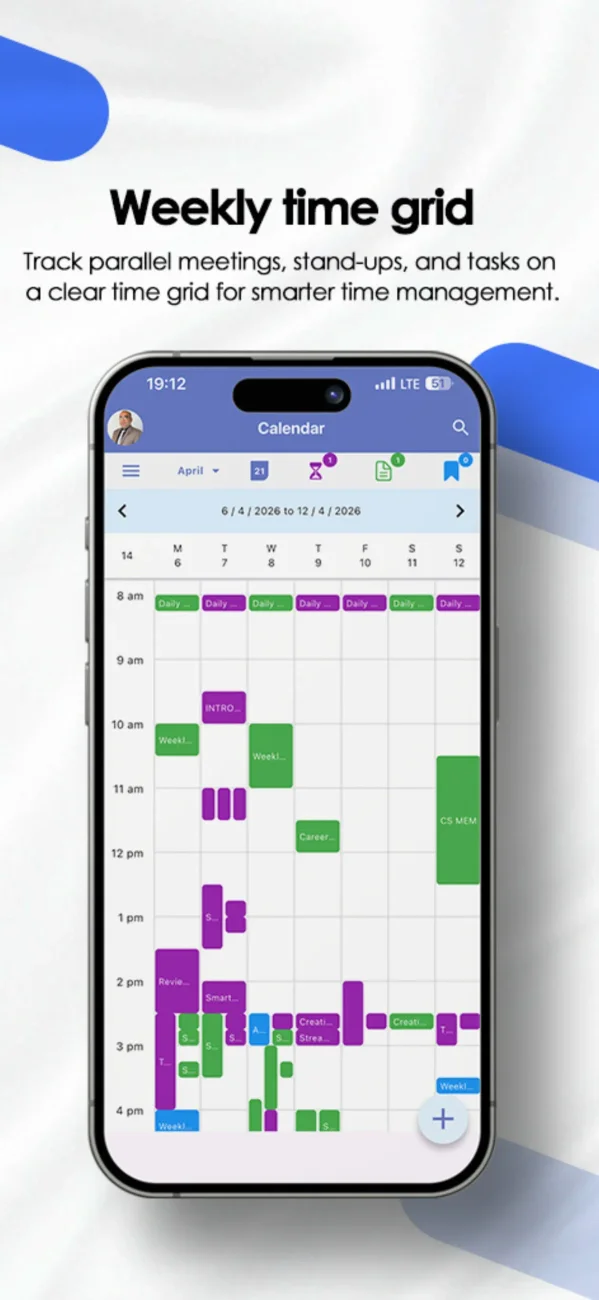
Stream Calendar is a powerful time management and scheduling app designed for organizations that run on projects, tasks, and structured meetings. It helps teams schedule meetings, organize tasks, and manage personal and work appointments across users in a single, unified calendar.
Fully integrated with Stream Planner, Stream Calendar connects your meetings and tasks directly to portfolios, projects, and actions. This ensures that every discussion, decision, and task is traceable back to the work it belongs to.
Developed as a companion to Creative Solutions’ Stream Planner software. Stream Calendar ensures secure, fast, and organized schedule between team members, departments, and stakeholders.Shape
Key Meeting & Scheduling Features
1. Organization-wide calendar – Schedule meetings, tasks, and personal appointments across users within your organization.
2. Linked with Stream Planner – Create and manage project-related actions and tasks directly from meetings and agendas, with the option to convert assigned tasks into full projects.
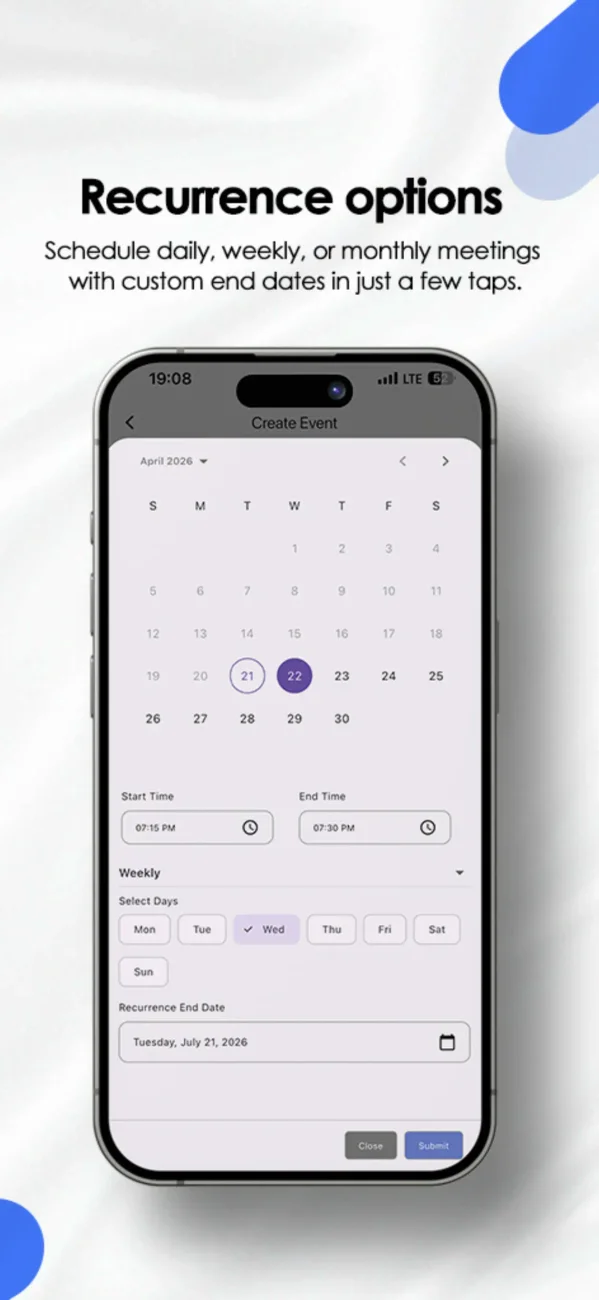
3. Single & recurring meetings – Schedule one-time or repeating meetings (daily, weekly, or monthly) based on your team’s needs.
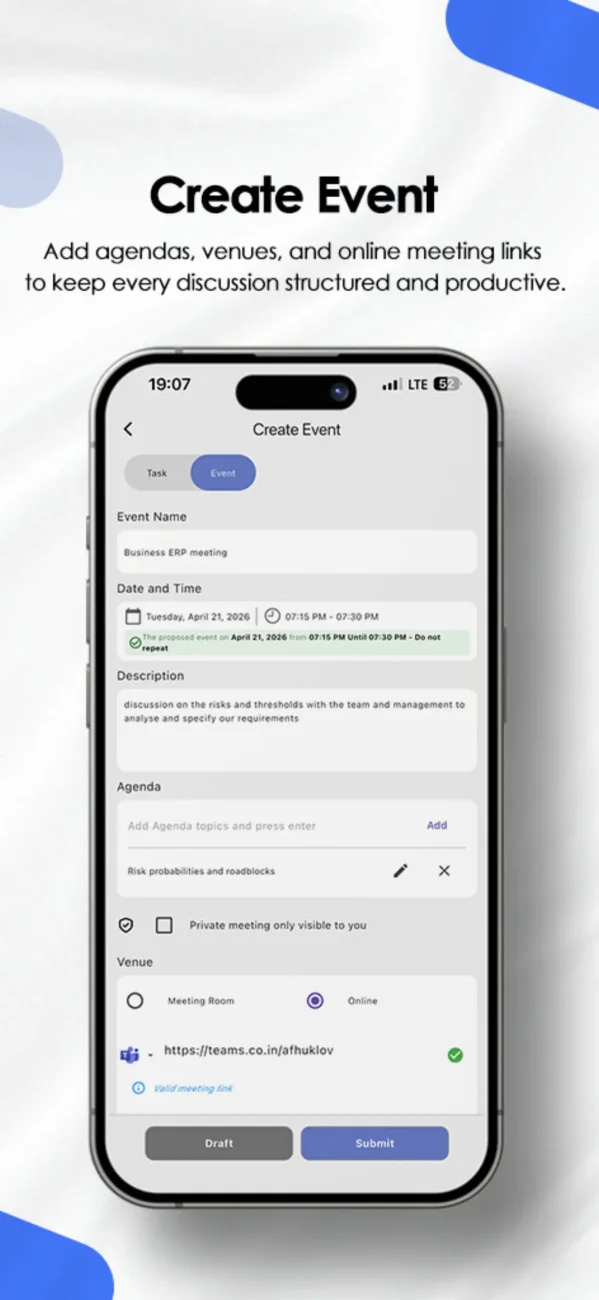
4. Rich meeting context – Attach portfolios, projects, emails, documents, and external meeting links (Microsoft Teams, Zoom, Google Meet, etc.) to each meeting so everyone has the full context in one place.
5. Admin & attendees – Every meeting has an admin who controls the session, and attendees who can participate, add notes, and receive reminders.
6. Dynamic invitations – Invite additional users at any time—not just while scheduling. New attendees automatically see the meeting in their own Stream Calendar.
During the Meeting
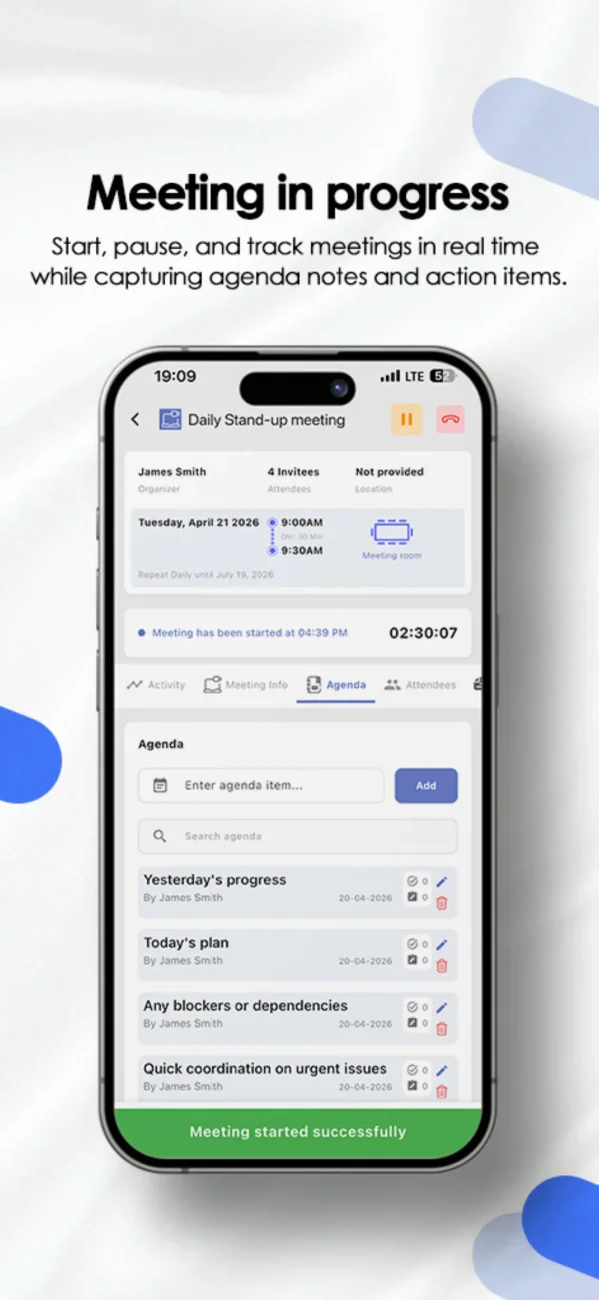
1. Start, pause, resume, end – Meetings can be started on the scheduled time and controlled by the admin, including pausing and resuming when needed.
2. Agenda-based discussions – Structure your meetings into agendas and mark each agenda as completed once it is discussed.
3. Shared notes per agenda – Attendees can record notes for each agenda item after the meeting has started, ensuring discussions are captured properly.
4. Private notes for attendees – Each attendee can maintain private, personal notes visible only to themselves for better personal tracking and follow-up.
6. Task assignment from agendas – Any attendee can assign tasks related to a specific agenda to other users. The recipient can convert that task into a project (via Stream Planner) or reject it with proper status tracking.
7. Attendance tracking – Automatically record when each attendee joins and leaves the meeting through meeting activity logs, providing a clear history of participation.
After the Meeting
1. Completion summary report – Once the admin ends the meeting, Stream Calendar generates a completion report showing:
* Contributors and attendees
* Total and per-user durations
* Agendas discussed and remaining
* Tasks created and assigned during the meeting
2. This makes Stream Calendar ideal for governance, audits, and structured follow-ups.
Smart Reminders & Notifications
1. Instant notifications – When a new meeting is created or updated, all attendees receive notifications.
2. Multi-level reminders – For each scheduled meeting, reminders are automatically triggered 1 hour, 30 minutes, and 5 minutes before the start time to help everyone join on time.
Shape
Why Stream Calendar?
In many organizations, meetings happen—but outcomes are lost. Notes sit in personal notebooks, tasks are forgotten, and calendars are disconnected from project reality.
Yang baru
Versi 1.0.7 · 3/9/2026
This update contains bug fixes and performance improvements
Privasi aplikasi
Yang dinyatakan Creative Solutions Company di App Store tentang cara aplikasi ini menangani data.
-
Data tidak dikumpulkan
Pengembang tidak mengumpulkan data apa pun dari aplikasi ini.
Praktik privasi dapat bervariasi, misalnya berdasarkan fitur yang Anda gunakan atau usia Anda.
Informasi
- Penjual
- Creative Solutions Company
- Kategori
- Produktivitas
- Versi
- 1.0.7
- Diperbarui
- 3/9/2026
- Dirilis
- 22/4/2026
- Ukuran
- 50,5 MB
- Memerlukan
- iOS 15.0 atau yang lebih baru
- Batasan usia
- 4+
- Harga
- Gratis
- Bahasa
- Inggris
- Hak cipta
- © 2025 Creative Solutions
Mungkin Anda juga suka
-
 Muhimma MCPProduktivitas
-
 gtsync: Sync Tasks & RemindersProduktivitas
-
 Donetick: Shared Chore ChartProduktivitas
-
 EJAR Real estateProduktivitas
-
 sCalendar - Seamless CalendarProduktivitas
-
 BusyCal: Calendar & TasksProduktivitas
-
 AI Agent Assistant: Agentic AIProduktivitas
-
 Voter List IndiaProduktivitas
-
 Simple Habit Tracker - KabitProduktivitas
-
 One TasksProduktivitas