- Batasan usia17+
- KategoriKegunaan
- PengembangIINTERGO PTE. LTD.
- BahasaInggris+ 12 lainnya
- Ukuran76,9 MB
Tertaut ke halaman resmi App Store
Download.org tidak menyimpan file SwiftPDF apa pun. Tombol ini membuka halaman aplikasi di App Store, tempat IINTERGO PTE. LTD. menerbitkannya. Halaman terakhir diperiksa pada 24/11/2026.
Tangkapan layar

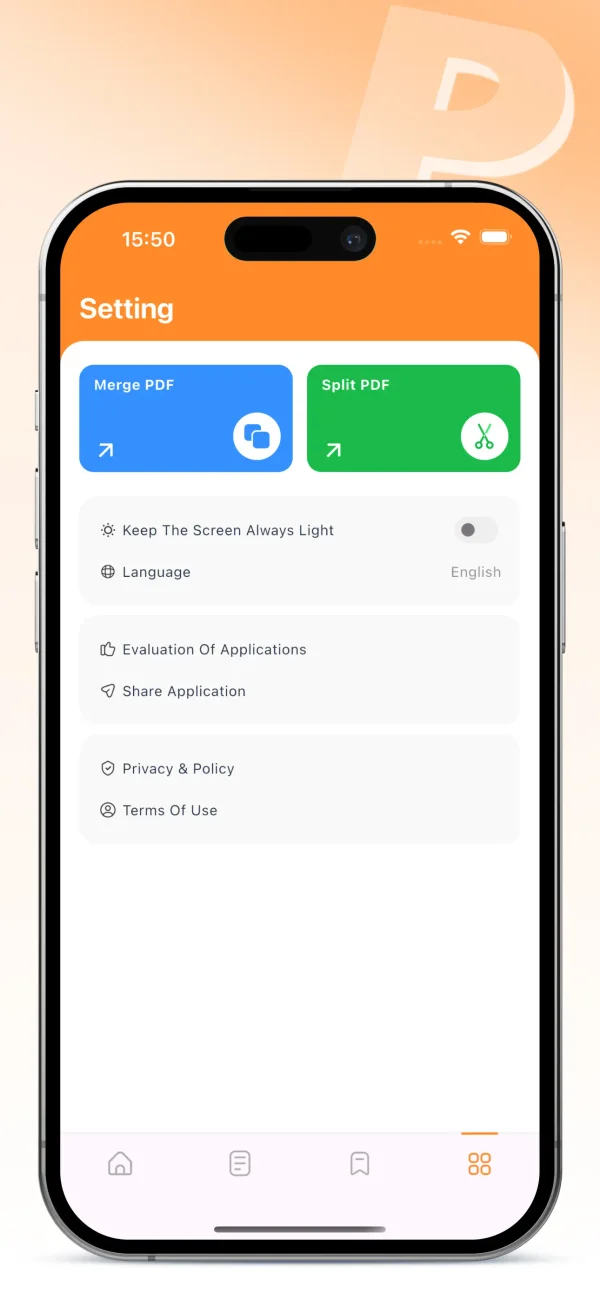
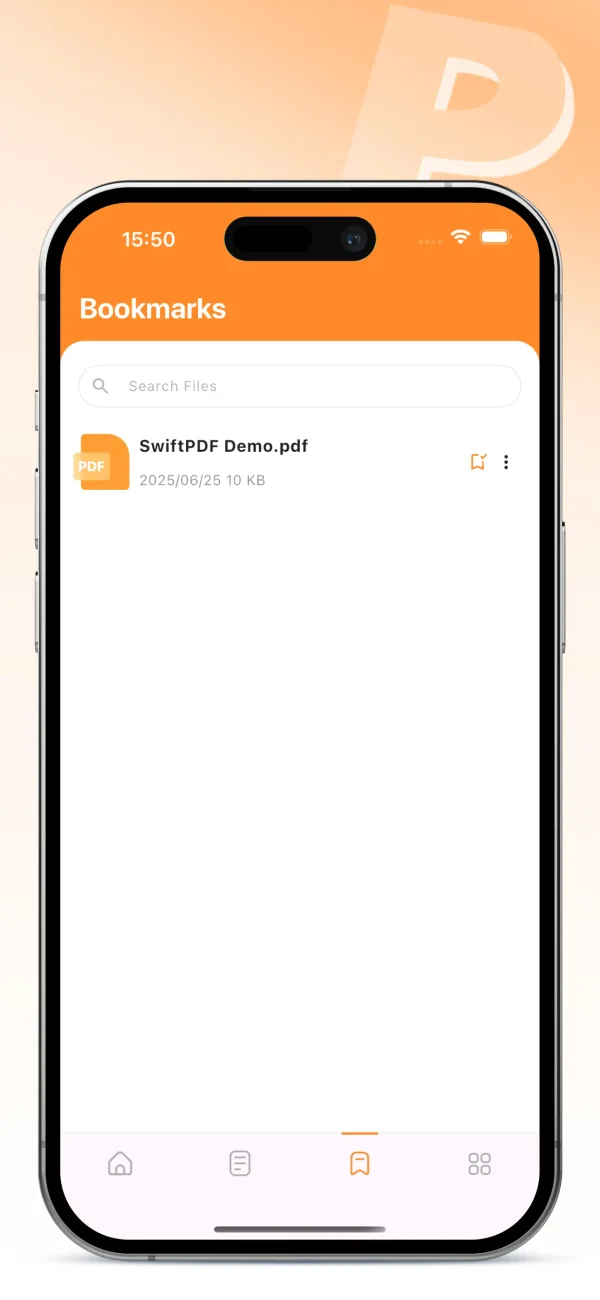
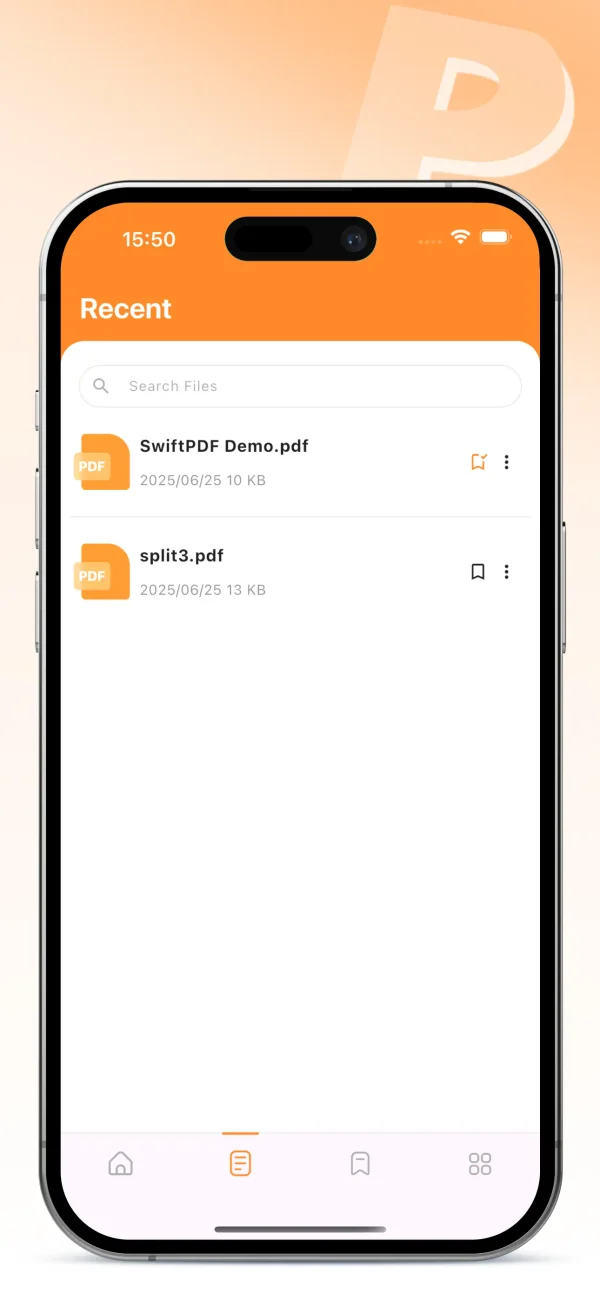
Tentang
Pengembang belum menyediakan teks ini dalam bahasa Anda.
Looking for a simple, lightweight, and easy-to-use PDF app? SwiftPDF is exactly what you need!
SwiftPDF is an all-in-one PDF scanner and management tool. It allows you to quickly scan documents, use an image to PDF converter, and easily find and manage all your PDF files in one place. Fully adapted for both iPhone and iPad, SwiftPDF brings you a smooth and clean reading and organizing experience. It's the PDF tools kit you need.
Download SwiftPDF and streamline your work and study now!
Modern Design
iOS 26 Glassmorphism: Enjoy a smooth visual experience with the latest frosted glass design.
Dark Mode Supported: Adapts to your system. Read and manage files comfortably with one-tap switch between light and dark modes, protecting your eyes.
iPad Optimized: Fully adapted for iPad screens, making good use of the large canvas for better viewing and management.
Handy Document Scanner
Scan to PDF: Use your camera to scan document like paper receipts and whiteboards, and convert to PDF files. It's a handy PDF maker on your phone.
Photo to PDF: Easily select and convert your photos to PDF or photo albums into multi-page PDF documents. It works as a picture to PDF converter free.
PDF File Manager
Easy Import: Fast import of local PDF files.
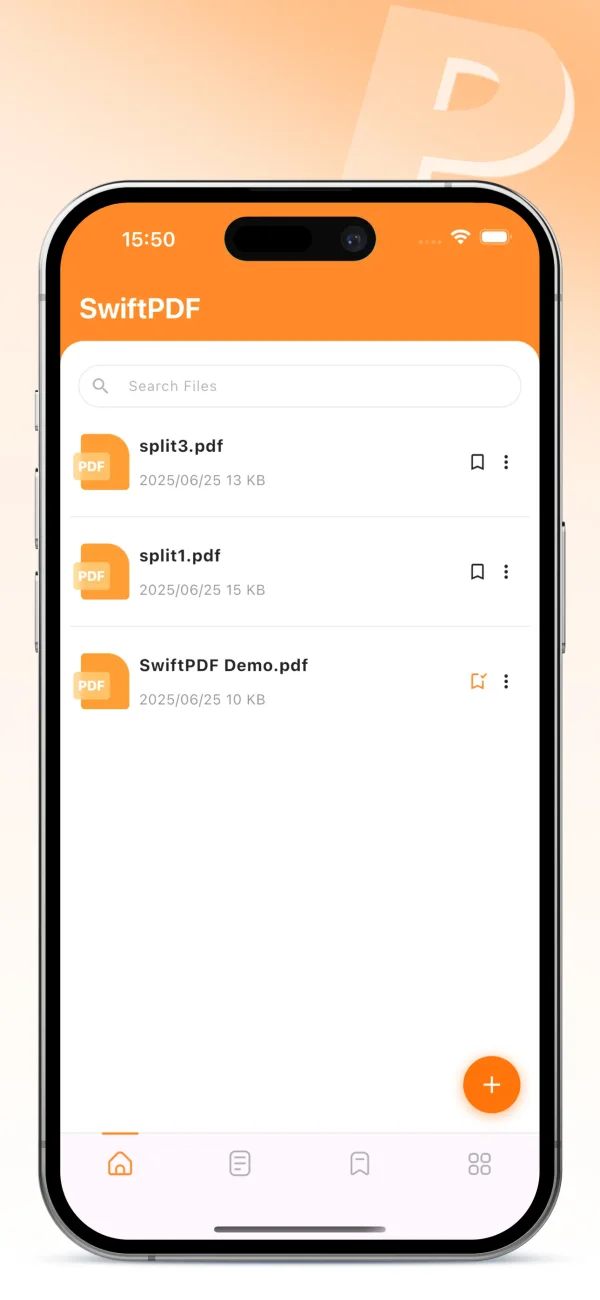
All Files & Recent: Organized PDF document grid view to find all your files or check recently opened documents. Works well as a document reader and PDF viewer.
Quick Actions: Long-press or tap to easily Rename, Share, Print, or Delete your files. Manage your free PDF files easily.
Practical PDF Tools
Merge PDF: Select 2–5 PDF files, arrange their merging order with a simple tap, and combine them into a single document easily. It acts as a quick PDF page maker.
Fast Preview: Smoothly open and view your PDF file right within the app, making it a great file opener and doc reader.
Privacy & Security
Your files are important to us. All your documents are processed locally on your device. We do not collect or upload your personal files, ensuring your data stays secure and private.
(Note: We are continuously working to add more features like PDF to photo conversion and advanced file converter tools in future updates.)
Yang baru
Versi 2.0.2 · 24/11/2026
Bug fixes and performance improvements for a better user experience.
Privasi aplikasi
Yang dinyatakan IINTERGO PTE. LTD. di App Store tentang cara aplikasi ini menangani data.
-
Data yang digunakan untuk melacak Anda
Dapat digunakan untuk melacak Anda di aplikasi dan situs web milik perusahaan lain.
- Pengenal
-
Data yang ditautkan dengan Anda
Dapat dikumpulkan dan ditautkan dengan identitas Anda.
- Pengenal
-
Data yang tidak ditautkan dengan Anda
Dapat dikumpulkan, tetapi tidak ditautkan dengan identitas Anda.
- Pengenal
- Data penggunaan
- Diagnostik
Praktik privasi dapat bervariasi, misalnya berdasarkan fitur yang Anda gunakan atau usia Anda.
Informasi
- Penjual
- INTERGO PTE. LTD.
- Kategori
- Kegunaan
- Versi
- 2.0.2
- Diperbarui
- 24/11/2026
- Dirilis
- 16/7/2025
- Ukuran
- 76,9 MB
- Memerlukan
- iOS 16.0 atau yang lebih baru
- Batasan usia
- 17+
- Harga
- Gratis
- Bahasa
- Inggris, Prancis, Jerman, Hindi, Bahasa Indonesia, Italia, Jepang, Korea, Portugis, Spanyol, Thai, Tionghoa Tradisional + 1 lainnya
- Hak cipta
- © Swift PDF