Symphony Pro - Music Notation
Compose by handwriting or tap
Dirancang untuk iPhone, iPad, iPod touch
Rp 299ribu · Pembelian dalam aplikasi
- Batasan usia4+
- KategoriMusik
- PengembangXenon Labs, LLC
- BahasaInggris
- Ukuran365,0 MB
Tertaut ke halaman resmi App Store
Download.org tidak menyimpan file Symphony Pro - Music Notation apa pun. Tombol ini membuka halaman aplikasi di App Store, tempat Xenon Labs, LLC menerbitkannya. Halaman terakhir diperiksa pada 28/11/2026.
Tangkapan layar

Tentang
Pengembang belum menyediakan teks ini dalam bahasa Anda.
Symphony Pro 6 is a complete and intuitive app for writing music notation on iPad. It allows you to compose music for just about any size ensemble, from piano, symphonies, band, lead sheets, chord charts, guitar tabs, and more.
Starting Version 5, Symphony Pro now offers handwriting recognition as the only in-app purchase: Perfect with Apple Pencil, and works great with touch or capacitive stylus
GETTING STARTED
SP provides all of the key options to begin your work. Import a score via MusicXML, MXL, MIDI, or SP file from your computer, or from apps like Dropbox, Mail, iCloud Drive, or Safari. You can base your project on a template, or start a blank score and add additional parts later.
EDITING
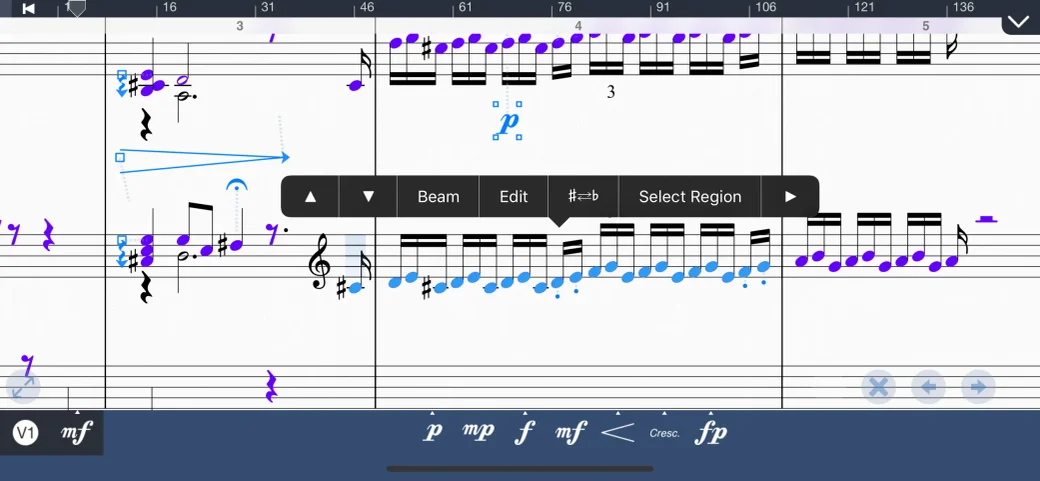
To add notes, choose Pencil mode, and tap anywhere on a bar to begin editing right away. You can quickly specify note properties before or after placing notes. By switching to Select mode with one touch, you can also transpose, erase, cut, and paste multiple notes/tracks.
With an on-screen instrument, a QWERTY keyboard, or Core MIDI compatible keyboard, you can quickly enter notes & chords in step entry mode. Record a part in real-time with on-screen instruments to transcribe into notation.
Versions 4 & 5 take greater advantage of the iPad touchscreen. With shortcuts and contextual menus to edit note & bar properties, many of the commonly used editing commands are right at your fingertips.
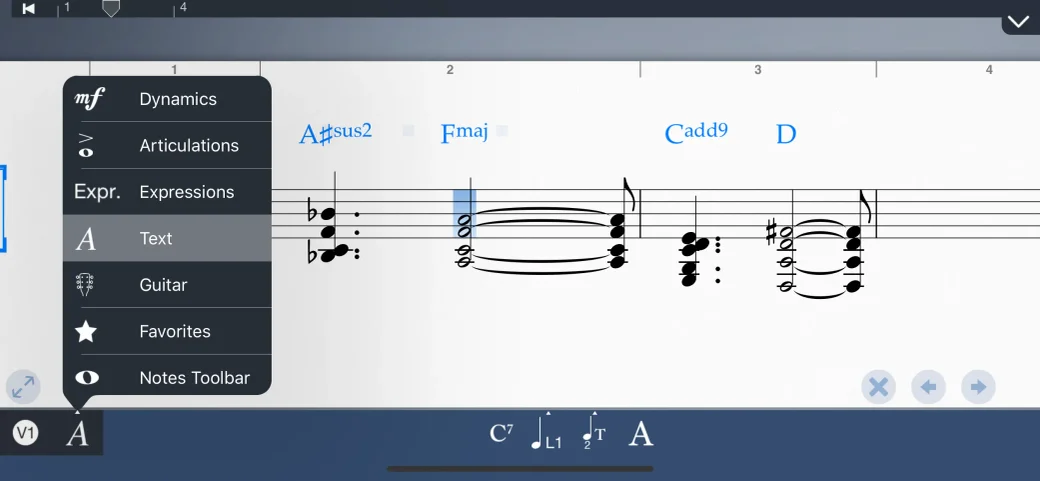
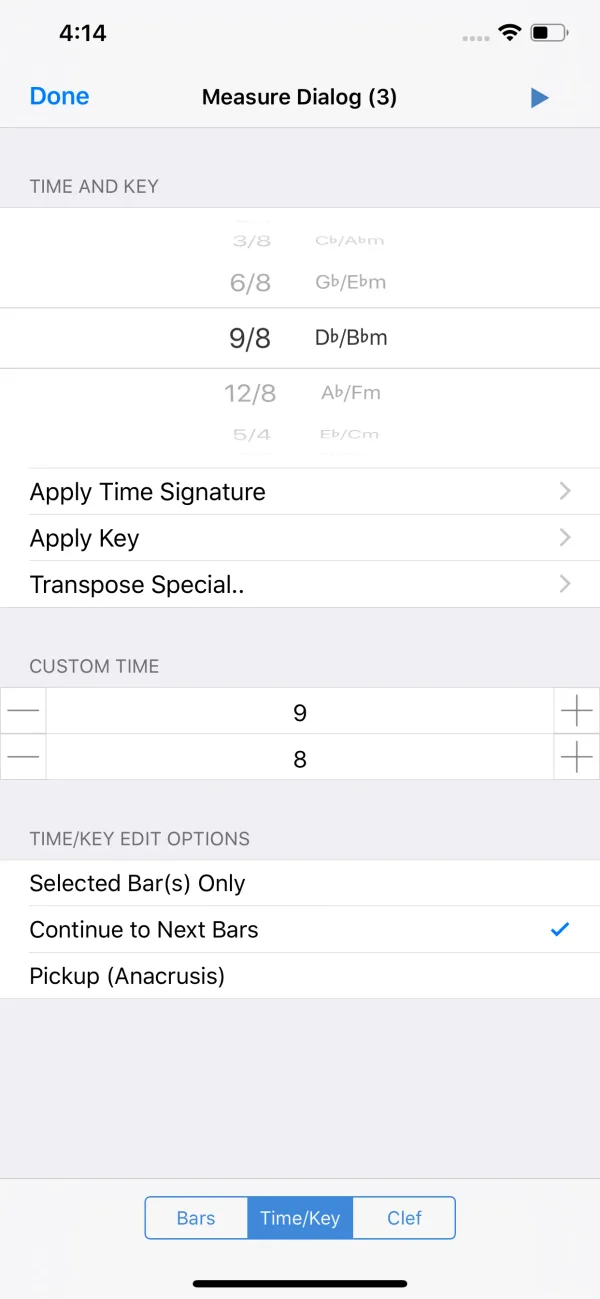
SP supports a wide range of notational elements for your composition. Including dynamics & articulations, time & key signature changes, clef changes, pedals, and repeat conventions. Edit chord symbols, lyrics, and annotations using the iPad’s standard keyboard.
EXPORT & SHARE
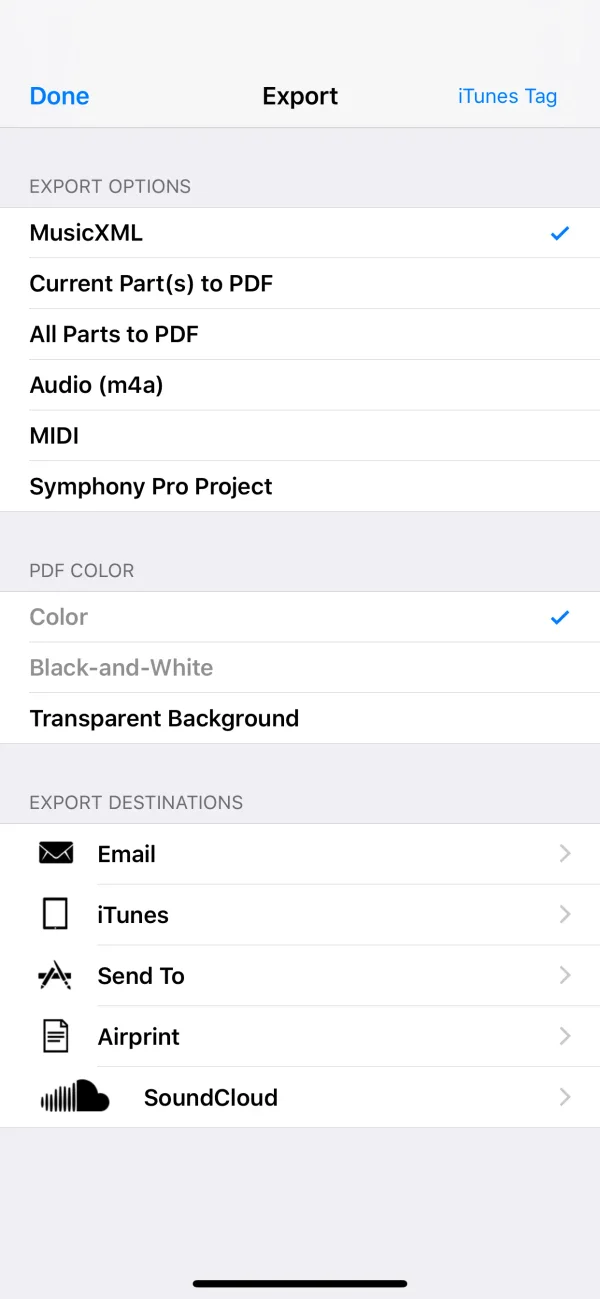
When you’re finished, print out your score with AirPrint, or export it as a PDF, MusicXML, AAC, MIDI, or Symphony file. Share files via email or directly to another computer or iPad via Dropbox/iCloud Drive.
KEY FEATURES
• Introducing Handwriting Recognition for Apple Pencil & touch
• Starting Version 5, Handwriting is the only In-App Purchase to enable the complete app
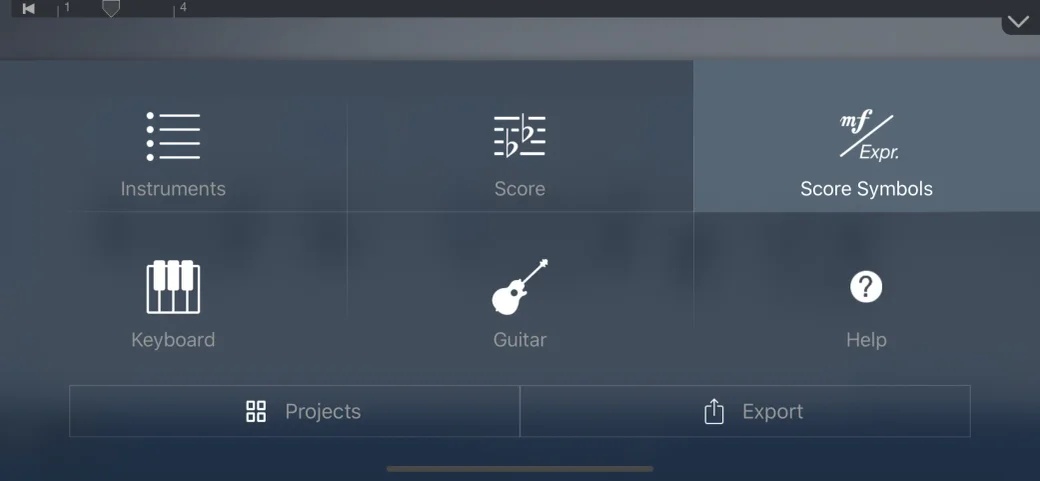
• Now download SP on your iPhone
• 24+ professionally recorded and sound-designed acoustic instruments, free out of the box
Earlier features offered free, to existing & new owners
• 114 built-in instruments for playback, and auditioning the notes you entered
• Create in standard music notation or tablature
• Edit with an on-screen piano, QWERTY keyboard, or a MIDI input device
• Dozens of shortcuts & gestures to edit & navigate
• Reduce your score size, range, or combination of parts for viewing & editing*
• Print directly to AirPrint
• Up to 48 instruments, 100 staves, 4 voices/layers per score
• Record a part in real-time with clicks at the beat with optional emphasis
• Backup & sync your scores with iCloud*
• Import MusicXML, MIDI, MXL, or Symphony files
• Export as a PDF, MusicXML, MIDI, AAC, or Symphony file
• Large selection of articulations & dynamics
• Multi-measure rests, including automatic rests
• Grace notes
• Customizable noteheads & note colors
• Chord symbol, lyric, and annotation tools
• Edit the properties of multiple notes and rests simultaneously by multi-note select
• Copy/Paste function supports partial & multi-bar/staff select
• Unlimited undo/redo
• Customizable stem directions & note beaming
• Transposing & concert pitch score option
• Change tempo or clef anywhere in score or bar
• Stream audio or share your screen wirelessly with AirPlay
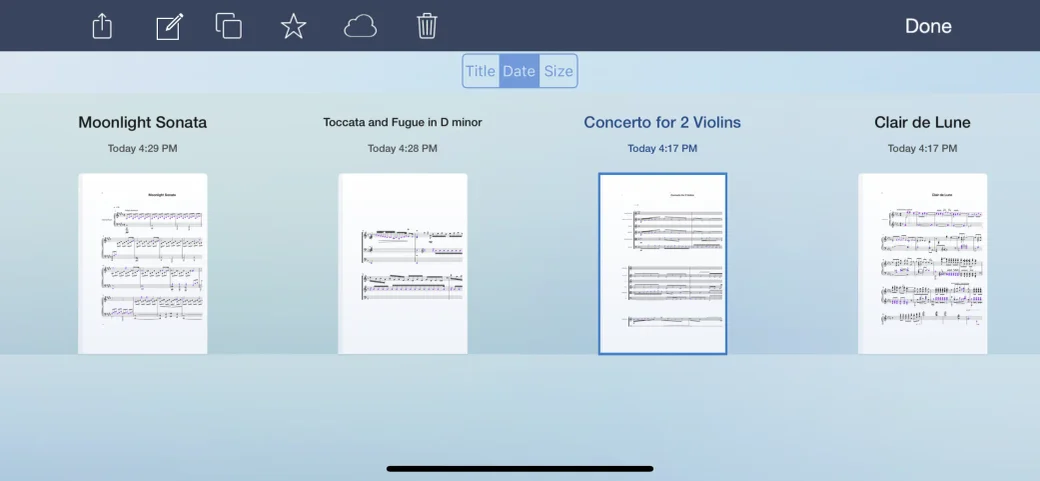
• Advanced document management
• Create your own custom project template or use a built-in one
• Customizable part groupings for SATB and instrument families
• Customizable chord symbol, lyric, and annotation font
• Loop playback feature
• Auto-save support
* Previously paid, but now free upgrade in Version 5
For More information, please visit:
• http://www.symphonypro.net
• http://forums.symphonypro.net
• Facebook page at www.facebook.com/symphonyapp
• Learn about the iPhone-only app: bit.ly/symphonyiphone
Yang baru
Versi 6.7.7 · 4/2/2026
- Fixes blank score issue after zooming and scrolling
- Fixes rendering issues while scrolling
- More updates for iOS and iPadOS 26 reliability
Privasi aplikasi
Yang dinyatakan Xenon Labs, LLC di App Store tentang cara aplikasi ini menangani data.
-
Data yang tidak ditautkan dengan Anda
Dapat dikumpulkan, tetapi tidak ditautkan dengan identitas Anda.
- Data penggunaan
- Diagnostik
Praktik privasi dapat bervariasi, misalnya berdasarkan fitur yang Anda gunakan atau usia Anda.
Informasi
- Penjual
- Xenon Labs, LLC
- Kategori
- Musik
- Versi
- 6.7.7
- Diperbarui
- 4/2/2026
- Dirilis
- 7/1/2011
- Ukuran
- 365,0 MB
- Memerlukan
- iOS 13.5 atau yang lebih baru
- Batasan usia
- 4+
- Harga
- Rp 299ribu
- Pembelian dalam aplikasi
- Ya
- Bahasa
- Inggris
- Hak cipta
- © 2025 Xenon Labs, LLC.