- Batasan usia4+
- KategoriGaya Hidup
- PengembangJohn Paul Grigsby
- BahasaInggris
- Ukuran138,1 MB
Tertaut ke halaman resmi App Store
Download.org tidak menyimpan file Sync Hemispheres apa pun. Tombol ini membuka halaman aplikasi di App Store, tempat John Paul Grigsby menerbitkannya. Halaman terakhir diperiksa pada 15/11/2026.
Tangkapan layar
Tentang
Pengembang belum menyediakan teks ini dalam bahasa Anda.
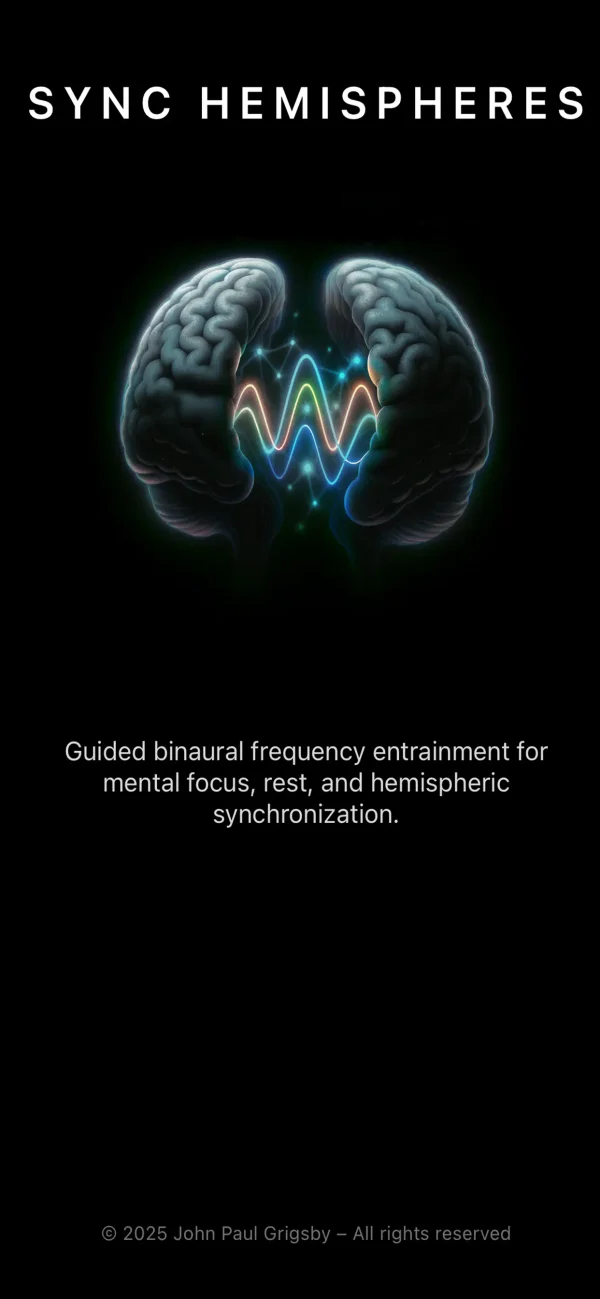
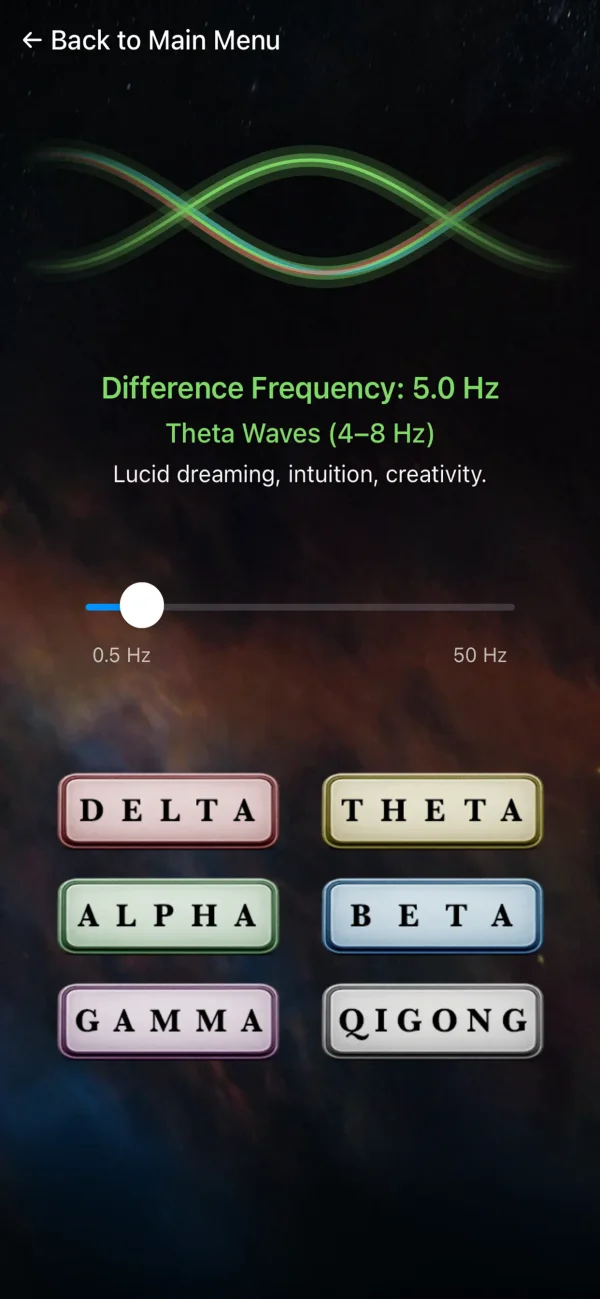
The brain produces electrical rhythms known as brainwaves. Different frequencies correlate with different mental states: deep sleep (Delta), lucid dreaming (Theta), relaxation (Alpha), active thinking (Beta), and peak focus (Gamma).
Binaural beats work by playing two slightly different frequencies in each ear. The brain interprets the difference between them as a third beat frequency and gradually begins to synchronize with it. This is known as the frequency-following response.
EEG studies suggest that both hemispheres work together when processing binaural beats, and that the brain’s electrical activity often shifts toward the difference frequency. This process is known as brainwave entrainment.
Imagine two separate sound waves emitting from two different speakers. You can picture them expanding outward like concentric ripples as they collide in space. That point of collision creates what sounds like a pulse or beat.
Isolate the two frequencies to your left and right ears. There is still a perceived rhythm where the waves differ, but not from a physical collision. This perceived beat is your brain interpreting the difference between the two tones. This naturally engages auditory pathways across both hemispheres.
My name is John Grigsby (GRIGS). I am a musician, animator, sound designer, and I created this app. Sync Hemispheres is based on many years of work with sound, visuals, music, lucid dreaming techniques, and low-frequency cognitive entrainment. It is designed to help explore deeper rest, better focus, simultaneous use of both brain hemispheres, dream states, and self-guided mental awareness using controlled brainwave stimulation.
The “Brainwaves” and “Brainwaves Timer” sections are dedicated to different ways of experiencing this phenomenon. The “Brainwaves” section lets you select different brainwave states with a slider and six presets. This includes five brainwave states, and one randomized Qigong state reflecting traditional Qigong flow and natural rhythmic drift. The “Brainwaves Timer” section lets you choose a starting and ending brainwave state, and how long you want your mind to gradually move from one to the other. These pages should be used with headphones.
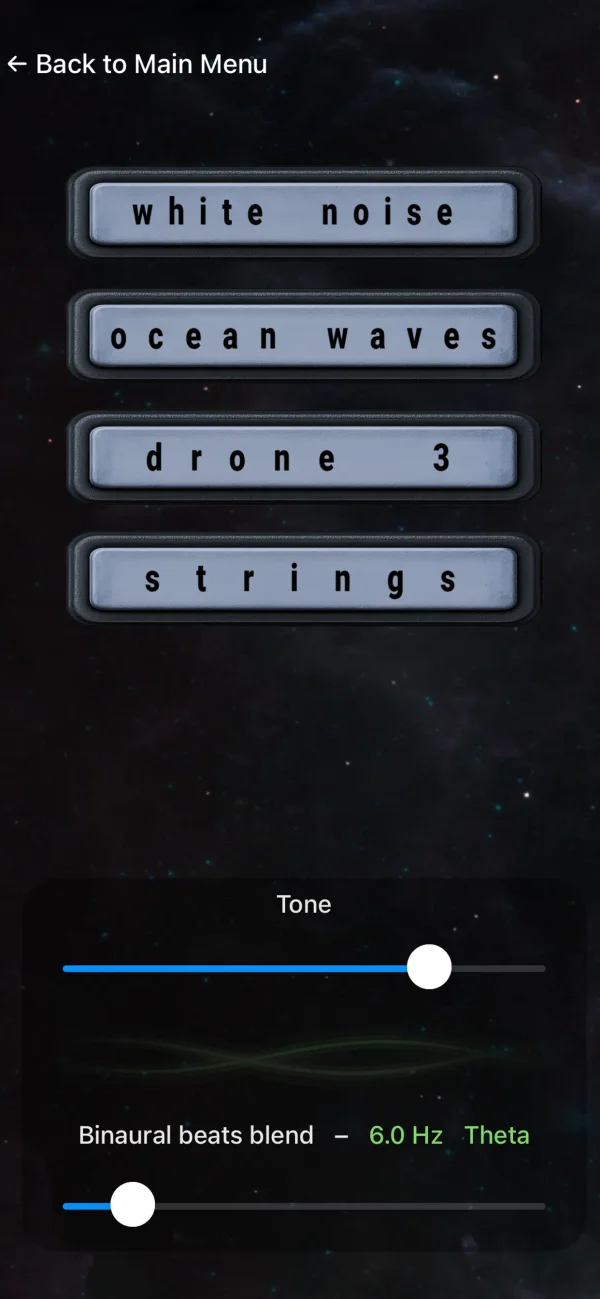
There is also an “Ambient Sounds” section. These include white noise, ocean waves, and meditative looping drones. A Tone slider lets you adjust the sound color. These ambient loops can be used on their own or blended with low-frequency binaural beats using the “Binaural Beats Blend” slider. This Ambient Sounds page can be enjoyed through the phone’s built-in speaker, external speakers, or with headphones if you prefer.
To experience the full binaural-beat effect, use headphones. When listening with headphones, keep volume at a comfortable level and avoid excessively loud settings.
Also, thanks to NASA for the use of their amazing satellite photography, which I used for some of the background imagery.
©2025 John Paul Grigsby — All Rights Reserved
Yang baru
Versi 1.3.9 · 2/11/2026
Improved ambient sound filtering
Privasi aplikasi
Yang dinyatakan John Paul Grigsby di App Store tentang cara aplikasi ini menangani data.
-
Data tidak dikumpulkan
Pengembang tidak mengumpulkan data apa pun dari aplikasi ini.
Praktik privasi dapat bervariasi, misalnya berdasarkan fitur yang Anda gunakan atau usia Anda.
Informasi
- Penjual
- John Paul Grigsby
- Kategori
- Gaya Hidup
- Versi
- 1.3.9
- Diperbarui
- 2/11/2026
- Dirilis
- 25/11/2025
- Ukuran
- 138,1 MB
- Memerlukan
- iOS 16.6 atau yang lebih baru
- Batasan usia
- 4+
- Harga
- Gratis
- Bahasa
- Inggris
- Hak cipta
- ©2025 All Rights Reserved - John Paul Grigsby