- Batasan usia4+
- KategoriKegunaan
- PengembangMax Murphy
- Ukuran2,2 MB
Tertaut ke halaman resmi App Store
Download.org tidak menyimpan file TabletHID apa pun. Tombol ini membuka halaman aplikasi di App Store, tempat Max Murphy menerbitkannya. Halaman terakhir diperiksa pada 12/11/2026.
Tangkapan layar
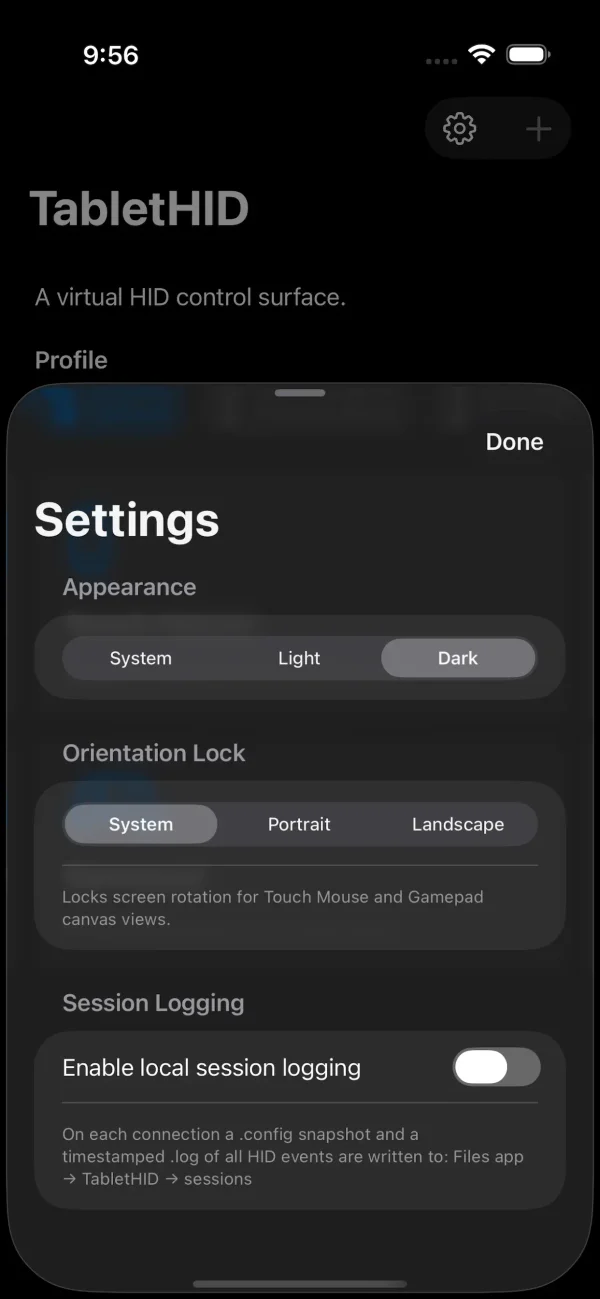

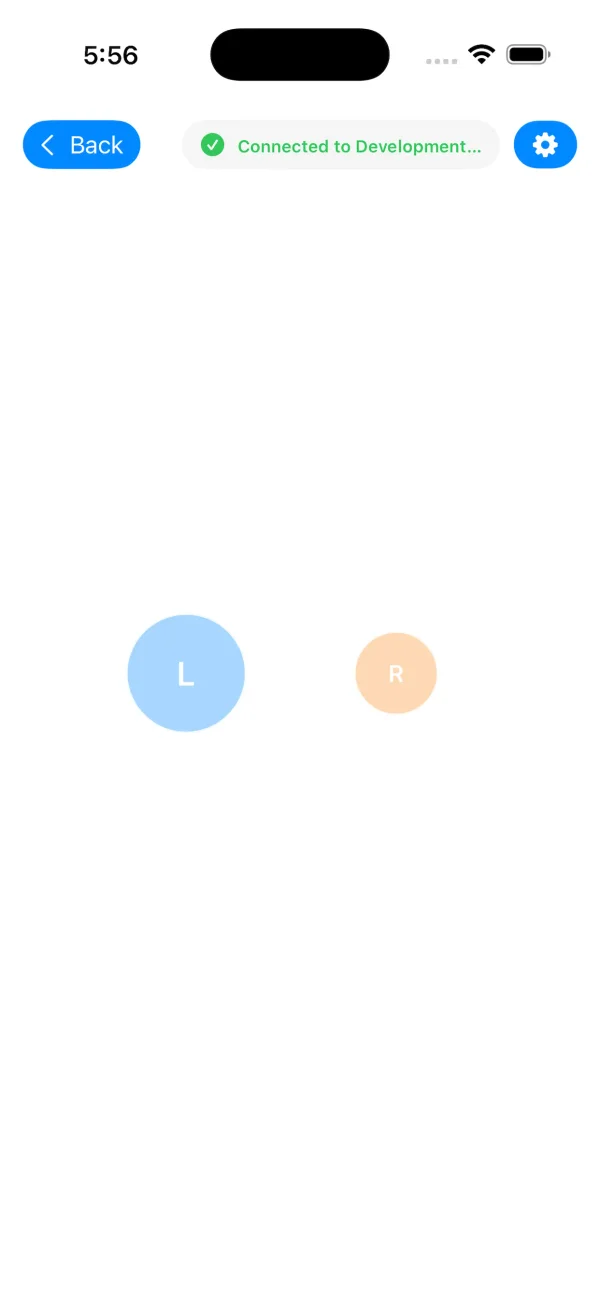

Tentang
Pengembang belum menyediakan teks ini dalam bahasa Anda.
Turn your iPhone into a high-precision virtual mouse and gamepad. No extra hardware, no dongles—just seamless Bluetooth HID control for your PC or Mac.
TabletHID transforms your device into a professional-grade control surface. Whether you're presenting a slideshow, browsing from the couch, or need a backup controller for a quick game, TabletHID provides a low-latency, driver-free connection.
Touch Mouse: Smooth, relative movement with dedicated left and right click zones.
- Virtual Gamepad: A full Xbox-style layout including dual joysticks, D-pad, and face buttons.
- HID-over-GATT: Utilizes modern Bluetooth protocols for a native connection that doesn't require "server" software on your computer.
- Minimalist UI: Clean, distraction-free interface designed for one-handed or landscape use.
- No Setup: Connect directly through your computer's standard Bluetooth settings.
Note: TabletHID utilizes experimental Bluetooth HID-over-GATT implementations. Performance may vary depending on your host device's Bluetooth chipset and operating system compatibility.
Yang baru
Versi 1.8.0 · 13/5/2026
New in TabletHID 1.8.0:
Community Configs
Browse and import shared layouts built for different games, control styles, and play setups. Community Configs make it easier to try useful bindings without starting from a blank profile.
Keyboard Macros
Add buttons that send keyboard shortcuts such as Alt+Tab, Ctrl+S, and other key combinations while staying in your custom gamepad layout. Macros are useful for games and game-adjacent actions like menus, save commands, window switching, push-to-talk, overlays, and accessibility workflows.
Expanded Default Bindings
This release adds many new preset options inspired by community-tested adaptive gaming layouts, including bindings commonly useful in specific gameplay contexts. These defaults give you more starting points when building or customizing a profile.
TabletHID 1.8.0 makes it faster to build practical, game-focused control layouts and adapt them to the way you play.
Privasi aplikasi
Yang dinyatakan Max Murphy di App Store tentang cara aplikasi ini menangani data.
-
Data tidak dikumpulkan
Pengembang tidak mengumpulkan data apa pun dari aplikasi ini.
Praktik privasi dapat bervariasi, misalnya berdasarkan fitur yang Anda gunakan atau usia Anda.
Informasi
- Penjual
- Max Murphy
- Kategori
- Kegunaan
- Versi
- 1.8.0
- Diperbarui
- 13/5/2026
- Dirilis
- 12/5/2026
- Ukuran
- 2,2 MB
- Memerlukan
- iOS 17.0 atau yang lebih baru
- Batasan usia
- 4+
- Harga
- Gratis
- Hak cipta
- © Max Murphy
Mungkin Anda juga suka
-
 QuickPad - Touch & ControlMouse, keyboard & makro
-
 PadLink RemoteKegunaan
-
 BT Remote: Keyboard & TrackpadKegunaan
-
 WiMouse: Remote Mouse KeyboardKegunaan
-
 AirBoard: Bluetooth KeyboardKegunaan
-
 Phone Mouse・Remote・KeyboardKegunaan
-
 MultiLink: Keyboard &Keyboard & Trackpad Jarak Jauh
-
 BT Keys: Keyboard & TrackpadPonsel jadi keyboard nirkabel
-
 Mobile Mouse USB RemoteKegunaan
-
 BLE JoystickKegunaan