Tablewright: SQLite Editor
Browse, Query & Edit Databases
Dirancang untuk iPhone, iPad
Gratis · Pembelian dalam aplikasi
- Batasan usia4+
- KategoriAlat Pengembang
- PengembangROBERT BARRETT LAUNIUS
- BahasaInggris
- Ukuran4,3 MB
Tertaut ke halaman resmi App Store
Download.org tidak menyimpan file Tablewright: SQLite Editor apa pun. Tombol ini membuka halaman aplikasi di App Store, tempat ROBERT BARRETT LAUNIUS menerbitkannya. Halaman terakhir diperiksa pada 12/11/2026.
Tangkapan layar
Tentang
Pengembang belum menyediakan teks ini dalam bahasa Anda.
The SQLite database tool with no account and no subscription - just your data, on your device.
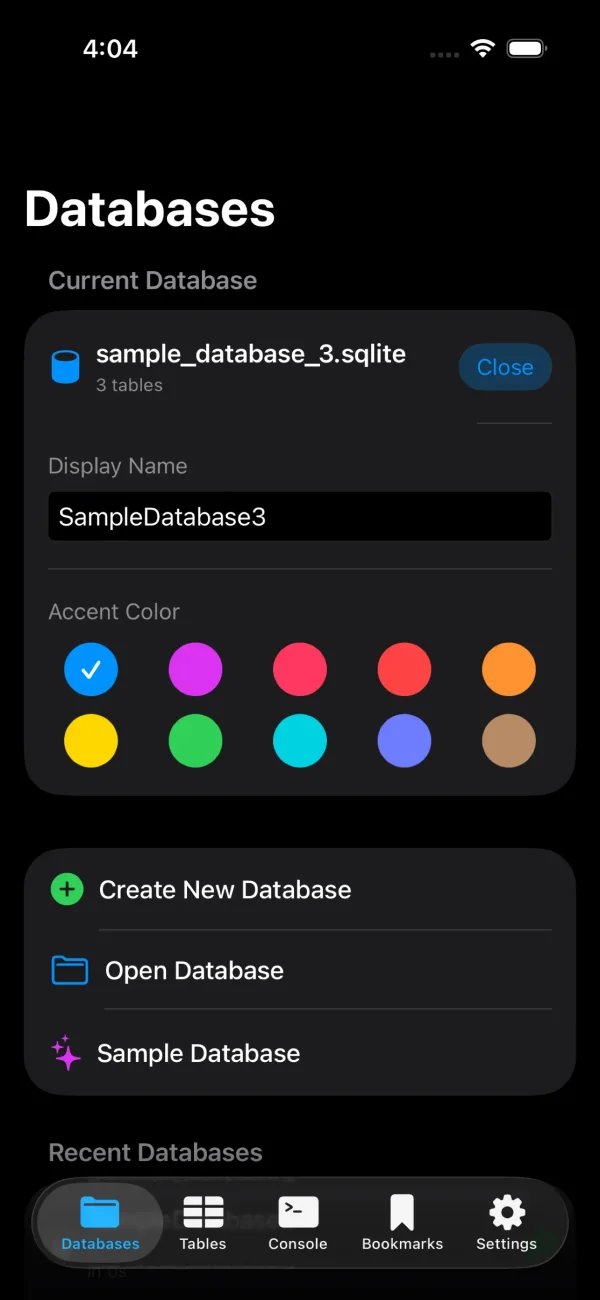
Tablewright is the native database editor developers have been waiting for. Open any SQLite database, browse tables, run SQL queries, and edit data — all with a fast, fluid, offline interface.
OPEN ANY DATABASE
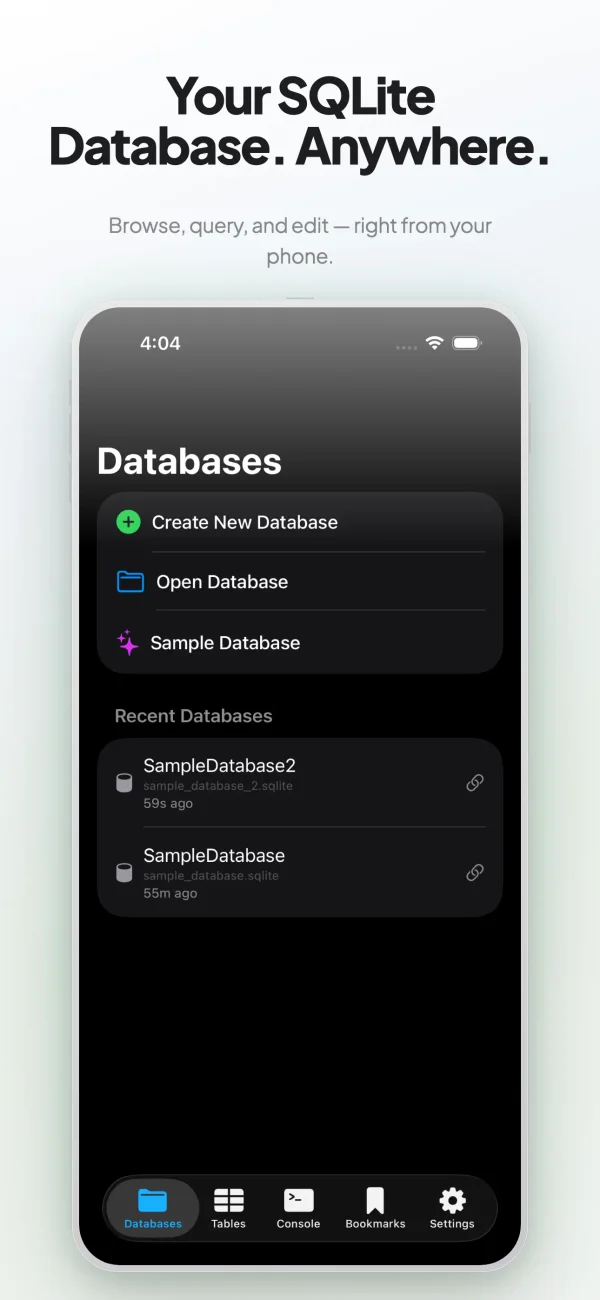
• Open .sqlite, .db, and .sqlite3 files from Files or other apps
• Recent databases for quick access
• Works with any SQLite database, no size limits
BROWSE YOUR DATA
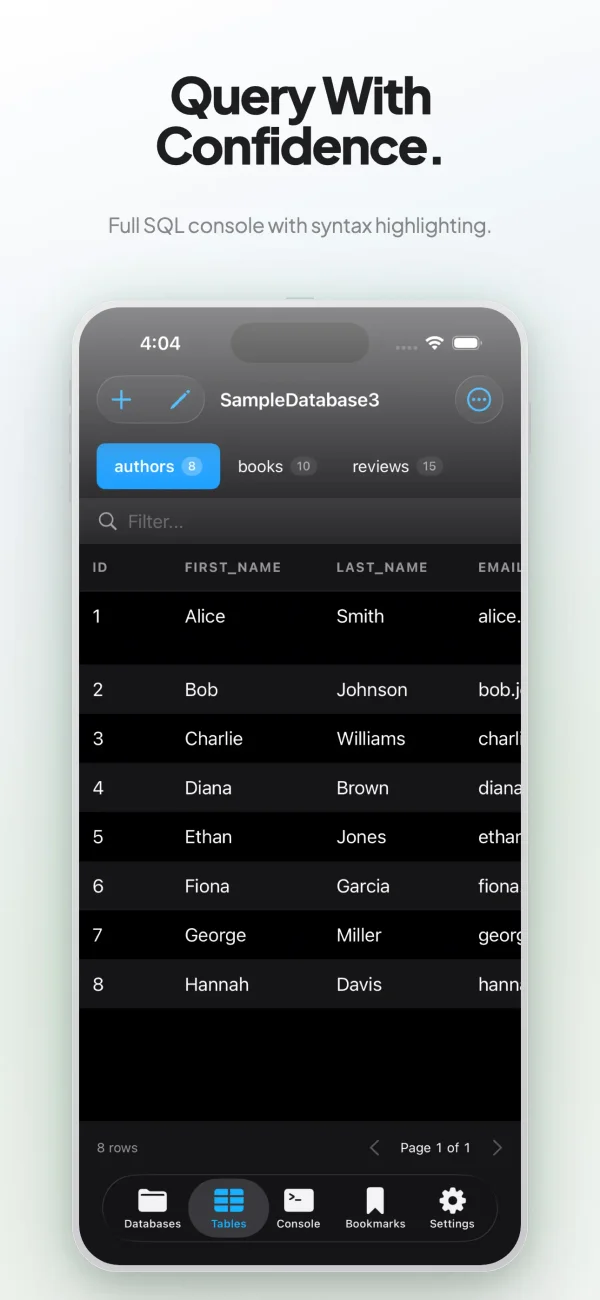
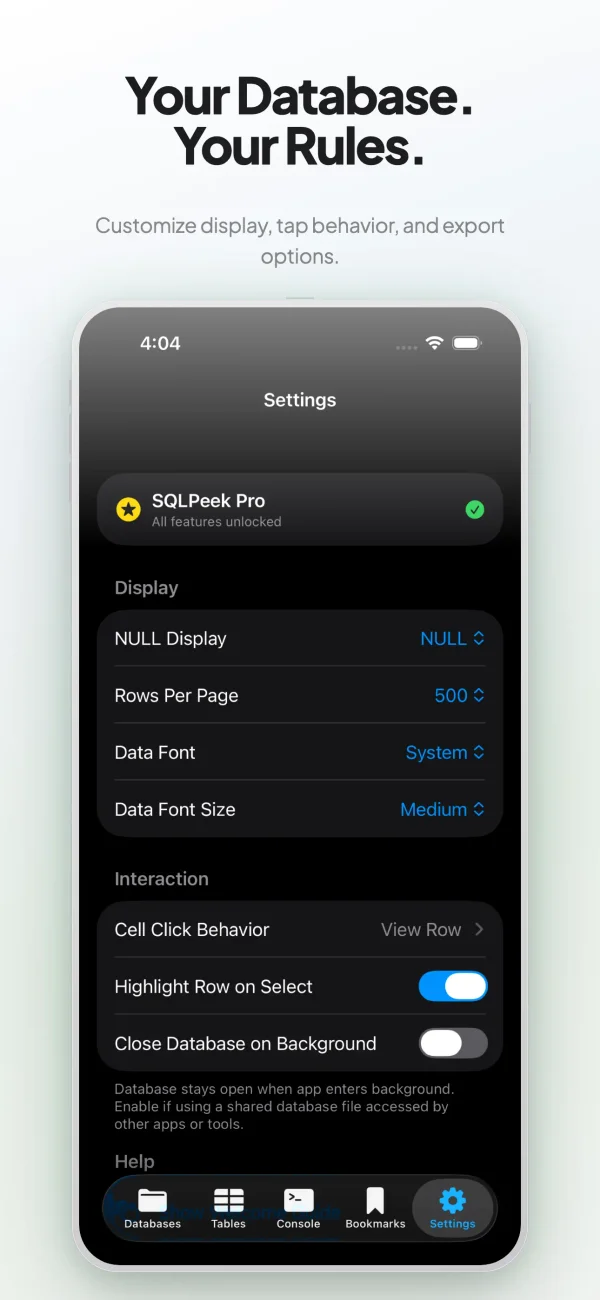
• View all tables with row counts at a glance
• Sort, filter, and paginate through any table
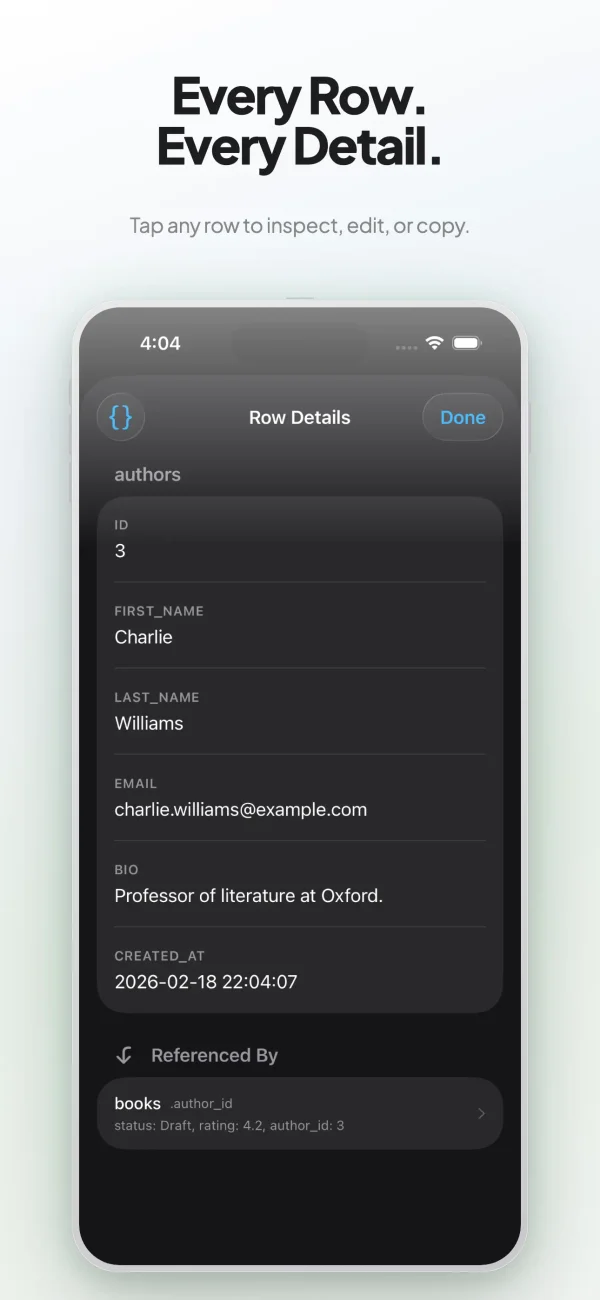
• Tap rows to see complete details
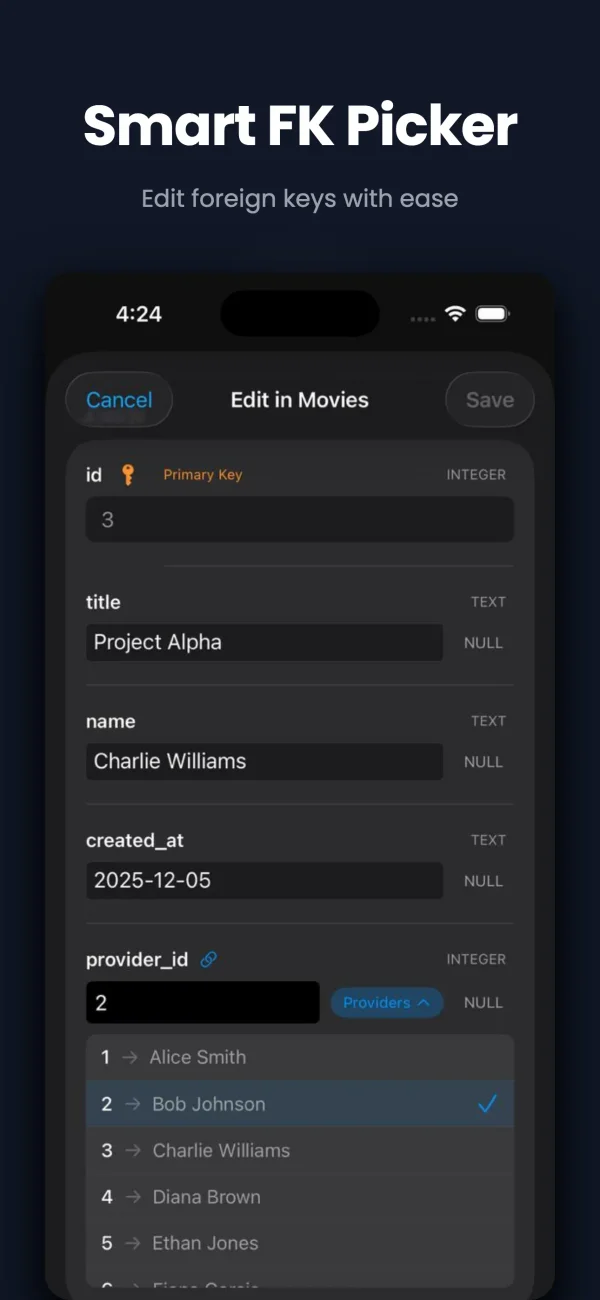
• Navigate foreign key relationships instantly
INSPECT YOUR SCHEMA
• View columns, types, and constraints
• Browse indexes and foreign keys
• Copy column definitions and CREATE TABLE statements
PRO FEATURES
Unlock the full toolkit with a one-time purchase:
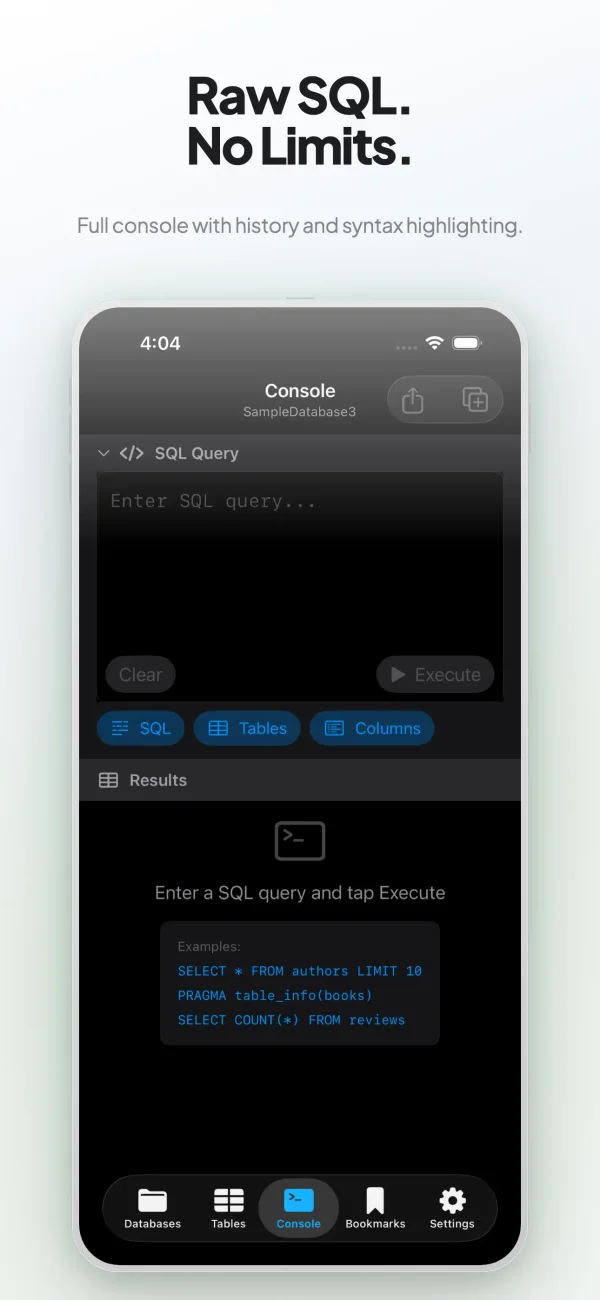
• Write SQL queries with syntax highlighting
• Edit data directly — insert, update, delete rows
• Edit cells inline from query results
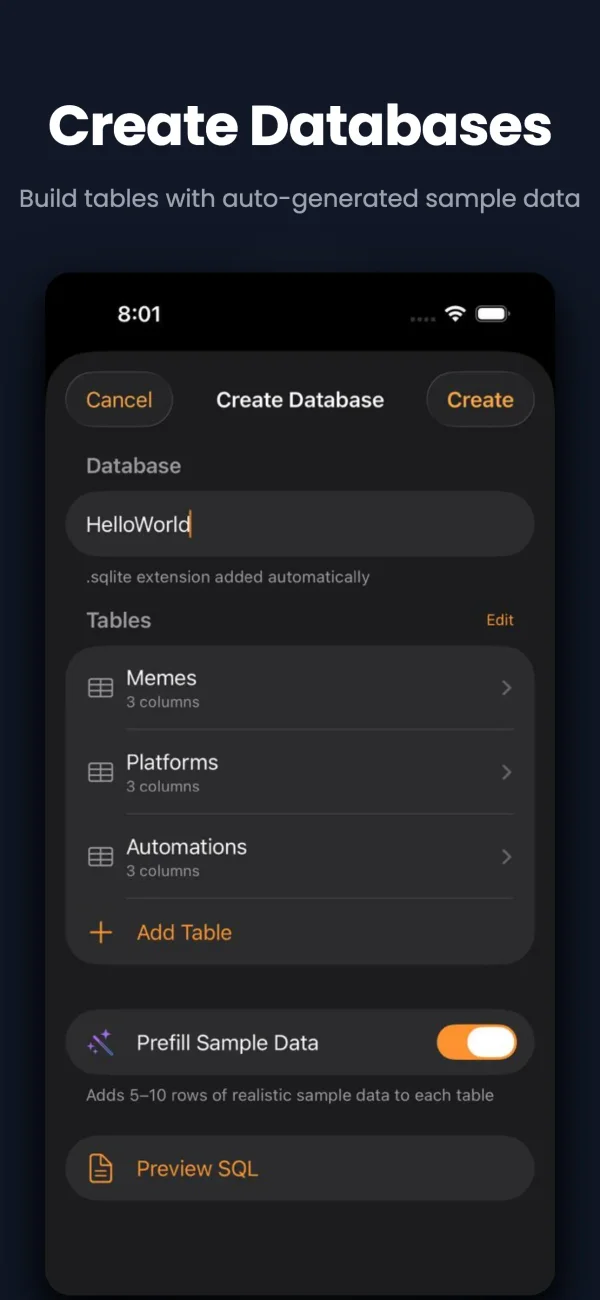
• Create and modify table schemas
• Import data from CSV and JSON
• Export results as CSV or JSON
• Save and organize your favorite queries
VIEW & MANAGE IMAGES
• View images stored in BLOB columns — JPEG and PNG detected automatically
• Upload photos from your camera or library
• Share or download images directly from any cell
BUILT FOR DEVELOPERS
• Native SwiftUI — fast and fluid on all devices
• Tablet optimized with sidebar navigation
• No account required — everything stays on your device
• No external dependencies — pure SQLite, no cloud sync
PERFECT FOR
• Mobile developers inspecting app databases
• Data analysts exploring datasets on the go
• Students learning SQL
• DBAs and engineers who work with SQLite files
One purchase. No subscription. Your database, always yours.
Yang baru
Versi 1.4.1 · 19/9/2026
What's new in 1.4.1:
• Fixed an issue where some users could get stuck at the purchase screen with no way to continue
• The free database limit no longer miscounts a file as "new" just because it changed size
• Sample and app-created databases no longer use up your free database slot
• When you hit the free limit, you can now switch to using that database instead of being blocked
Privasi aplikasi
Yang dinyatakan ROBERT BARRETT LAUNIUS di App Store tentang cara aplikasi ini menangani data.
-
Data tidak dikumpulkan
Pengembang tidak mengumpulkan data apa pun dari aplikasi ini.
Praktik privasi dapat bervariasi, misalnya berdasarkan fitur yang Anda gunakan atau usia Anda.
Informasi
- Penjual
- Pennyworth Labs LLC
- Kategori
- Alat Pengembang
- Versi
- 1.4.1
- Diperbarui
- 19/9/2026
- Dirilis
- 17/2/2026
- Ukuran
- 4,3 MB
- Memerlukan
- iOS 17.0 atau yang lebih baru
- Batasan usia
- 4+
- Harga
- Gratis
- Pembelian dalam aplikasi
- Ya
- Bahasa
- Inggris
- Hak cipta
- © 2026 Pennyworth Labs LLC
Mungkin Anda juga suka
-
 SQLite Pro EditorAlat Pengembang
-
 Mobile Database ClientAlat Pengembang
-
 SQLite Editor & DB ViewerAlat Pengembang
-
 SQLite ExtractorAlat Pengembang
-
 SQL Professional EditorAlat Pengembang
-
 simSQLAlat Pengembang
-
 LunoDBAlat Pengembang
-
 Index - SQL ClientAlat Pengembang
-
 MagicSQL - SQL Client & EditorAlat Pengembang
-
 SQLite database clientAlat Pengembang