TabTool
Bye paperwork,hello efficiency
Dirancang untuk iPhone, iPad, iPod touch
Gratis
- Batasan usia4+
- KategoriBisnis
- PengembangTabTool GmbH
- BahasaInggris+ 2 lainnya
- Ukuran13,5 MB
Tertaut ke halaman resmi App Store
Download.org tidak menyimpan file TabTool apa pun. Tombol ini membuka halaman aplikasi di App Store, tempat TabTool GmbH menerbitkannya. Halaman terakhir diperiksa pada 23/11/2026.
Tangkapan layar


Tentang
Pengembang belum menyediakan teks ini dalam bahasa Anda.
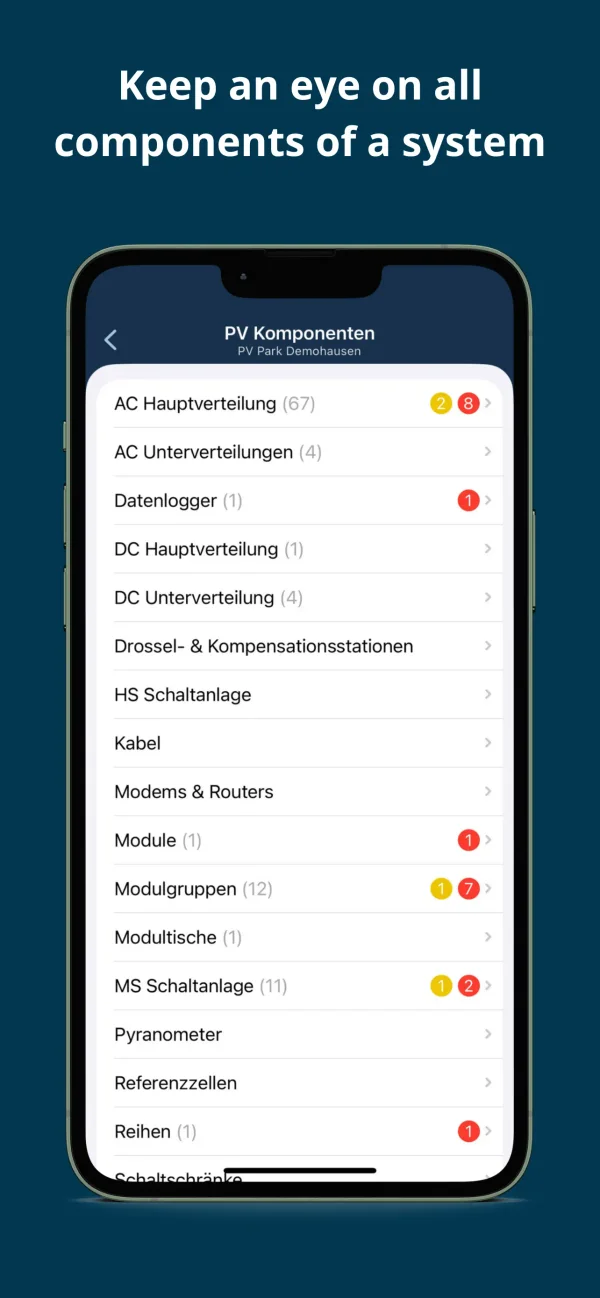
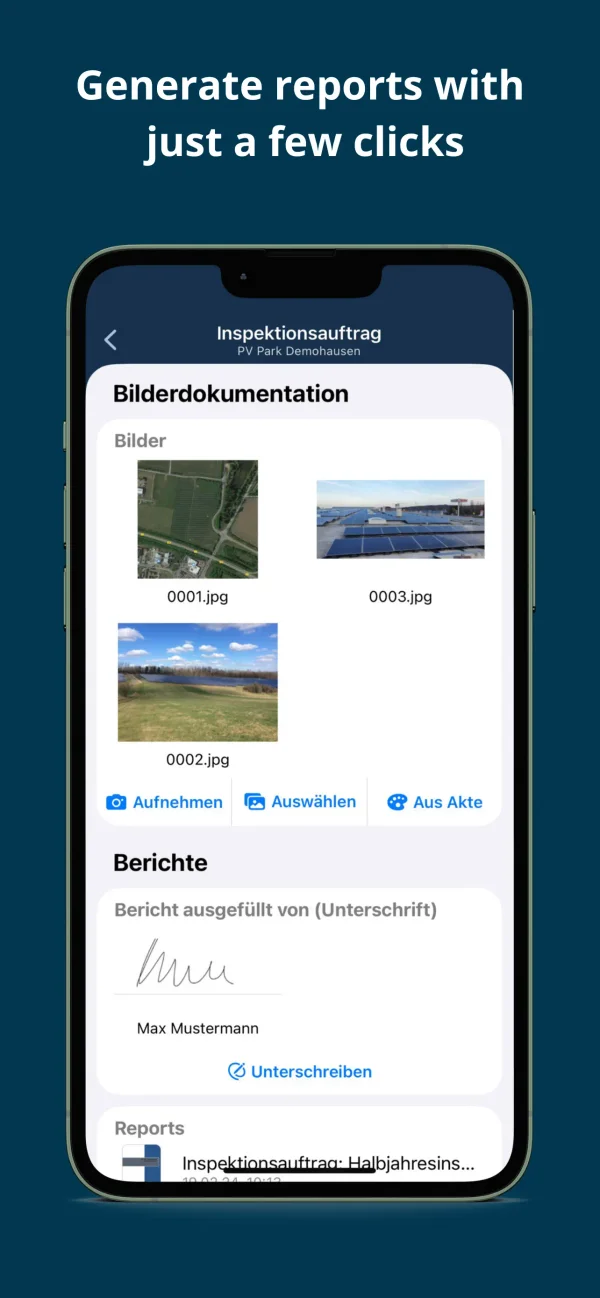
By digitally managing and documenting projects with TabTool, you increase project efficiency and save valuable time! Using the mobile TabTool app, you can capture all data on site in a structured and seamless manner on your tablet or smartphone. Create professional reports with just one click!
The professional SaaS cloud software combines the advantages of a mobile app with the convenience of a powerful PC application. With TabTool you will always have all the documents for a project at hand – whether in meetings, in the field or in the office. A clear file structure and intelligent cross-references ensure that you can find information quickly and intuitively from the context in which you are currently working.
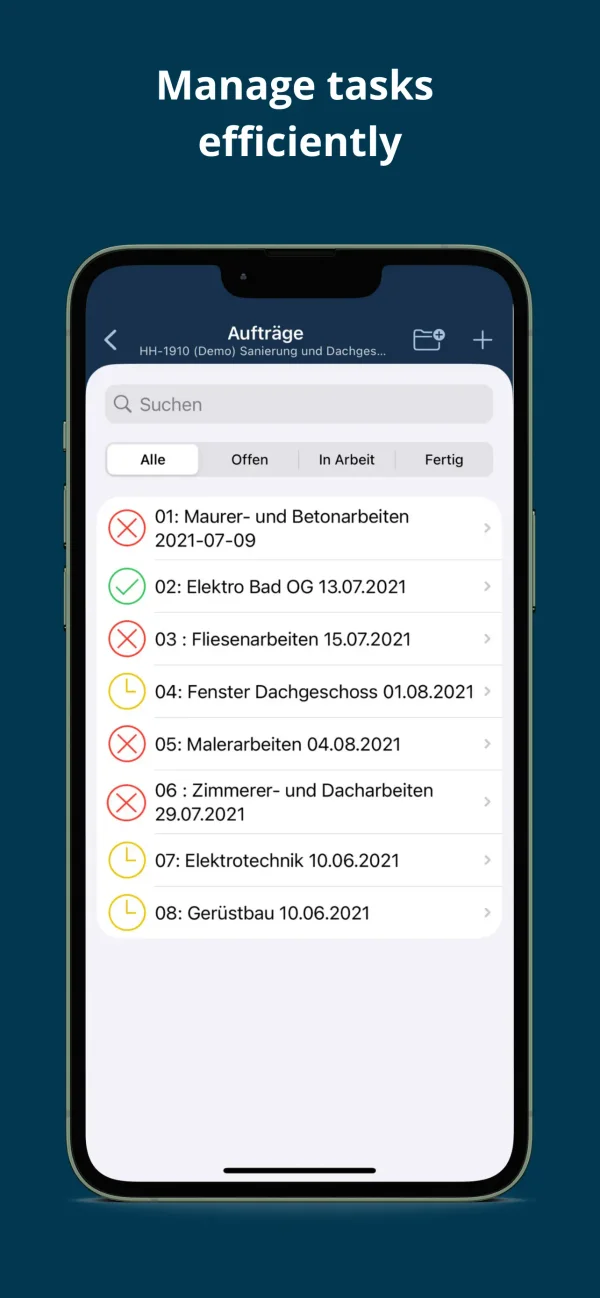
Real-time sync of project data on the devices of all team members and other project participants makes collaborative work more efficient. The need for consultation by mail, chat, etc. is significantly reduced because all current information and work orders for the project are available in TabTool.
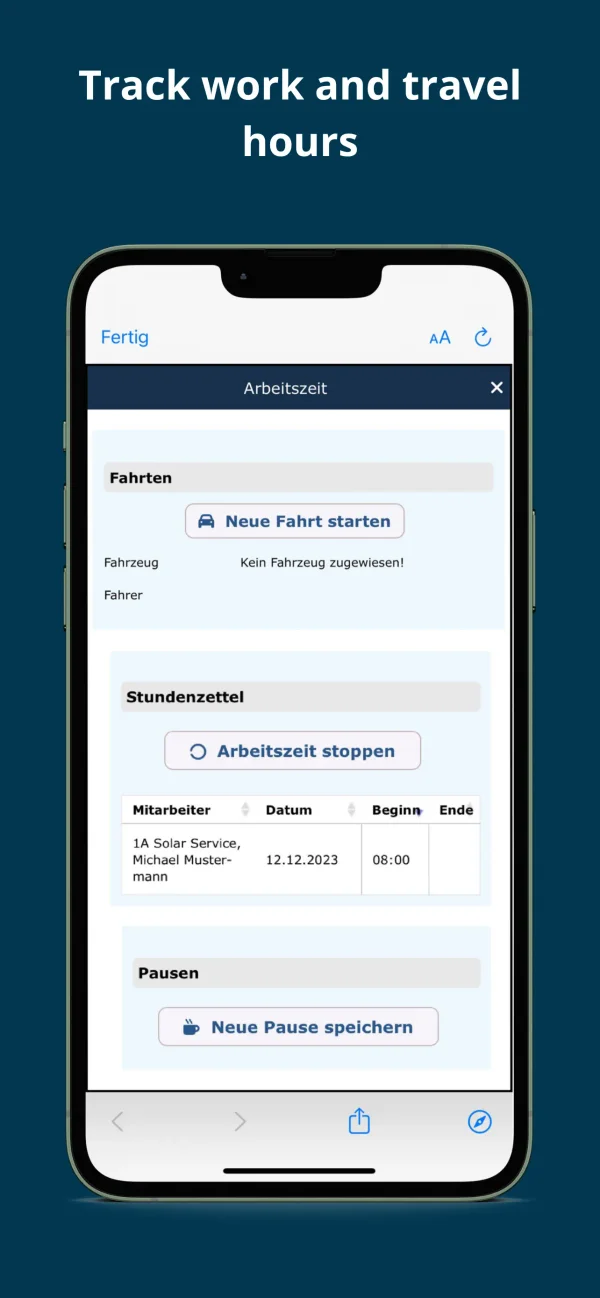
With the TabTool mobile app, you can use our industry solutions TabTool Photovoltaik for solar service and TabTool Bau for the construction on your tablet or smartphone. This will enable you to digitally map and document the installation and technical management of photovoltaic systems or the construction site management including construction diary, defect management and construction meetings. In addition, we also provide tailor-made TabTool configurations for the automation and documentation of your business processes.
YOUR ADVANTAGES:
+ Seamless mobile data capture.
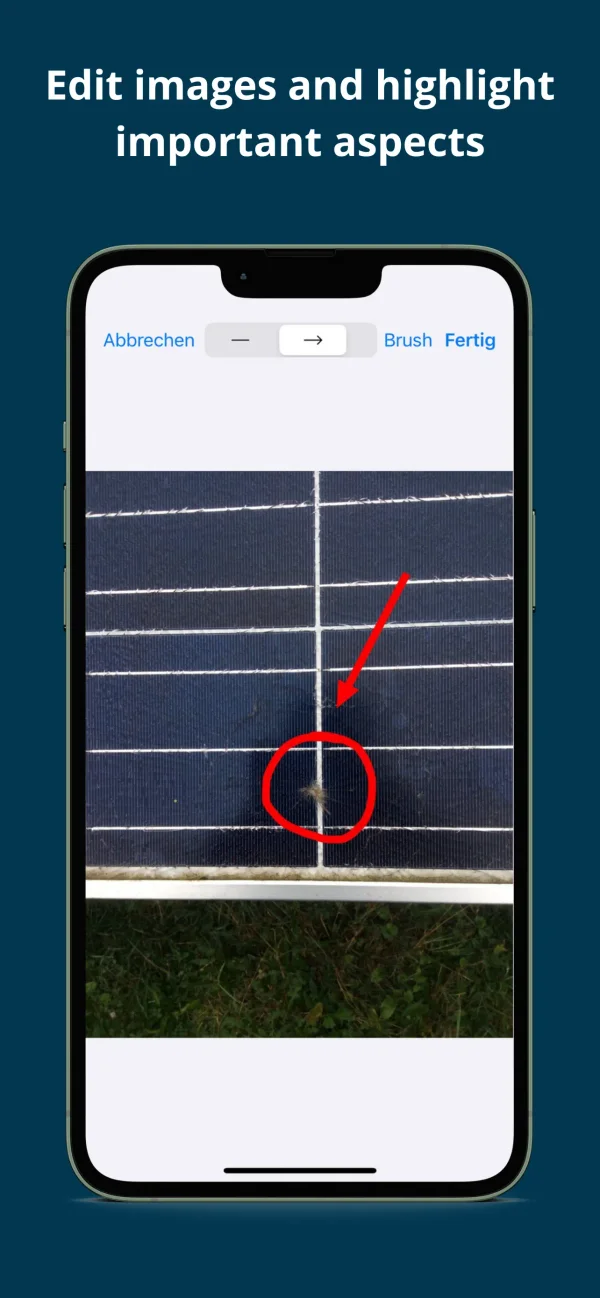
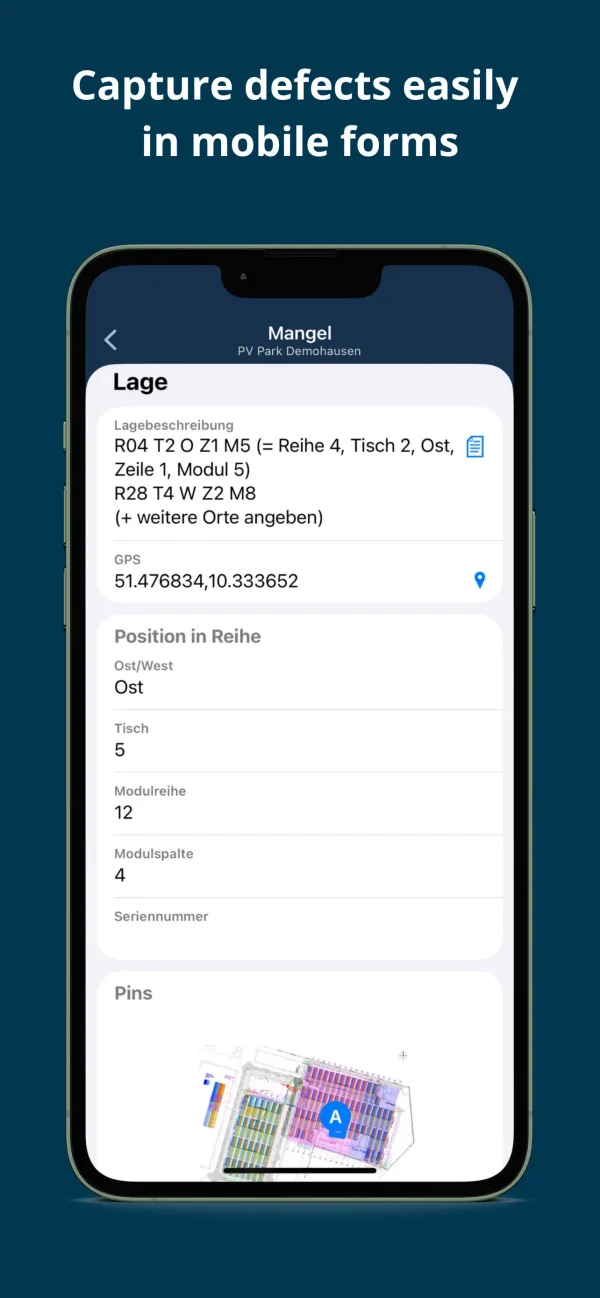
Forget paper chaos, photo clutter and hours of rework on the PC. With TabTool, field staff can record notes, defects and photos directly on site via tablet or smartphone and locate them on stored plans.
+ Intelligent documentation
All project data is digitally recorded in TabTool and stored in a structured manner, creating a complete project history. Intelligent search and filter functions make it easy to find data even years after a project has been completed.
+ Flexibly adaptable to your requirements
Individually designable file types, drop-down lists and checklists as well as workflows and evaluations make it possible to flexibly adapt TabTool to the requirements of your respective projects. This makes TabTool your precise and efficient digitization tool!
+ Dashboards & analyses
Well structured list evaluations and configurable dashboards ensure that you always have an overview of your project status as well as open tasks and processes. Display customised lists and analyses on the state of deadlines, defects and open tasks in each project phase to track the progress of your projects.
+ Offline functionality
Thanks to TabTools offline functionality, working on the move while you’re on site is no problem. Synchronisation starts automatically as soon as your device is connected to the internet again.
Yang baru
Versi 2.5.9 · 23/11/2026
• Improve 2FA UI
Privasi aplikasi
Yang dinyatakan TabTool GmbH di App Store tentang cara aplikasi ini menangani data.
-
Data yang ditautkan dengan Anda
Dapat dikumpulkan dan ditautkan dengan identitas Anda.
- Lokasi
- Info kontak
- Konten pengguna
- Pengenal
- Diagnostik
Praktik privasi dapat bervariasi, misalnya berdasarkan fitur yang Anda gunakan atau usia Anda.
Informasi
- Penjual
- TabTool GmbH
- Kategori
- Bisnis
- Versi
- 2.5.9
- Diperbarui
- 23/11/2026
- Dirilis
- 24/10/2014
- Ukuran
- 13,5 MB
- Memerlukan
- iOS 15.0 atau yang lebih baru
- Batasan usia
- 4+
- Harga
- Gratis
- Bahasa
- Inggris, Jerman, Spanyol
- Hak cipta
- © 2013 tabtool GmbH