Talking Typer
Fun To Use Typing Program
Dirancang untuk iPhone, iPad, iPod touch
- Batasan usia4+
- KategoriPendidikan
- PengembangAmerican Printing House for the Blind (APH)
- BahasaInggris
- Ukuran17,5 MB
Talking Typer mungkin sedang tidak tersedia di App Store
Halaman di toko tidak dapat dijangkau saat terakhir kami periksa. Tautan tetap mengarah ke halaman resmi App Store.
Tangkapan layar

Tentang
Pengembang belum menyediakan teks ini dalam bahasa Anda.
Talking Typer finally makes its way to iOS. Help students make typing progress with this fun-to-use self-voicing app!
Talking Typer
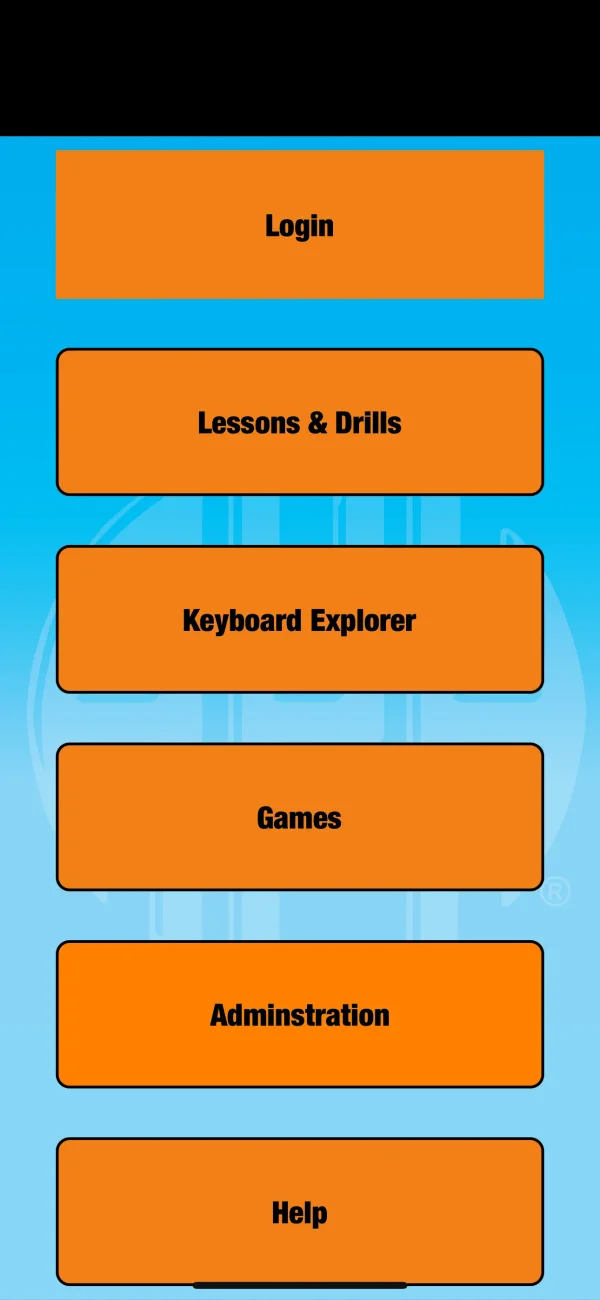
An accessible typing and computer keyboard tutorial app with a keyboard game to help increase speed and accuracy in a fun environment!
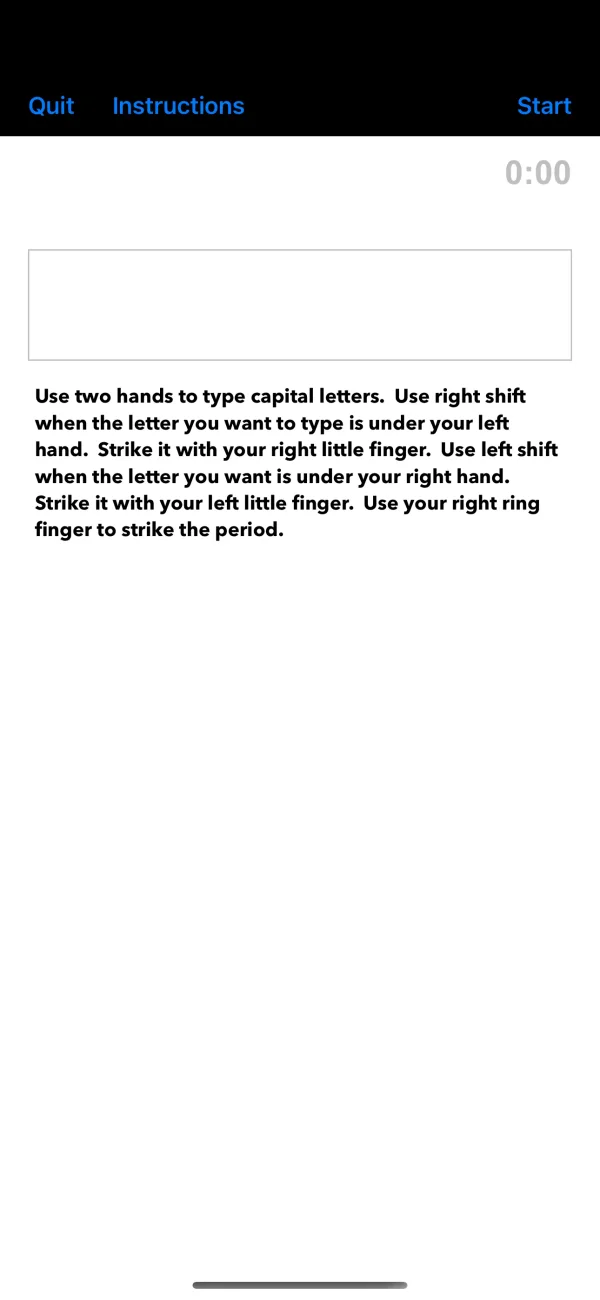
Learn to type or improve your skills with drills, practice lessons, keyboard explorer, and an entertaining game. It is designed for blind and visually impaired students, but can be used by sighted students too. This makes it a great tool for the whole class.
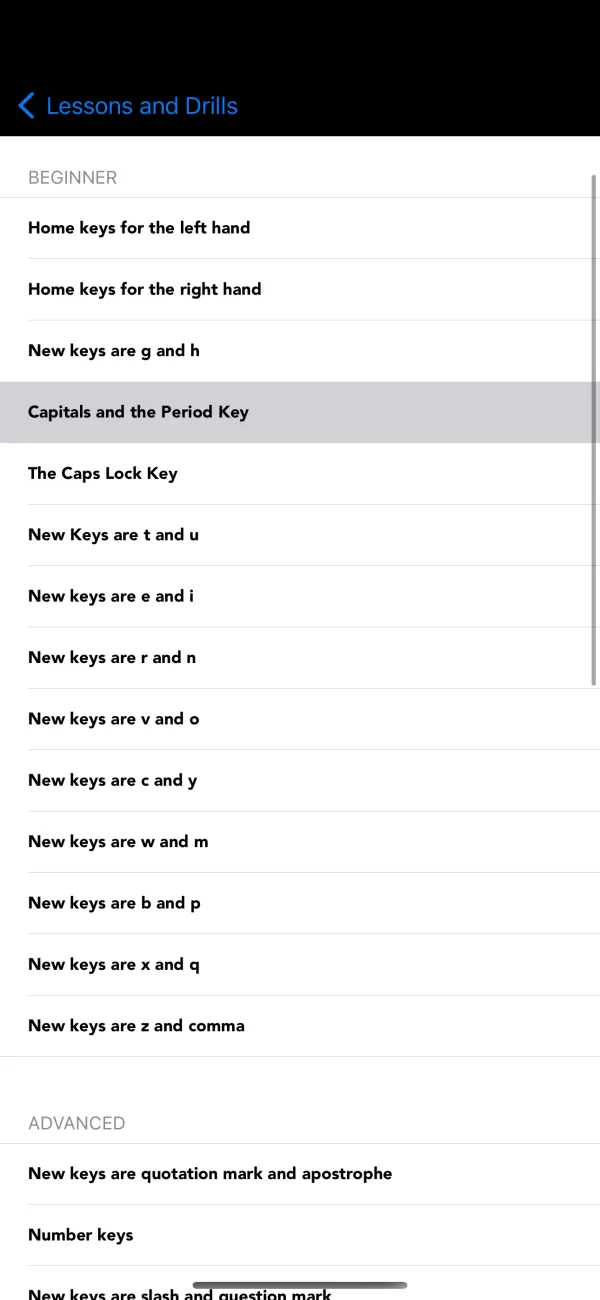
35 Built-in Lessons
Talking TyperTM for iOS devices comes with 35 built-in lessons at levels 1-10. Teachers and parents can create new lessons, edit lessons, and assign lessons to individual students or groups. Speed, accuracy, and typing level can also be set for individual students or groups. The app saves the results of each drill allowing students, teachers, and parents to monitor improvement.
Hurry Scurry Game
The app also includes the exciting game Hurry Scurry, where students earn points by typing letters before the ball drops. It’s fun for all ages and skill levels!
Self-Voicing and Apple® VoiceOver Accessible
The app is both self-voicing and accessible with Apple’s VoiceOver. The onboard keyboard of your device can be used with Talking Typer, but an external keyboard is recommended.
The app can also be used with a refreshable braille display, like APH’s Refreshabraille 18TM Bluetooth®-enabled device, making it accessible for students who are deafblind as well.
Recommended ages: All.
Yang baru
Versi 1.96 · 22/4/2024
- if you have the echo key option enabled within the app, it will no longer be dependent on VoiceOver status. In other words if it's enabled, then it will echo keys.
- addresses some issues with certain symbol pronouncements.
notes: Using the default voice will provide the best results. If your device is in silent mode, you will not be able to hear any self-voicing features of the app
Privasi aplikasi
Yang dinyatakan American Printing House for the Blind (APH) di App Store tentang cara aplikasi ini menangani data.
-
Data tidak dikumpulkan
Pengembang tidak mengumpulkan data apa pun dari aplikasi ini.
Praktik privasi dapat bervariasi, misalnya berdasarkan fitur yang Anda gunakan atau usia Anda.
Informasi
- Penjual
- American Printing House for the Blind
- Kategori
- Pendidikan
- Versi
- 1.96
- Diperbarui
- 22/4/2024
- Dirilis
- 14/4/2017
- Ukuran
- 17,5 MB
- Memerlukan
- iOS 12.0 atau yang lebih baru
- Batasan usia
- 4+
- Bahasa
- Inggris
- Hak cipta
- © 2024 American Printing House for the Blind