
Teleprompter: Float & Record
Read your lines while you film
Dirancang untuk iPhone, iPad
Gratis
- Batasan usia4+
- KategoriFoto & Video
- PengembangYusuf Suhair
- BahasaInggris
- Ukuran1,2 MB
Tertaut ke halaman resmi App Store
Download.org tidak menyimpan file Teleprompter: Float & Record apa pun. Tombol ini membuka halaman aplikasi di App Store, tempat Yusuf Suhair menerbitkannya. Halaman terakhir diperiksa pada 8/11/2026.
Tangkapan layar
Tentang
Pengembang belum menyediakan teks ini dalam bahasa Anda.
Teleprompter keeps your script right where your eyes are, so you can talk to the camera without looking away.
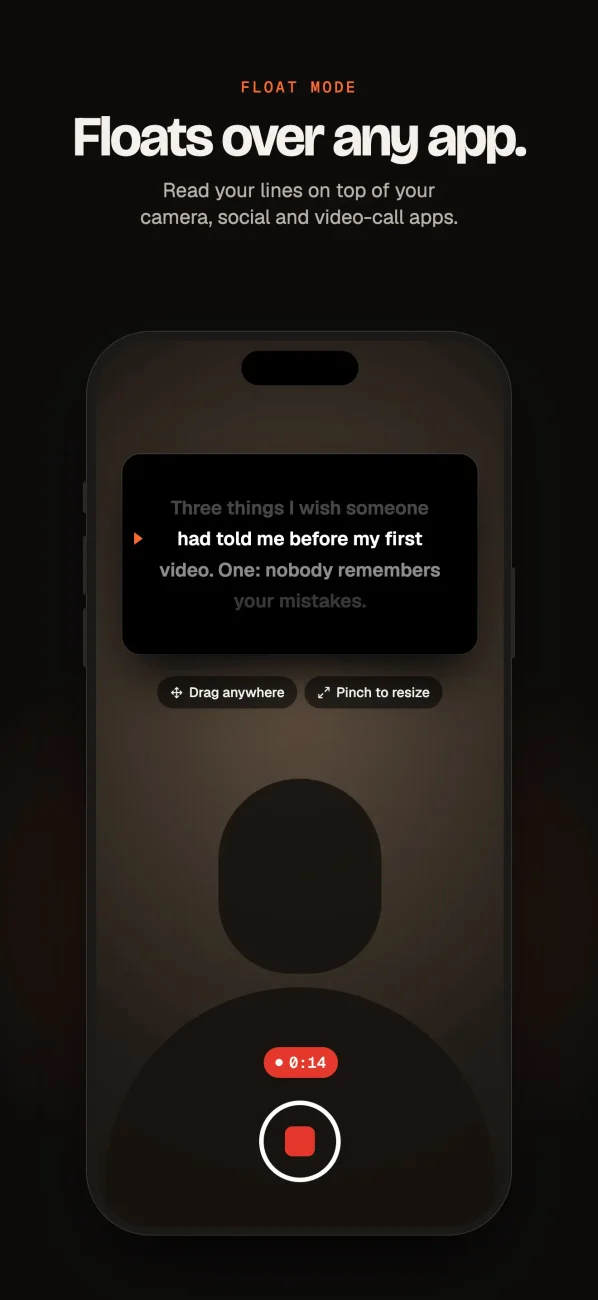
FLOAT OVER ANY APP
Tap Float, or just swipe home, and your script keeps scrolling in a small window on top of whatever you open: your camera, social and video-call apps. Drag it anywhere, pinch to resize, flick it to the edge to tuck it away, and play or pause right from the window.
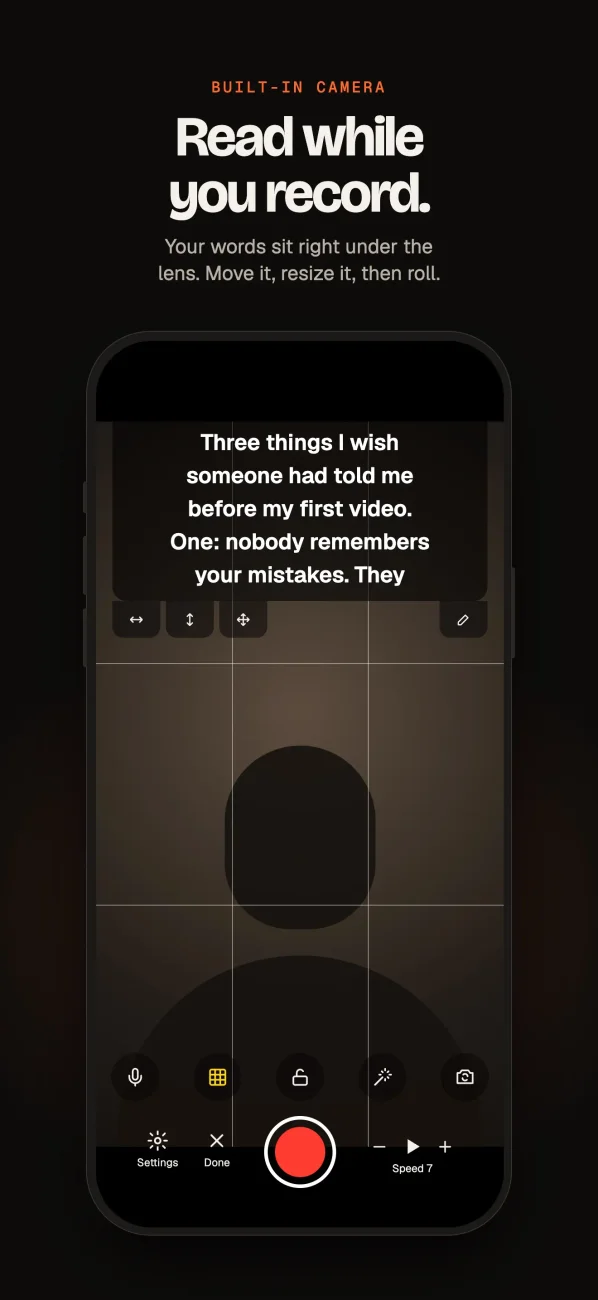
RECORD WITH IT BUILT IN
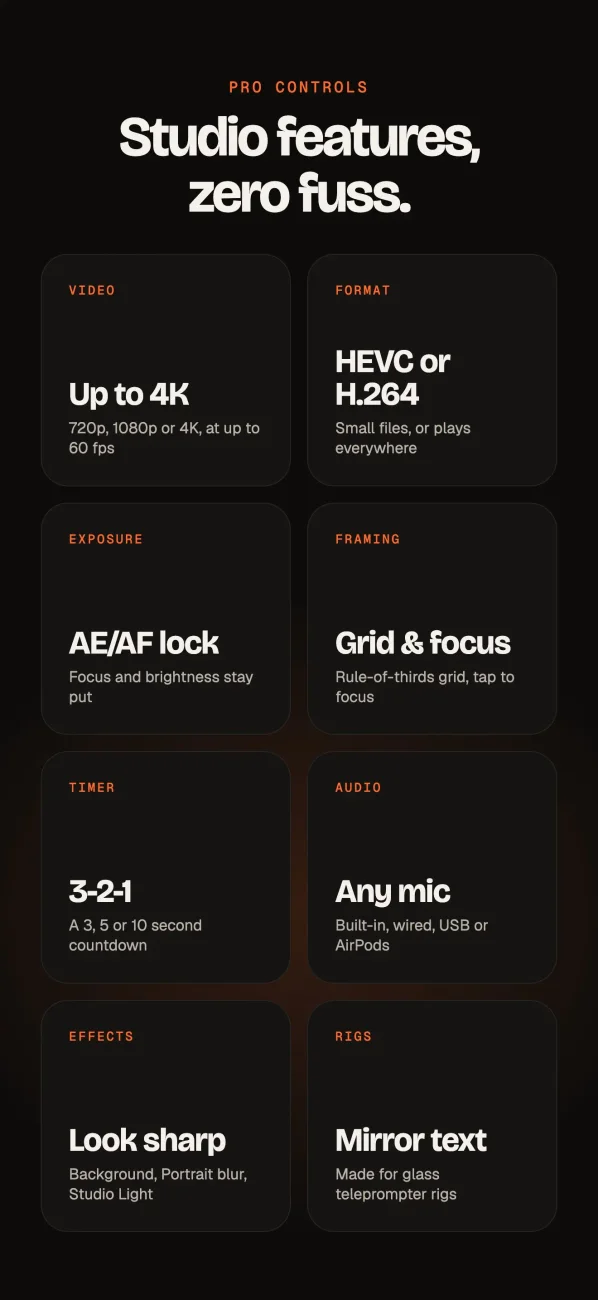
Tap Record and the camera fills the screen with your script right under the lens. Drag, resize or edit the text box, count down 3-2-1, then watch each take back and choose Retake, Share or Save.
FOLLOWS YOUR VOICE
Turn on Follow My Voice and the script scrolls as you read aloud, and waits when you pause. No more fighting the speed slider.
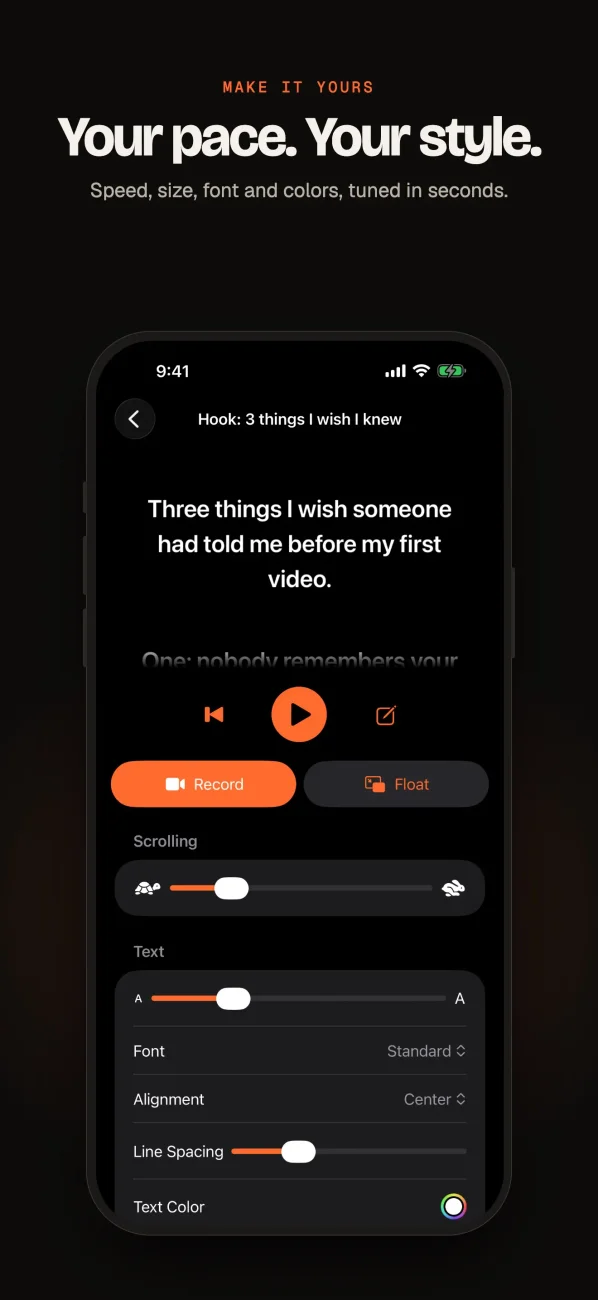
MAKE IT YOURS
• A reading guide that marks the line to read
• See how long each script takes to read at your speed
• Scroll speed and text size, adjustable mid-take
• Font, alignment, line spacing, text and background colors
• A see-through background over the camera
• Mirror mode for glass teleprompter rigs
PRO CAMERA CONTROLS
• 720p, 1080p or 4K at up to 60 fps, depending on your iPhone
• HEVC or H.264, with stabilization
• Grid, tap to focus and AE/AF lock
• Front or back camera, and mirrored selfie video
• Built-in, wired, USB or Bluetooth mics, with a live level meter
• Apple's Background, Portrait and Studio Light effects, on iPhones that support them
• Keyboard and presentation clicker control; the volume buttons or a Bluetooth shutter remote start and stop a take
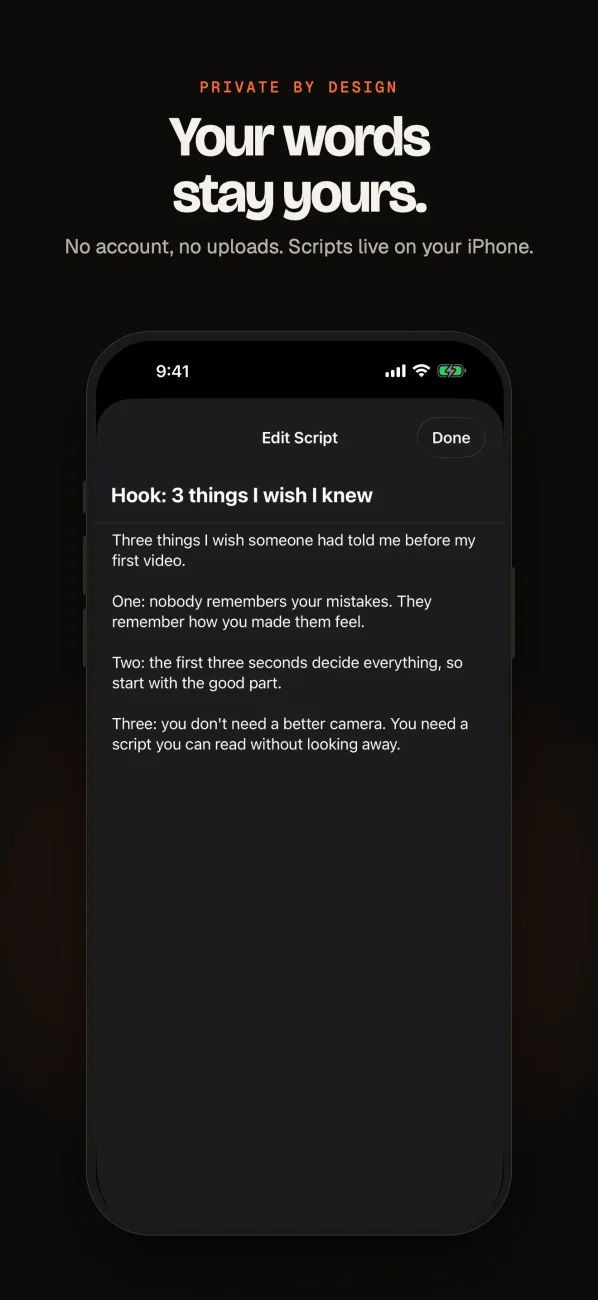
PRIVATE BY DESIGN
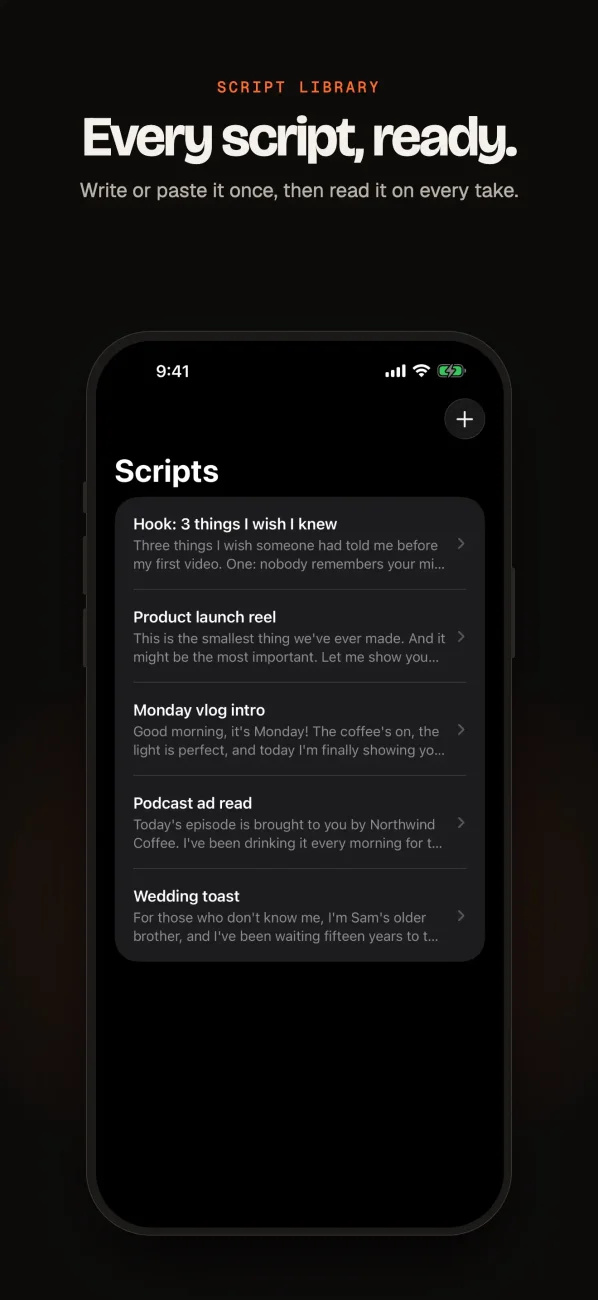
No account, no ads, no tracking. Your scripts sync through your own iCloud and your recordings go to your Photos library.
Yang baru
Versi 1.1.2 · 12/10/2026
• Follow My Voice now includes a language picker and a listening indicator.
• Improved voice following after interruptions and when returning from the floating window. While floating, your script uses timed scrolling so other apps can use the microphone.
• Added confirmation before deleting a script or discarding a take.
• Camera resolution and frame-rate preferences are preserved when switching cameras.
• Clearer camera controls and an Open Settings shortcut when camera access is denied.
Privasi aplikasi
Yang dinyatakan Yusuf Suhair di App Store tentang cara aplikasi ini menangani data.
-
Data tidak dikumpulkan
Pengembang tidak mengumpulkan data apa pun dari aplikasi ini.
Praktik privasi dapat bervariasi, misalnya berdasarkan fitur yang Anda gunakan atau usia Anda.
Informasi
- Penjual
- Yusuf Suhair
- Kategori
- Foto & Video
- Versi
- 1.1.2
- Diperbarui
- 12/10/2026
- Dirilis
- 29/9/2026
- Ukuran
- 1,2 MB
- Memerlukan
- iOS 17.0 atau yang lebih baru
- Batasan usia
- 4+
- Harga
- Gratis
- Bahasa
- Inggris
- Hak cipta
- © 2026 Yusuf bin Mohd Suhair
Mungkin Anda juga suka
-
 Scrollio: Skript TeleprompterFoto & Video
-
 Tally: Voice TeleprompterFoto & Video
-
 Room Studio: Teleprompter CamFoto & Video
-
 LensLine – TeleprompterFoto & Video
-
 Teleprompter for Video: ToimoFoto & Video
-
 Cue: Hands-Free TeleprompterFoto & Video
-
 Teleprompter: Script for VideoFoto & Video
-
 OmniCue Floating TeleprompterFoto & Video
-
 MeloPrompterFoto & Video
-
 Teleprompter-GoFoto & Video