
Textastic Code Editor
Text, Coding, SFTP Client, SSH
Dirancang untuk iPhone, iPad
Gratis · Pembelian dalam aplikasi
- Batasan usia4+
- KategoriAlat Pengembang
- PengembangAlexander Blach
- BahasaInggris+ 1 lainnya
- Ukuran26,0 MB
Tertaut ke halaman resmi App Store
Download.org tidak menyimpan file Textastic Code Editor apa pun. Tombol ini membuka halaman aplikasi di App Store, tempat Alexander Blach menerbitkannya. Halaman terakhir diperiksa pada 20/11/2026.
Tangkapan layar
Tentang
Pengembang belum menyediakan teks ini dalam bahasa Anda.
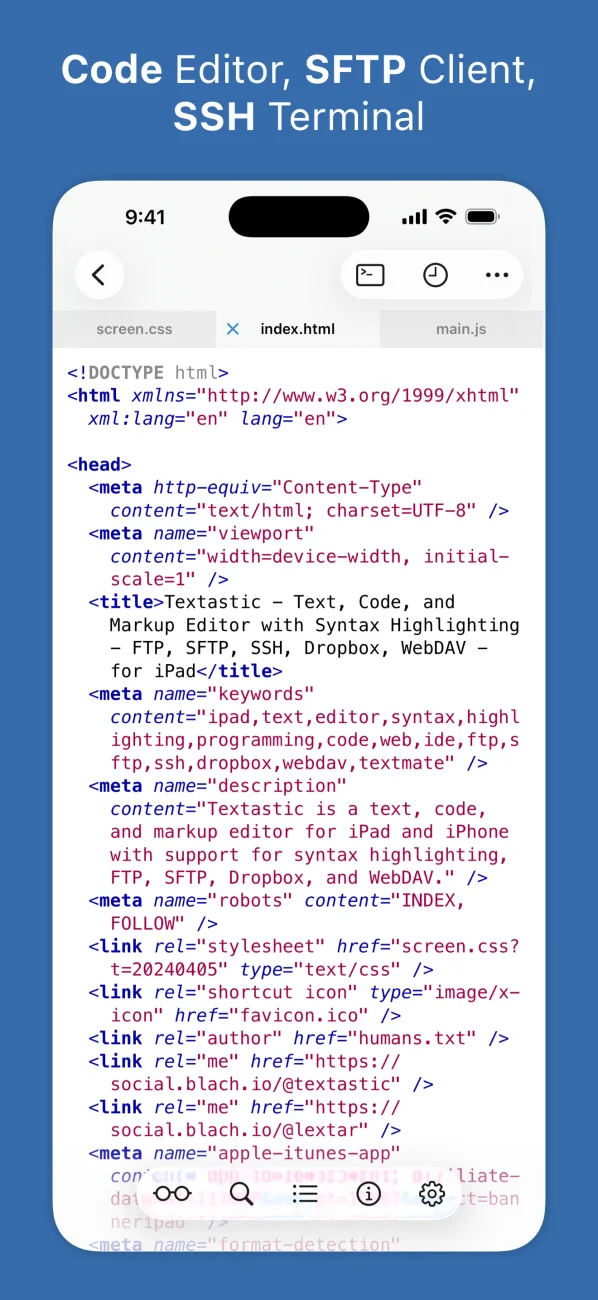
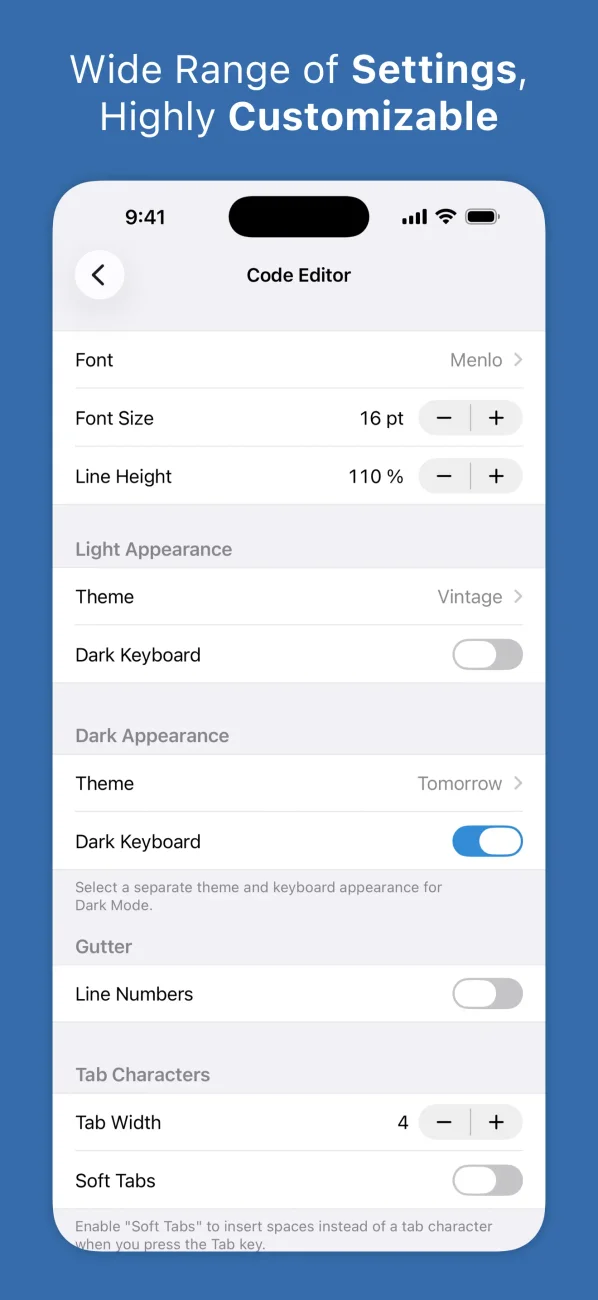
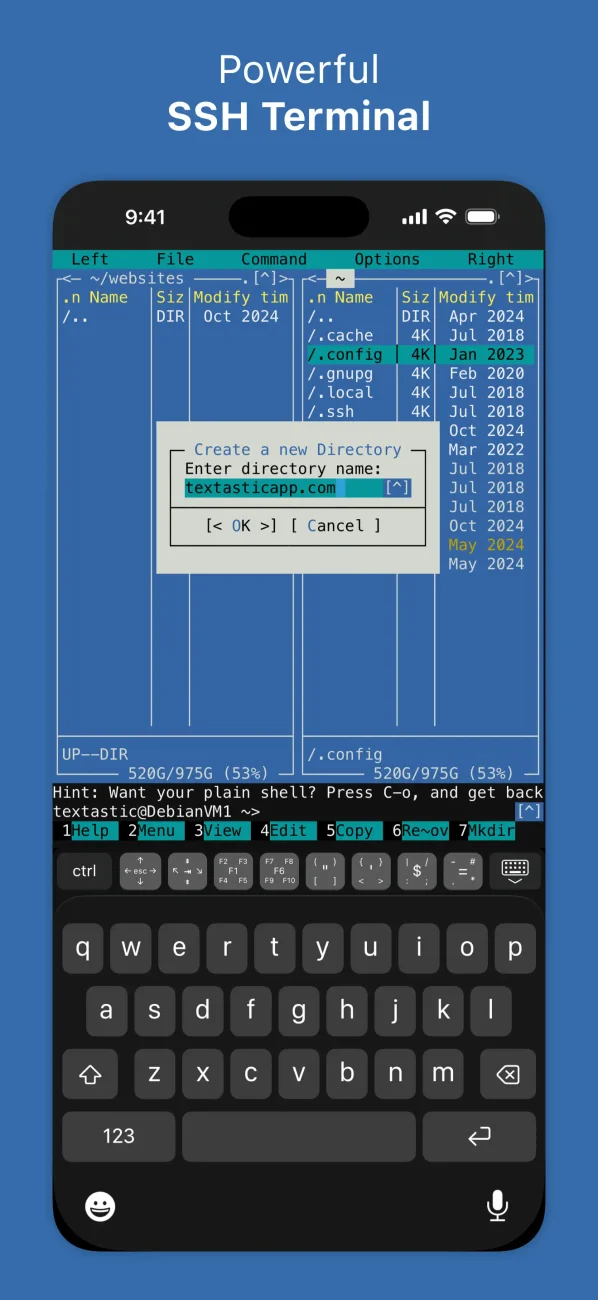
Textastic is a comprehensive and versatile text and code editor for iPad and iPhone. It supports syntax highlighting for more than 80 programming and markup languages. Connect to SFTP, FTP, and WebDAV servers or to your Dropbox account. Use the built-in SSH terminal to work directly on your server.
Features:
- Syntax highlighting for more than 80 languages, including HTML, JavaScript, CSS, C++, Swift, Objective-C, Rust, XML, Markdown, PHP, Perl, Python, Ruby, Lua, YAML, JSON, SQL, shell scripts, and many more (full list available on the website)
- Compatible with Sublime Text 3 and TextMate 1 syntax definitions and themes
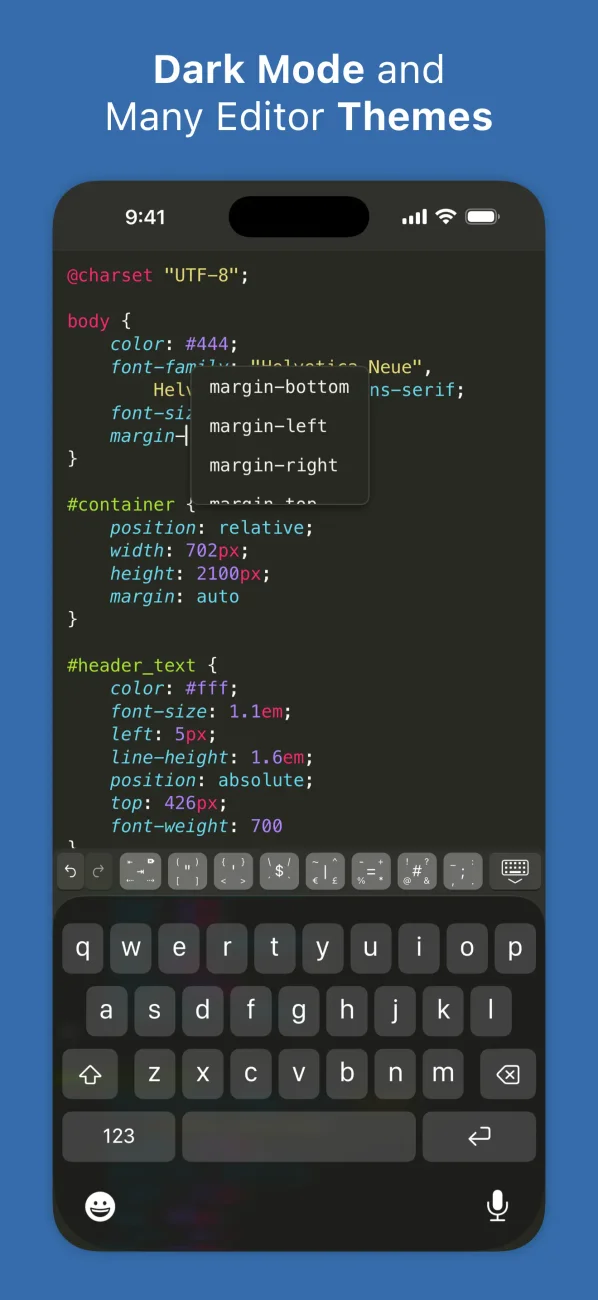
- Code completion for HTML, CSS, JavaScript, C, Objective-C, and PHP
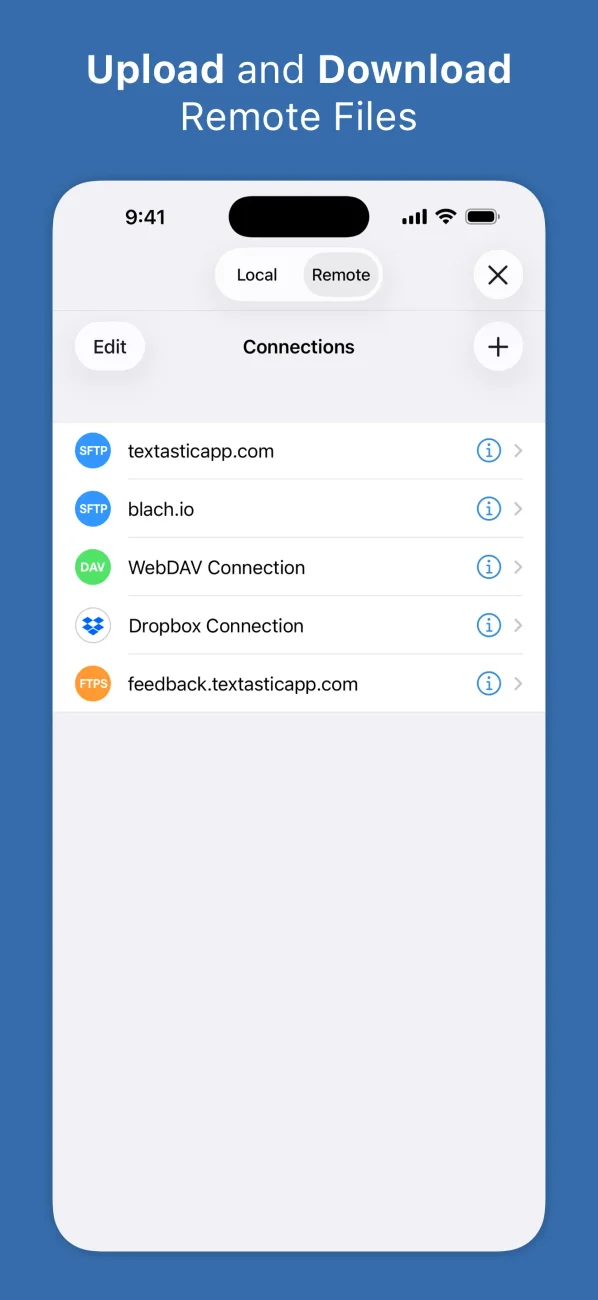
- SFTP (SSH), FTP, FTPS (FTP over SSL), WebDAV, and Dropbox clients
- SSH terminal connections
- Code formatter for HTML, CSS, JavaScript, and JSON
- Git repositories from the Git client app Working Copy can be opened as external folders in Textastic
- Emmet support
- JavaScript console
- iCloud Drive file synchronization
- WebDAV server for easy file transfer between Textastic and your Mac or PC over Wi-Fi
- Symbol list for quick navigation within a file
- Full support for external keyboards, trackpads, and mice
- Configurable keyboard shortcuts
- Additional keys above the virtual keyboard for frequently used programming characters
- Cursor navigation wheel for easy text selection
- Move the cursor using swipe gestures
- Split View and Slide Over multitasking on iPad
- Open multiple files in tabs
- Multiple windows on iPadOS
- Dark Mode support
- Support for common text encodings such as UTF-8, UTF-16, and ISO-8859-1
- Support for different tab widths and soft tabs (spaces instead of tabs)
- Custom fonts
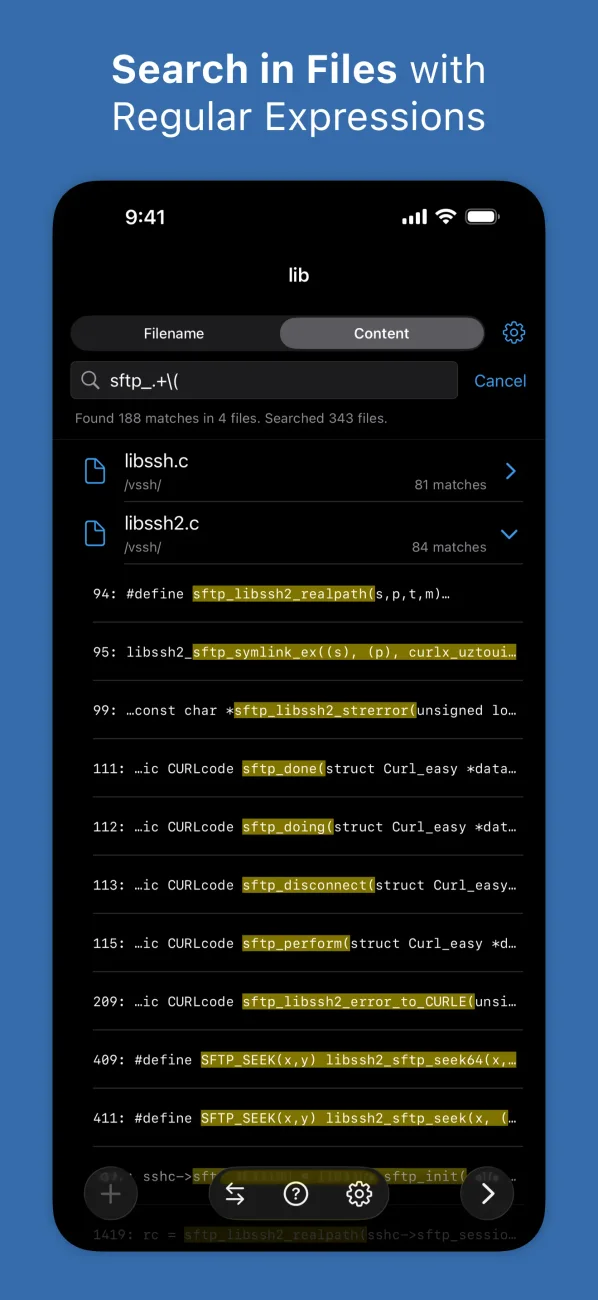
- Find and Replace, including regular expression search
- Find in multiple files
- File information such as character and word counts
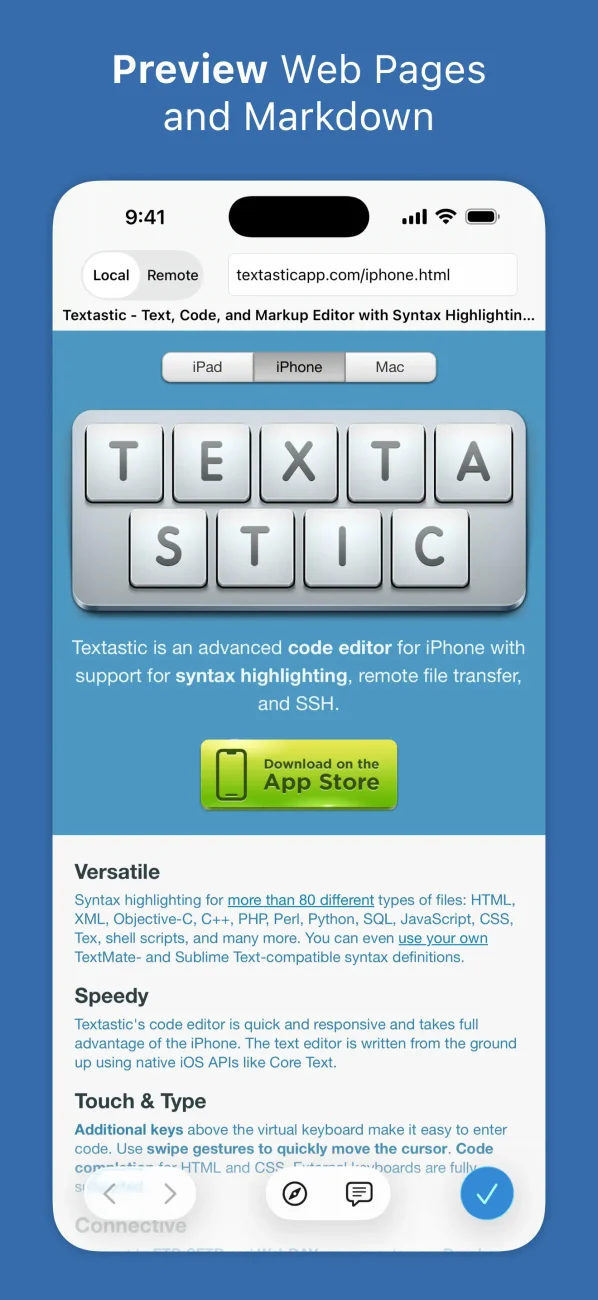
- Local and remote web preview for HTML and Markdown files
Pricing:
Textastic requires a monthly or yearly subscription or a one-time purchase. Each subscription includes a 7-day free trial with full access to all features.
Privacy Policy: https://www.textasticapp.com/privacy.html
Terms of Use: https://www.apple.com/legal/internet-services/itunes/dev/stdeula/
Yang baru
Versi 10.9.10 · 21/10/2026
- Addressed an issue on iOS 27 where buttons in the bottom toolbar could briefly remain tappable after disappearing during navigation. Rapid taps could open duplicate screens or trigger unintended actions.
- Updated the trusted root certificates used to verify TLS certificates for FTPS connections. This update also removes root certificates affected by the recent eMudhra security incident.
- Improved purchase recognition in certain Family Sharing configurations.
Privasi aplikasi
Yang dinyatakan Alexander Blach di App Store tentang cara aplikasi ini menangani data.
-
Data tidak dikumpulkan
Pengembang tidak mengumpulkan data apa pun dari aplikasi ini.
Praktik privasi dapat bervariasi, misalnya berdasarkan fitur yang Anda gunakan atau usia Anda.
Informasi
- Penjual
- Alexander Blach
- Kategori
- Alat Pengembang
- Versi
- 10.9.10
- Diperbarui
- 21/10/2026
- Dirilis
- 12/3/2016
- Ukuran
- 26,0 MB
- Memerlukan
- iOS 16.0 atau yang lebih baru
- Batasan usia
- 4+
- Harga
- Gratis
- Pembelian dalam aplikasi
- Ya
- Bahasa
- Inggris, Jerman
- Hak cipta
- © 2010-2026 Alexander Blach
Mungkin Anda juga suka
-
 KodexAlat Pengembang
-
 Runestone Text EditorAlat Pengembang
-
 Pyto IDEAlat Pengembang
-
 JaysonAlat Pengembang
-
 Code Editor - Compiler & IDEProgramming on mobile
-
 a-ShellAlat Pengembang
-
 Git client - Working CopyAlat Pengembang
-
 Supanator: Kelola SupabaseEditor SQL untuk Postgres
-
 Web InspectorAlat Pengembang
-
 xTerminal - SSH Terminal ShellAlat Pengembang