
- Batasan usia4+
- KategoriProduktivitas
- PengembangKaolin Fire
- BahasaInggris
- Ukuran9,3 MB
Tertaut ke halaman resmi App Store
Download.org tidak menyimpan file Timeful apa pun. Tombol ini membuka halaman aplikasi di App Store, tempat Kaolin Fire menerbitkannya. Halaman terakhir diperiksa pada 15/11/2026.
Tangkapan layar

Tentang
Pengembang belum menyediakan teks ini dalam bahasa Anda.
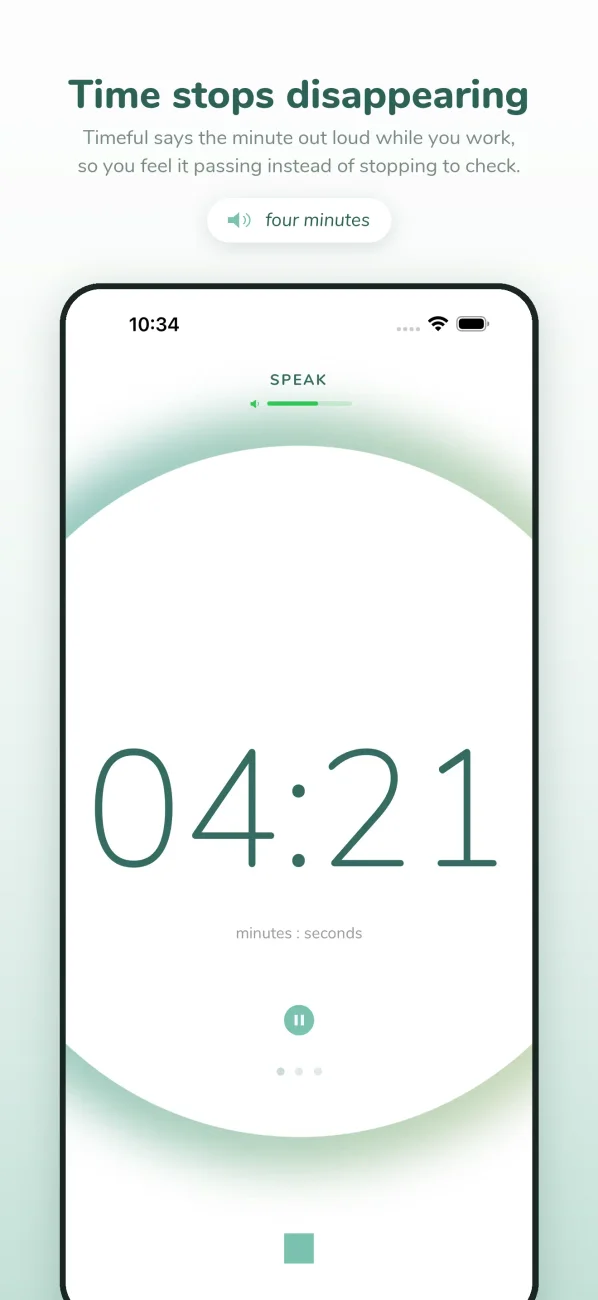
Timeful says the time out loud, on the minute, so time stops disappearing.
Made for time blindness - the ADHD kind, the hyperfocus kind, the where-did-that-hour-go kind. The alarm was never really the problem. The problem is that nothing happens between starting and the alarm, so when it goes off it goes off out of nowhere. Timeful fills that gap. You hear "four minutes", then "five minutes", and time becomes something you can feel passing instead of something you have to keep stopping to check. By the time the end arrives you already knew it was coming, and you have been winding down for a while.
Nothing to look at. No jarring alarm. Just a voice, once a minute, while you get on with what you were doing.
THREE SIMPLE MODES
• TIMER - counts up from zero. How long have I actually been at this?
• CLOCK - keeps you apprised of the actual time, every minute. The thing at three o'clock stops being a thing that happens at three o'clock.
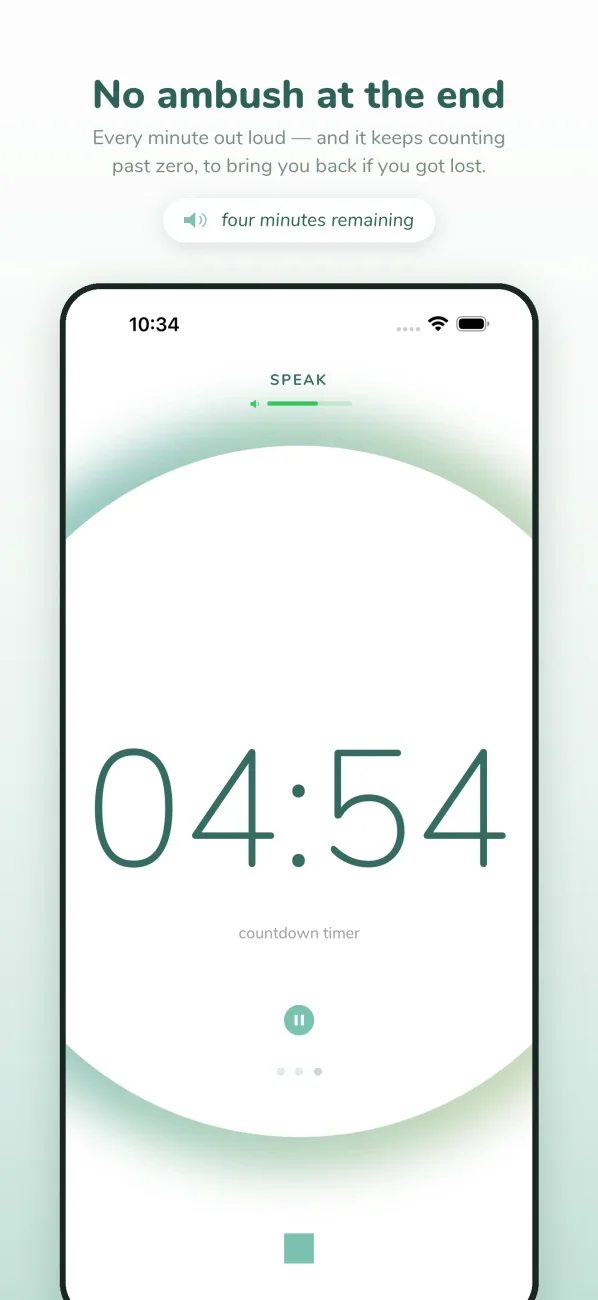
• COUNTDOWN - counts down when that helps, and keeps counting after zero - "two minutes over" - to bring you back if you got lost.
Same idea three ways: you hear it coming.
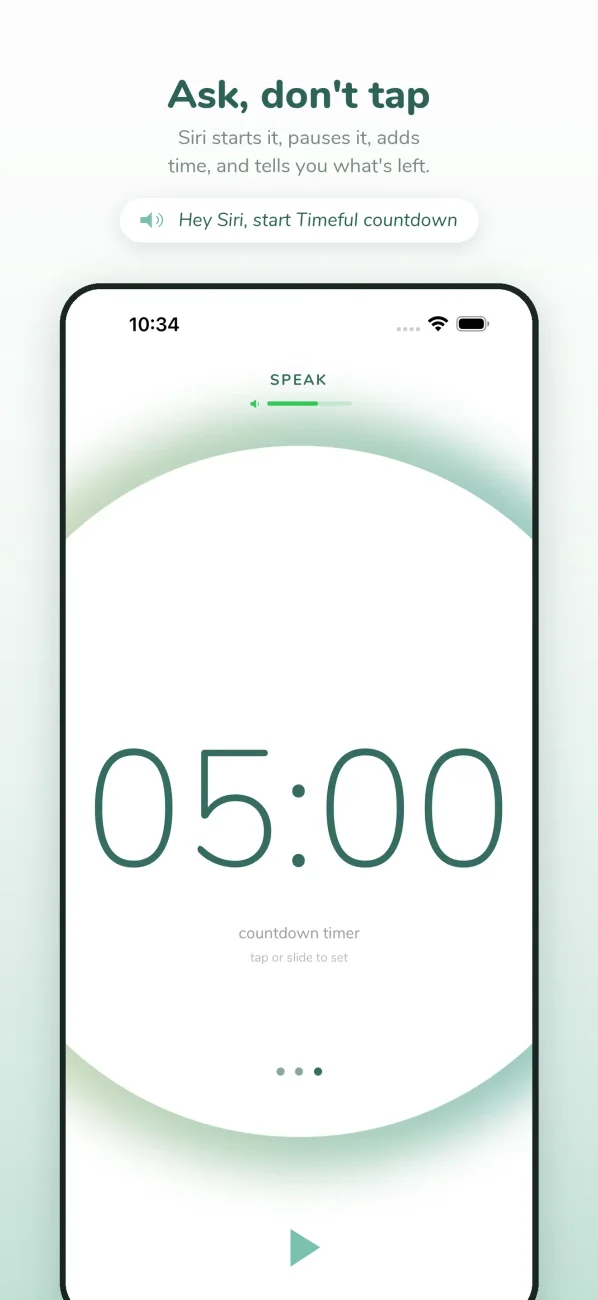
SIRI SHORTCUTS - COMPLETELY HANDS-FREE
Just say "Hey Siri" followed by:
Timer Commands:
• "Start Timeful timer"
• "Start the Timeful timer"
Clock Commands:
• "Start Timeful clock"
• "Show clock in Timeful"
Countdown Commands:
• "Start Timeful countdown for 20 minutes"
• "Start Timeful countdown for 5"
(Siri durations: 1, 2, 3, 5, 10, 15, 20, 25, 30, 45, or 60 minutes - type any length in the app)
Stop Commands:
• "Stop Timeful"
• "Stop Timeful timer"
Also: "Timeful add 5 minutes", "Timeful remove 2 minutes", "How much time in Timeful", "Pause Timeful", "Resume Timeful", "Restart Timeful".
Create custom phrases in Settings → Shortcuts like "homework timer" or "break time."
WHILE YOU'RE ELSEWHERE
• A Live Activity keeps the count on your Lock Screen and in the Dynamic Island
• Lock Screen and Control Center controls start, pause, and shift a countdown by five minutes
• Home Screen quick actions - long-press the icon to start, stop, or restart
• Music Priority plays Timeful alongside your music, dipping it only for announcements
• Tells you when your device is muted, before you rely on it
• iPhone and iPad
KEY FEATURES
• Voice announces every minute clearly
• Continues in background/locked screen
• No jarring alarms
• Works with Dynamic Type for larger text
• Simple, distraction-free interface
• One-time purchase (no subscriptions!)
WHERE IT HELPS
Anywhere the point is knowing how long you have been at it and how long is left: work blocks and Pomodoro intervals, homework and study sessions, morning and evening routines, coming out of hyperfocus, transitions between tasks, cooking, workouts, meditation and breathing practice, screen-time limits, kids' turns.
WHY TIMEFUL?
A visual timer only works if you look at it, and looking is the thing that breaks your focus. Timeful tells you instead. The announcements are quiet, regular and easy to half-ignore, which is exactly what makes them work: no anxiety while you are in it, and no ambush at the end.
"From the time you start until the time you stop, Timeful counts aloud to help you be mindful of every minute."
Produced by Craig Mieritz
Design by Fiel Valdez
Yang baru
Versi 1.4.1 · 9/11/2026
Small update: better search keywords so Timeful is easier to find. No change to how it works.
Privasi aplikasi
Yang dinyatakan Kaolin Fire di App Store tentang cara aplikasi ini menangani data.
-
Data tidak dikumpulkan
Pengembang tidak mengumpulkan data apa pun dari aplikasi ini.
Praktik privasi dapat bervariasi, misalnya berdasarkan fitur yang Anda gunakan atau usia Anda.
Informasi
- Penjual
- Kaolin Fire
- Kategori
- Produktivitas
- Versi
- 1.4.1
- Diperbarui
- 9/11/2026
- Dirilis
- 25/7/2018
- Ukuran
- 9,3 MB
- Memerlukan
- iOS 17.6 atau yang lebih baru
- Batasan usia
- 4+
- Harga
- Rp 19ribu
- Bahasa
- Inggris
- Hak cipta
- © 2025 Kaolin Imago Fire
Mungkin Anda juga suka
-
 VoiceNote AI: Brain to TasksProduktivitas
-
 start Time - ADHD timerProduktivitas
-
 Auto Do ItProduktivitas
-
 Talking Calendar ClockProduktivitas
-
 Solid Planner - timer + agendaProduktivitas
-
 Pocket Plans: To-Do ListProduktivitas
-
 TimeSee: Visual Timer for ADHDProduktivitas
-
 ADHD Timer CollectionProduktivitas
-
 Online NotepadProduktivitas
-
 Unbound Note: Infinite CanvasProduktivitas