- Batasan usia4+
- KategoriProduktivitas
- PengembangVIRNECT CO., LTD.
- BahasaKorea+ 5 lainnya
- Ukuran97,3 MB
Tertaut ke halaman resmi App Store
Download.org tidak menyimpan file VIRNECT Remote 3 apa pun. Tombol ini membuka halaman aplikasi di App Store, tempat VIRNECT CO., LTD. menerbitkannya. Halaman terakhir diperiksa pada 12/11/2026.
Tangkapan layar


Tentang
Pengembang belum menyediakan teks ini dalam bahasa Anda.
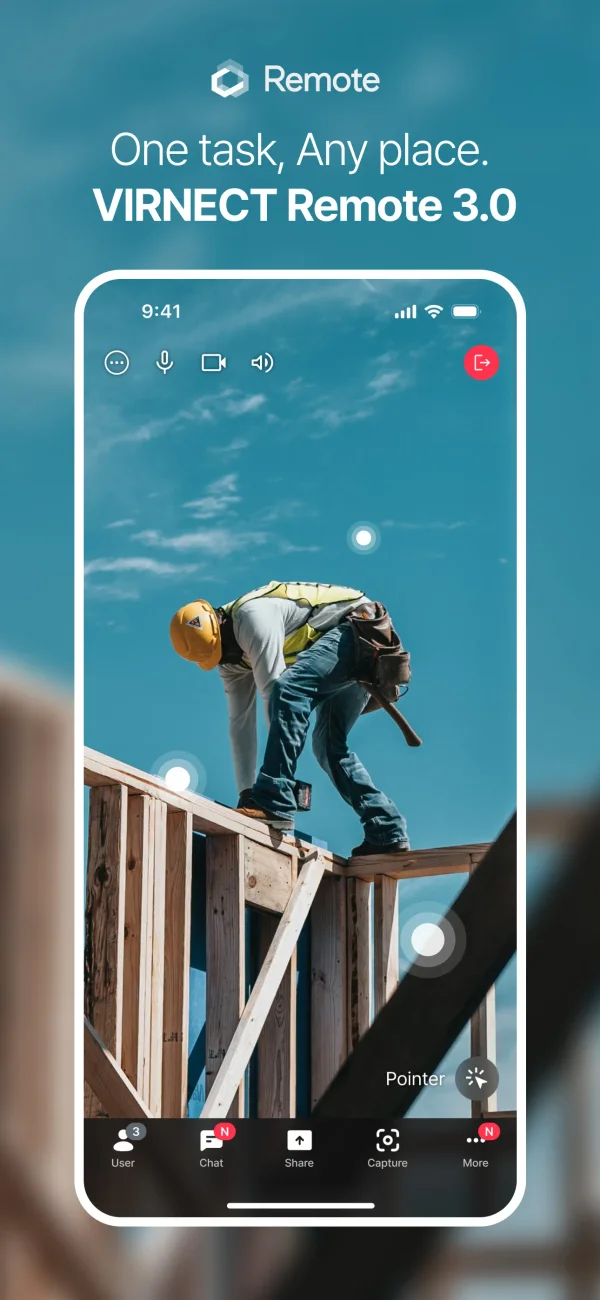
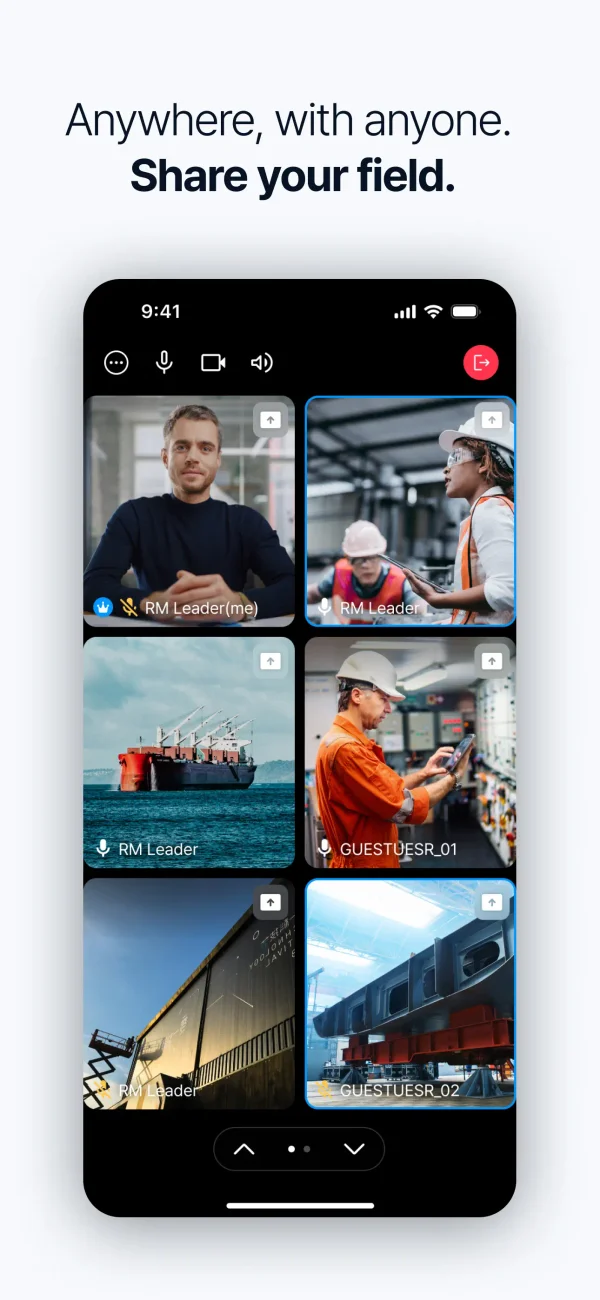
VIRNECT Remote is a remote support APP which connects the office and industrial sites together in real-time. You can conveniently share the onsite issues through voice / video chat, combined with AR technology to the experts, to quickly resolve your problems in real-time.
1. Efficient remote support
- Share onsite videos with the expert in the office for troubleshooting of large installations or when maintenance is needed.
- Your video screen can be recorded along with the shared information. From the very beginning stage of problem to the end, the recording file can be saved and be used for educational material.
2. Extremely precise, yet flexible communication support.
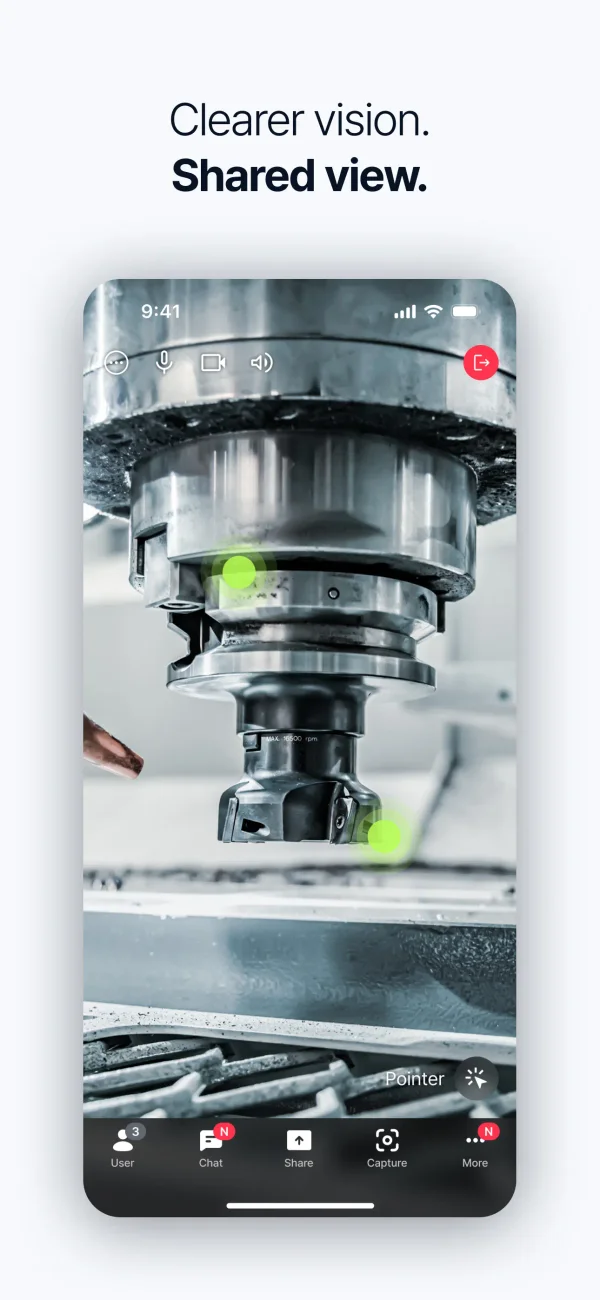
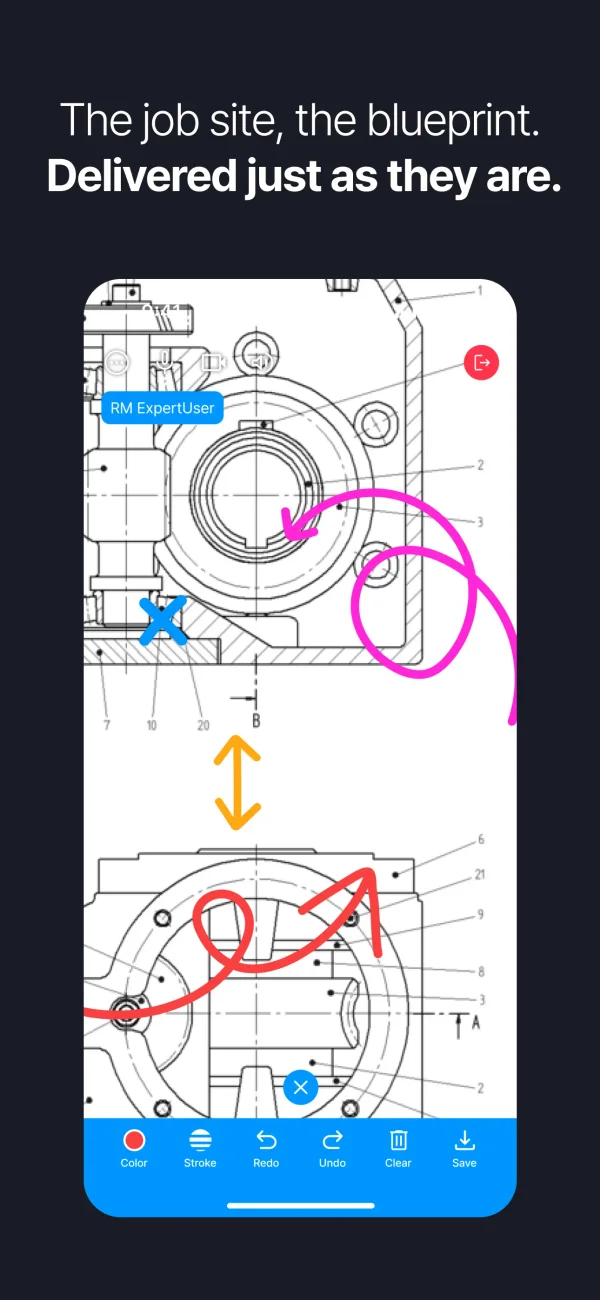
- The experts’ know-hows can be shown on the actual equipment via pointing and drawing features.
- Utilize AR features to perform a precise remote support.
- Handle your problems by sharing texts, images, and documents (PDF) in real-time. The task information such as user’s manuals can be received and checked.
3. Unlimited compatibility
- VIRNECT Remote is compatible with SmartGlasses, Smartphones, Tablets and PC. With SmartGlasses, you can use both hands freely.
[Notice on allowing accesses]
Access permissions are divided into required and optional permissions.
If you do not allow the required permissions, you will not be able to use the service.
Even if you do not allow the optional permissions, you can still use the service, but features related to those permissions will be unavailable.
[Essentially required accesses]
Camera
- Used to provide video transmission services through camera access.
Microphone
- Used to provide voice transmission services through microphone access.
Bluetooth
- Used to connect with external devices via Bluetooth.
[Optionally required accesses]
Mobile Screen Capture
- Used to deliver AR video transmission services by accessing the mobile screen.
For product usage and technical support inquiries, please contact [support@virnect.com](mailto:support@virnect.com).
Yang baru
Versi 3.2.1 · 28/10/2026
What’s New
- Customize your bottom menu bar. Go to More (⋯) > Edit Menu to add or remove the tools you use most and reorder them as you like.
- Your menu layout is saved to your account and stays the same in every session.
Improvements
- The bottom bar now shows up to 4 items on mobile for a cleaner view.
Privasi aplikasi
Yang dinyatakan VIRNECT CO., LTD. di App Store tentang cara aplikasi ini menangani data.
-
Data tidak dikumpulkan
Pengembang tidak mengumpulkan data apa pun dari aplikasi ini.
Praktik privasi dapat bervariasi, misalnya berdasarkan fitur yang Anda gunakan atau usia Anda.
Informasi
- Penjual
- VIRNECT CO., LTD
- Kategori
- Produktivitas
- Versi
- 3.2.1
- Diperbarui
- 28/10/2026
- Dirilis
- 19/2/2024
- Ukuran
- 97,3 MB
- Memerlukan
- iOS 15.6 atau yang lebih baru
- Batasan usia
- 4+
- Harga
- Gratis
- Bahasa
- Korea, Spanyol, Inggris, Jepang, Tionghoa Sederhana, Tionghoa Tradisional
- Hak cipta
- © 2024 VIRNECT CO., LTD