- Batasan usia4+
- KategoriAlat Pengembang
- Pengembang延平 陈
- BahasaInggris+ 1 lainnya
- Ukuran44,6 MB
Tertaut ke halaman resmi App Store
Download.org tidak menyimpan file Warpeer apa pun. Tombol ini membuka halaman aplikasi di App Store, tempat 延平 陈 menerbitkannya. Halaman terakhir diperiksa pada 12/11/2026.
Tangkapan layar

Tentang
Pengembang belum menyediakan teks ini dalam bahasa Anda.
Warpeer is a remote terminal built for iPhone. Connect to your own servers over SSH to keep an eye on AI coding agents, resume tmux sessions, review Git changes and manage remote files — without squeezing a desktop interface onto a small screen.
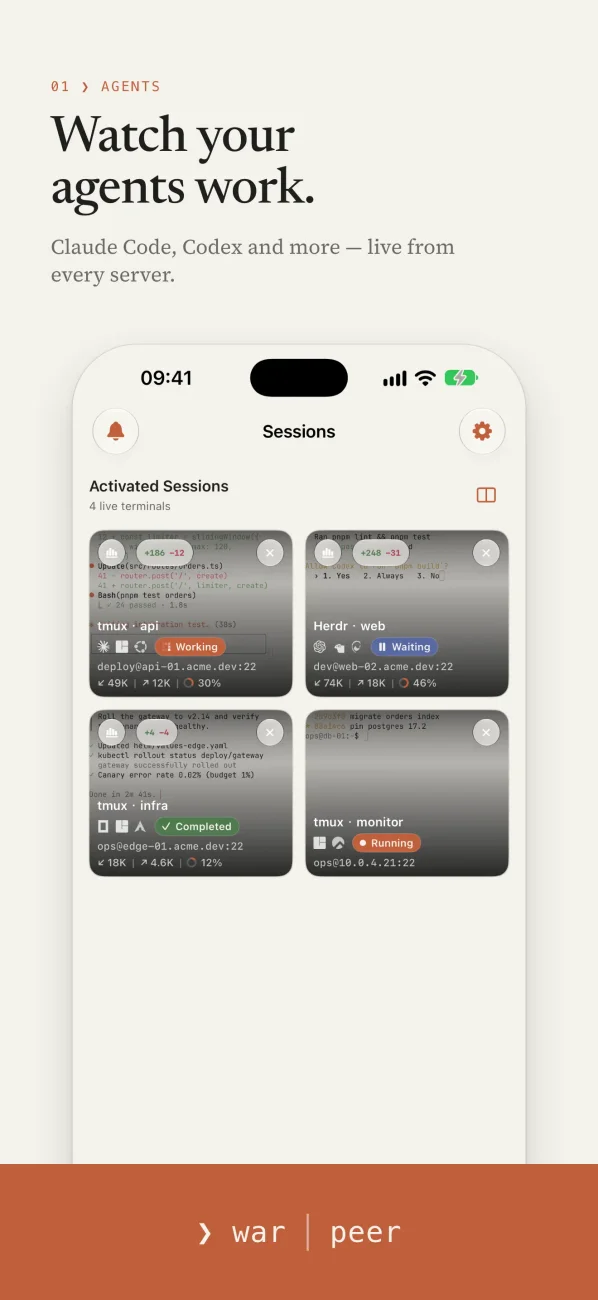
Watch your agents work
• Live state for Claude Code, Codex, OpenCode, Gemini and more: working, waiting for input, completed
• Model, context usage and token counts at a glance, so a stalled task stands out
• Notifications when a remote agent has something new
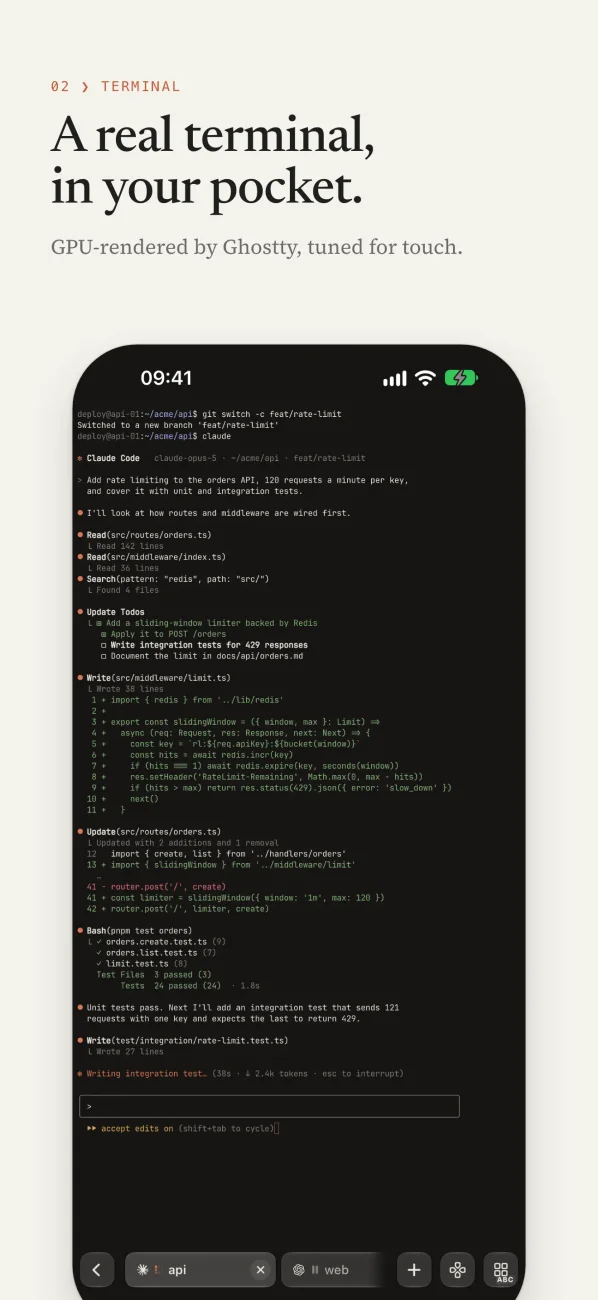
A real terminal, in your pocket
• GPU rendering by Ghostty for crisp text and smooth scrolling
• Hundreds of terminal themes, bundled monospaced fonts and adjustable text size
• Hardware keyboard support, Option as Meta, Caps Lock remapping and CJK input
Sessions that survive
• Resume remote tmux and Herdr sessions in one tap; open several at once and swipe between them
• Reconnects when you return to the app and recovers quickly after network changes
• Tabs for connecting to several hosts at the same time
The keys you actually need
• A customizable shortcut row: Esc, Tab, Ctrl, arrows, Control-C and more, one tap away
• Movable floating keys bound to snippets, files, Git status, host performance and other functions
• Command history and snippets: search and insert without running automatically
• Dictation and image paste straight into the terminal
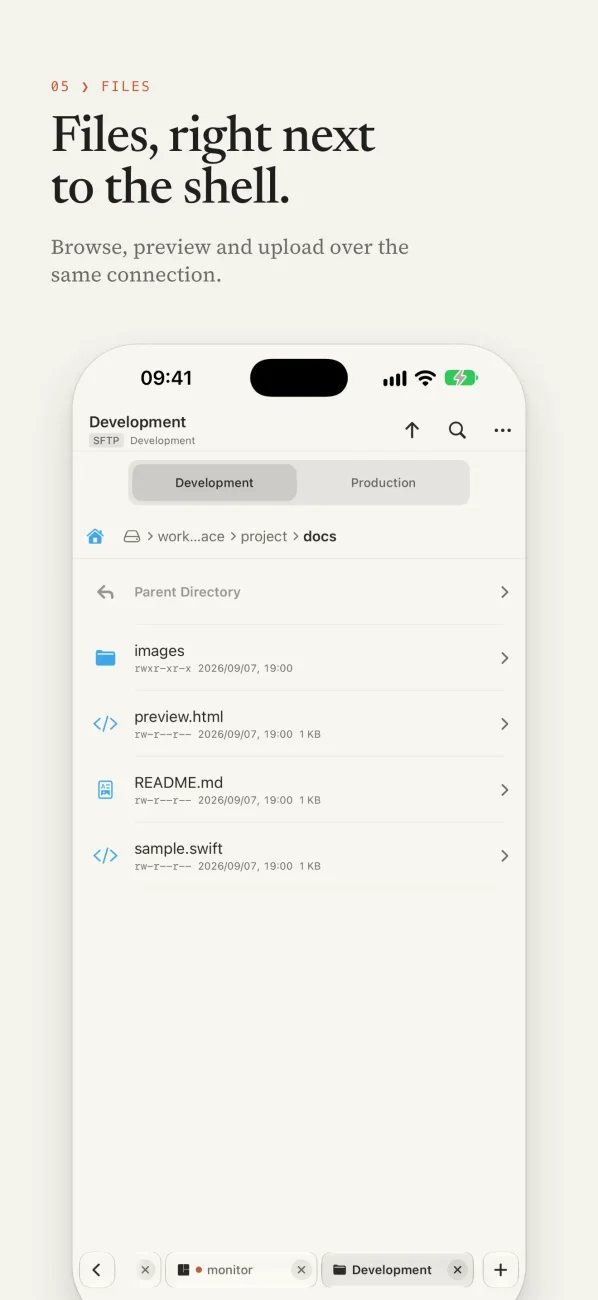
Files, right next to the shell
• Browse, search, preview, upload and download over SFTP on the same connection
• Previews for code, Markdown, HTML and images, with Git diffs
• Open websites running on the remote host, such as localhost:3000
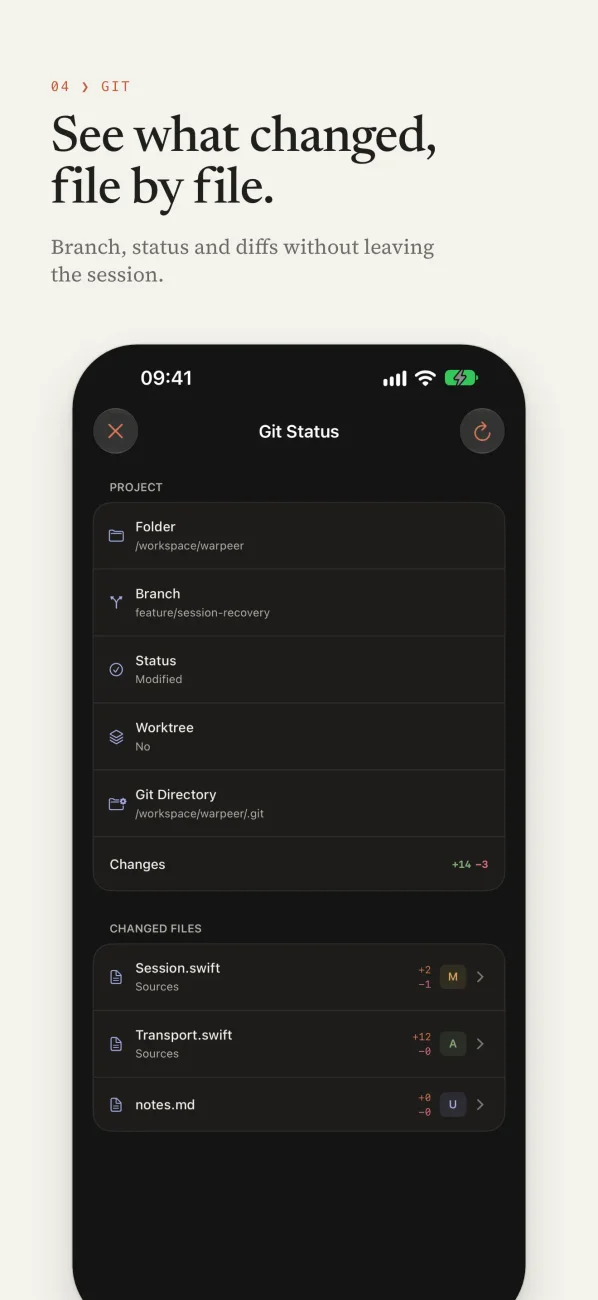
See what changed, file by file
• Branch, worktree status and per-file diffs without leaving the session
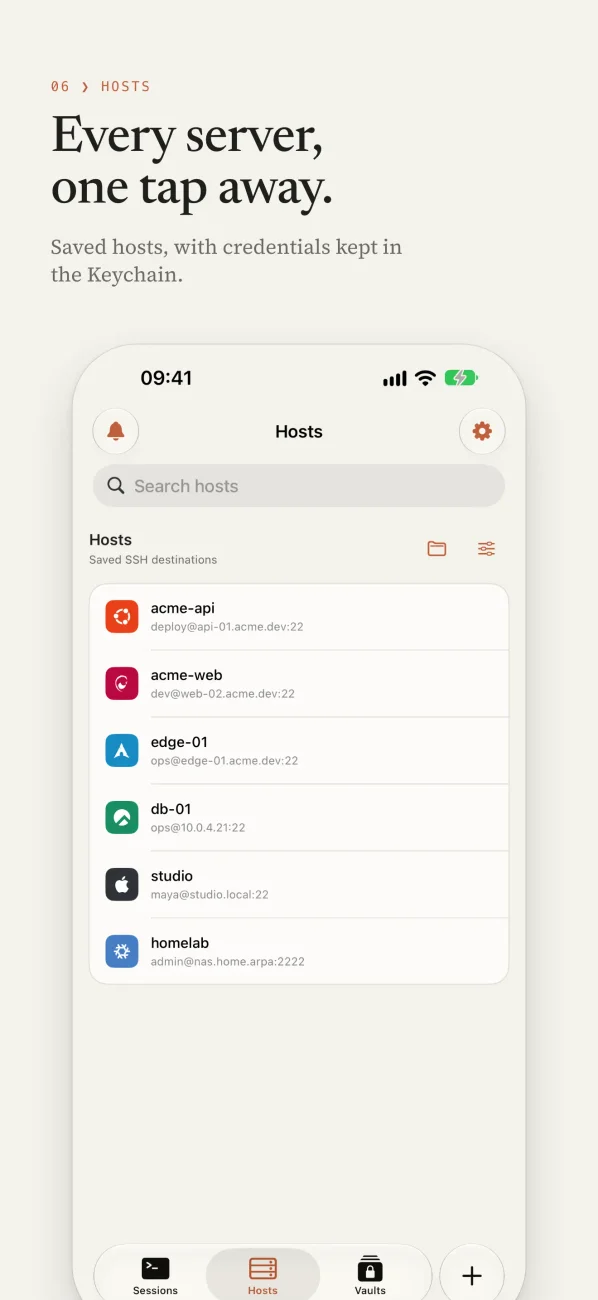
Every server, one tap away
• Saved hosts, with credentials encrypted in the iOS Keychain
• SSH host fingerprints verified and remembered, with a clear warning if one changes
• Discovers SSH devices on your local network and accepts quick-connect commands
• Password and private-key authentication, compatible with Tailscale SSH
• Device transfer moves hosts, keys and snippets securely to a new iPhone
Privacy first
• No account required, and terminal contents are never uploaded
• Terminal history and connection logs stay on your device
• Optional app lock with a PIN or Face ID, and content blurring in the app switcher
The interface is available in English and Simplified Chinese, follows your system language by default and can be switched in the app.
Warpeer is free during early access: no trial, no account, every feature included.
Yang baru
Versi 1.6.6 · 5/11/2026
• Agent notifications keep working when you reinstall Warpeer from a different place, such as TestFlight and then the App Store. The app reports its new push address again and retries until the relay has it.
• The simulators grid shows each device in a phone-shaped 9:16 card, and so do simulators in the remote desktop's Windows grid.
Privasi aplikasi
Yang dinyatakan 延平 陈 di App Store tentang cara aplikasi ini menangani data.
-
Data tidak dikumpulkan
Pengembang tidak mengumpulkan data apa pun dari aplikasi ini.
Praktik privasi dapat bervariasi, misalnya berdasarkan fitur yang Anda gunakan atau usia Anda.
Informasi
- Penjual
- 延平 陈
- Kategori
- Alat Pengembang
- Versi
- 1.6.6
- Diperbarui
- 5/11/2026
- Dirilis
- 22/10/2026
- Ukuran
- 44,6 MB
- Memerlukan
- iOS 18.0 atau yang lebih baru
- Batasan usia
- 4+
- Harga
- Gratis
- Bahasa
- Inggris, Tionghoa Sederhana
- Hak cipta
- © 2026 Warpeer
Mungkin Anda juga suka
-
 GpuTermAlat Pengembang
-
 Paneshell - SSH TerminalAlat Pengembang
-
 ShellDiver: SSH ClientAlat Pengembang
-
 Quota BoardAlat Pengembang
-
 termi1Alat Pengembang
-
 QuotaBar - AI Quota TrackerAlat Pengembang
-
 GateShell - SSH Client & SFTPAlat Pengembang
-
 PocketGitAlat Pengembang
-
 terminALL: SSH Remote DesktopAlat Pengembang
-
 CortermAlat Pengembang