Watch Dials
Watch Complications for Dates
Dirancang untuk iPhone, iPod touch
Gratis
- Batasan usia4+
- KategoriKegunaan
- PengembangCodelink, Inc.
- BahasaInggris
- Ukuran2,8 MB
Tertaut ke halaman resmi App Store
Download.org tidak menyimpan file Watch Dials apa pun. Tombol ini membuka halaman aplikasi di App Store, tempat Codelink, Inc. menerbitkannya. Halaman terakhir diperiksa pada 8/11/2026.
Tentang
Pengembang belum menyediakan teks ini dalam bahasa Anda.
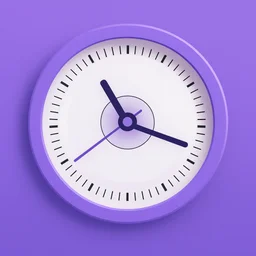
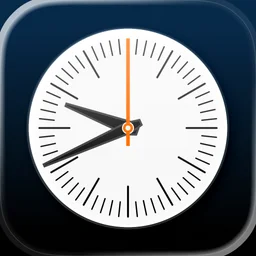
Watch Dials puts mechanical watch subdials on your Apple Watch face as complications, lets you edit them, and gives you an easy link to your calendar.
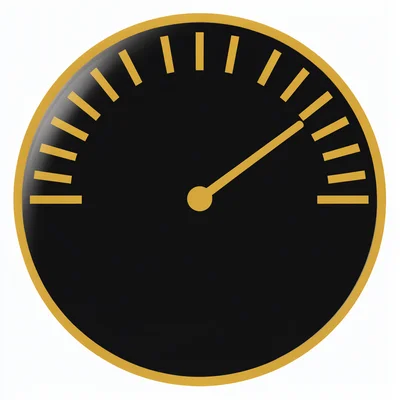
Dials for day of week, day of month, and month of year ship in the complication gallery. Round and retrograde style complications are included.
Add a dial through the complication editor on your watch, then tune it inside the app. Major and minor ticks, font, and color are configurable. The app stores these choices per dial. Dial labels follow the language and calendar settings on your watch.
Tapping any dial opens the calendar view, which lists your upcoming events as cards or as a compact list. You choose which of your calendars contribute, and the app reloads the list every fifteen minutes.
The app asks for calendar access to show those events, and that is the only information it reads. Dials work without it. There is no account, no network traffic, no ads, and no tracking, and your event data stays on your watch.
Watch Dials is free. It is a watch-only app and requires watchOS 26.
Privasi aplikasi
Yang dinyatakan Codelink, Inc. di App Store tentang cara aplikasi ini menangani data.
-
Data tidak dikumpulkan
Pengembang tidak mengumpulkan data apa pun dari aplikasi ini.
Praktik privasi dapat bervariasi, misalnya berdasarkan fitur yang Anda gunakan atau usia Anda.
Informasi
- Penjual
- Codelink, Inc.
- Kategori
- Kegunaan
- Versi
- 1.0
- Diperbarui
- 20/10/2026
- Dirilis
- 20/10/2026
- Ukuran
- 2,8 MB
- Memerlukan
- iOS 13.0 atau yang lebih baru
- Batasan usia
- 4+
- Harga
- Gratis
- Bahasa
- Inggris
- Hak cipta
- © 2026 Codelink Inc.