Wavevra
Audio Visualizer & Analyzer
Dirancang untuk iPhone
Gratis · Pembelian dalam aplikasi
- Batasan usia4+
- KategoriMusik
- PengembangTom Silas Helmke
- BahasaInggris+ 1 lainnya
- Ukuran3,9 MB
Tertaut ke halaman resmi App Store
Download.org tidak menyimpan file Wavevra apa pun. Tombol ini membuka halaman aplikasi di App Store, tempat Tom Silas Helmke menerbitkannya. Halaman terakhir diperiksa pada 6/11/2026.
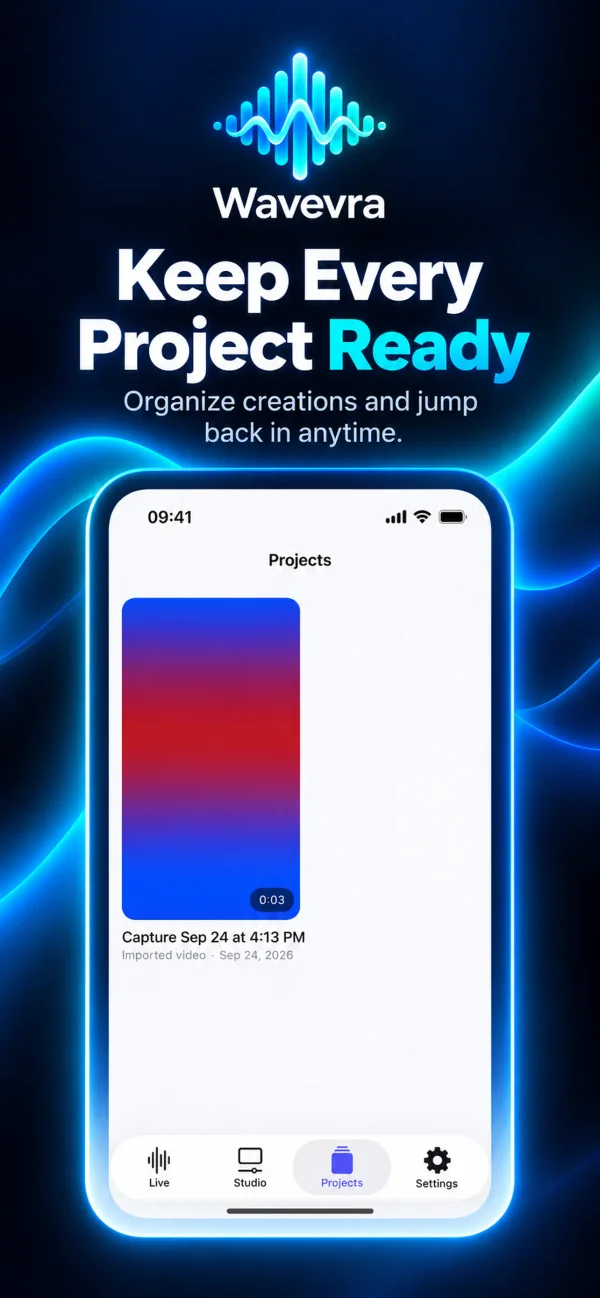
Tangkapan layar



Tentang
Pengembang belum menyediakan teks ini dalam bahasa Anda.
See what sound looks like with Wavevra.
Wavevra combines real-time audio analysis with expressive audio-reactive visuals and a creator-focused Studio. Explore sound as it happens, record audio or video, import existing media, shape the result, and export videos directly on your iPhone.
SEE SOUND IN REAL TIME
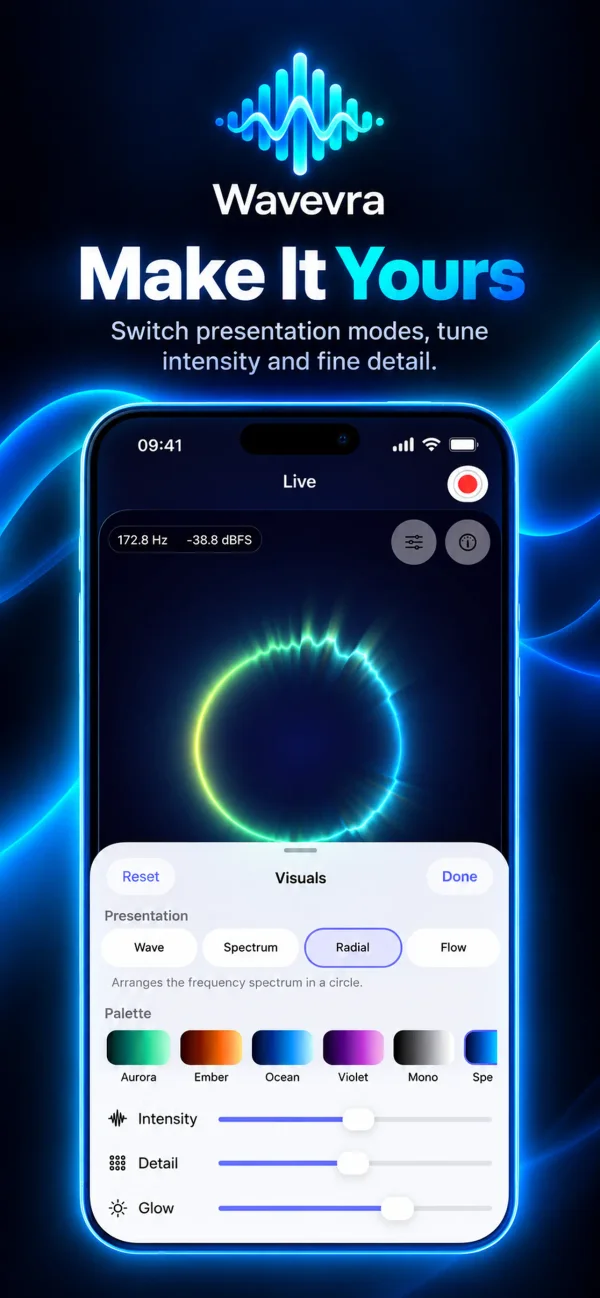
Watch your audio come to life through Wave, Spectrum, Radial, and Flow visual styles.
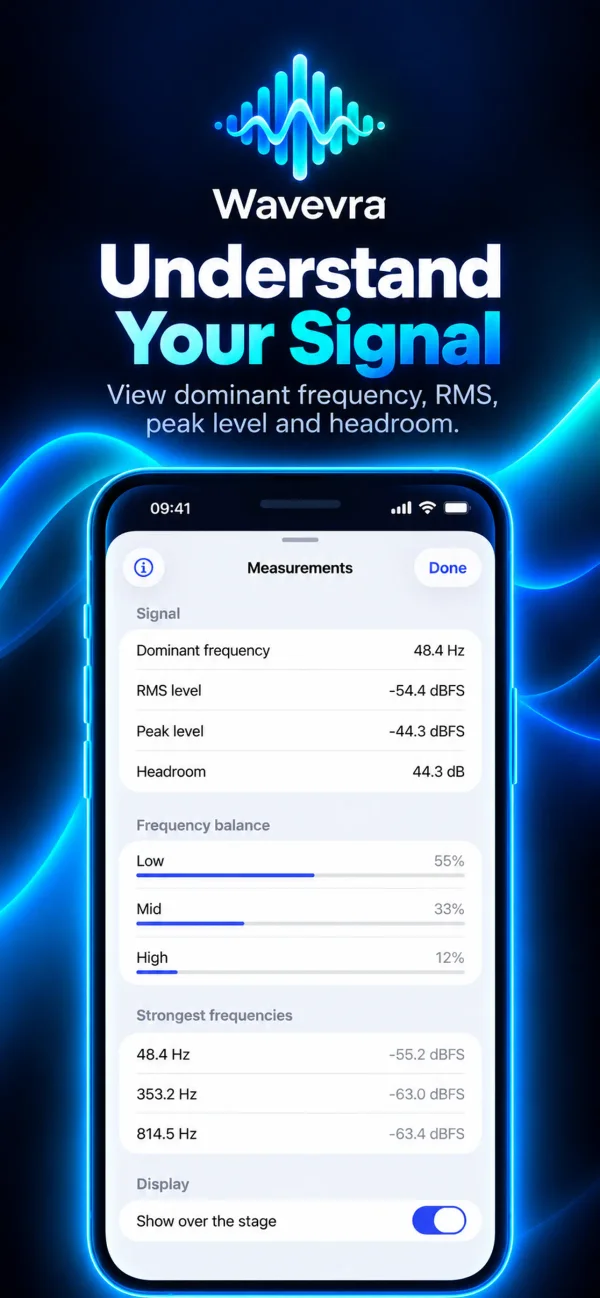
Wavevra uses real audio analysis to drive its visuals. Explore dominant frequencies, RMS and peak levels in dBFS, headroom, frequency bands, and strong frequency peaks.
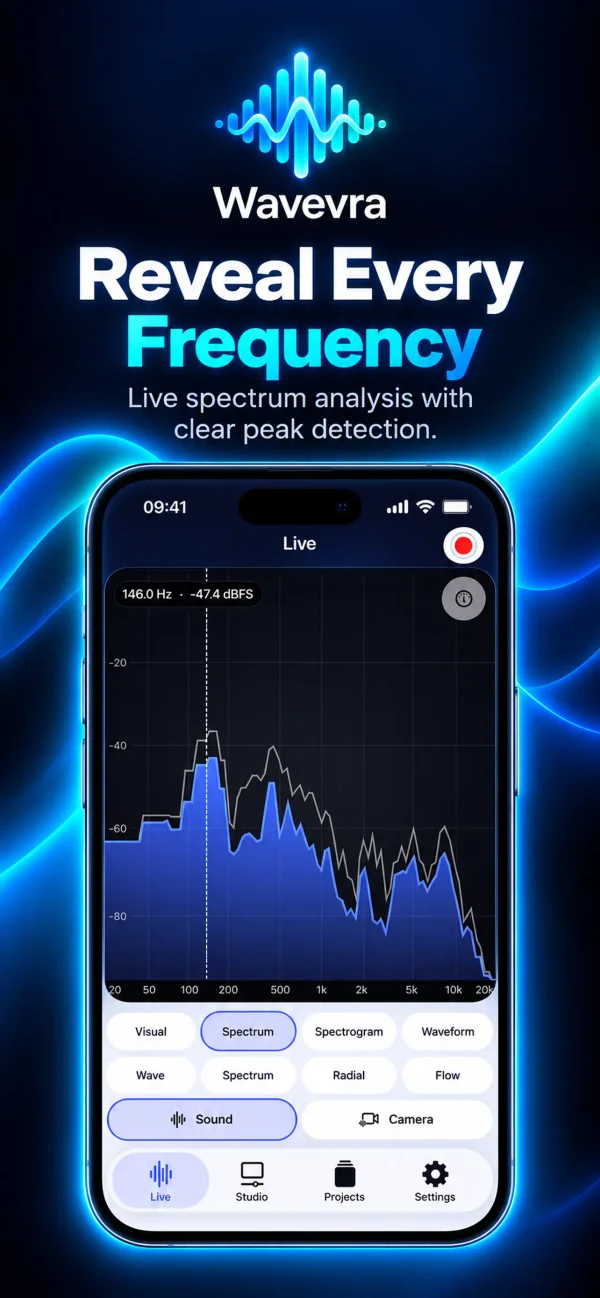
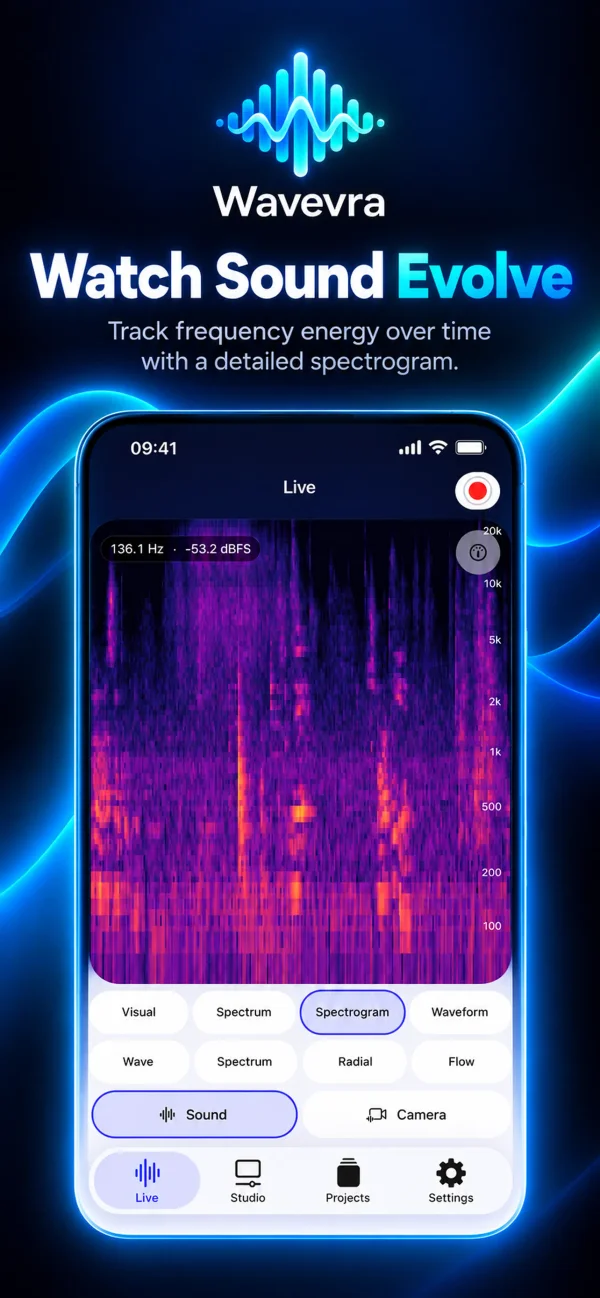
For a more technical view, switch between Spectrum, Spectrogram, and Waveform.
CREATE YOUR LOOK
Choose from multiple visual styles and color palettes.
Adjust intensity and smoothness to shape the motion and appearance of your visual.
Wavevra Pro unlocks additional visual styles, palettes, and creator options.
RECORD OR IMPORT
Use your microphone for live analysis and recordings.
Capture video with your camera or import supported audio and video files already on your device.
Imported media is analyzed locally and can be opened directly in Studio.
EDIT IN STUDIO
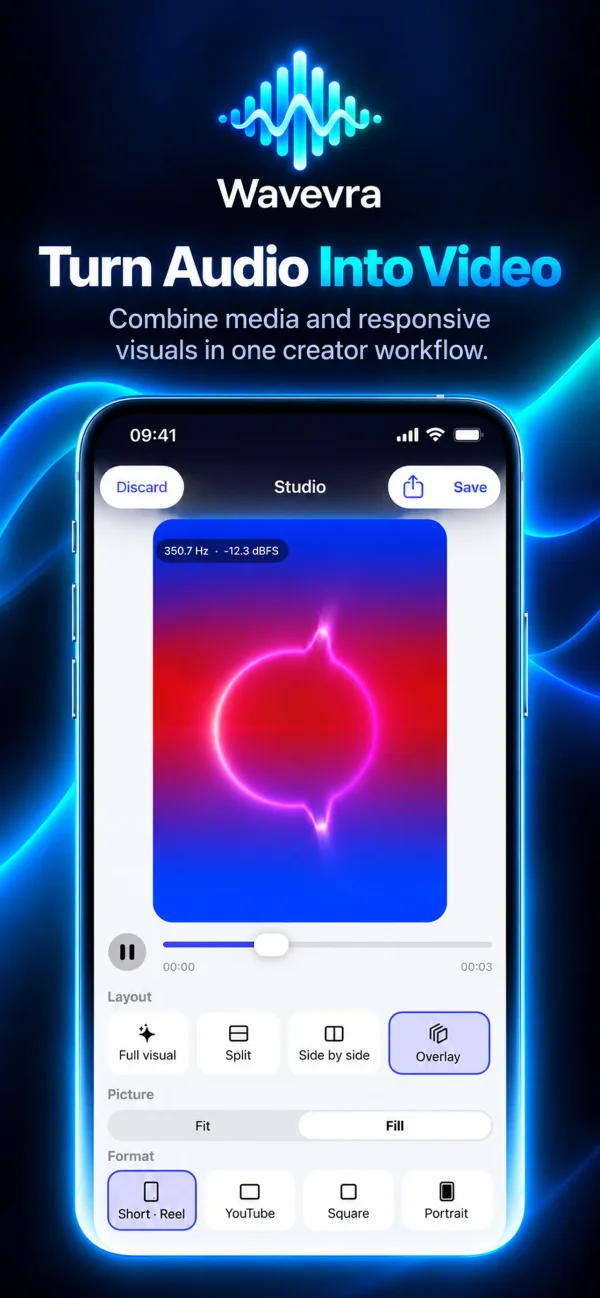
Play back your media, move through the timeline, choose the part you want to export, and adjust the presentation.
Use layouts including visual-only, split, side-by-side, and overlay compositions.
Choose from multiple aspect ratios including:
• 9:16 for Shorts and Reels
• 16:9 for YouTube and landscape video
• 1:1 for square content
• 4:5 for portrait content
EXPORT AND SHARE
Create finished videos from your audio-reactive visuals.
Share your exports, save them to Photos, or save them through Files.
Wavevra Pro adds longer recording and export options, measurement overlays in exported videos, additional creative options, and removes Wavevra export branding.
BUILT FOR PRIVACY
Wavevra does not require an account.
Your audio, video, analysis data, projects, and exports are processed on your device. Wavevra does not use advertising, tracking, or analytics.
FREE TO USE
Wavevra remains useful without a subscription. Live analysis, technical analyzer views, local projects, recording, Studio, and core export features are available in Free.
Wavevra Pro expands the creative and export capabilities of the app through monthly or yearly subscriptions available through the App Store.
Wavevra reports digital audio levels such as dBFS. It is not a calibrated sound level meter and does not report dB SPL.
Terms of Use: https://www.apple.com/legal/internet-services/itunes/dev/stdeula/
Privacy Policy: https://tommsel.com/en/privacy/wavevra
Privasi aplikasi
Yang dinyatakan Tom Silas Helmke di App Store tentang cara aplikasi ini menangani data.
-
Data tidak dikumpulkan
Pengembang tidak mengumpulkan data apa pun dari aplikasi ini.
Praktik privasi dapat bervariasi, misalnya berdasarkan fitur yang Anda gunakan atau usia Anda.
Informasi
- Penjual
- Tom Silas Helmke
- Kategori
- Musik
- Versi
- 1.0
- Diperbarui
- 9/10/2026
- Dirilis
- 9/10/2026
- Ukuran
- 3,9 MB
- Memerlukan
- iOS 18.0 atau yang lebih baru
- Batasan usia
- 4+
- Harga
- Gratis
- Pembelian dalam aplikasi
- Ya
- Bahasa
- Inggris, Jerman
- Hak cipta
- © 2026 Tom Silas Helmke