WhatSMD
Identify SMD parts by marking
Dirancang untuk iPhone
Gratis · Pembelian dalam aplikasi
- Batasan usia4+
- KategoriKegunaan
- PengembangKaudata d.o.o.
- BahasaInggris+ 1 lainnya
- Ukuran40,8 MB
Tertaut ke halaman resmi App Store
Download.org tidak menyimpan file WhatSMD apa pun. Tombol ini membuka halaman aplikasi di App Store, tempat Kaudata d.o.o. menerbitkannya. Halaman terakhir diperiksa pada 16/11/2026.
Tangkapan layar



Tentang
Pengembang belum menyediakan teks ini dalam bahasa Anda.
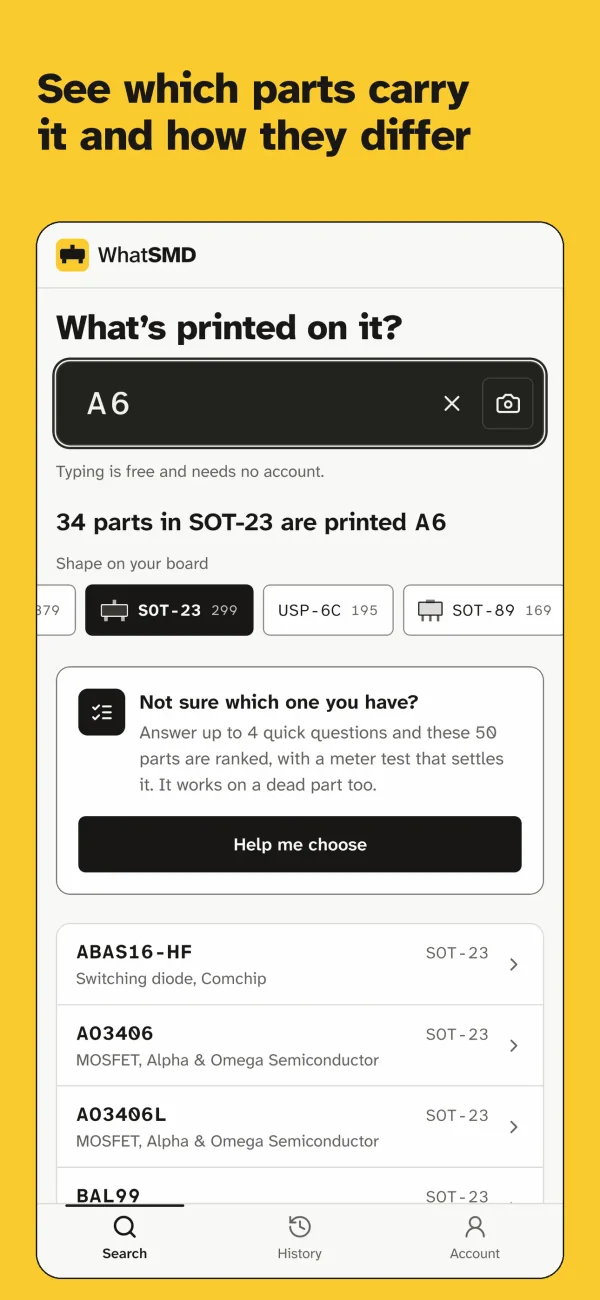
WhatSMD identifies SMD components from the code printed on them.
Type the code from the part, for example 1AM, 6H or 104. While you type, WhatSMD lists the parts that carry that code in our marking tables, which are built from manufacturers' datasheets and other published marking tables. Each part shows its package, its maker, what separates it from the others and, where we have one, a link to its datasheet.
WHEN THE MARKING IS HARD TO READ
- Parts printed with a code that is easy to misread, such as 0 for O or 6 for G, are listed separately, with the different character marked.
- Codes that begin with what you typed are listed too, for a marking with its end worn off.
- Filter by the shape on your board, such as SOT-23.
- A resistor, capacitor or inductor code such as 104 is decoded into its value.
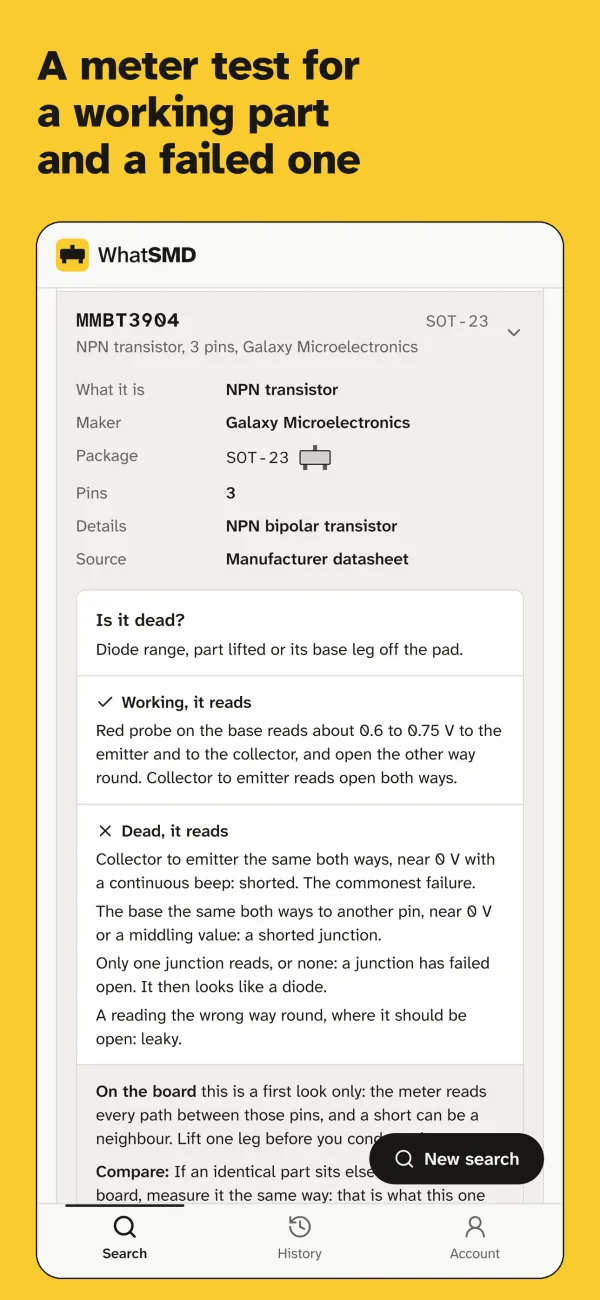
IS IT DEAD?
Most parts that need identifying have failed, and a failed part does not read like a working one. For every candidate, WhatSMD shows how to test it with a multimeter, what a working one reads and what a failed one reads.
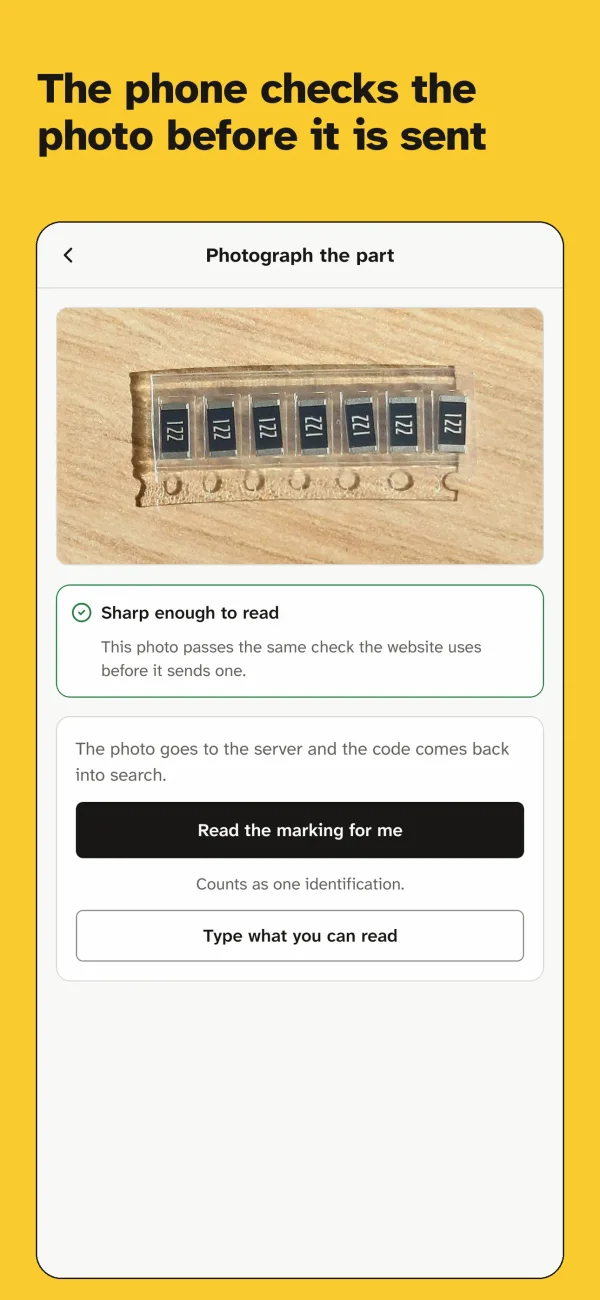
PHOTOGRAPH IT
If you cannot read the marking, photograph it. The camera has a light, zoom and tap to focus. The phone checks the photo for sharpness, light and glare before anything is sent. An AI model then reads the marking and puts the code into the search field.
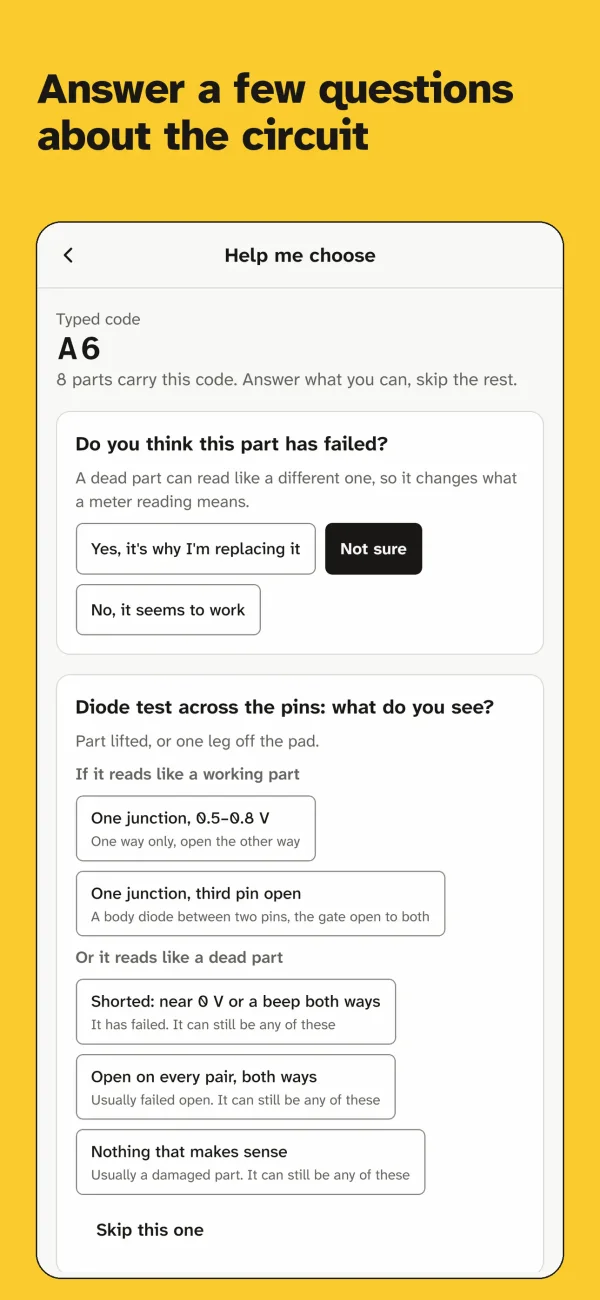
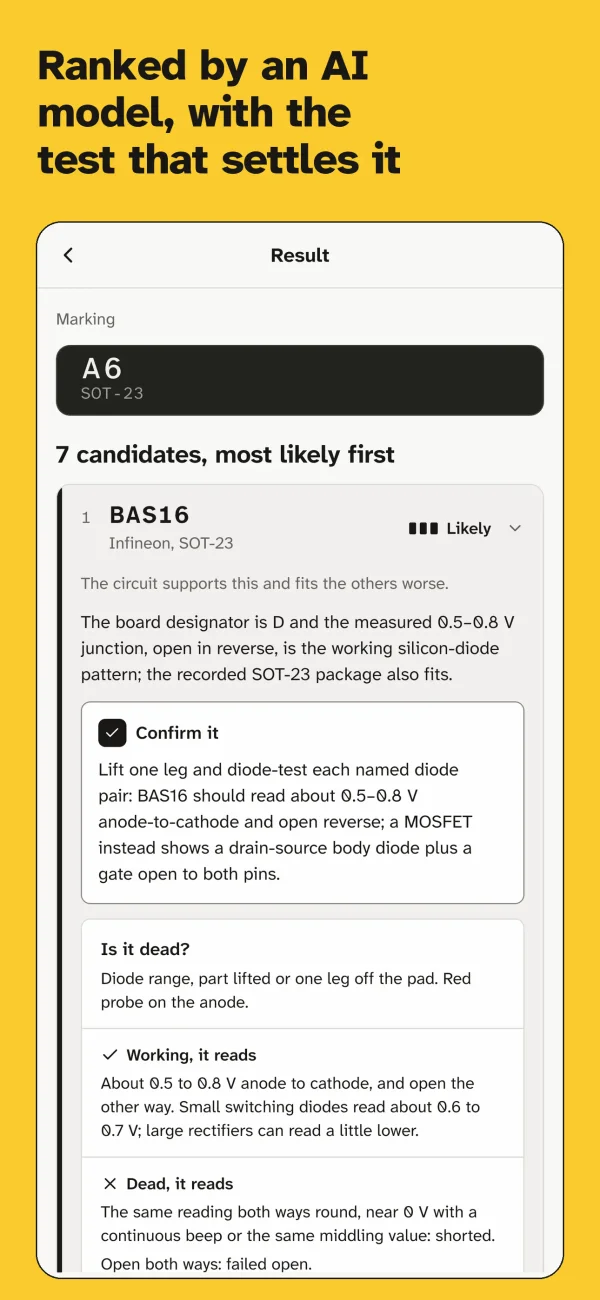
HELP ME CHOOSE
When several parts carry the same code, answer up to four short questions about the circuit. An AI model ranks the candidates against your answers, explains its reasoning and gives a meter test that settles it. It works on a failed part too. The ranking can only name parts from our tables, and it is marked as AI output: run the test before you fit anything.
WHAT IS FREE AND WHAT IS NOT
- Typed search is free and works without an account.
- Reading a photo and Help me choose use an AI model, and each counts as one identification. Without an account, 2 identifications a month are free for the network you are on. A free account includes 3 a month of its own.
- The Tech subscription includes 150 identifications a month, and History lists every identification you make, with search and filters. It renews automatically every month or every year until you cancel it.
YOUR DATA
- Before the first photo or description is sent to OpenAI, the app asks for your permission. Typed search never uses AI.
- You sign in with your email address and a code. There is no password.
- You can delete your account in the app.
- No ads and no tracking.
Search needs an internet connection: the marking tables are not stored on the phone.
WhatSMD is available in English and Slovenian. It is made by KAUDATA d.o.o., Slovenia.
Terms of service: https://whatsmd.com/en/terms
Privacy policy: https://whatsmd.com/en/privacy
Privasi aplikasi
Yang dinyatakan Kaudata d.o.o. di App Store tentang cara aplikasi ini menangani data.
-
Data yang ditautkan dengan Anda
Dapat dikumpulkan dan ditautkan dengan identitas Anda.
- Pembelian
- Info kontak
- Konten pengguna
- Riwayat pencarian
- Pengenal
- Data penggunaan
- Diagnostik
-
Data yang tidak ditautkan dengan Anda
Dapat dikumpulkan, tetapi tidak ditautkan dengan identitas Anda.
- Konten pengguna
- Riwayat pencarian
Praktik privasi dapat bervariasi, misalnya berdasarkan fitur yang Anda gunakan atau usia Anda.
Informasi
- Penjual
- Kaudata d.o.o.
- Kategori
- Kegunaan
- Versi
- 1.3.0
- Diperbarui
- 30/10/2026
- Dirilis
- 30/10/2026
- Ukuran
- 40,8 MB
- Memerlukan
- iOS 16.4 atau yang lebih baru
- Batasan usia
- 4+
- Harga
- Gratis
- Pembelian dalam aplikasi
- Ya
- Bahasa
- Inggris, Slovenian
- Hak cipta
- © 2026 KAUDATA d.o.o.