WiPhoneMonitor: Second Screen
USB/WiFi Display for your Mac
Dirancang untuk iPhone, iPad
Gratis
- Batasan usia+4
- KategoriProduktivitas
- PengembangLeandro Forte
- BahasaPortugis+ 9 lainnya
- Ukuran5,3 MB
Tertaut ke halaman resmi App Store
Download.org tidak menyimpan file WiPhoneMonitor: Second Screen apa pun. Tombol ini membuka halaman aplikasi di App Store, tempat Leandro Forte menerbitkannya. Halaman terakhir diperiksa pada 12/11/2026.
Tangkapan layar
Tentang
Pengembang belum menyediakan teks ini dalam bahasa Anda.
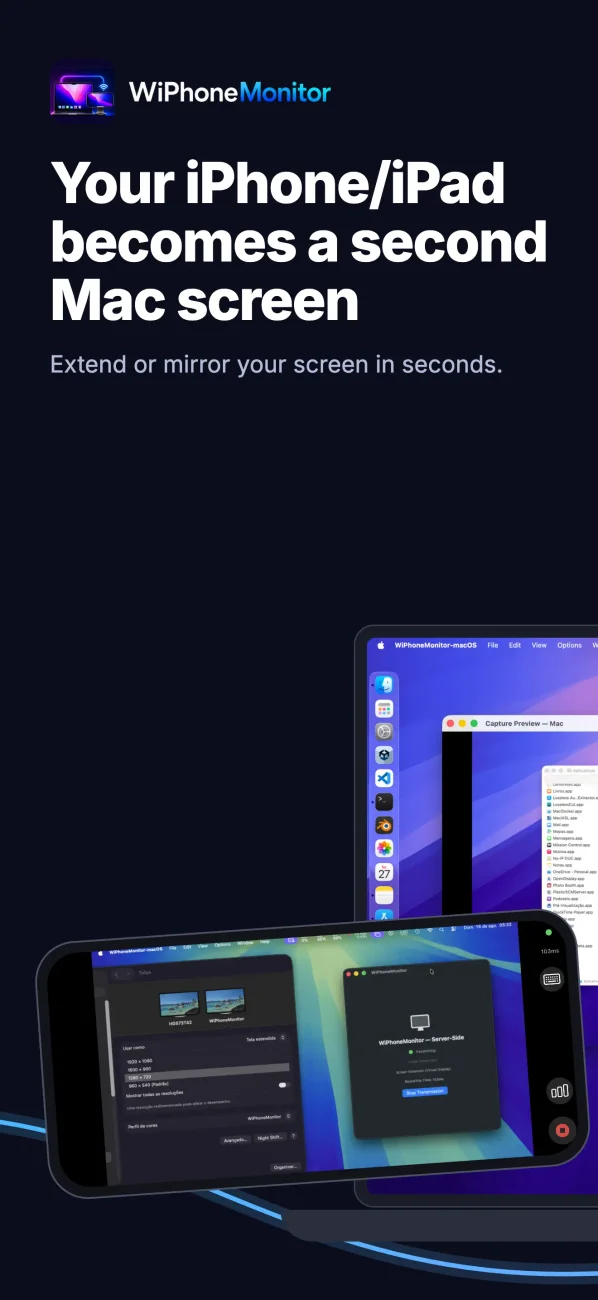
Turn your iPhone or iPad into a real second screen for your Mac — extended or mirrored, over a USB cable or Wi-Fi.
WiPhoneMonitor is two apps working together: this free iPhone/iPad app, and the WiPhoneMonitor Mac app you install on your Mac. The Mac app does the streaming and holds the license; this one receives the picture and sends your touches back.
EXTEND OR MIRROR
In Extended mode your iPhone or iPad is a genuinely separate display — not a copy of your Mac screen, but extra desk space for chat, reference documents, a timeline or a palette. Mirror mode puts the same picture on both, which is what you want for presenting.
CABLE OR WI-FI
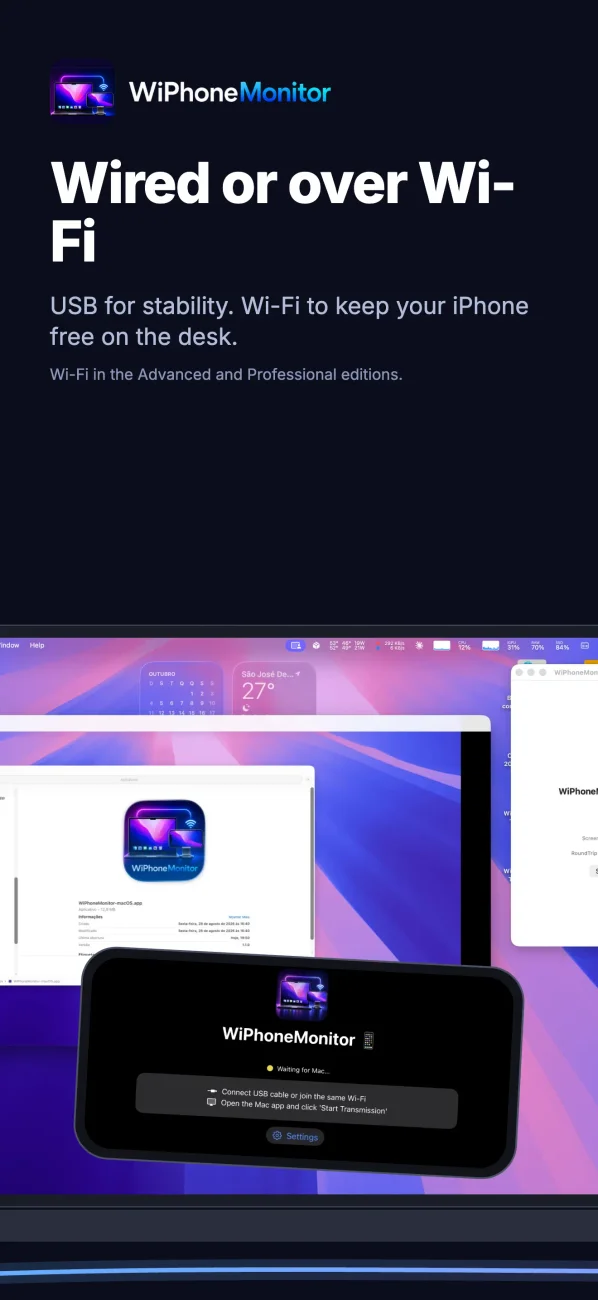
Plug in the cable for the most stable link, or go wireless on the same Wi-Fi network and keep your desk clear. The app detects what is available and connects on its own — you do not pick a mode.
CONTROL YOUR MAC BY TOUCH
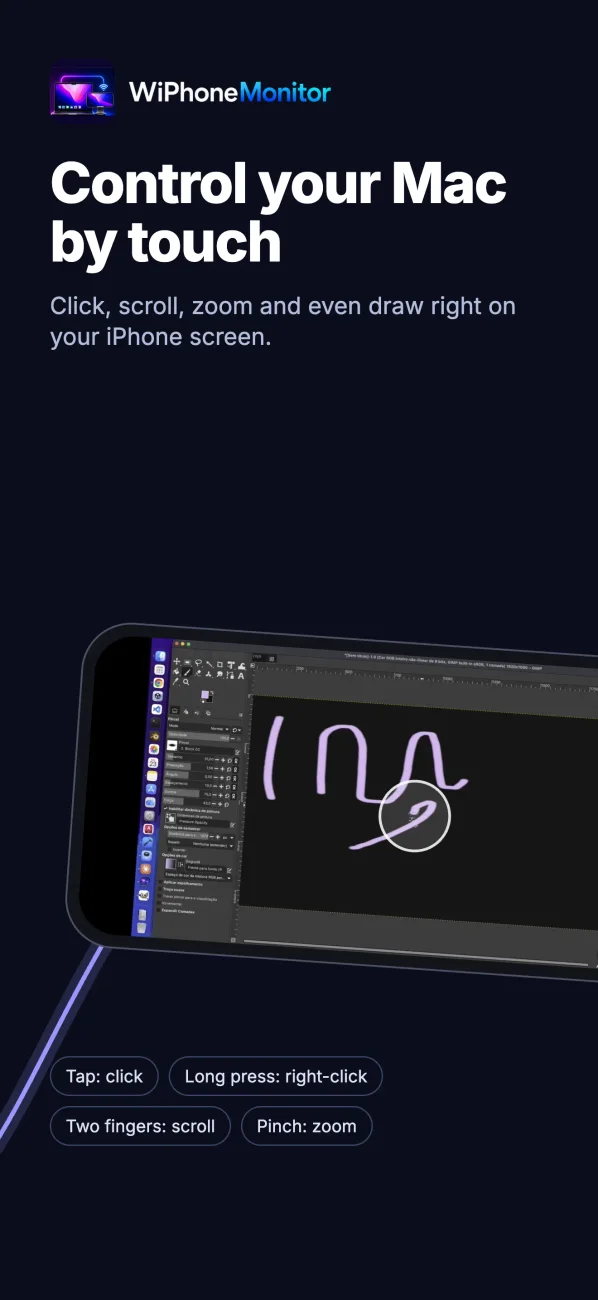
Your Mac answers to your fingers. Tap to click, press and hold to right-click, scroll with two fingers, pinch to zoom. Draw straight on the glass and your iPhone behaves like a small graphics tablet.
SHARP AND SMOOTH
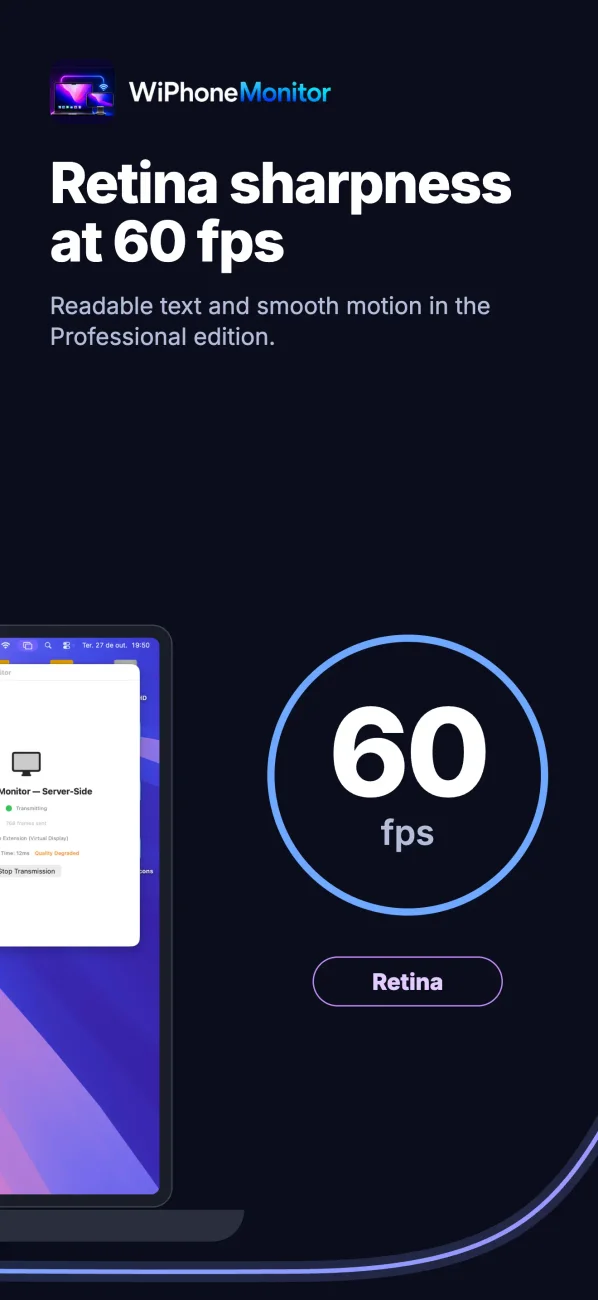
Retina resolution and up to 60 fps on the Professional tier, HEVC encoding to keep network use down, and adaptive quality that reacts to your connection in real time instead of freezing.
PRIVATE BY DESIGN
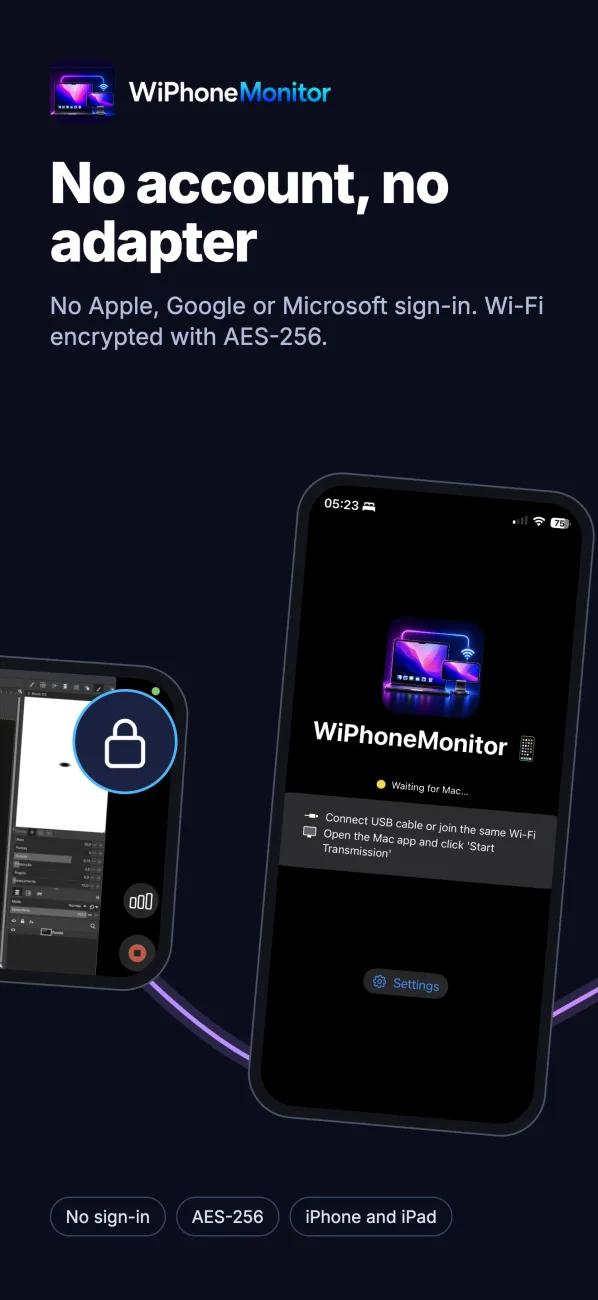
No account to create. No Apple, Google or Microsoft sign-in on either device. No dongle and no adapter. Wi-Fi traffic is encrypted end to end with AES-256.
THE THREE TIERS
Basic — mirror and extend over USB, with mouse and keyboard control.
Advanced — adds encrypted Wi-Fi and the HEVC codec.
Professional — adds Retina resolution, 60 fps, full adaptive quality and benchmark export.
WHAT YOU NEED
- iPhone or iPad running iOS/iPadOS 17.6 or later
- A Mac running macOS 14 or later, with the WiPhoneMonitor Mac app installed
- A licence key activated in the Mac app. Every tier needs one, Basic included.
This iOS app is free to download and is never licensed on its own — you activate your key once, in the Mac app.
The Mac app, the three tiers and a free trial key are at wiphonemonitor.com.br.
Questions or suggestions: contato@wiphonemonitor.com
Yang baru
Versi 1.1.0 · 6/11/2026
WiPhoneMonitor now speaks your language. The whole app — screens, settings and messages — is translated into Portuguese, Spanish, French, Italian, German, Japanese, Simplified Chinese, Hebrew and Arabic, with right-to-left layout where it belongs. It follows your device language automatically; you can also set it per app in Settings.
Privasi aplikasi
Yang dinyatakan Leandro Forte di App Store tentang cara aplikasi ini menangani data.
-
Data tidak dikumpulkan
Pengembang tidak mengumpulkan data apa pun dari aplikasi ini.
Praktik privasi dapat bervariasi, misalnya berdasarkan fitur yang Anda gunakan atau usia Anda.
Informasi
- Penjual
- Leandro Forte
- Kategori
- Produktivitas
- Versi
- 1.1.0
- Diperbarui
- 6/11/2026
- Dirilis
- 4/9/2026
- Ukuran
- 5,3 MB
- Memerlukan
- iOS 17.6 atau yang lebih baru
- Batasan usia
- +4
- Harga
- Gratis
- Bahasa
- Portugis, Jerman, Tionghoa Sederhana, Spanyol, Prancis, Ibrani, Inggris, Italia, Jepang, Arab
- Hak cipta
- © 2026 WiPhoneMonitor
Mungkin Anda juga suka
-
 Owndy: Personal Item InventoryProduktivitas
-
 PDF Editor ConverterProduktivitas
-
 HumanizeAI: AI Text RewriterProduktivitas
-
 Humanly: AI HumanizerProduktivitas
-
 Humanize AI: Tulis Ulang TeksParafrase, Ringkasan, Detektor
-
 RuthVisionProduktivitas
-
 ImprovoryProduktivitas
-
 WBudgetProduktivitas
-
 Offline Office: Doc PDF & ScanProduktivitas
-
 The BitBinderProduktivitas