
Word Processor - Textilus Pro
Powerful word yet easy to use
Dirancang untuk iPhone, iPad
Gratis · Pembelian dalam aplikasi
- Batasan usia4+
- KategoriProduktivitas
- PengembangKairoos Solutions SL
- BahasaInggris+ 9 lainnya
- Ukuran280,9 MB
Tertaut ke halaman resmi App Store
Download.org tidak menyimpan file Word Processor - Textilus Pro apa pun. Tombol ini membuka halaman aplikasi di App Store, tempat Kairoos Solutions SL menerbitkannya. Halaman terakhir diperiksa pada 20/11/2026.
Tangkapan layar
Tentang
Pengembang belum menyediakan teks ini dalam bahasa Anda.
Textilus Pro is a great word processor app for students and business people, also being excellent for writing reports, papers, blog posts, journals or ebooks! Textilus Pro can help you organize your research, generate ideas, and remove distractions so you can focus on the most important thing: writing. Thanks to iCloud and Dropbox Sync, your documents in Textilus will synchronize between your iPad and iPhone automatically.
MAIN FEATURES
+ Create, edit, import and export text, RTF, Markdown and LaTeX documents.
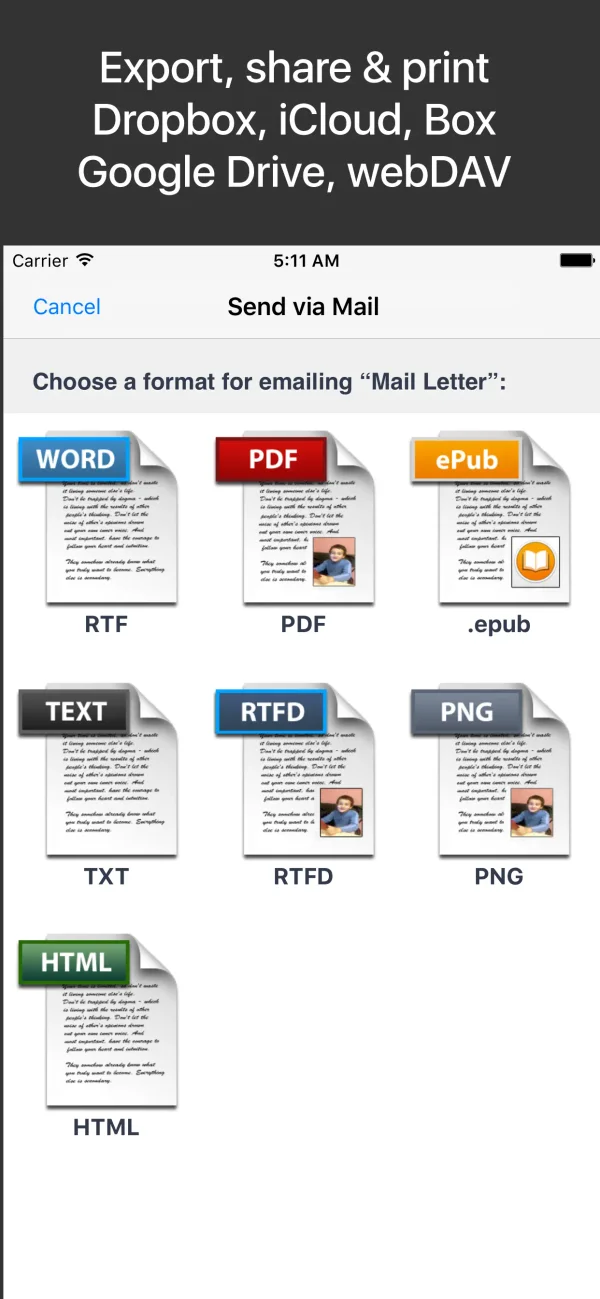
+ Export and share your text documents to PDF, RTF, RTFD, ePUB, PNG, TXT, Markdown or HTML
+ Modify margins and paper sizes, MLA and APA style format support including document headers/footers, very useful for students and teachers
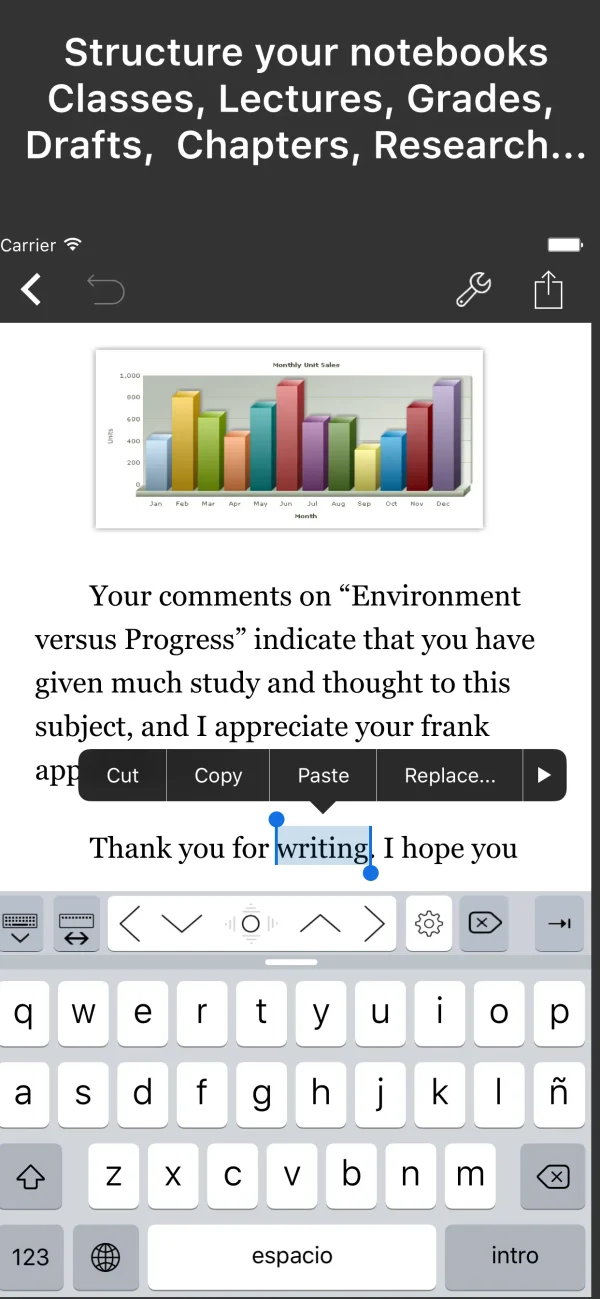
+ Insert inline photos, signatures, charts and drawings in your documents.
+ MLA and APA style format support including headers/footers
+ Install your own TrueType fonts.
+ Full-text search engine: It allows you to search the contents of your document library
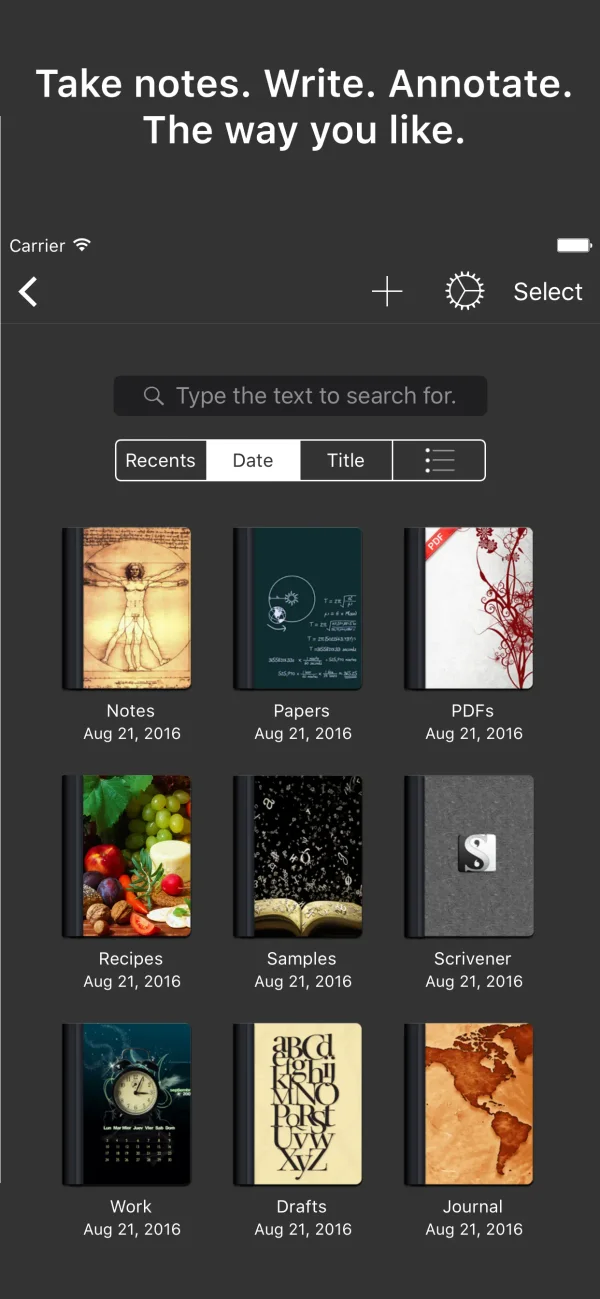
+ Create unlimited notebooks, folders and nested subfolders
+ Create your own templates for new documents
+ User defined document headers and footers with tags for date, page number, total of pages, etc.
+ Offline/Online document sync with iCloud, Dropbox, Box, Google Drive, iCloud Drive, webDAV
+ Text to Speech for proofreading with text being read aloud starting at the cursor position
+ Scan documents: Use the camera of your iPad/iPhone to scan documents, notes, recipes, tickets, etc. directly in Textilus !!!
+ Wi-Fi Transfer: transfer your documents between your iPad/iPhone and your computer via Wi-Fi with a web browser
+ Protect individually your folders/notebooks with a password, very useful for iPads with more than one user in office, classroom or home
+ Zip folders and email them as an attachment
+ iCloud sync support: it keeps automatically your documents up to date on all your devices iPhone/iPad
+ Share Link via iCloud: Share your documents via public iCloud web link
Other main features:
# Stay organized
+ Create notebooks, folders and nested subfolders
# Essential Writing Tool
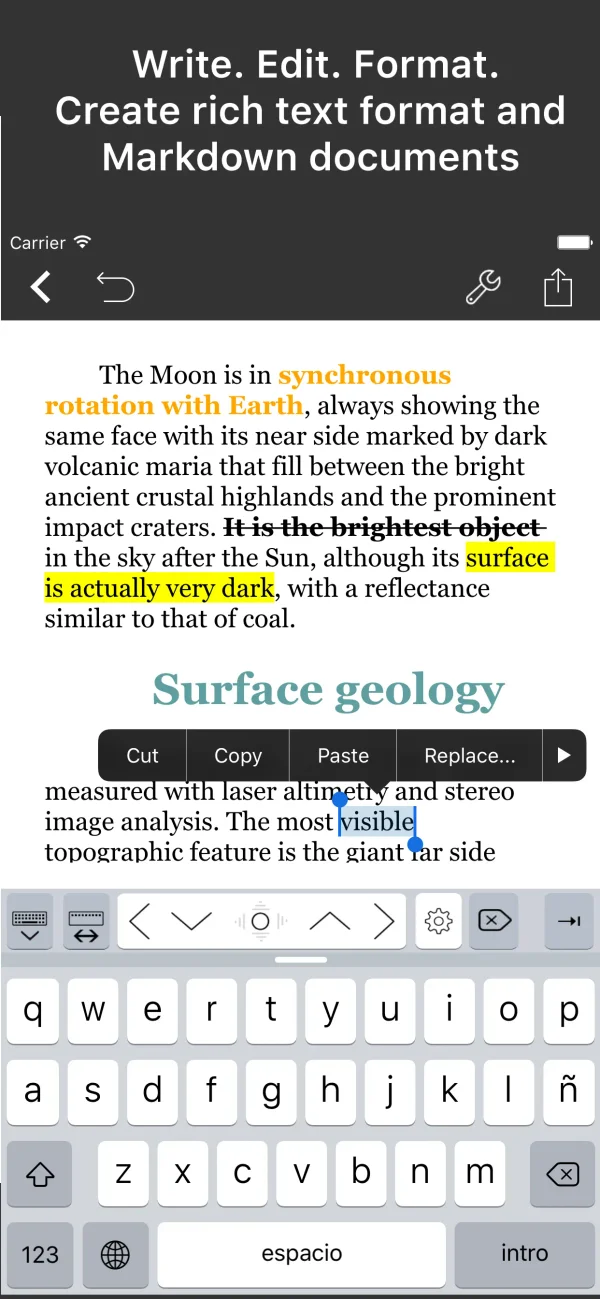
+ Rich-text formatting: Bold, italic, underline, highlight, subscript/superscript, alignment, line and paragraph spacing, first-line indent, page breaks, footnotes, comments, text and paper color, etc.
+ Insert special symbols, math symbols, date, current GPS location, pictographs and web links
+ Sign your documents realistically with your finger
+ Document Statistics: characters, words, reading time, sentences, average word length
+ Right to Left and bi-directional text editing supported for Hebrew, Arabic, Thai, etc.
# Customizable Keyboard Bar
+ Exclusive extra keyboard row with direct access to styling and punctuation functions.
+ Quick keys for tab, forward delete, cursor up/down/left/right, etc.
+ Tap and hold to easily set your own custom keyboard buttons to your commonly-used keys, special symbols, text snippets or hard to reach characters
# Special and Unique Features
+ Scan documents: Use the camera of your iPad/iPhone to scan documents, notes, recipes, tickets, etc. directly in Textilus !!!
+ Text to Speech for proofreading with text being read aloud starting at the cursor position
+ Typewriter (Focus) mode. Distraction-Free mode that keeps only the paragraph you’re typing at the center of the screen, letting you focus on what you’re writing
+ User defined document headers and footers with tags for date, page number, total of pages, etc.
+ Create backup snapshots of your documents anytime
+ Zip folders/notebooks and email them as an attachment
Privacy Policy
http://www.noteswriter.com/Kairoos_Privacy_Policy.html
EULA
https://www.apple.com/legal/internet-services/itunes/dev/stdeula/
This app requires users to have a subscription to unlock all the features after a 3-day risk-free trial.
Yang baru
Versi 12.7.0 · 9/5/2026
- Improved stability and fixed minor bugs.
Privasi aplikasi
Yang dinyatakan Kairoos Solutions SL di App Store tentang cara aplikasi ini menangani data.
-
Data tidak dikumpulkan
Pengembang tidak mengumpulkan data apa pun dari aplikasi ini.
Praktik privasi dapat bervariasi, misalnya berdasarkan fitur yang Anda gunakan atau usia Anda.
Informasi
- Penjual
- Kairoos Solutions S.L.
- Kategori
- Produktivitas
- Versi
- 12.7.0
- Diperbarui
- 9/5/2026
- Dirilis
- 22/8/2015
- Ukuran
- 280,9 MB
- Memerlukan
- iOS 16.4 atau yang lebih baru
- Batasan usia
- 4+
- Harga
- Gratis
- Pembelian dalam aplikasi
- Ya
- Bahasa
- Inggris, Arab, Prancis, Jerman, Italia, Jepang, Portugis, Rusia, Tionghoa Sederhana, Spanyol
- Hak cipta
- © 2026 Kairoos Solutions
Mungkin Anda juga suka
-
 TextMakerPengolah kata lengkap
-
 EZText - Text EditorProduktivitas
-
 Mellel MobileProduktivitas
-
 Templates for MS Word - DesiGNTemplat dokumen untuk Word
-
 Manajer Dokumen:DOC, SheetPembaca DOCX,XLSX,Editor PPT
-
 Text Editor AppProduktivitas
-
 Zoho Writer - Document EditorProduktivitas
-
 Lightweight Text EditorProduktivitas
-
 Inkblot (Minimalist Notes)Produktivitas
-
 Mach WriteProduktivitas